
Free app to test on Android without spending anything
Announcements
Testing apps without spending a dime is entirely possible on Android. The platform offers a number of legitimate and secure strategies for you to explore full apps before committing your money, from freemium models to free trial periods with unlocked premium functionality.
You’ve probably found yourself in the situation of wanting to try a paid app, but unsure if it really meets your needs. The good news is that there are proven ways to do this without legal or security risks, and in this article we’ll explore the advanced strategies that more experienced users utilize to maximize these opportunities.
The Difference Between Freemium, Trial and Full Free Access
Understanding the different modalities of free apps is critical to optimizing your testing strategy. A freemium app offers basic access permanently free, while charging for advanced features, ad removal or usage limit. The trial model works differently: you access the full version, but for a limited period (usually 7 to 30 days), after which you need to subscribe or return to the basic version.
Announcements
There are also apps with completely free access without limitations, something rarer in the current market. You will find applications funded by advertising, sponsorships or indirect revenue models that do not compromise the user experience. Identifying this category saves time and avoids unpleasant surprises when the trial period ends.
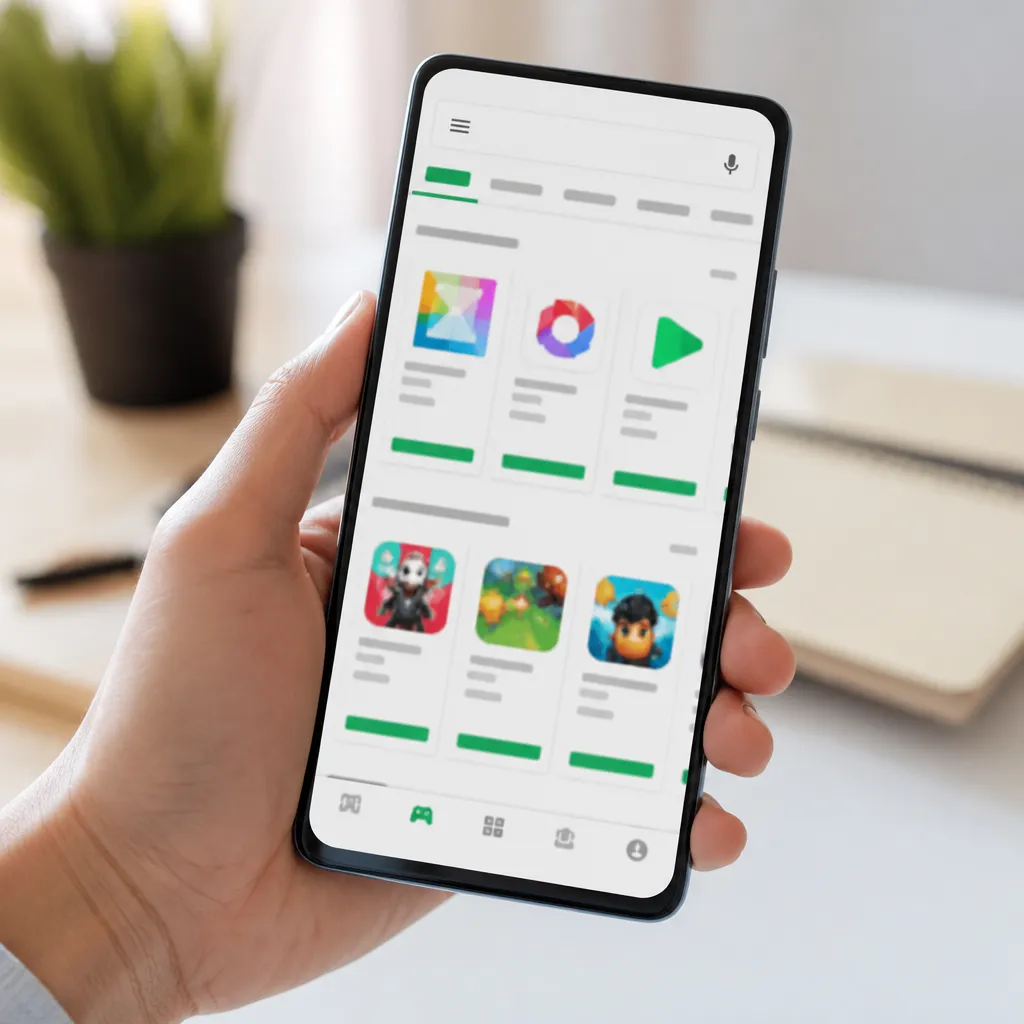
Explore the Google Play Store with Smart Filters
The Google Play Store offers filtering features that most users completely ignore. When accessing an app category, you can use the price filter to display only free apps, but this is only the first step.The advanced secret is to combine this filter with analysis of recent reviews to identify apps that have recently changed business model or offered extended periods of premium access.
 SHEIN – Online Shopping
Classification:
”’I think it’S.
4.86
Age Classification:
Classification 14 years
Author:
PTE Roadget Business LTD.
Platform:
Android
Price:
Free
▶Download on Google Play
Read user reviews carefully, looking for specific mentions about “test period”, “free access”, “no card required” or “cancel anytime”. These indicators reveal that the developer offers legitimate frictionless testing opportunities.You can also organize results by release date and investigate new apps, as developers often offer generous promotional periods to gain initial adoption.
Advanced Strategies with Google Accounts and Virtual Devices
A sophisticated technique involves using multiple Google accounts on your Android device.Each account works independently, which means you can reset trial periods by creating a new account, testing the app again, and then removing that account.This is fully allowed by the Android terms of service, as you are using different accounts, not circumventing technical limitations.
To execute this strategy safely, create a secondary Google account dedicated specifically for application testing. Set it up on your device, download the app you want to test, and use it throughout the trial period. When access expires, remove the account without negative consequences. You can also take advantage of Android Studio, the official Google tool, to run virtual emulators and test apps on different versions of the operating system without affecting your real device.
The Android emulator offered by Android Studio works like a fully functional virtual phone. You download apps on it, test all the features, and explore premium features without any time limitations.This approach is particularly useful for evaluating productive, design, or creative apps before purchasing the paid version on your main phone.
Beta Testing and Early Access Programs
Many developers offer beta testing programs where users can access unreleased versions of the apps, often with all premium features unlocked.You find these opportunities through the Google Play Store itself, where developers create public communities for testers, or through specialized platforms that connect testers with developers.
Signing up for these programs is usually free and takes only a few clicks. The developer receives valuable feedback on functionality, bugs and user experience, while you get early and full access to the application.Often, access remains after the official release as a reward for support during development. This strategy benefits both parties and is widely practiced in the application development community.
Optimizing the Use of Free Trial Periods
When you find an app with a free trial period, the goal is to extract as much information as possible before the time limit. Create a list of specific features you want to test, features you would use frequently, and pain points the app should resolve.
Document your experience during the trial period by noting what worked well, what caused slowdowns, and whether the interface makes sense for your workflows. If possible, synchronize real data or create scenarios that replicate your authentic use. This approach reveals whether the app really meets your needs before the period ends. You also gain concrete information to justify (or not) an eventual later purchase.
Take advantage of trial periods to explore integrations with other apps and services you use. Make sure the app connects properly with your core tools, syncs data correctly, and the cross-platform experience is consistent. This built-in analysis is invisible if you do not deliberately search during testing, making it a critical later decision factor.
Really Free Apps with Full Functionality
There are entire categories of applications that work completely free without limitations or expiration periods.System tools such as file managers, advanced calculators, text editors and media players are often offered free of charge and without intrusive advertising.
Online communities and forums, wikis and digital encyclopedias, reference libraries and educational resources often operate completely free templates supported by donations or discrete advertising. You can test these apps indefinitely, and this is a legitimate opportunity to find solutions that really solve your problems without financial investment. Searching for open-source apps further expands this category, as anyone can audit the code and developers often publish compiled versions for free.
Managing Test and Security Data
When testing multiple applications, you accumulate potentially sensitive data across test accounts and virtual devices. Before you start any extensive testing program, set up basic security policies: use strong passwords for test accounts, enable two-factor authentication when available, and do not synchronize actual financial information or critical personal data on those trial accounts.
Keep test accounts isolated from your primary accounts as much as possible. If you use an emulator, consider running it on a virtual machine or separate partition of your computer. This is not necessary for security in many cases, but it offers complete isolation and avoids any risk of accidental synchronization between test environment and production environment. You also clearly document what actual data (if any) you allow on these experimental accounts.
After you have finished testing an app, explicitly wipe data stored locally on the account or test device. This protects your privacy, frees up storage space and ensures that no tracking persists beyond the trial period.Most apps allow you to export or delete your data easily, and you must exercise this right before abandoning a test account.
Leveraging Promotions and Seasonal Offers
Developers often offer extended trial periods during launches, seasonal events, or when they are competing for market share. Black Friday, Christmas, New Year, and holiday dates are periods when premium apps offer free access of 30, 60, or even 90 days to gain users.
Follow accounts of app developers you’re interested in testing, enable notifications for their updates, and keep an eye out for special announcements.User communities, subreddits, and tech groups often discuss free trial promotions before they’re widely publicized.Searching for “app name + free trial” on a regular basis also reveals whether the developer has reactivated free access periods or modified their pricing policy.
Legitimate Alternatives and Open Source
Before you invest time testing paid versions of apps, invest in researching open-source and community alternatives that offer similar functionality completely free.Many categories have mature, well-maintained options developed by communities that follow no billing model.Editors, PDF readers, password managers, email clients, and productivity apps have robo-like alternatives of this nature.
Quality of open-source applications varies widely, but the most popular often rival commercial solutions in functionality and usability. You test these applications completely without time limits or resource constraints, which eliminates the need to seek trial periods for these categories.Open-source communities are also generally receptive to user feedback, making the experience collaborative and aligned with your specific needs.
Explore repositories like F-Droid offers an alternative store to the Google Play Store entirely dedicated to open-source apps for Android. You browse categories, check source code when desired, and download apps without creating additional accounts or providing payment information. This approach combines unlimited testing, enhanced privacy, and community development support into a single template.
Comparative Analysis Between Free and Premium Versions
When an app offers both free and premium versions, you should test the free version first and document exactly what limitations you face. Some apps restrict important functionality, others just remove ads, and some keep obsolete free versions while encouraging upgrading to new versions. This analysis reveals whether you really need the paid version or whether the free version meets your needs.
Use the premium trial period to explore features that do not exist in the free version and verify that they solve the problems you have identified. Create a simple comparative spreadsheet listing features, limitations, practical need of each premium functionality and cost versus value. This exercise turns the purchase decision into rational evaluation, not impulse or persuasive marketing from the developer.
Cancellation and Complaint Strategies
Free trial periods often convert to paid subscriptions automatically if you do not explicitly cancel. You must record the exact date the trial period ends and mark a reminder a few days before to cancel if you decide not to buy. Most apps offer direct cancellation through their settings, but some require you to cancel via Google Play Store or Android subscription manager.
If you are accidentally charged after the trial period, the Google Play Store offers automatic refunds for purchases within 48 hours. Refund requests after this period are still possible, but require contact with the developer or Google support.You should never accept an unexpected charge; request a refund immediately, as testing policies must be transparent and correctly enforced by the developers.
Monitoring Your Digital Investment
Keep a centralized record of all the test accounts you create, which app you are evaluating, when the trial period ends and what your final decision was. This record prevents you from forgetting to cancel subscriptions, allows you to track which app you have already tested (avoiding duplicate tests) and offers history of your purchase decisions.Simple tools like spreadsheets or note apps work perfectly for this organization.
You should also periodically review your active subscriptions in the Google Play Store and remove any test accounts you are no longer using. Each semester or quarter, conduct a full audit of your subscriptions and cancel those that do not offer enough value. This systematic practice saves you money and keeps your Android accounts organized and clean, as well as protecting your privacy by removing old trial accounts.



