How to Turn Your Photos into GTA 6 Style
Announcements
Have you ever imagined your photos transformed into the iconic visual style of GTA 6? Artificial intelligence has made this totally feasible, allowing you to convert any image into a digital work of art in the style of the games in the series.
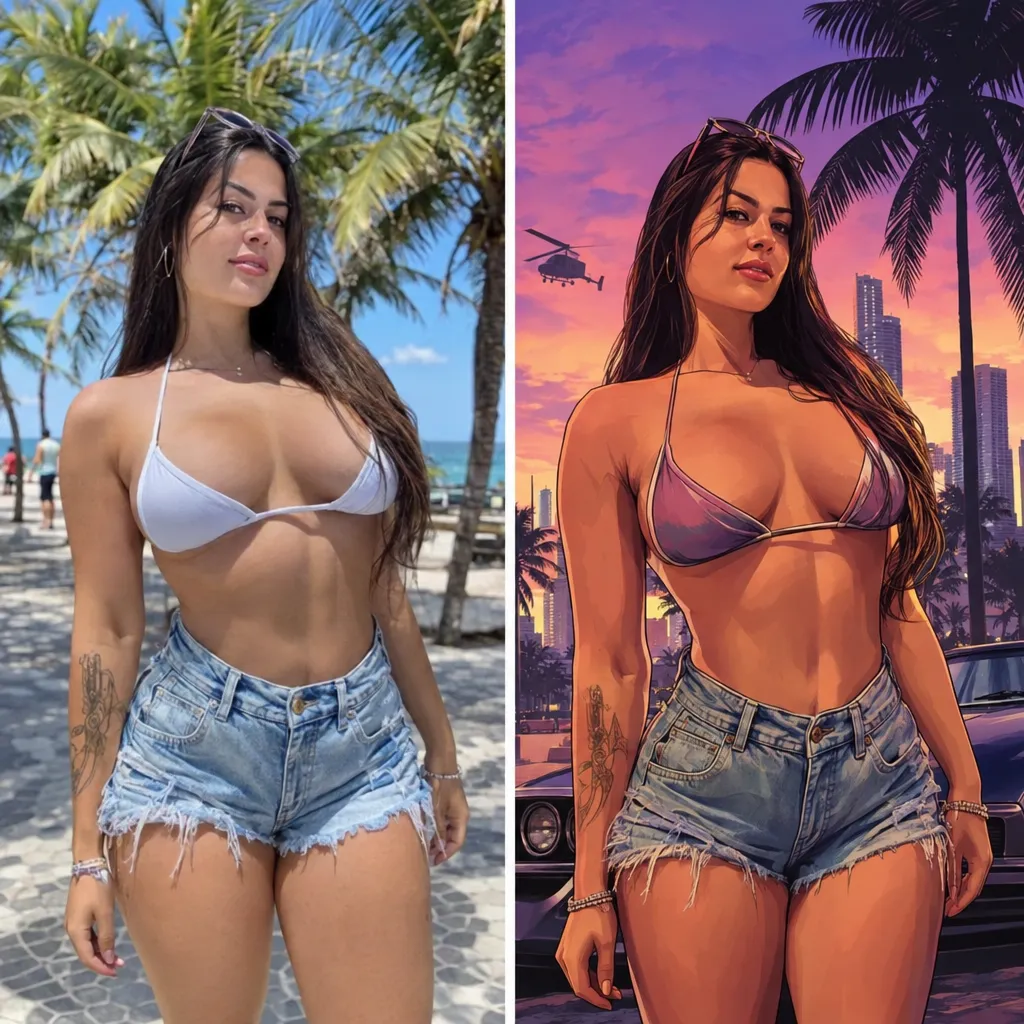
Transforming photos in the GTA style represents more than a simple filter: it is a complete restyling process that captures the visual identity characteristic of Grand Theft Auto games, with its saturated colors, dramatic shading and cinematic finish. Modern AI technology analyzes its original image and reconstructs it while maintaining the main elements, but applying the graphic characteristics that define the GTA universe. The end result is an image that seems to have come straight out of the game, with that unique visual of digital art that has been part of gamer culture for decades.
Announcements
Why Use Artificial Intelligence for This Transformation
Artificial intelligence offers much more accurate and realistic results than traditional filters, as it understands visual patterns and artistic styles at a deep level. When you use AI to transform a GTA-style photo, the algorithm does not simply apply different colors: it recognizes structures, lights, shadows and reinterprets them within the aesthetics of games. In this way, the transformation respects the original composition of your photo while incorporating all the visual elements that you associate with the GTA 6 universe.
The benefits are clear and practical: you save time (the process takes minutes, not hours), get professional quality without knowing how to use complex programs like Photoshop, and can create viral content for social networks. Many users can generate impressive engagement by sharing their transformed photos, since this type of content is highly visual and attracts the attention of people who like games, digital design and internet trends. AI also learns from their adjustments and preferences, offering progressively better results with each use.
Available Tools and Platforms
Currently there are several platforms that offer GTA-style image transformation using artificial intelligence. Some of the most popular include Artbreeder, which allows advanced customization of the final result, and Runway ML, a professional platform with multiple AI models for different artistic styles. Apps like Deep Dream and NightCafe also gain space in the market, offering simpler interfaces for users who do not have technical experience. Social networks like TikTok and Instagram also have AI-based filters that replicate the GTA style, although with less control over the final result compared to specialized platforms.
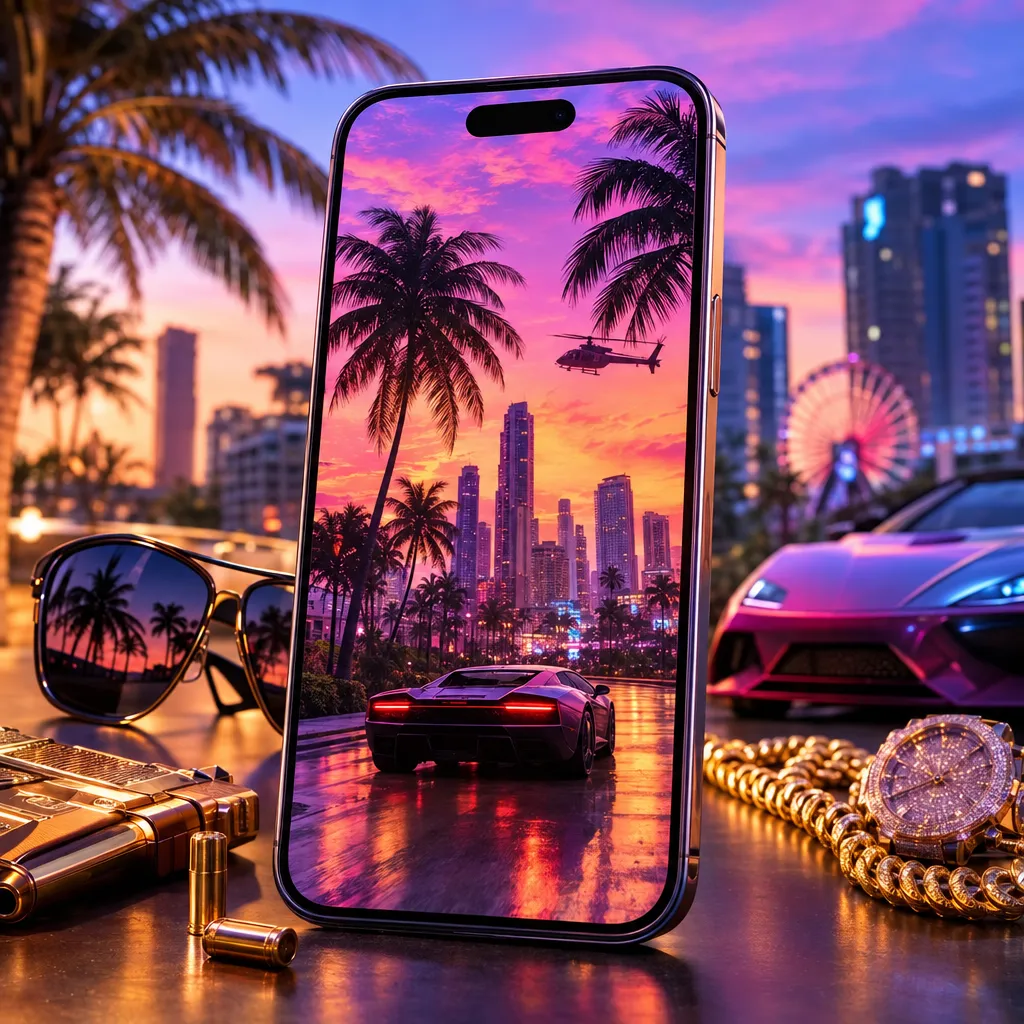
Each tool has its particularities, advantages and limitations. While some focus on speed and simplicity, others prioritize quality and professional customization. The choice depends on your specific needs: if you just want to test quickly, a social network filter is enough, but if you are looking for high quality results for more serious projects, dedicated platforms offer much more possibilities. Some are completely free, others operate with freemium model (free basic version with paid premium options), and some require a monthly subscription for full access.
Preparing Your Photo for Transformation
Before sending your image to any AI tool, you need to prepare it properly for the best results. The first tip is to choose a photo with good lighting and decent resolution, since the AI works based on the visual details available. Very dark, blurred or low quality photographs may not produce a satisfactory result, as the algorithm will have little visual material to reinterpret.The better the original image, the more elements the AI will have to work on its GTA restyling.
Also, think about composition and framing: images with a single well-defined subject (portrait, object or clear landscape) work better than very complex scenes with many different elements.If your photo has a confusing background or many objects competing for attention, the transformation may not capture the visual identity you want well. Remove unnecessary obstacles, clean the camera from dust and consider removing objects that distract from the main focus.File size also matters: although most platforms accept images up to 10 or 20 MB, the ideal is to work with files between 2 and 5 MB for faster upload and efficient processing.
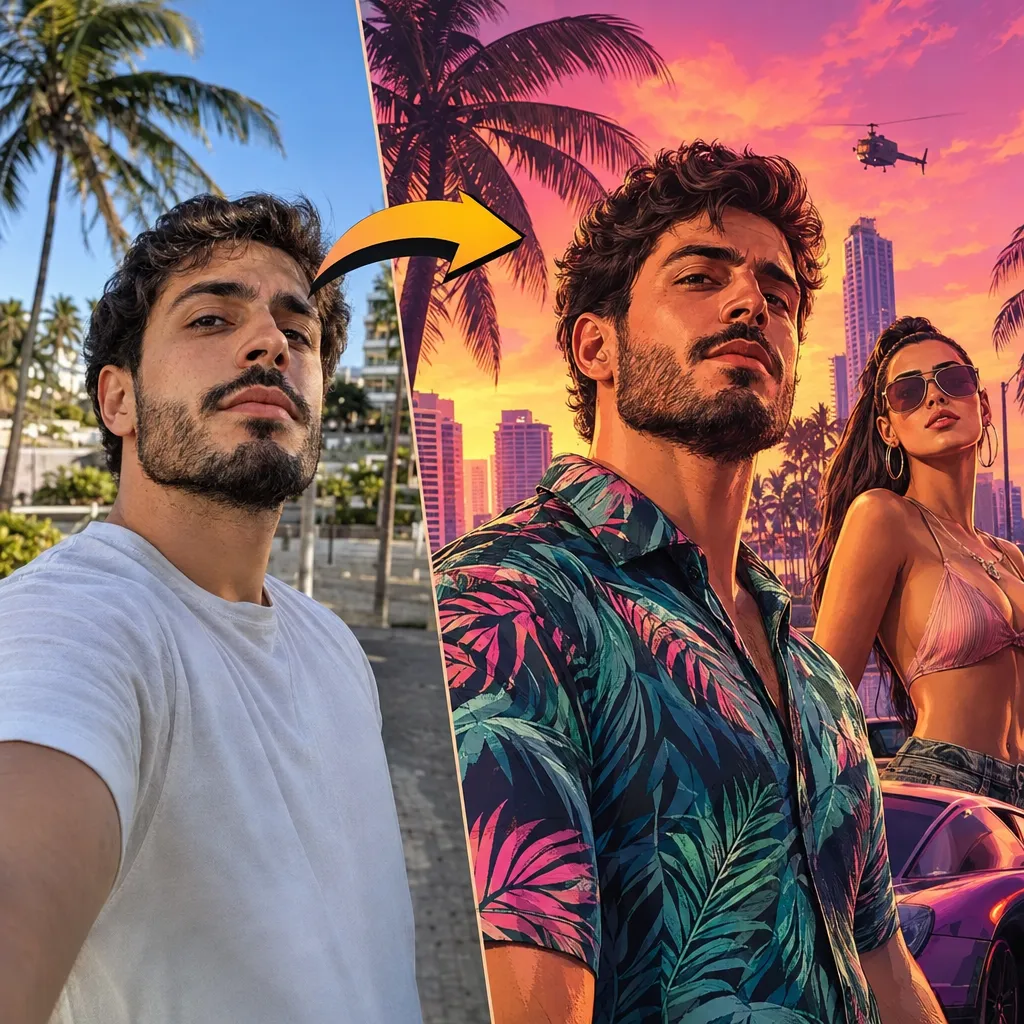
Step by Step: Uploading and Processing
The upload process varies depending on the platform you choose, but usually follows a simple and intuitive pattern.First, you access the platform in the browser or open the application on your smartphone. Then, look for the option of “Upload”, “Select Image” or “Send Photo”, which usually appears as a highlighted button on the home page. Click it to open your file explorer, navigate to the folder where your photo is saved and confirm the selection.Many platforms allow drag-and-drop, that is, drag the image directly to the screen to facilitate the process.
After uploading, you usually need to select which AI style you want to apply. If the platform offers multiple options, look for labels such as “GTA Style”, “Video Game Art”, “Comic Book” or similar, depending on how each service names its models. Click on the option corresponding to the GTA style and wait for processing. Most platforms process the image in seconds or a few minutes, depending on the complexity of the photo and the server capacity. You will receive a notification when processing is complete, and your transformed image will be ready for viewing and downloading. This stage marks the point at which you start to see the actual results of the AI work on your original photograph.
Possible Adjustments and Customizations
After the initial transformation, many platforms offer adjustment and customization tools to refine the result. You can modify the intensity level of the GTA effect, increasing or decreasing how much the algorithm applied the restyling.Some platforms allow you to adjust individual colors, contrast, saturation and even the type of shading applied to the image. If the result has become too dark or too light, you can balance the brightness.If the colors have become too vibrant or too pale, saturation controls help you find the sweet spot.
In addition to the technical adjustments, you can make compositional adjustments, such as cropping the image to focus on a specific element, resizing the photo to different proportions (square for Instagram, horizontal for YouTube, vertical for TikTok), or even applying multiple styles in sequence. Some more advanced tools allow you to use artificial intelligence to remove unwanted elements or add new elements that match the GTA style. It is worth experimenting with different combinations of adjustments to find exactly the look you are looking for, since each photograph responds slightly differently to the same transformation parameters.
Important Care When Using Your Images
When you upload a photo to any AI platform, it is essential to be aware of privacy and copyright issues. Always read the platform’s terms of service to understand how your data is handled, whether the image will be stored on servers and for how long, and whether the platform has the right to use your photo to improve its algorithms. Some platforms are more conservative with user data, while others may retain your images indefinitely.If your photo contains sensitive information, faces of people who do not authorize sharing, or intellectual property, take extra care before uploading.
Another important point is to consider that you are not the original owner of the algorithms that generated the transformation. The AI tool created a new visual work from its original entry, which means that both your photo and the end result involve complex intellectual property issues. If you plan to use the commercially transformed image, for example for sale, advertising or inclusion in a brand, check the license conditions of the platform. Some platforms allow commercial use only with premium plan, while others prohibit commercial use completely.Respecting these limitations protects you from future legal problems and maintains the ethical relationship with the creators of the technology.
Sharing and Leveraging Your Results
After your photo is transformed and adjusted to perfection, it’s time to share the result and enjoy it as much as possible. Social networks such as Instagram, TikTok, Twitter and YouTube offer excellent platforms to distribute your visual content. Photos transformed into GTA style tend to generate a lot of engagement on these platforms because they combine nostalgia (any game fan recognizes the style), contemporary digital art and originality. Describing the process in the caption further increases interest: “I transformed this photo of mine in GTA 6 style using AI” is a call that attracts a lot of attention, especially among fans of games and people curious about new technologies.
In addition to sharing directly on social networks, you can create valuable content around your transformed image. Post before and after side by side, create compilations with multiple transformed photos, make tutorials showing the complete process that others can follow, or even organize challenges in gamer communities asking others to transform their photos as well. This approach turns your individual experience into community content that generates interaction. You can still use the transformed images to create art, digital compositions, designs for T-shirts, posters or even as a basis for other creative projects. The transformation of photos in the GTA style is just the beginning of a much larger creative process that can take your artistic skills to connect you with new people and to share your interests.