How to Scan Plants with Your Mobile with an App
Announcements
You can identify any plant using just your mobile phone and a visual recognition app.This technology uses artificial intelligence to analyze characteristics of the leaves, flowers and overall plant structure, delivering accurate results in seconds.
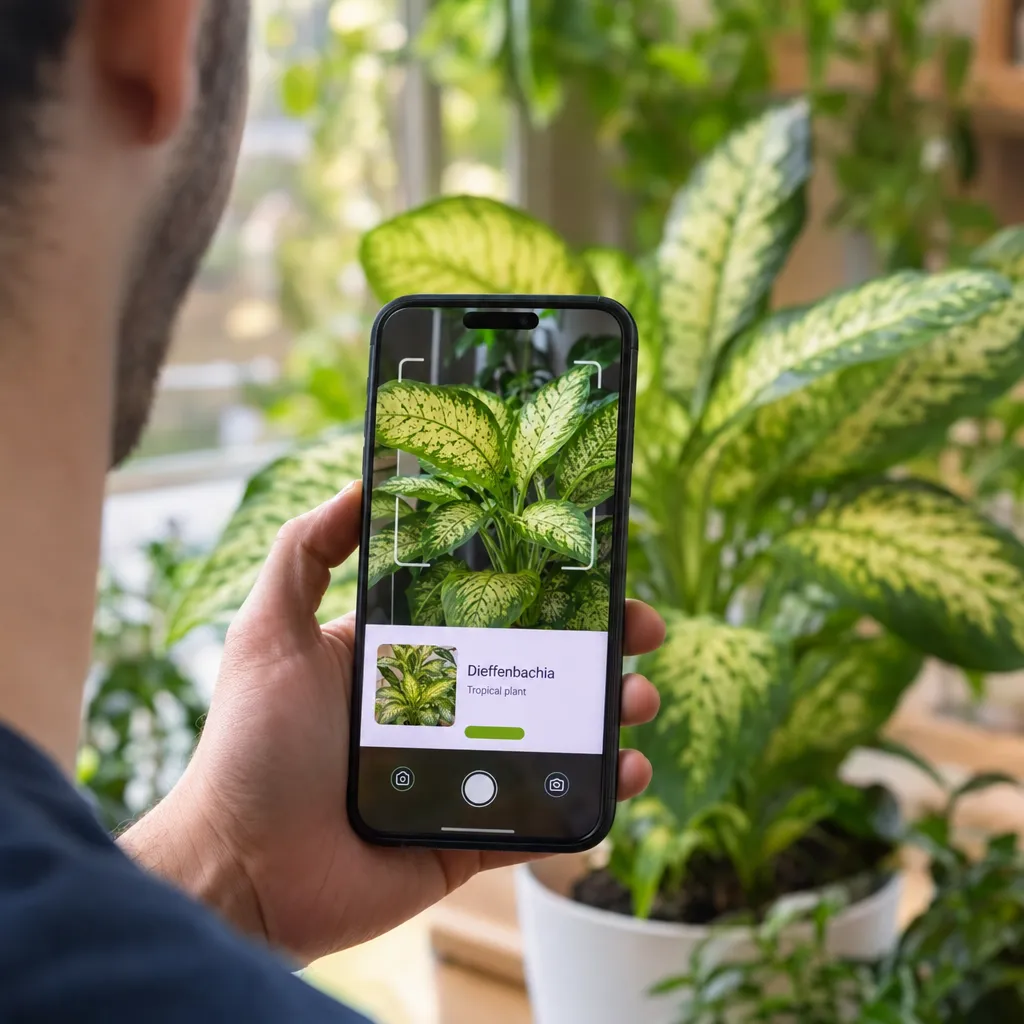
Identifying plants by cell phone has revolutionized the way gardeners, amateur botanists, and flora buffs learn about the vegetation around them. You no longer have to wait for an expert or consult bulky books to find out the name of an unknown plant you encountered on a tour.
Announcements
How Plant Identification Apps Work
Modern plant scanning applications work through machine learning algorithms trained with millions of images of different plants.When you photograph a plant, the app compares the captured image to its database, using convolutional neural networks to identify unique visual patterns.
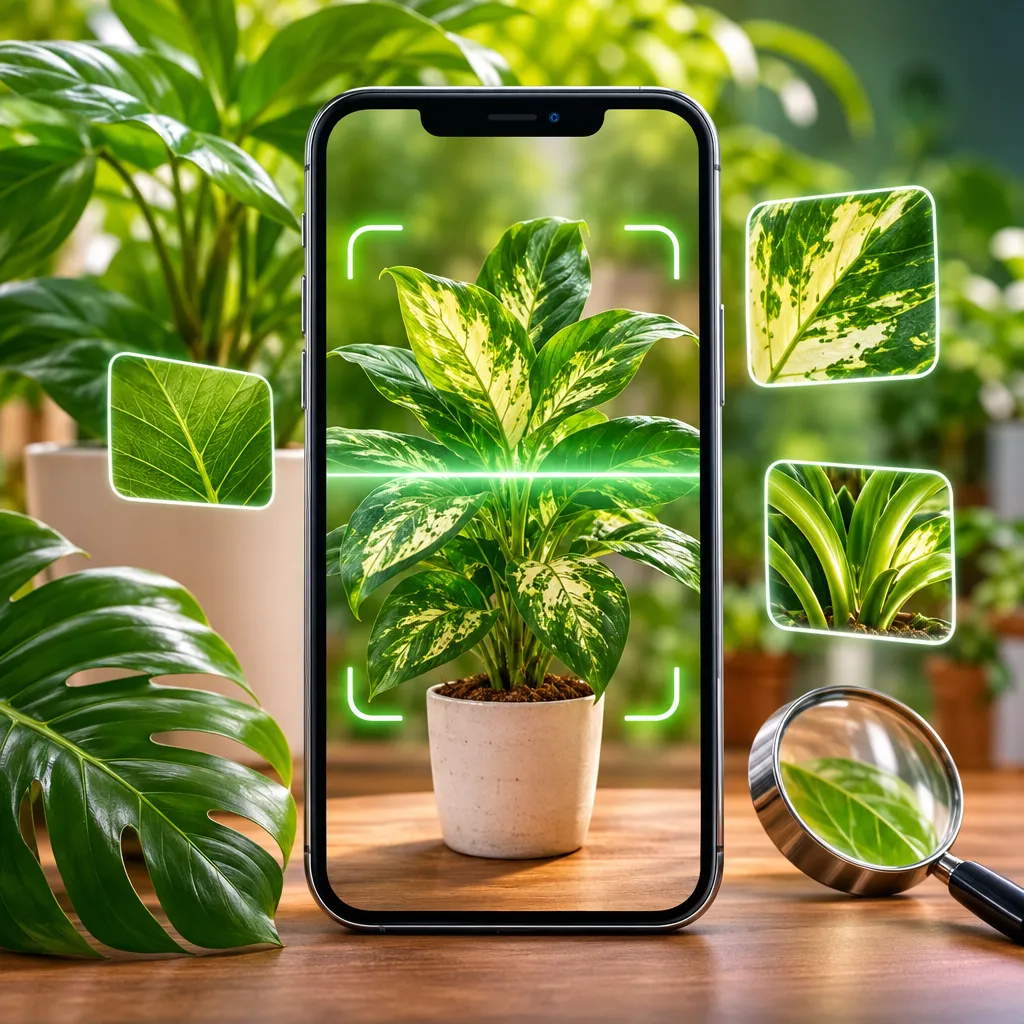
The technology behind these applications analyzes multiple elements of the image, including leaf shape, colors, texture, the presence of flowers or fruits, and even the overall distribution of the plant.The more visual details you capture, the more accurate the result provided by the system.Some applications also use geolocation data to increase accuracy, as they know which plants are native or common in their specific region.
Downloading and Installing the App on Your Mobile Phone
The first step is to access the app store of your device, either the Google Play Store for Android or the App Store for iOS. You should search for “plant identifier” or “plant identifier” to find the options available. There are several free and paid alternatives, each with specific features and different levels of accuracy.
After finding the desired application, click the install button and wait for the download and installation to be completed. The file size usually varies from 50MB to 200MB, depending on the app and the amount of data it stores locally. Once installed, open the application and grant the necessary permissions, such as access to the camera and photo gallery of your phone, as these are essential for full operation.
Capturing the Right Plant Photo
The quality of the photograph determines the success of the identification, so you should take the time to capture the best possible image. Position yourself so that natural light illuminates the plant clearly, avoiding excessive shadows that can obscure important details of the leaves and structure. The ideal is to shoot during the day, at times where the light is not very intense, such as early in the morning or late in the afternoon.
Focus on the most characteristic elements of the plant: the leaves are the most important detail for recognition, so get close enough that they occupy a good part of the frame. If the plant has flowers, fruits or other striking features, include them also in the image. Keep the cell phone stable during shooting to avoid blurred photos, and consider capturing multiple angles of the same plant, as different perspectives can reveal characteristics that improve identification.
» Scan Plants! «AndroidPerforming Plant Scanning in the Application
Open the app and look for the camera or “scan” button, which is usually highlighted on the home screen. When you have the image already captured in your phone’s gallery, select the option to upload or open the photo directly through the app. If you prefer to shoot at the moment, activate the app’s camera and frame the plan, following the same lighting and focus recommendations mentioned earlier.
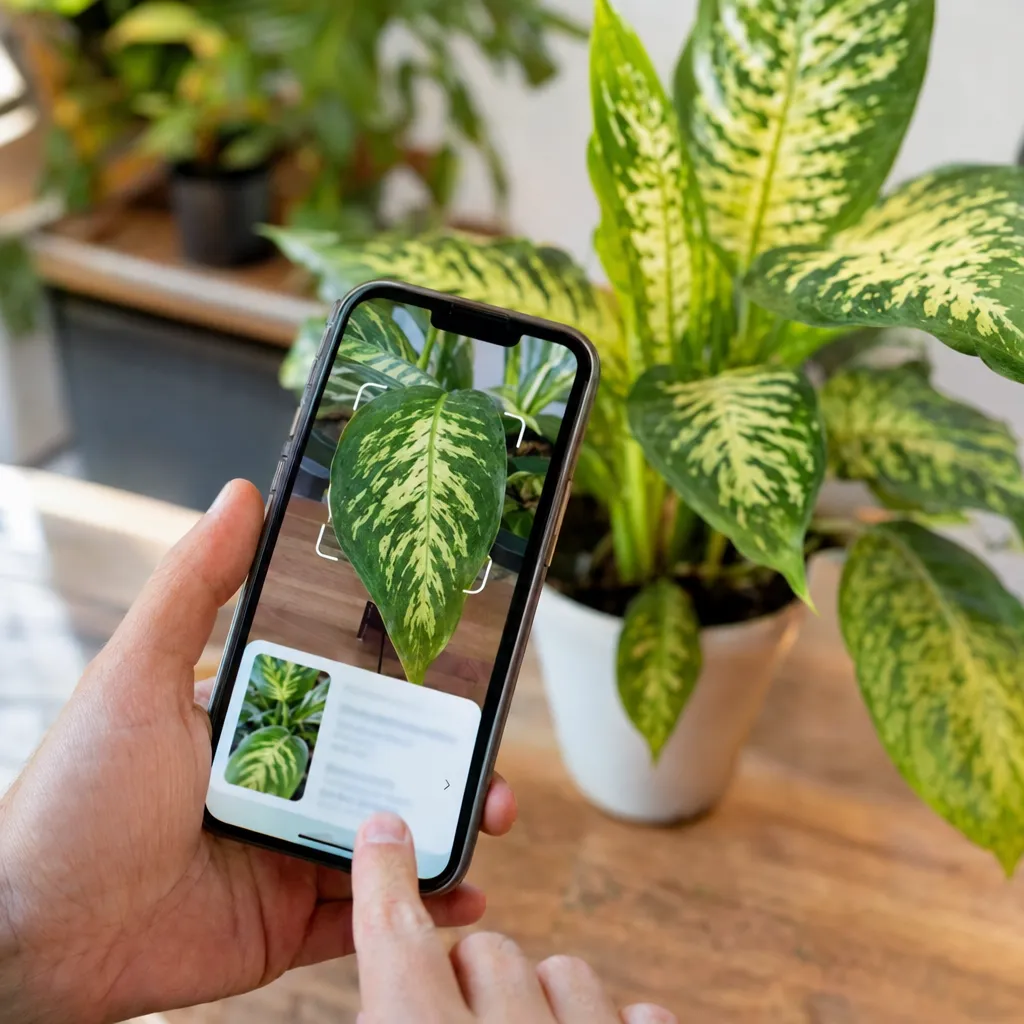
After taking the photo or selecting an existing image, the application will start the automatic analysis process. You will see a progress bar or a loading symbol indicating that the system is processing the image and comparing it to the database. This process usually takes between 2 and 10 seconds, depending on the speed of your internet connection and the complexity of the application algorithm. Keep the application open for all this time so that the scanning is completed without interruption.
Interpreting the Results of Identification
When the scan is complete, the app displays one or more results with plant names and a confidence percentage for each suggestion. This percentage indicates how safe the algorithm is that the identified plant is actually the one you photographed. Results with 90% or more confidence are generally very reliable, while those below 70% should be treated with greater care and may require additional verification.
In addition to the common name of the plant, the application usually provides the scientific name, which is crucial for further research.It also offers information about the recommended care, the ideal environment for cultivation, whether the plant is toxic to pets, and other relevant botanical characteristics. You can view reference images of the identified plant to confirm whether it really is the one you scanned. Read all this information carefully and compare with the visual characteristics of your plant to ensure that the identification is correct.
Advanced Strategies to Improve Identification Accuracy
To get more accurate results, you should apply techniques that go beyond simple clicking and scanning. An efficient strategy is to capture multiple photographs of different parts of the plant: leaves up close, the overall structure, flowers if any, and even the stem or root if accessible. Send these images separately to the application and compare the results obtained. When the app returns the same identification on multiple scans, the confidence in this result increases significantly.
Another advanced technique is to combine the results of the application with additional search in online botanical databases or specialized groups in social networks. If the app has identified your plant as “Ficus benjamina”, for example, you can search for images of this specific species to confirm that all the details match. Many applications also allow you to save your previous identifications and create a personal history, which facilitates the recognition of similar plants that you find in the future.
Trying different apps is also a valid strategy, as each uses slightly different algorithms and databases. If an app hesitates to identify with a low trust percentage, scanning the same plant with another app can provide a more confident and secure result. You can use free versions of multiple apps to compare results without compromising your budget, since most offer some basic functionality at no cost.
Situations in which the Application May Have Difficulties
Identification applications have their limitations, and you should be aware of them to avoid frustrations. Very young plants with leaves still in development are often misidentified because their visual traits are not yet fully formed. Similarly, plants that have suffered damage, disease or pests may have discolored or deformed leaves, which confuses the algorithm and reduces the accuracy of identification. If the plant is in a compromised state, consider waiting for it to recover or looking for a healthy plant of the same species to scan.
Flowers and hybrid plants also present considerable challenges to the identification system, as they combine characteristics of multiple species and may not correspond perfectly to any database entry. Indoor plants grown in pots, especially those subjected to frequent pruning or trained in unnatural forms, may have distinct appearance from their wild forms, making recognition difficult. In these cases, the application may return results with lower confidence or suggest multiple possibilities, requiring you to use your knowledge and visual comparison to determine which is most likely.
Technical problems can also affect the quality of identification, including poor internet connection during scanning, very blurry or poorly lit photos, and even limitations of the application database in relation to rare or regional species. If the app cannot identify your plant after several attempts with different angles and photographs, it may be that it is a little known species, very rare, or that simply is not in the database of that specific application. In this situation, sharing the image with online communities of gardening and botany can offer the identification you seek through the expertise of human experts.