App to Receive and Send Voice Messages
Announcements
Voice messaging apps have completely transformed the way we communicate on a day-to-day basis. An app for securely receiving and sending voice messages provides a convenient, fast and affordable communication channel for anyone who wants to chat without typing or making traditional calls.
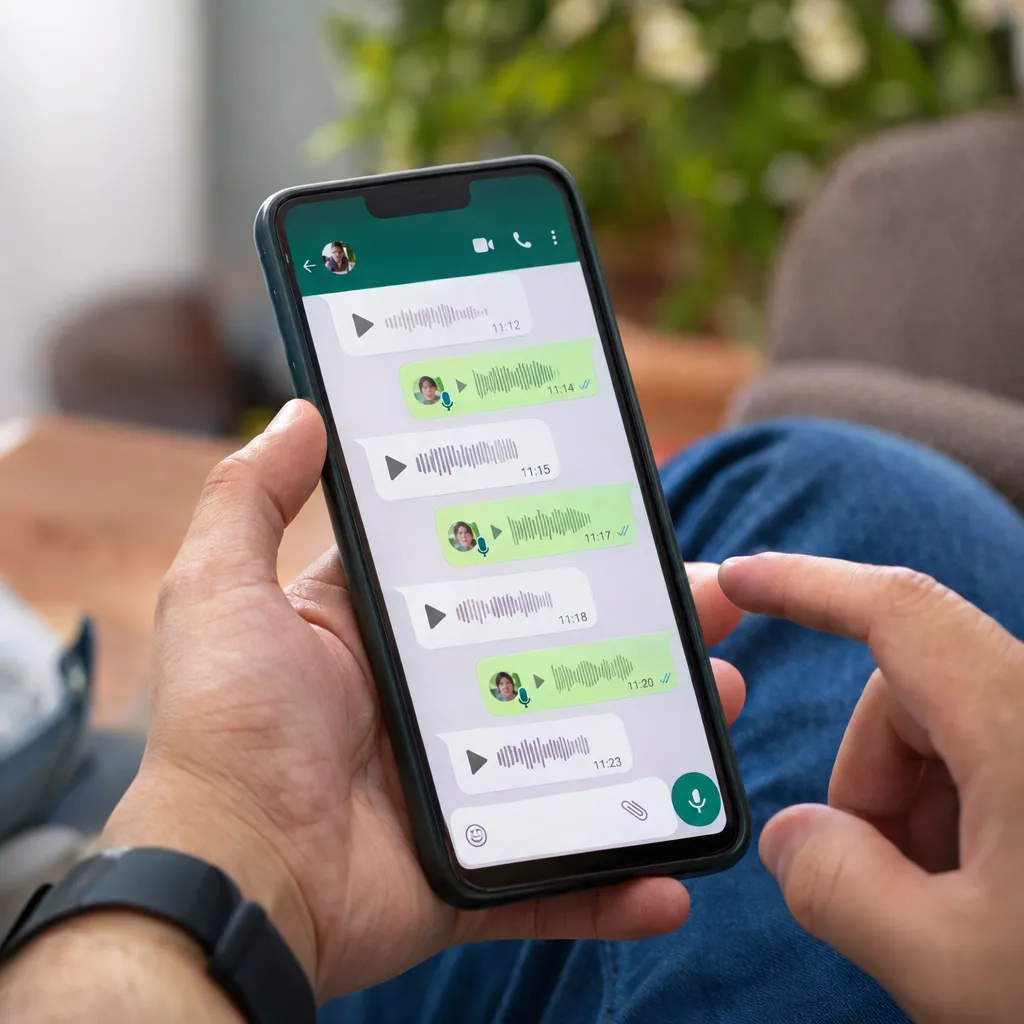
The advantages of using voice messages are many and go beyond simple practicality. You save time by not having to type long texts, keep your hands free while performing other activities and still manage to convey emotion and tone of voice that written messages cannot capture. In addition, these platforms often offer advanced encryption and data protection features, ensuring that your conversations remain private and secure from start to finish.
Announcements
How to Download and Install the App
The process of downloading and installing a voice messaging app is simple and straightforward for any user. You must go to the app store on your device, whether it is the Google Play Store for Android or the App Store for iOS, and search for the name of the app you want to install. After finding the correct option, simply click the download button, wait for the automatic installation to finish, and grant the necessary permissions that the app will request.
When you first open the app, you will need to create an account using your phone number, email or social media account, depending on the options available. The registration process is quick and usually requires only confirmation by SMS or email to validate your identity. After you complete the registration and log in, your profile will be ready to use all the features of the app.
Step by Step to Send Voice Messages
Sending a voice message is an intuitive process that anyone can master in a few minutes. Access the application, look for the contact or group to which you want to send the message, and locate the microphone icon in the chat interface. Press and hold this icon while speaking your message, maintaining the natural and clear tone so that the receiver perfectly understands what you are communicating.
After you finish speaking, release your finger from the microphone icon and the app will automatically process the audio. Most apps allow you to cancel the message before sending it, offering options such as “send”, “discard” or “listen again”. You can review the duration of the audio and even add filters or special effects before confirming the sending, depending on the features available in the specific app you use.
How to Receive and Play Audios
When you receive a voice message in the app, it appears in the conversation just like any other text message. The audio comes with a play icon, usually represented by a triangle or play button, which allows you to start listening immediately. You can listen as many times as you want the message, regardless of whether it is online or offline, since the audio is stored in the chat history of the app.
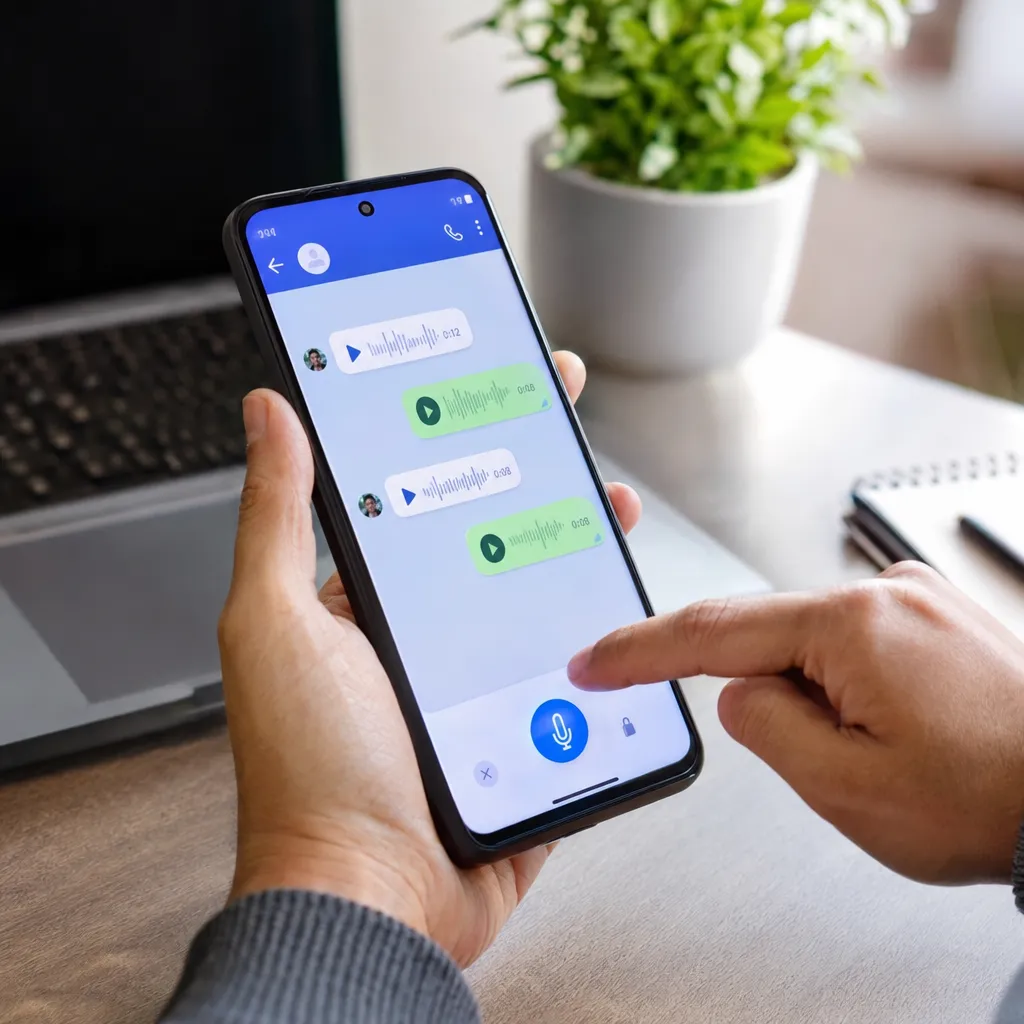
Many apps offer additional features to enhance the listening experience, such as adjusting playback speed, allowing you to listen to messages faster or slower as you like. You can also view the total duration of the audio before starting playback, and in some cases share the voice message with others through different communication channels. These features make the use of voice messages much more flexible and adaptable to your pace of life.
» Receive Voice Messages! «AndroidSecurity & Privacy Features
Security is a key pillar in modern voice messaging apps, and most of them utilize end-to-end encryption to protect your communications. This means that only you and the recipient can access the content of the messages, making it impossible for hackers, internet providers or even company servers to be able to intercept or decode your audios. Checking the privacy settings of the app is essential to ensure that you are taking advantage of all this protection available.
In addition to encryption, you must enable two-factor authentication and keep your password strong and unique. Most applications offer options to control who can send messages to you, allowing you to accept communications only from contacts you approve. You can also block unwanted users and report inappropriate content directly on the platform, contributing to a safe and respectful environment for the entire community of users.
Important Care When Using Voice Messages
Even with all the security features available, you should maintain certain caution when using voice messaging apps. Avoid sharing sensitive information like passwords, credit card numbers, or bank details via voice messages, as this information can be intercepted if the device is compromised. Always make sure it is in a safe and private place before sending messages containing sensitive information, and consider using more specific communication channels for important transactions.
You should also be aware of links sent by unknown contacts within the app as they may contain malware or direct you to fraudulent websites. Keep the app always up to date with the latest versions as updates often include essential security patches. Regularly review your privacy settings and contact list to ensure that only people you trust can communicate with you through the app.
Practical Tips to Improve Your Experience
To get the most out of a voice messaging app, you can organize your contacts into thematic groups, making it easy to send batch messages to people with common interests. Use notification features to receive personalized alerts, letting you know immediately when you receive important messages from specific contacts. Disable notifications of less urgent conversations to avoid constant distractions and maintain your concentration during work or other activities.
Try using emojis and quick reactions available in the app to add expression and personality to your conversations. You can create more efficient audio messages by practicing clarity in speech, avoiding too many “ahh”, “ehh” or unnecessary pauses. Set up automatic absence messages to inform contacts that you are unavailable, and take advantage of backup options to ensure that your important conversations are not lost in case of problems with the device. Gradually explore all the features available in the app allows you to discover features that significantly improve your daily communication.