
How to Recover Old WhatsApp Audios on Mobile
Announcements
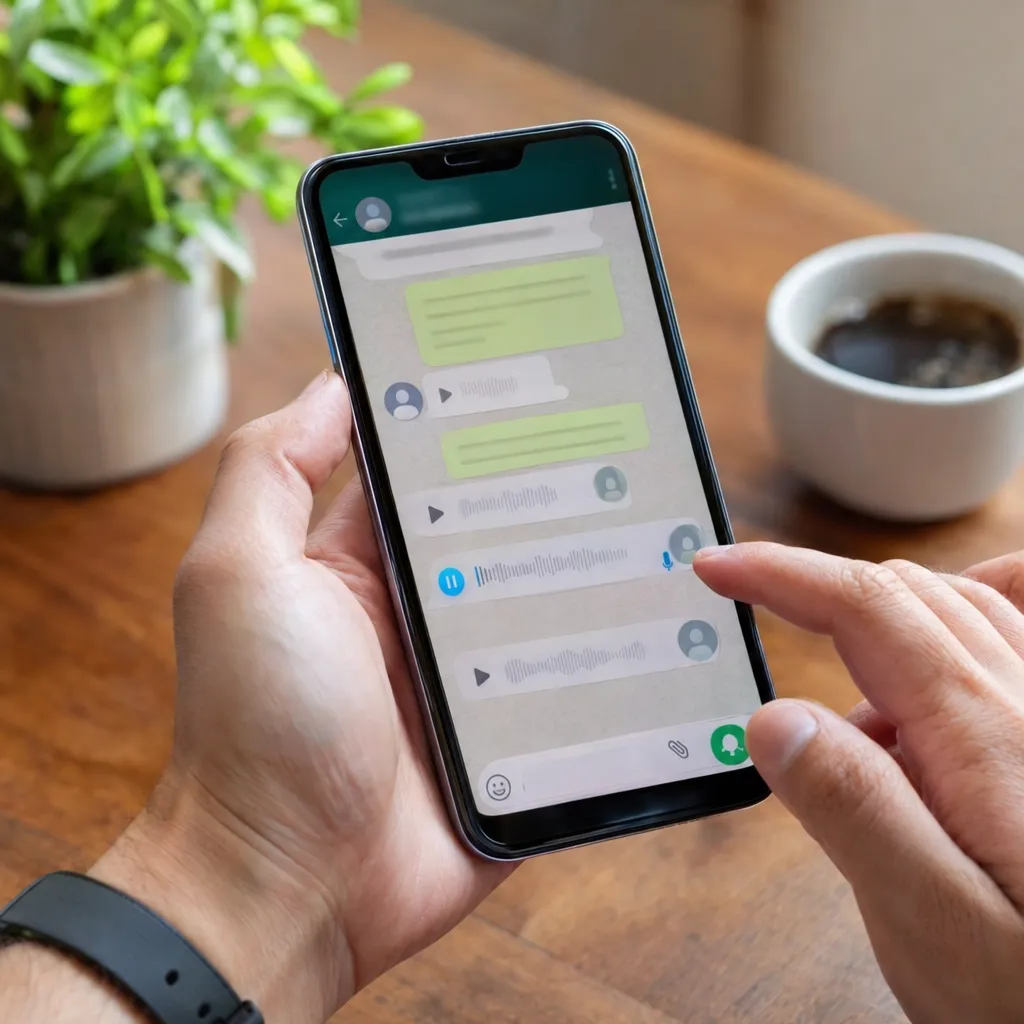
Audios disappear from WhatsApp for various reasons: accidental deletion, reinstallation of the application, formatting the phone or even problems in synchronization with the cloud. You do not have to give up that important audio message that has disappeared from the conversation, as there are real ways to recover it.
The first action is to check the internal structure of your device, because WhatsApp stores media in specific folders that you can access directly. On Android, navigate to the file manager, look for the folder called “WhatsApp” (usually located in “Internal Storage” or “SD Card”), then open the subfolder “Media” and look for “WhatsApp Audio”. There are saved all the downloaded and received audios. For iPhone, the process works differently because iOS does not allow access to the folders of the same, but you can use iCloud to check if there is a copy of the synced data in that system.
WhatsApp automatic backup is your best ally to recover audios that disappeared days or even weeks ago. On Android, you configure the backup by activating the option in “Settings” of WhatsApp, then “Chats”, “Chats Backup” and choosing a frequency (daily, weekly or monthly). The system sends to Google Drive a full copy of your conversations and media, including all exchanged audios. On iPhone, the backup goes to iCloud through the same settings, and you can schedule to do automatically whenever you connect to Wi-Fi.
Announcements
If you already have a saved backup, recovery is the next step and works differently on each platform. For Android users, uninstall WhatsApp completely, then reinstall through Google Play Store and during the first opening, the application will detect the backup available in Google Drive and offer the option to restore. Choose restore, enter your phone number and wait for the process to finish, which may take a few minutes depending on the size of the backup. For iPhone, the process is similar: uninstall the app, reinstall through the App Store, make sure it is connected to Wi-Fi, launch the application with your phone number and it will automatically search for the backup in iCloud and restore your conversations.
There are third-party applications developed by specialized in deleted data recovery that work as additional tools in this search. These software scan the entire storage space of your phone looking for traces of deleted files, including WhatsApp audios that you thought were lost forever. It is worth mentioning that these applications work better on Android than on iPhone, because Apple’s system encrypts data more robustly, making recovery considerably more difficult. Install one of these software on your phone, run a full scan and, if you are lucky, you will find the audios that disappeared listed among the recoverable files.
Recover old audiosGRATISAudios of conversations that you have archived in WhatsApp follow a different path in recovery, because they are technically saved but simply hidden from your normal view. To access them again, open WhatsApp, go to “Settings”, look for the “Chats” option and activate “Show archived chats” or similar (the name varies depending on the version). Your archived conversations will reappear and all audios shared in those dialogs will be available for you to listen again. If you want to be safe about these old media, the ideal is to transfer them to a folder different from your device or to a personal cloud service, such as Google Photos or OneDrive, creating a parallel.
When trying to recover your data, be careful not to reinstall WhatsApp without having previously made a full backup, as this may overwrite the possibility of recovery. Never turn on automatic restore of backups if you have questions about which version to restore, because you may be accidentally deleting newer data. In addition, be patient with third-party recovery applications, as they can take quite a long time to scan all the memory of the mobile phone, especially on devices with a lot of storage. Also protect the privacy of your data during this process, do not sharing sensitive information with unknown or of dubious origin tools.
Keeping important WhatsApp audios saved requires a very simple but effective preventive strategy. Set up automatic backup to run regularly on your device, keeping constant copies stored in Google Drive or iCloud. For absolutely critical audios, such as messages from loved ones or important professional content, manually copy them to secure folders on your mobile phone or send to a personal cloud service, thus establishing additional layers of protection. This redundancy approach ensures that even in scenarios of serious problems you will not lose what really matters, making audio recovery a rare task instead of frequent.
Practical Checklist to Recover WhatsApp Audios
Follow this step by step checklist to increase your chances of success in recovering lost or deleted WhatsApp audios on your mobile.
- Make sure that the WhatsApp media folder still contains the audios you are looking for by going to the file manager of your device
- Enable viewing of hidden files in your manager as sometimes the files appear as hidden and are not actually deleted
- Confirm that you have an automatic backup saved to Google Drive (Android) or iCloud (iPhone) by checking WhatsApp settings
- Test the backup restore by creating a second temporary account to validate that the data is still integrated into the cloud server
- Download a reliable data recovery application if the previous steps do not work by searching user reviews and comments before
- Run the recovery scan with the battery charged and during a period when you do not need to use the phone, as the process takes time
- Look in the archived WhatsApp conversations before you consider that the audios have been permanently removed from the app
- Transfer the recovered audios to a secure location outside of WhatsApp, such as a personal cloud folder or external disk
- Implement a regular backup system to prevent the problem from recurring in the future with other important content
- Document which method worked best for your situation, for future reference if you need to recover audios again
Why Recovery Works Better in Some Cases
Deleted audio recovery works because operating systems (Android and iOS) do not completely remove data immediately after a deletion. When you delete a file, the system only marks that space as available for new recordings, keeping the original data intact in memory for a while. While other applications do not overwrite that space with new files, recovery remains possible through proper tools that can read those areas marked as empty.
Automatic backups work consistently because WhatsApp syncs your conversations with cloud servers (Google Drive or iCloud) at scheduled times, creating independent copies of your data. These copies remain active even after local deletion, working as additional insurance. The time between deleting the audio and the oldest backup you have determines whether that media is in that copy stored in the cloud, which explains why frequent backups significantly increase the chances of recovery.
Differences between Android and iPhone in Recovery
Android offers more flexibility in recovery because it allows direct access to the application storage folders and works best with third-party recovery software. You can manually browse WhatsApp folders, search for residual files and even use command-line tools to examine deep areas of memory. Backups in Google Drive are accessible and you can selectively restore some data without losing everything you have installed on the device currently, giving you more control over the process.
iPhone, on the other hand, implements much stricter security through encryption and restriction of access to application folders. You cannot manually navigate WhatsApp folders as you do on Android, and recovery apps have limited effectiveness because iOS protects data with layers of encryption. iCloud backups are your best feature on Apple devices, working reliably but requiring you to follow exactly the uninstall and reinstall WhatsApp process to access them completely.
Signs That Audio May Really Be Unrecoverable
There are situations where recovery becomes virtually impossible even with all the tools available. If you have completely formatted your phone (factory reset) or deleted the Google Drive or iCloud backup, the chances decrease dramatically because you have removed the backups that could restore the content. When a lot of new data has been written to the device memory after deleting the audio, that space has possibly been overwritten with new files, making recovery technically impossible.
Audios deleted months or years ago have lower success rates because the more time passes, the more likely that memory area has been reused. If you have tried several methods already (backup, recovery applications, manual scanning) and none has worked, probably the data has been effectively overwritten. Android devices with very fragmented memory partitions or iPhones that have undergone multiple system updates also have greater difficulties in recovery, as the internal structure of the data deteriorates.
Prevention: Your Best Long-Term Strategy
The real solution to never lose important audio again is in systematic prevention and not emergency recovery. Set up your WhatsApp to automatically back up daily or weekly, ensuring that all your data is synchronized with the cloud constantly. Periodically review which audios you consider critical and export them to additional storage services such as Google Photos, OneDrive or even transferring to the computer via mobile management applications.
Educate yourself about how your device works by learning to identify when a file has actually been deleted or just hidden. Create an organized folder structure on your phone to save important audios separately, away from the default WhatsApp folder where they are most susceptible to accidental deletions. Periodically test your backup by restoring in a secure environment (or a second account) to validate that the system is working properly and your data is actually protected. This proactive approach turns a serious problem into a virtually eliminated risk.



