Write your letter to Santa directly on the phone in minutes
Announcements
Writing a letter to Santa Claus on your phone is much easier than you think. With a few simple steps and the right tools, you can send your message in a few minutes, without any complication.
In this practical guide, you will learn exactly how to make a letter to Santa Claus straight from your smartphone, step by step, in an uncomplicated and fun way. We will show you the best ways to do this, whether you are an adult wanting to play or a responsible helping a child to send their wishes.
Why write a letter to Santa Claus on your phone?
The tradition of writing letters to Santa Claus never went out of style, but the way to do it has evolved a lot. In the past, you had to take paper, pen and sometimes turn around to know the correct address to send. Today, with the cell phone in hand, the process is instant and much more accessible for everyone.
Announcements
Writing by mobile offers several practical advantages that you can not ignore. The first is convenience: you can do this anywhere and anytime, without getting stuck to a table or having to look for specific materials. The second is security: you do not have to worry about losing the letter or leaving it outdoors, as everything is saved digitally.
In addition, sending the letter by mobile is faster and ensures that your message reaches the destination without problems. Many digital services confirm receipt and even send personalized answers to you. For children, this experience becomes even more magical, as they receive a confirmation that your letter has actually been delivered.
 Letter Santa Claus
Age Classification:
Free Classification
Author:
GrSystems
Platform:
Android
Price:
Free
▶Download on Google Play
Choosing the best platform for your letter
There are several ways to send a letter to Santa Claus on your mobile phone, and you need to choose the one that makes the most sense for you. The main options include specialized digital services, mobile applications, responsive websites and even official social networks that offer this functionality. Each has its own characteristics and different levels of customization.
One of the most popular options is to use specific applications developed for this purpose, which offer ready-made templates, fill fields and even interactive features such as audio and video. These apps usually have a user-friendly interface and were designed especially for children, with vibrant colors and clear instructions. You can do everything from start to finish without leaving the application, and many even include games or activities while you wait for the “magic response”.
Another very effective option is to access specialized websites directly from your mobile browser. These responsive sites adapt perfectly to the smartphone screen and offer simple forms to fill. The advantage is that you do not need to download anything, and you can share the link with friends and family easily so that they also write their letters.
Official social networks have also become a viable alternative, especially during the Christmas season. Some well-known platforms create special champions where you can send your letter through forms or even direct messages. This approach offers a more social touch, allowing you to see other letters and create a community around this magical tradition.
Step by step: how to write your letter on mobile
Now let’s go to what you really came to learn: the practical and detailed process of writing your letter. Even if you have never done it before, following these steps you will achieve without any difficulty.
Step 1: Prepare the environment and choose the time
Start by creating an environment conducive and a special moment for this activity. If it is for a child, take time when he is calm, rested and inspired, away from distractions like other apps or notifications flashing on the screen. A good time is at night, before bedtime, when the magic of the Christmas season seems more palpable and the child is more reflective about his desires.
Make sure your phone is charged or close to a power outlet, as you do not want the battery to run out in the middle of the process. It is also a good idea to leave the Wi-Fi connected so that the letter is sent smoothly and quickly. If you are helping a child, sit by your side to make the moment even more special and welcoming.
Step 2: Access the chosen service
Open the application you selected or access the specialized website through the browser of your mobile. If you chose an app, just search the app store of your smartphone (Google Play Store or App Store) by the name of the service and download. Generally, the process is free and fast, taking a few seconds to be ready to use.
If you prefer to use the browser, type the website address in the search bar or use a search engine to find the platform you want. Once the page loads, you will see clear options such as “Write letter”, “Send message to Santa Claus” or something similar. Click on this option and you will be taken to the main interface where everything starts.
Filling in the letter data
Most platforms ask for basic information at the beginning of the process. You will need to provide your name (or the name of who is writing the letter) and usually your age or age group.Some platforms also ask your country or city to customize the experience and sometimes send a “answer letter” with local Santa references.
Fill in this data carefully and honestly, as they help in personalizing the experience. If it is a child making the letter, let her write her name herself, turning the process into an educational and fun activity. Some fields have character limits, so pay attention to the instructions that appear on the screen as you type.
Writing the main content of the letter
Now comes the most important part: writing the letter itself.Most platforms offer a large text field where you can type freely.There are no strict rules about what to write, but some tips can make your letter look better and more memorable.
Start with a warm greeting, such as “Dear Santa Claus” or “Dear Santa Claus”. This opening already creates the magical and respectful tone that the occasion deserves. Then tell a little about your year: how it was, what you learned, if it was kind, if it helped other people. This part humanizes the letter and makes the message more personal and touching.
After telling a little about yourself, present your wishes and requests. Be specific: instead of just saying “I want a gift”, explain which gift you really want and why. This clarity helps and in some cases can result in a more personalized “santa response”.Don’t overdo the amount of requests; three or four main wishes is a good amount that shows maturity and reflection.
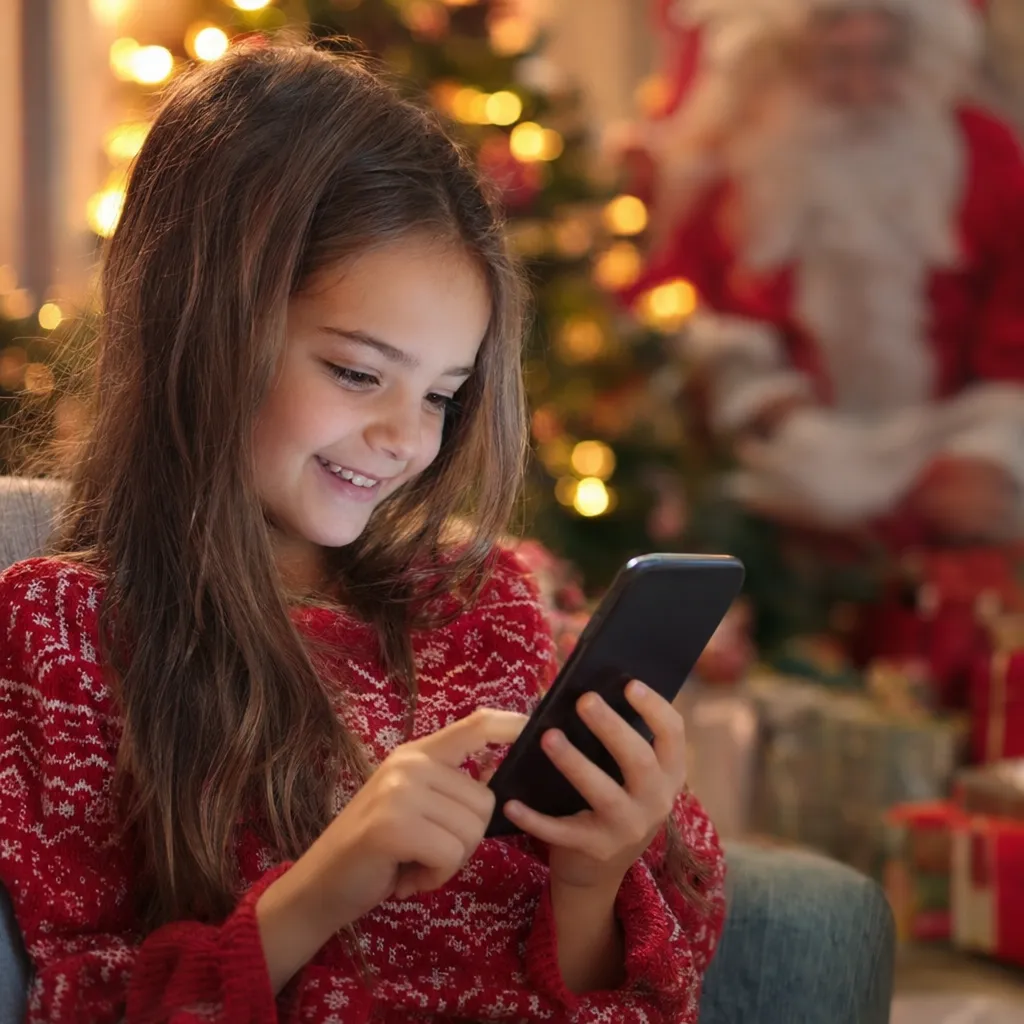
End the letter with a caring message, such as “Thank you for everything you do” or “I’m looking forward to Christmas”. You may also wish Santa and his helpers a happy holiday, which adds a genuine touch to your message. Review the text before sending to check that there are no typos and that the message expresses well what you felt when writing.
Customizing your letter with special features
Many modern platforms offer more than just plain text. Depending on the app or website you have chosen, you may have access to customization features that make the letter even more special.Some allow you to add emojis, changing the text color or font to make the message visually more appealing.
Other more advanced services allow you to record an audio of your letter or even make a video by sending a spoken message directly. These features make the experience much more immersive and memorable, especially for children.If you choose to use audio or video, make sure to be in a quiet place and with good lighting, so that the quality is the best possible.
Some apps also offer the option to add a photo of yourself or drawings. If the platform allows, you can take a selfie or choose a photo from the mobile gallery to attach to the letter.Make sure that the image is clear and appropriate, as it will be viewed as part of your official submission.This visual customization makes the letter much more special and unique.
Choosing delivery and response options
Before sending the letter, many platforms offer options on how you would like to receive the answer. You can choose whether you want Santa to respond only by text message, by email, or even by a printed letter that would arrive by mail. Depending on the platform, some options may be free while others are premium.
If you choose to receive a digital response, specify the email where you want to receive it. This information is crucial, as it is how you will be notified that your letter has been received and will be answered. Some services send the response within a few days, making the experience even more magical for children, who will receive a personalized message directly in your email.
Some platforms also allow you to schedule the letter to be sent for a specific date. This is useful if you want to ensure that the letter arrives at a particular time, such as early December or around Christmas.
Reviewing before sending
After you finish writing and personalizing your letter, it is essential to do a thorough review before giving the “sending”. Read the letter from beginning to end to check if the message makes sense and if all personal data is correct. Pay attention to typos, wrong punctuation or missing words, as these small details can affect the quality of your message.
Make sure all required fields have been filled in correctly, especially the email or address where you want to receive the answer. Nothing is more frustrating than sending a letter and not receiving the answer because one digit of the email was wrong. If the platform offers a “View” or “Previous” button, use it to get a last look at how your letter will appear when it is received.
It is also a good idea to check the privacy policies and terms of service of the platform you are using. Most legitimate and well-established services protect children’s data seriously, but it is important to be aware of how your information will be used. A quick reading of the terms can give you peace of mind before sending the letter.
Final shipping and what to expect afterwards
When you feel confident about your letter and are sure that everything is correct, it’s time to click the “Send” or “Submit” button at that time, the letter will go out to the platform and be processed. You will usually receive a visual confirmation on the screen, such as a success message or a special animation that makes the moment exciting and magical.
After sending, most platforms offer a tracking number or a confirmation code. Save this information in case you need to check the status of your letter later. Some platforms also allow you to share the letter with friends or family through a special link, creating a community experience around this tradition.
Wait for Santa’s response! Depending on the service you have chosen, the response may arrive in a few days or a few. Check your email regularly, including the spam folder or promotions, as sometimes messages may end up there by mistake. When the response arrives, it will be a truly magical time, especially for children who will receive a personalized message from Santa Claus.
Extra tips to make the experience even better
To make the most of this digital tradition, consider some additional tips that can enrich the experience.If you are helping a child, document the process with photos or videos: the expression on her face while typing the letter and the joy of receiving the answer are precious moments that deserve to be saved.
You can also create a small ceremony around the sending of the letter. Perhaps turn off the lights and use only the light of the mobile phone, putting a background Christmas music. These small actions amplify the magic of the occasion and turn a simple message sending into a memorable and exciting experience for everyone involved.
If you sent a letter this year, consider doing it again in the coming years.Saving the old letters is a beautiful way to document how children’s wishes change over time and how they grow.
Share the experience with friends and family, tell them about the service you used and how easy it was. The more people who participate in this tradition, the more magic it becomes for everyone, creating a community around this special celebration of the Christmas period.
Remember also that the real magic of Christmas is not only in the gifts received, but in the longing, hope and connection we create with our loved ones.Writing this letter to Santa Claus is a beautiful way to express these emotions and keep alive the inner child that exists in all of us, no matter how old we are.