
App that Allows You to See the Best Routes
Announcements
A GPS app for routes is a tool that turns your smartphone into a smart browser, offering detailed directions from point A to point B. This technology uses location data, accurate maps and advanced algorithms to guide you through the streets, roads and highways.
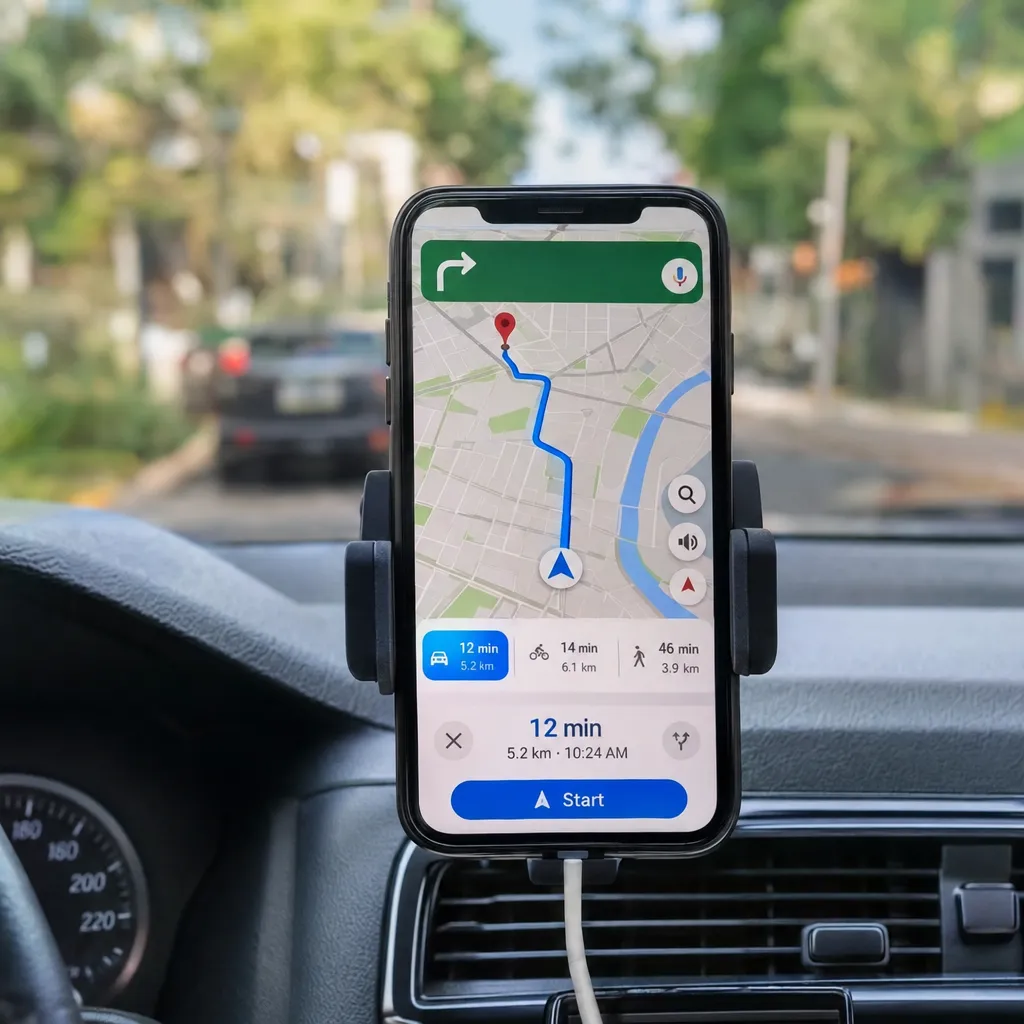
The success of a GPS app depends on the accuracy of the data and the intelligence of the algorithm that processes information constantly. When you enter a destination, the application calculates multiple available routes taking into account mileage, estimated time and current road conditions.The best applications consolidate data from millions of users to identify traffic patterns and offer increasingly intelligent suggestions. This approach allows you to arrive faster than you thought, bypassing congestion and avoiding unnecessary routes.
Announcements
How the App Identifies the Best Routes
The identification of the best routes involves a sophisticated analysis of multiple variables in real time. The algorithms of modern apps consider not only the distance between origin and destination, but also the average speed of each route, historical congestion times and data of other users who travel at that time. When you open the map, the application processes all this information in seconds and offers the most advantageous route according to your criteria and preferences. This analysis ability is what differentiates a good GPS app from a simple static map.
The most popular applications use machine learning technology to continuously learn from traffic behavior.The more people use the app, the more data feeds the system, making it increasingly accurate and reliable.If many users are on an avenue and the traffic is intense, the application detects this almost instantly and offers alternative routes to the next browsers.This constant feedback is critical to maintaining the quality of the guidelines and ensuring that you always receive the best options available.
Alternative Routes: When and Why to Use
Alternative routes are a valuable feature that every GPS app offers to increase your navigation options. When the application presents the main route (usually the fastest), it also displays one or more alternatives on the map, showing the estimated time of each. You can choose the one that best suits your driving style, whether it is the fastest, the most economical, the one that avoids tolls, or the one that passes through known and safe streets. This flexibility turns the app into a tool adaptable to your specific needs of each route.
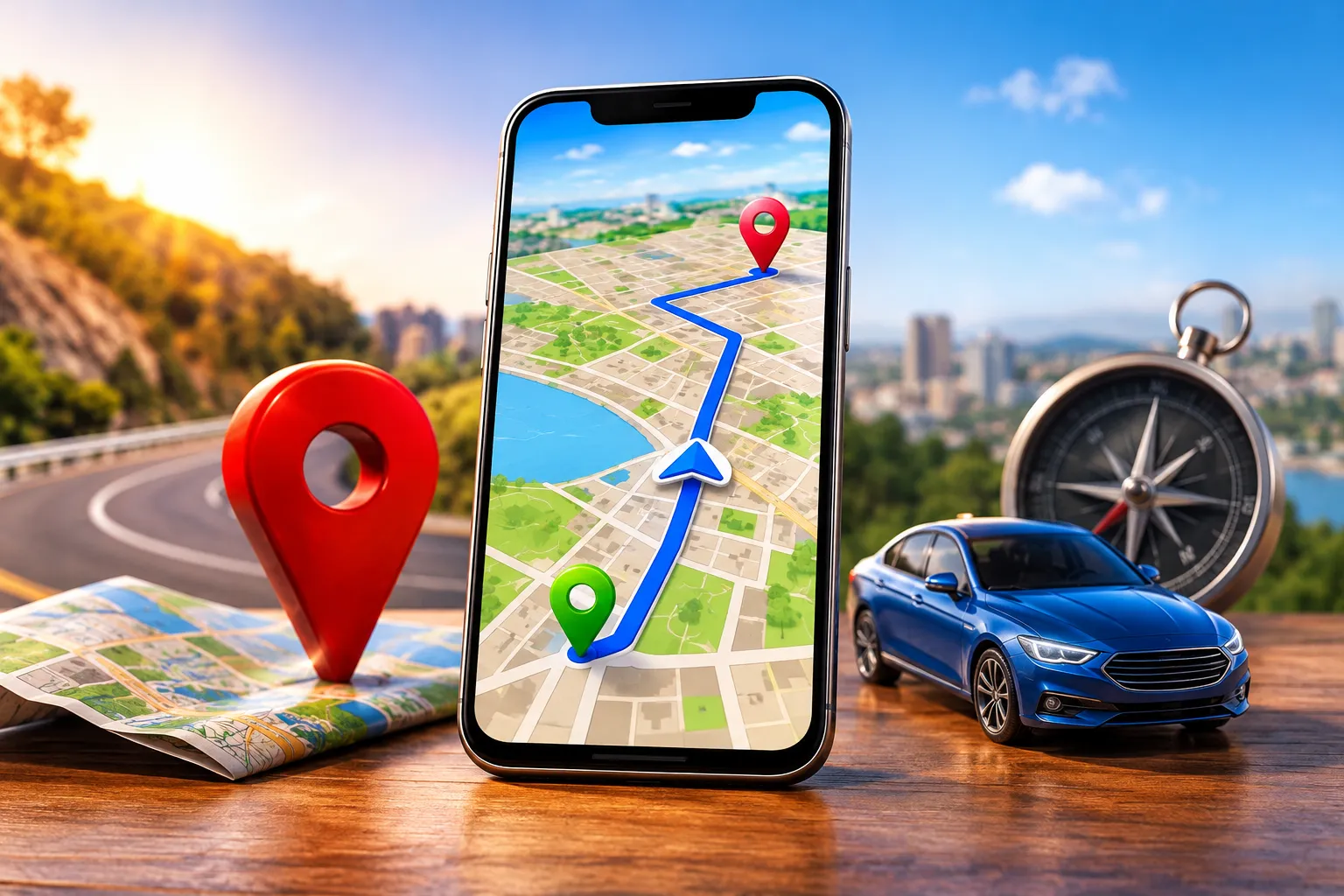
Using alternative routes is especially useful when you receive information about accidents, works or interdictions on main roads. Instead of getting stuck in traffic, you can identify viable detours and gain considerable time.Many apps allow you to filter alternative routes by specific criteria, such as avoiding toll roads, minimizing winding curves or prioritizing more illuminated roads on night routes. This customization puts you in full control of navigation, turning each trip into a personalized and efficient experience.
Step-by-Step Navigation Explained
Step-by-step navigation is the heart of the experience of a modern GPS app, as it offers clear and timely instructions as you progress along the route. When you start navigation, the app displays the next action you should take (such as “turn right at 500 meters”), keeping your focus on the next maneuver without overloading you with future information.The system combines visual instructions on the map, audio prompts, and in many cases integration with voice commands to ensure you don’t have to constantly look at the screen. This approach makes driving safer and less tiring, as you can maintain attention on the road.
The best apps also indicate nearby points of interest, such as gas stations, restaurants and rest areas along the way. This information is especially valuable on long trips, when you may want to stop to eat or fuel. The app warns you in advance when you are close to lane changes, important detours or situations that require extra attention, such as approaching speed reducers or low-speed zones. This way, you always have a clear view of what to expect in the next minutes, being able to properly prepare for each situation.
Real-Time Traffic Updates
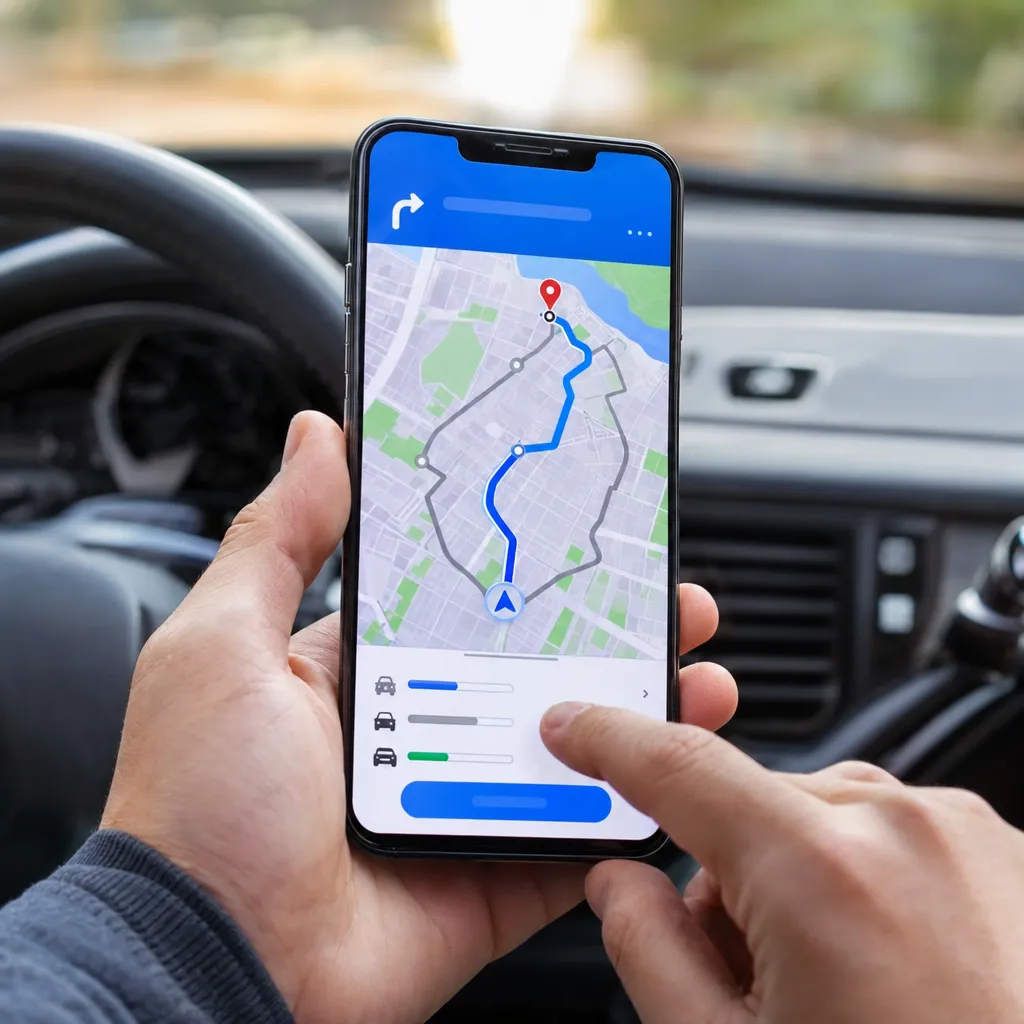
Real-time traffic updates are the differential that turns a GPS app into an intelligent assistant during your journey. When you are browsing and a congestion or accident arises ahead, the application detects the change and automatically offers an alternative route to get around the problem. This information comes from multiple sources, including anonymous GPS data from other users, traffic agencies, roadside surveillance cameras and user reports that signal problems manually.The combination of these sources ensures that you always receive the most up-to-date and accurate information available at the moment.
The real-time alert system allows you to make informed decisions while driving, without losing control of the situation. If the initial route starts to experience delays, the app suggests changes smoothly, giving you time to prepare for different maneuvers.This continuous communication between the app and your journey dramatically reduces the risk of you being surprised by unexpected situations and maintaining confidence in the navigation system.Many users report that this ability to adapt in real time saves not only time, but also fuel and stress during frequent commutes.
Care when Using GPS While Driving
Using a GPS app while driving requires responsibility and safe practices to avoid accidents and dangerous distractions. The fundamental rule is never to stare at the smartphone screen while driving; instead, set up the app before you leave, use the audio function to receive instructions, and take advantage of the cell phone holders that keep the device at the proper height and angle on the glass or dashboard of the vehicle. Many apps offer dark mode and increased font size, making the instructions more visible and reducing the need to focus intensely on the screen. Using audio-quality headphones also helps, as you can clearly hear the instructions even with the ambient sound of the car.
Programming the app before starting driving is essential for safety and efficiency, allowing you to have your hands free and attention on the road. Avoid interacting with the app while the vehicle is moving, delegating this task to passengers or waiting to stop in a safe place if you need to make adjustments. It is also important to disable unnecessary notifications that can catch your attention while driving, keeping only the critical alerts of the active browser. Remember that your and others’ safety is always more important than arriving a few minutes earlier.
Data Saving and Device Battery
A GPS app consumes mobile data and battery significantly, especially on long journeys or in large cities where the map is constantly updating. To save data, you can download offline maps of the most popular apps, storing the information of streets and roads directly on your smartphone. This approach allows you to navigate without consuming mobile data plan, saving money and reducing dependence on internet connection.Many current apps allow you to download entire neighborhoods, cities or regions, ensuring that you have maps available even in remote areas where the signal is weak.
To preserve the battery during the use of GPS, reduce the brightness of the smartphone screen or use the automatic brightness function, disable applications running in the background that consume energy, and consider using a portable battery charger (power bank) during long trips.The battery saving mode offered by modern smartphones is compatible with many GPS apps and significantly reduces energy consumption while maintaining functionality.If you travel regularly by car, investing in a fast car charger is a practical solution that ensures that your smartphone will always have enough power during any commute.
Choose the Right App for Your Needs
Choosing from the various GPS apps available depends on your specific priorities, such as map accuracy, extra functionality, data consumption, compatibility with your vehicle and special features. Some apps stand out for offering detailed directions in cities, while others are excellent for navigation on highways or rural areas. Also consider whether you are looking for an app with integration of public routes, speed radar alerts, parking information, or premium features that improve the navigation experience. Testing different apps on routine routes allows you to feel which one best suits your driving style and specific needs.
When evaluating a GPS app, read reviews from other users in app stores, make sure it offers frequent map updates, and test the accuracy of suggested routes on routes you already know.Some apps offer free versions with basic functionality and paid versions with advanced features; you can start with the free version to get to know the interface and quality before investing in a premium subscription. Regardless of your choice, remember that the best app is the one you consistently use and trust during your daily journeys, offering peace of mind and efficiency in every commute you make.



