Figurines with Sound on WhatsApp: See How to Send in Your Conversations
Announcements
Figurines with sound in WhatsApp are animated stickers that play audio when you touch them. They combine fun visuals with sound effects, turning your conversations into something much more interactive and expressive.
continue on to the full guide:
 FREE GUIDE
Figurines with Sound on WhatsApp: Complete Guide to Use Now
✓Free
✓Step by step
✓Compatibility
SEE HOW TO SEND¹
📖 Reading 2 min · at no cost
The sound cards work like this: you select the sticker, it appears in the conversation and anyone who receives can play to hear the associated sound. Some stickers have voices of famous characters, laughter, funny alerts or striking phrases that are very successful among users. This combination of image and audio creates a much more complete experience than traditional stickers.
Announcements
Why Use Sound Figurines
Using stickers with sound makes your conversations more fun and memorable for those who receive the messages. Instead of just sending an emoji or silent sticker, you can convey emotions with much more impact when there is an audio involved. The sounds work as a perfect complement to jokes, references to popular memes or unexpected reactions that make the other side of the conversation laugh.
» Send figurines with sound «On WhatsAppIn addition, sound cards are great for standing out in WhatsApp groups where creativity is valued. They break the monotony of traditional conversations and function as a much more intense form of personal expression.Many people use these stickers to honor characters, create inside jokes or simply add humor to everyday discussions.
Where to Find Figurines With Sound
You can find sound cards packages by searching within WhatsApp itself, accessing the stickers section of the application.Platforms like the WhatsApp stickers store offer hundreds of free and paid options, all ready to be added to your device. Just search for keywords like “figurines with sound”, “sound stickers” or the name of the character you like.
External repositories also offer sticker packs, including those containing integrated audio, and these files can be imported directly into WhatsApp through specific links. Communities on social networks often share recommendations of good packages and where to find them. The great advantage is that most of these packages are free, so you can test several without spending anything.
How to Add Figurines to WhatsApp
The process of adding stickers with sound is practically identical to adding any other sticker on WhatsApp. You open the application, go to a conversation, tap the sticker icon (usually located next to the typing field), and look for “add stickers” or a button more. After that, the app features different packages available for you to choose from.
When you find a package you like, especially one with sound, you tap the add button and confirm the action. WhatsApp then integrates that package into your sticker library, leaving everything ready for immediate use. If the package is imported via external link, the app automatically opens a confirmation screen before adding the sticker to your collection, ensuring you have full control over what goes into your device.
Step by Step To Send Sound Figurines
After you add a sticker pack with sound, send is very simple and takes only a few seconds. Open a conversation in WhatsApp, tap the sticker icon, look for the package that contains the desired sound, select the specific sticker and send. The sticker will appear in the conversation as a normal message, and anyone in the conversation can tap on it to hear the associated audio.
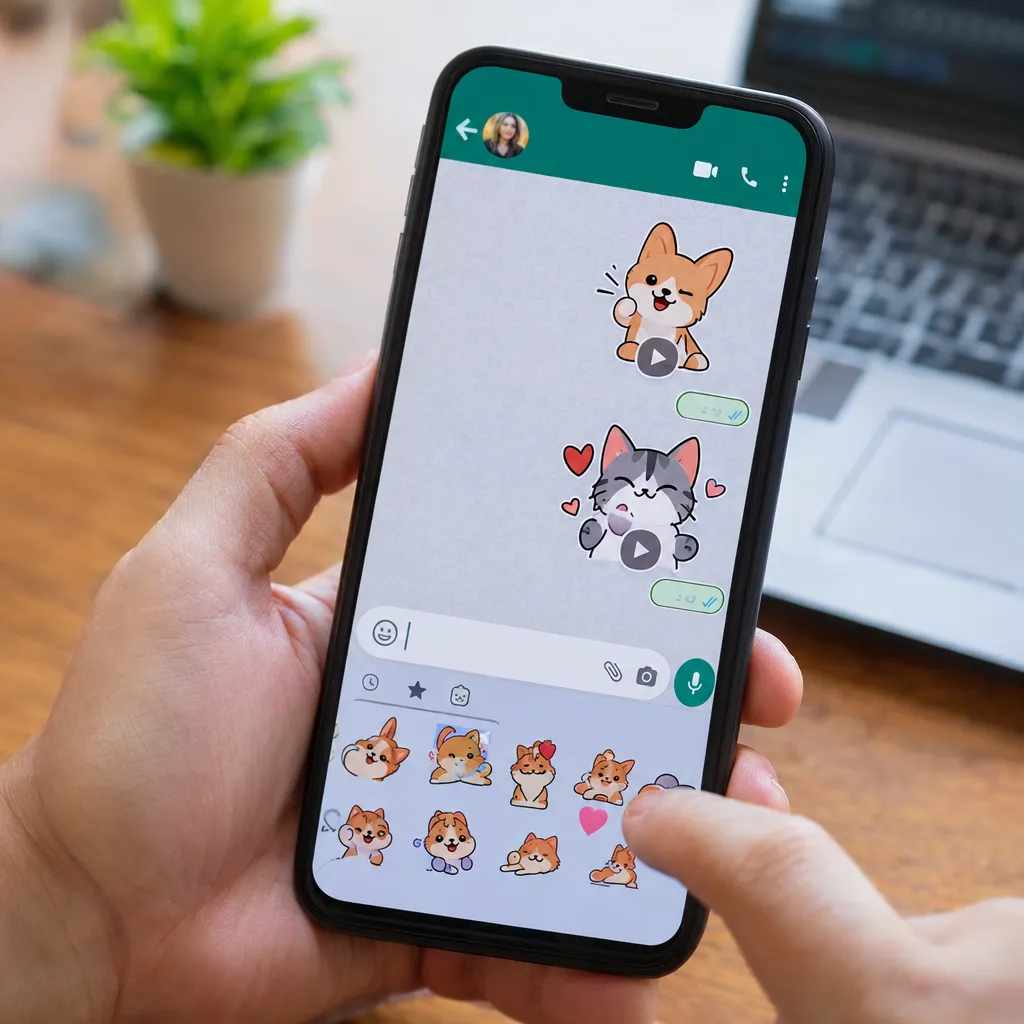
If you want to better organize your stickers, WhatsApp allows you to pin favorite packages to the top of the stickers section, making it easy to access when you are in a hurry. You can also remove packages you no longer use by simply swiping over them and confirming removal. This flexibility ensures that your sticker library always stays up to date with only what you really appreciate.
Compatibility With Different Devices
The sound cards work on Android and iOS smartphones, as long as WhatsApp is updated to the latest version. Most packages made available by WhatsApp itself are compatible with both platforms, ensuring that your friends using iPhone or Android can receive and interact with their sound cards without problems. Synchronization between devices also works well, so if you add a package on Android, it will already be available when you access your iPhone.
Some older or specific packages may have compatibility limitations, but WhatsApp warns you about this before you add it. Older versions of the app on older phones may not support sticker audio, so it is recommended to keep your WhatsApp always up to date through the App Store or Google Play. Desktop, tablet and the web version of WhatsApp also support stickers, but sound playback may work differently depending on the device you are viewing.
Tips to Enjoy Better Sound Figurines
A great strategy is to use stickers with sound to react to important messages rather than typing a complete answer. A funny sound communicates your reaction much faster and often generates more laughter than a simple text.You can also create a mental repertoire of which stickers to use in which situations, making your communications much faster and more assertive in the day to day conversations.
Respect the environment of each conversation by choosing the volume and type of sound you send, especially in workgroups or more formal conversations. Not every context asks for stickers with loud and flashy sound, so adapt your choices as the conversation progresses. Exploring new packages regularly also keeps your messages fresh and interesting, preventing you from always resorting to the same stickers and repetitive sounds.
Considerations About Responsible Use
Using stickers with sound is fun, but it is important to be aware of the volume and frequency with which you send. In conversations with many people or at inappropriate times, loud sounds can bother those who receive the message, especially if the person’s phone is at high volume. Always consider the context and time of day before sending sound cards to friends or colleagues who may be in meetings or situations where noise is not welcome.
Respecting the privacy and preferences of others is also part of responsible use of sound cards in WhatsApp. If someone asks you to lower the frequency or prefer silent messages, honor that request and adapt your behavior. The purpose of stickers is to add fun to conversations, not cause discomfort, then balance creativity with consideration for the people with whom you communicate daily.