
The App that Helps See the Best Routes
Announcements
A GPS app for seeing the best routes revolutionizes the way you travel around the city and on the roads. These apps use advanced technology to map routes, calculate travel times and offer smart alternatives, transforming your browsing experience.
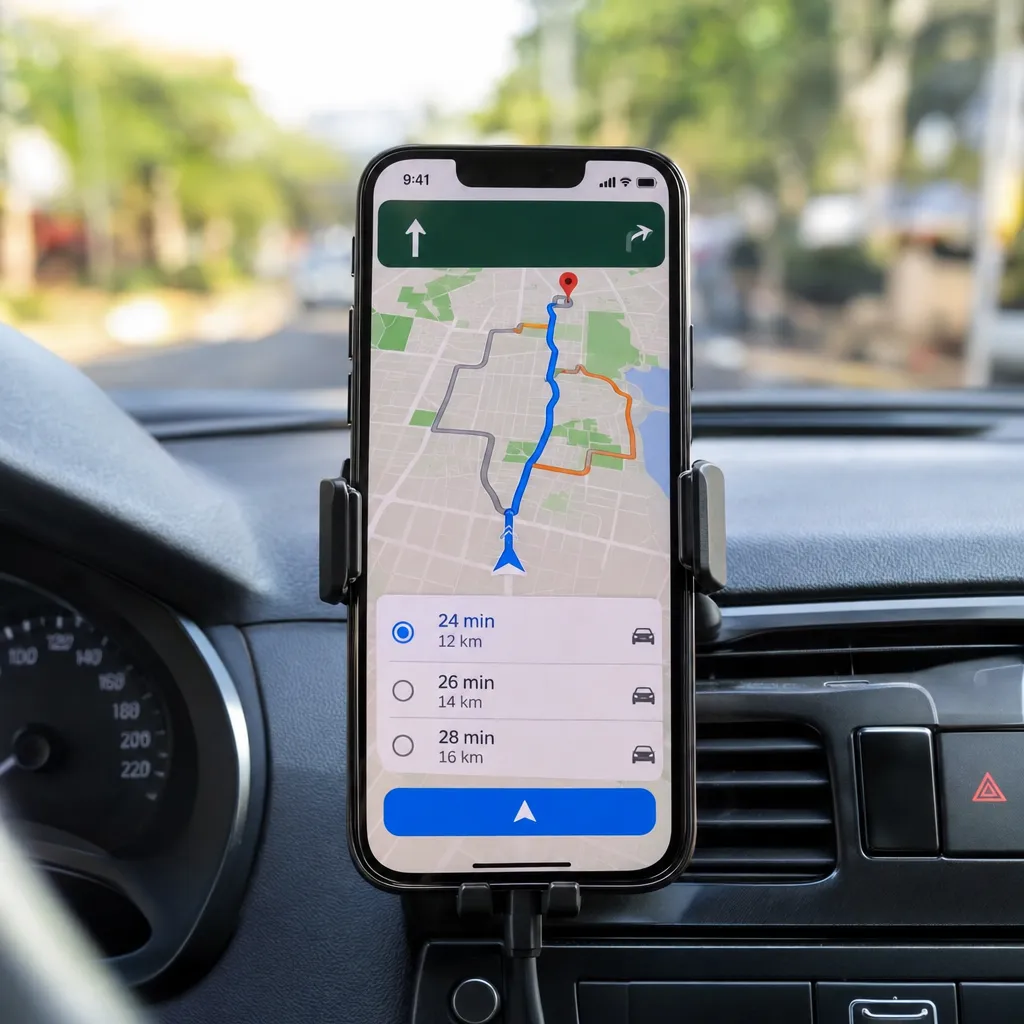
The technology behind these platforms analyzes real-time data from millions of users, updated maps and traffic information to ensure you receive the most efficient routes.You are no longer stuck in static decisions, as the system constantly adapts to changing road conditions, offering flexibility and safety to the driver.
Announcements
What is a GPS App for Routes
A GPS app to see the best routes is a digital tool that uses global positioning technology to locate your position, your destination and calculate the most appropriate paths between these two points. It works as a navigation assistant available in the palm of your hand, offering detailed information about each route and helping you make informed decisions about which way to go. These apps integrate map data, traffic history, road events and user feedback to create a complete navigation experience.
How Alternative Routes Work
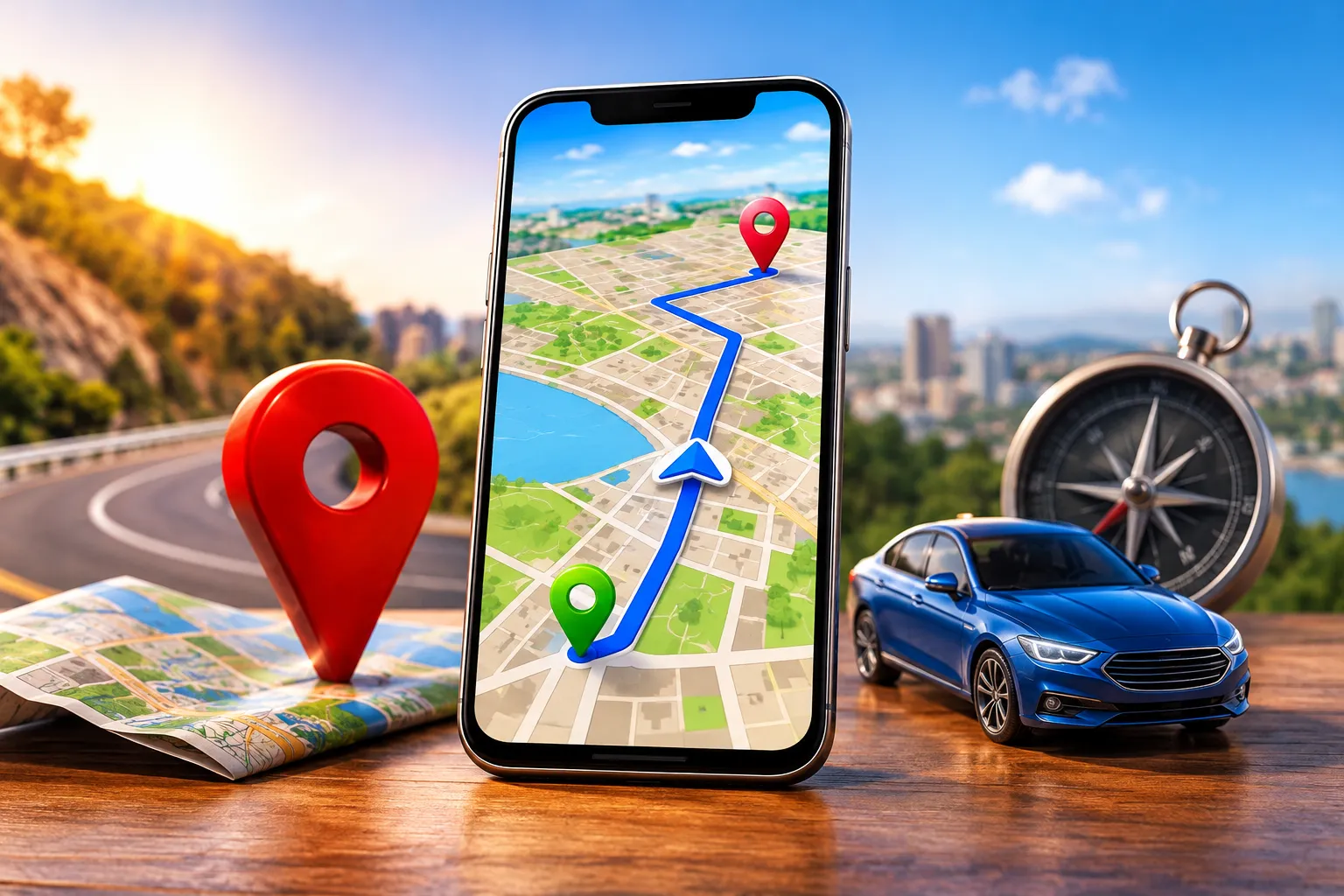
Alternative routes are one of the great differentials of modern GPS applications to see the best routes. When you enter a destination, the system does not only calculate one path, but analyzes multiple options and presents them in order of priority, considering estimated time, distance, tolls and current traffic conditions. You can compare different routes and choose the one that best suits your context, either because it saves time, fuel or because it avoids areas that you prefer not to transit. This functionality allows you to avoid congestion and reach your destination more efficiently.
The algorithm behind these suggestions constantly learns from changes in traffic patterns throughout the day, weekdays, and even seasons.When an extraordinary event occurs, such as an accident, road block, or manifestation, the app detects the anomaly quickly and recalculates routes, suggesting intelligent detours to avoid the problem.This ability to adapt in real time makes the app a reliable partner in your daily journeys, saving you time and reducing the stress of driving.
Real-Time Step-by-Step Navigation
The step-by-step navigation feature turns the GPS app to see the best routes into a co-pilot that tracks your every move along the way. As you drive, the app provides clear and accurate instructions on when to turn, which lane to take and which exits to take, always with enough advance warnings for you to prepare properly. The system also displays the overview of the full route on the screen, allowing you to understand the context of each instruction and know how long it takes to reach the destination.
One of the great advantages of this real-time navigation is the ability to adjust the route automatically if you deviate from the indicated path. If you miss an exit or need to divert for some reason, the app immediately recalculates a new route from its current position, without complaints or frustration. This flexibility eliminates the anxiety of precisely following each instruction and offers peace of mind knowing that you will always have a way back to your destination, regardless of what happens during the route.
Traffic Information and Congestion
Modern GPS applications for seeing the best routes integrate advanced traffic monitoring systems that provide accurate information about traffic jams, accidents, works and other events affecting the roads. This information comes from multiple sources, including GPS data from other users, traffic cameras, municipal bodies and driver reports, creating a comprehensive picture of the road situation in real time. You can view congested areas in different colors (usually green for free flow, yellow for slowness and red for heavy congestion) and make strategic decisions about which route to follow.
This traffic intelligence allows you to not only choose the fastest route at the moment, but also understand congestion trends such as specific time spikes on certain roads. If you are flexible with your schedules, you can wait a little or leave early to avoid the periods of greatest movement, saving time and fuel. Traffic alerts also psychologically prepare you to face congestion when absolutely necessary, reducing the stress that comes from surprise and uncertainty.
Useful Resources During Navigation
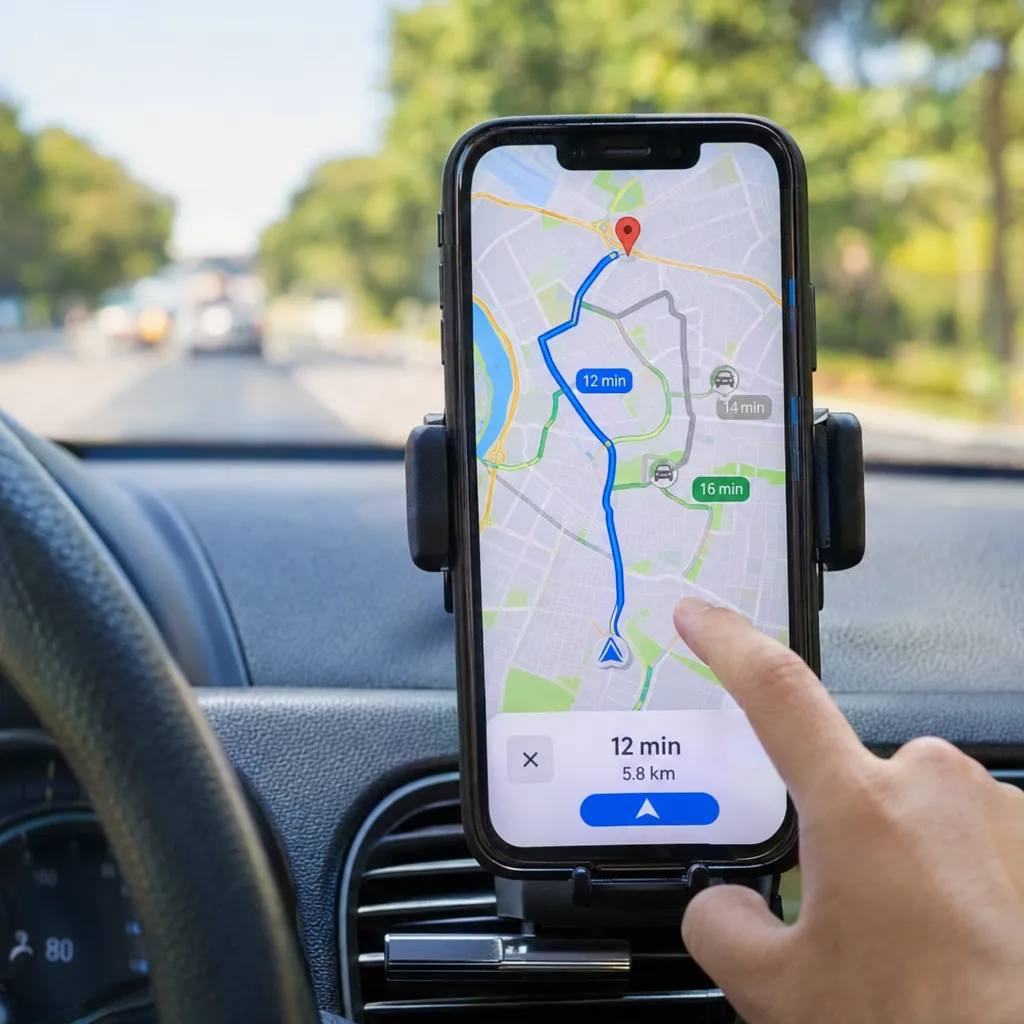
In addition to basic navigation, GPS apps to see the best routes offer a variety of features that enrich your commuting experience and make the journey safer and more comfortable.Many apps allow you to mark points of interest along the way, such as gas stations, restaurants, hotels, parking lots and hospitals, making it easy to plan strategic stops during long journeys. Location sharing functionality allows friends and family to track your commute in real time, providing additional security especially on night trips or to unfamiliar locations.
Other features include detailed arrival estimates with small margin of error, integration with voice commands for navigation without taking your hands off the wheel, travel history for you to review previous routes, and integration with other mobility platforms and services. Some apps allow you to save favorite routes for routes you take regularly, such as the route to work or to a friend’s home, eliminating the need to enter the address each time. These auxiliary features turn the application from a simple navigation tool into a complete mobility ecosystem.
Tips for Better Using GPS
To make the most of the GPS app to see the best routes, start by ensuring that your internet connection is stable and that you have downloaded offline maps for your region, if the app offers this functionality. This is especially important if you travel to areas with weak signal or without access to mobile data, as it allows the app to continue working even without active connectivity. In addition, keep your device charged during long journeys, consider using a car mount to position your phone safely and, if possible, invest in a vehicle charger to keep the battery at adequate levels.
Customize app settings according to your specific preferences and needs, such as avoiding tolls if you want to save money, prioritizing safer roads if you are driving at night, or prefer routes with better pavement structure if you are driving a car with sensitive suspension. Take advantage of the app alerts and notifications, keeping the volume audible when possible, so as not to miss critical instructions during the route. Contribute to the ecosystem by reporting congestion, accidents or road problems you encounter, as this information helps other users make better route decisions and keeps the app database up-to-date and reliable.
Care when Driving with Navigation
While GPS apps for seeing the best routes are extraordinary tools, your driving safety should always be top priority during your commute. Never touch the device while the vehicle is moving, as this diverts your attention from the road and significantly increases the risk of accidents, regardless of how familiar you are with the route. Use voice commands when available to adjust settings, select routes or query information, keeping your hands on the steering wheel and your eyes on the track.
Before starting navigation, park the car and completely configure the route, the volume of instructions and any other preferences in the application to avoid distractions while driving. If the instructions of the app conflict with traffic rules, traffic signs or your own safety assessment, always follow the official rules and your intuition, as maps may be outdated or contain occasional errors. Keep a safe distance from other vehicles, do not drive distracted by the application even on known short routes, and consider using dark mode in the evening hours to reduce the brightness of the screen and avoid glare that interferes with your view of the road.
Choosing the Best App for Your Needs
The market offers several options of GPS applications to see the best routes, each with different characteristics, strengths and user communities that vary significantly in quality and scope. Before choosing, consider your decision criteria, such as the quality of maps in your region, the accuracy of time estimates, the frequency of traffic updates, the user interface and compatibility with your device and operating system.Some apps are especially strong in large cities and urban areas, while others offer better coverage in rural areas and roads; research which works best for your most common routes.
Test different apps on routes you already know well to compare the quality of suggested routes, the accuracy of time estimates, and the overall usability of each. Read reviews from other users in your specific region, as the experience can vary substantially depending on geographic location and local traffic characteristics. Also consider factors such as cost (some apps have free versions with limited functionality and premium versions), supported languages, integration with other services you use, and the reputation of the developer company in terms of privacy and data security. Once you find the app that best suits your needs, you will be prepared to transform your browsing experience.



