How to Try a Police Radio Simulator
Announcements
A police radio simulator is a software that faithfully reproduces the experience of operating a communicator radio used by security forces professionals. It allows you to interact with frequencies, channels and communication protocols realistically, without being in a real operational environment. These simulators are valuable tools for learning, training and fun, offering an immersive and educational experience for users interested in understanding how the police and emergency communication system works.
Experiencing a police radio simulator offers multiple benefits for different groups of people. Public security students can practice risk-free communication procedures, active professionals use to keep their skills sharp, and enthusiasts of the topic can better understand the operational dynamics of corporations. Practical experience with these software helps you to become familiar with technical language, police acronyms, call protocols and expected responses in different emergency situations.In addition, the safe environment allows mistakes and learning without real consequences, making the educational process much more effective and accessible.
Where to Find Available Simulators
Several police radio simulators are available on the internet, both in free and premium versions. Platforms such as the App Store, Google Play and independent application stores offer several options that you can explore as you like. Web simulators also exist, allowing you to access directly through the browser without additional installation, which makes the experience much more accessible for beginners. Search for “police radio simulator” in any search engine will return varied results, it is important to check the reviews, compatibility of your device and features offered before making any choice. The initial investment can be zero, since demonstrative and free versions are easily found and allow you to test without compromise before considering options with premium features more.
Announcements

Simulator Installation and Configuration
The installation process of a police radio simulator varies according to the platform chosen, but is usually simple and straightforward. If you opt for a mobile application, simply access the app store of your device, search for the name of the simulator, click install and wait for the download and automatic installation. For desktop versions, the procedure is similar: you access the official website, download the installer file, run it and follow the instructions on the screen. Initial configuration involves choosing your language, selecting the region or police corporation you want to simulate, adjust audio preferences and set your user settings. Many simulators allow you to customize keyboard shortcuts, volume of communications and even the style of the same use of the same interface and even the specifics of the user.
First Steps in the Program Interface
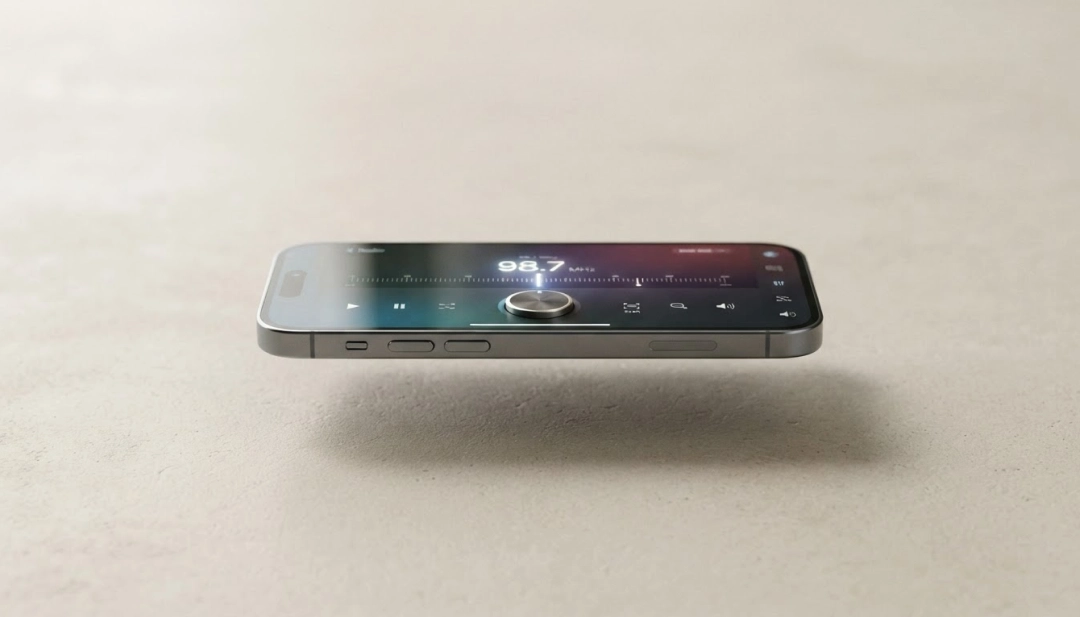
When you open a police radio simulator for the first time, the interface may seem complex, but your organization follows logical patterns similar to real radios. In the middle or upper part, you will find the frequency or channel selector, which acts as the dial of a traditional radio, allowing you to switch between different communication channels available. The broadcast buttons (usually marked as PTT (usually marked as Push To Talk) need to be pressed for you to send messages, and when you drop, you go back to the reception mode, just listening to the communications. The screen also displays information such as the current frequency, battery status, signal level and recent communications history, tutorials elements that will usually use before you will use the main operations are available, which are used during your operations are constantly, the main operations are used.
Improving Your Simulator Experience
To make the most of the police radio simulator, you should invest time learning the language and protocols used by real corporations. Study the common acronyms (such as OPA for Operation, unit, etc.), the standard call formats and response procedures that professionals use in their daily activities. Setting up a quality headset or headset dramatically improves the experience, as it allows you to clearly listen to the broadcasts, the audio nuances and even identify communication problems that occur in real environments. Practicing routinely at specific times develops your familiarity with the tool, and you will begin to notice that your speed when responding, your clarity in the broadcasts and your understanding of the available communities, your participation of the communication and your communication skills improve.
Common Mistakes when Using Radio Simulators
One of the most frequent mistakes you can make is to ignore or skip the established communication protocols, trying to “improvise” messages that do not follow realistic standards.Inadequate communication can make you sound amateur, waste time and even receive “rejections” or negative responses from the system or other simulators. Another common mistake is not to properly adjust the audio settings, which results in inaudible transmissions, difficulties in understanding the responses or even unwanted feedback that harms the experience. Many users also make the mistake of using the simulator without any previous research on the real procedures, hoping to “learn in practice”, when in fact a basic preparation would make the experience very productive and even more pleasant, not meeting the minimum requirements of the device.
Essential Care when Using Online Simulators
When you use online simulators, especially those that connect multiple users, it is essential to maintain a respectful and professional attitude in all communications. Shared simulators and user communities have rules of conduct that you must understand and strictly follow, because inappropriate behaviors can result in suspension or permanent ban of the platform. Protect your personal information and avoid sharing sensitive data in community chats or forums associated with the simulator, since not all online spaces have the same guarantees of security. Also be careful with downloads of add-ons, mods or extensions to the simulator, because not all sources are reliable, and you may be installing or compromising the software that interfere with the security of the sim-like forces are used, and use the illegal-these.
Taking the Maximum of Learning
To turn the use of the simulator into genuine learning, you must establish specific and progressive goals over time. Start with simple operations such as routine patrols and basic communications, then move on to more complex scenarios involving multiple units, emergencies and response coordination. Keeping a journal or notes on your progress, difficulties encountered and concepts you mastered helps you consolidate knowledge and identify areas that need more practice. Watching tutorial videos, reading operation manuals and studying testimonials from real professionals complements the practical experience in the simulator, offering context and depth that practice alone does not provide. You can also use the simulator in a collaborative way, combining sessions with colleagues or mentors who can observe critical-to provide critical performance-oriented, to.