See the Best Routes by Mobile with App
Announcements
A GPS app for routes is an application that turns your smartphone into a full browser, showing the best path between two points. It uses satellites and real-time traffic data to help you reach the destination as quickly and efficiently as possible, saving time and fuel on your journey.
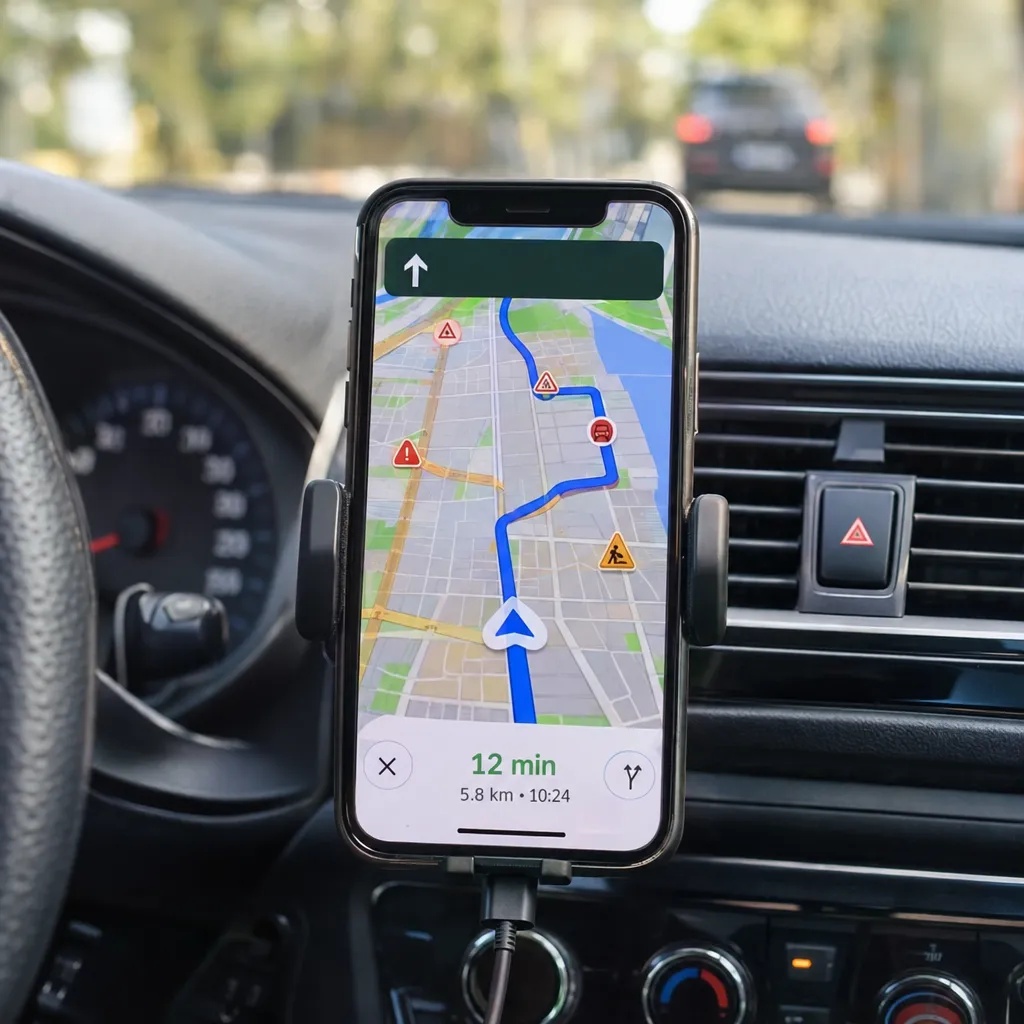
The main functions of route apps go far beyond simply pointing the way. These apps feature multiple alternate routes, report on congestion, show nearby points of interest, calculate estimated travel time, and in many cases allow you to save favorite locations to quickly access them in the future. Additionally, they provide alerts on radars, gas stations, and crime areas to make your browsing experience safer and more informed.
Announcements
Inserting a destination into the app is a simple and intuitive process that anyone can do in a few seconds. You tap the search icon, enter the full address or name of the place you want to visit, and the app immediately displays the available options. After confirming the destination, the app automatically calculates the possible routes and is ready to start guiding you as soon as you start browsing.
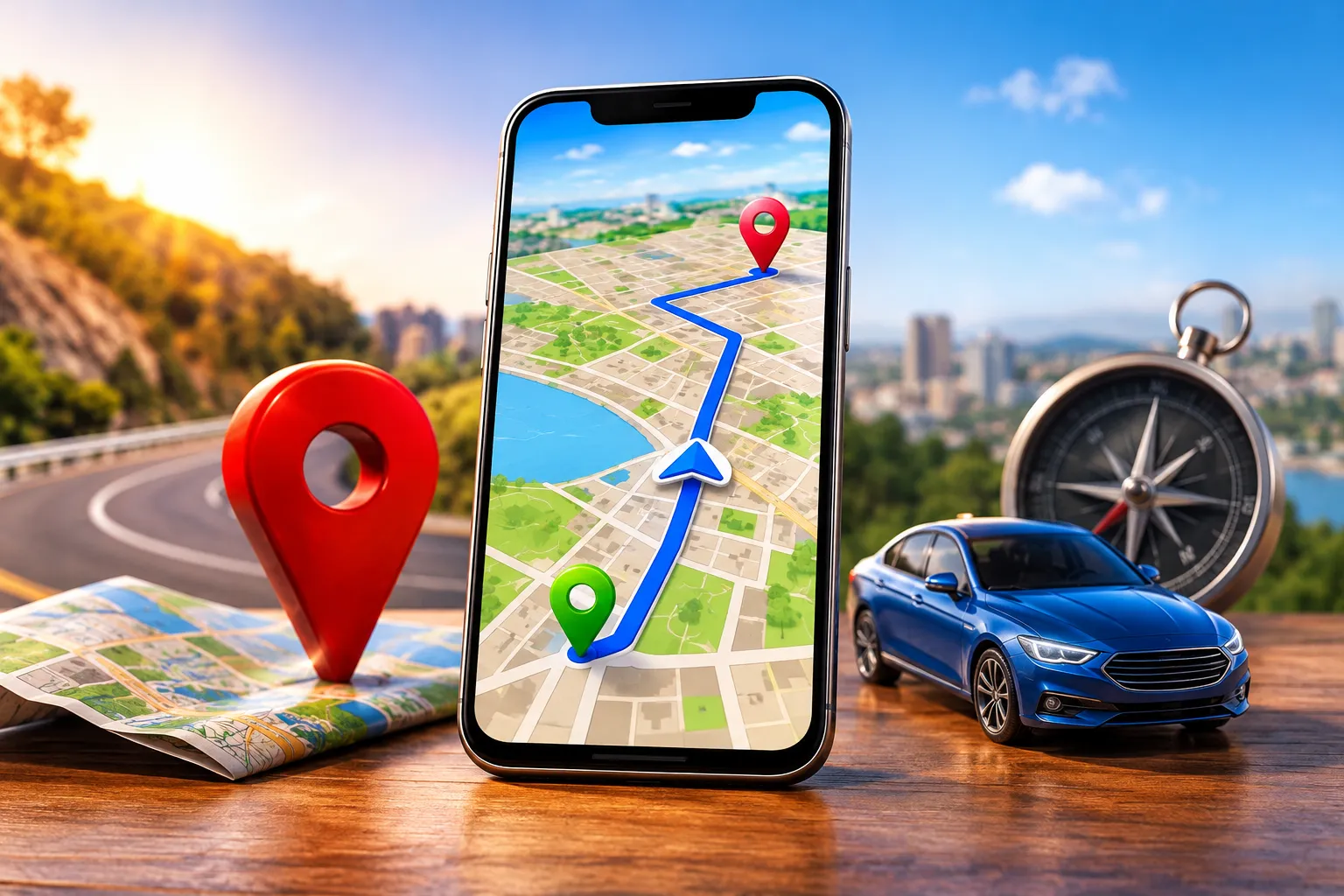
Understanding the alternative routes available in your app is critical to optimizing your route choices.When you enter a destination, the app typically offers between two and four path options, each with specific information about estimated time, total distance, and in some cases, estimated cost of fuel or toll. These alternatives are created by considering current traffic, road conditions, and preferences you have set, such as avoiding highways or minimizing tolls.
Step-by-step navigation during the trip is the heart of the app, functioning as a personal co-pilot who never sleeps. As you move, the app tracks your location via GPS, providing clear voice instructions on which street to turn, when to change lanes and how much to get. The screen usually shows a real-time map with your position, the route highlighted in different colors, names of upcoming streets and a timer indicating the time remaining until the final destination.
Care when using GPS while driving should always be your top priority to ensure the safety of you and other drivers. Ideally, set up the app before you leave, put your phone on a stand on the dashboard or windshield, and activate the freehand mode to listen to instructions without diverting attention from the road. Never touch the mobile screen while traveling, nor try to read messages or notifications that arise while you are driving, as this puts you and others at risk.
Checking the connection and battery before leaving is a simple but extremely important practice that can avoid many problems during your commute. Make sure your smartphone is connected to a stable internet network, either by Wi-Fi or mobile data, as most GPS apps require this connection to access real-time traffic information and download updated maps.Also confirm that your battery is properly charged or carry a portable charger with you, since continuous navigation consumes a lot of power from the device.
Choosing the best app for your needs depends on your commuting habits, the places you frequent and the features you value most. If you travel mainly around the city, an application focused on urban traffic and public transport may be ideal, while long-distance drivers may prefer an app with better performance on highways and detailed information about fuel stations. Also consider the application interface, the clarity of voice instructions, the design of the screen and how much extra information you want during navigation, such as radar alerts or stop suggestions.
Essential Checklist for Using GPS Apps Efficiently
Before starting any navigation, you can use a practical checklist to ensure that everything is set up correctly. This checklist helps you avoid common forgetfulness that detracts from the browsing experience and compromises your safety on the streets.Dedicating five minutes to check each item ensures that your journey will be smooth and without unexpected interruptions.
Initial Preparation
Start by checking that the app is up to date on the latest available version, as updates bring performance improvements and fix compatibility issues. Then confirm that location and camera permissions are active in your device settings. Test the sound of the app and the operation of the navigation screen by opening a test path, even if it is just to the street next door.
Navigation Settings
Within the app itself, check your route preferences to make sure they reflect your needs, such as avoiding tolls if necessary or prefer wider streets. Set up the language and type of voice you want to hear while browsing, testing quickly to confirm that you understand the instructions well. Also check that night mode is on if you travel at night, as this reduces eye strain and keeps you focused.
The font size of the on-screen instructions deserves special attention, especially if you do not see well from afar. Many applications allow you to increase the size of the text displayed during navigation, making it easier to quickly read the next instructions. Also test the automatic brightness of the screen to confirm that it adapts well to the different lighting conditions of your driving environment.
Understanding Alternative Routes with Accuracy
When the GPS app shows multiple routes to the same destination, each represents a different navigation strategy based on specific variables. The first route is usually the fastest considering current conditions, while the second may be slightly longer but avoids areas with known congestion. Some alternative routes are optimized to save fuel, prioritizing constant speeds and avoiding sudden accelerations that consume more energy.
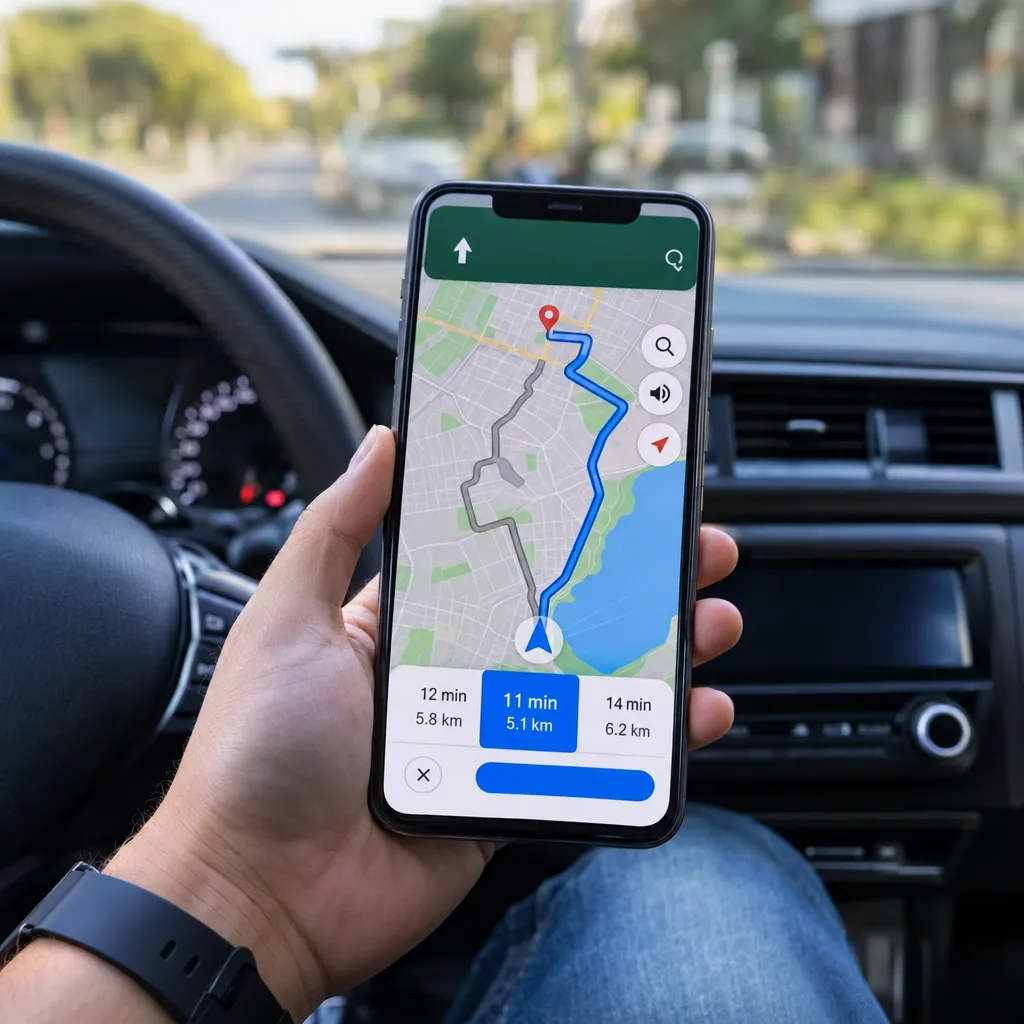
You can analyze each alternative route by tapping it to see details such as total mileage, estimated time, number of turns, number of traffic lights and types of roads you cross. This information allows you to make smarter decisions, such as choosing a slightly longer route that passes through a known avenue where you feel safer, instead of taking an unknown street because it saves two minutes. The apps also visually indicate on the map which routes pass through areas of potential congestion, showing stretches in different colors that mean light, moderate or heavy traffic.
Advanced Features that Power Your Navigation
In addition to basic navigation functions, modern GPS apps offer advanced features that completely transform the user experience.Many apps allow you to create and save favorite places like home, work, friends’ house or establishments you regularly frequent, allowing quick access without having to type the full address every time.
Another valuable feature is real-time location sharing with friends or family, useful mainly for group travel or when someone is waiting for you. You can enable this feature so that selected people know exactly where you are during the commute, increasing personal security.Some applications also offer integration with voice assistants, allowing you to fully interact with the browser without using your hands, only through verbal commands.
Optimizing the Performance of your Device during Navigation
To get the most out of your GPS app, it is essential that your smartphone is running optimally throughout the journey. Close other apps that are running in the background and consume processor resources, as this makes the browser faster and more responsive. Disable notifications from other apps to avoid interruptions, keeping the focus on navigation without unnecessary distractions.
Put your device in airplane mode if you do not need phone calls while browsing, as this significantly reduces battery consumption while keeping data connectivity active through Wi-Fi. If you travel in areas without internet coverage, download the maps offline before you go, feature offered by most major applications that ensures continuous navigation even without signal. Reduce screen brightness if the battery is low, keeping it at an appropriate level to view the instructions without compromising device autonomy.
Safety and Responsibility at the Wheel
Using a GPS app responsibly means recognizing that your primary focus should always be on traffic around you, never the app. Put your phone on a robust stand that keeps it always visible but without blocking your view of the road, and adjust the angle so you don’t have to tilt your head or eyes to read the instructions. When possible, use the navigation mode that shows only the next instruction in large letters, minimizing the need to process a lot of information simultaneously.
If you are driving and feel that navigation is confusing you or causing hesitation, look for a safe place to park and reorient yourself by observing the map calmly. Remember that the instructions in the app are guidelines, and in some cases you may know that the suggested route is not ideal for that specific moment, so always trust your judgment as a driver. Communicating with passengers on the chosen route before leaving reduces tensions during the journey and allows everyone to stay on the same page about the way forward.
Comparing Popular Apps and Finding the Ideal for You
The market offers several options of GPS applications with different features and approaches that cater to different types of users. One app can be excellent for urban navigation with an emphasis on public transport and bike paths, while another stands out on long-distance routes with detailed information about fuel stations and rest areas. To choose correctly, you must consider your usage patterns, the regions you frequent most and which features add more value to your routine.
Test different apps for a week or two before making your final choice, using them on routes you already know well to evaluate safely. Note which app offers the clearest instructions, which consumes the least battery, which loads the maps faster and which presents the best suggestions for alternative routes. Read reviews from other users in their respective app stores, paying attention to recent comments that talk about the reliability of the app in your specific region.
Staying Prepared for Unexpected Situations
Even with a great GPS app, unexpected situations can occur during your journey, such as internet outages, app crash, or outdated route information.For this reason, it is wise to have a plan B, such as noting important route landmarks before you leave or having a contact phone number at your destination. Knowing at least the main street where you intend to go adds an extra layer of security in case the app crashes.
If you travel frequently to new locations, consider always keeping a portable battery charger with you, as this ensures that your device continues to function even on long trips or in emergency situations. Familiarize yourself with the main routes you frequently use through the app, developing knowledge about them so you can navigate without assistance in case of need. Keeping up to date on app updates is also important as they often fix issues and improve route accuracy.
Understanding how to use a GPS app to see the best routes, alternatives and step-by-step navigation completely transforms how you move around the city. With the strategies and care presented in this article, you will have all the tools you need to maximize the potential of these applications. From initial preparation to decisions during the journey, every detail contributes to a safer, more efficient and enjoyable browsing experience.