
Received a private message on WhatsApp?See how to open without losing anything
Announcements
Receiving a private message on WhatsApp is common in everyday life, but you can not always open at the exact moment.It may be that you are busy, that the phone has downloaded or that you simply have not seen the notification pass. The good news is that there are practical and even advanced strategies for you to recover these messages and open them without losing any of the content.
In this guide, you will discover not only the basic methods to access your private messages, but also optimized techniques that many users are unaware of. We will explore from the simplest ways to advanced strategies that will make your life easier and ensure that you never miss an important conversation again.
Why it is important to know how to open private messages correctly
Many people do not care about it, but opening a private message in the right way makes all the difference in your day to day. When you do not know the best ways, you can end up losing important information or even leaving the conversation aside without realizing that there was something urgent. WhatsApp is the main communication tool for most people, so mastering how to open messages efficiently is essential.
Announcements
In addition, there are people who receive dozens of messages a day and need a strategy to not miss anything. If you do not know the shortcuts and optimized ways to access your private messages, you may end up compromising professional relationships or fail to respond to something important at the right time. Knowing this functionality puts you ahead and improves your productivity.
The basic method: opening private messages on WhatsApp
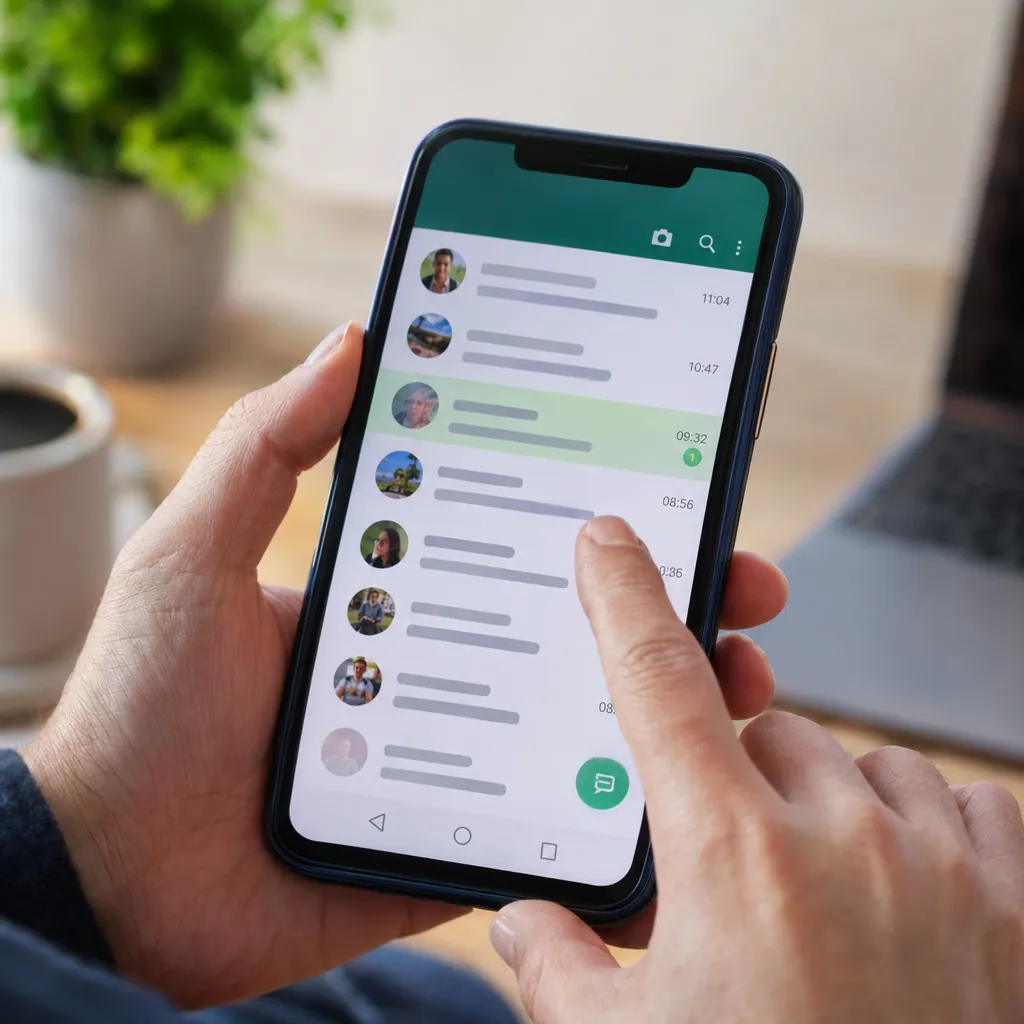
The simplest way to open a private message in WhatsApp is to tap the notification that appears on your phone screen. When someone sends you a message, you receive a visual warning with a preview of the text. Just tap on this notification and you will be taken directly to that conversation, ready to read and respond.
 WhatsApp Messenger
Classification:
”’I think it’S.
4.70
Age Classification:
Classification 14 years
Author:
WhatsApp LLC
Platform:
Android
Price:
Free
▶Download on Google Play
If you have already closed the notification or could not click at the right time, the path is very simple too. Open WhatsApp, look for the name of the person who sent you the message in the conversation list and tap to open the chat. Private messages do not disappear, they are saved in the conversation until you see them or delete them purposely. You can check the full content of the message by scrolling up in the conversation if it is old.
An important tip is to pay attention to the status icons of the messages. If you see a clock icon, it means that the message has not yet been delivered. An icon with a single visa indicates that the message has been delivered, and two visas mean that you have already read. Understanding these indications helps you better track the flow of the conversation and know exactly where you were.
Advanced strategy: notifications optimized to not miss messages
If you want to ensure that you never miss an important private message again, the first strategy is to set up your notifications intelligently. In WhatsApp, you can enable personalized contact notifications, which means that certain friends or colleagues may have a special sound or pattern different from others. Access the notification settings of your device and WhatsApp to make fine adjustments.
One technique that few know is to use the conversation filters. In WhatsApp, you can mark important contacts as favorites or put them in special groups. This way, you can quickly locate people who usually send you urgent messages. Tap the contact’s name, look for the option “Add to favorites” or “Mark as important” and voila. Conversations will always be visible at the top of your list, making it easy to access.
Another advanced strategy is to use WhatsApp chat filters to segment your conversations. You can create custom filters that show only unread messages, messages with attachments, or messages from specific groups. This reduces visual noise and helps you focus on priorities. To enable this functionality, look in the chat list settings and turn on the filters that make sense for your workflow.
Using shortcuts and special features of WhatsApp
WhatsApp offers several shortcuts that you can use to open messages faster. If you are in another app and receive a message, you can use the WhatsApp widget on your home screen to access the chats without opening the app completely. Simply tap the widget and you will see your latest conversations ready to open.
Another interesting feature is the WhatsApp search bar. If you received a message but do not know from whom or can not locate in the middle of so many conversations, just tap the magnifying glass icon at the top of the app and enter the name of the person or a keyword of the message. This search works in real time and quickly finds what you are looking for. You can also search for messages from specific groups or by date.
Automatic backup is another feature that you should not ignore. If you sync your messages to the cloud (Google Drive for Android or iCloud for iPhone), your conversations are protected.This means that even if something happens to your phone, you will be able to recover all messages when you reinstall WhatsApp. To enable this, go to Settings, then Chats, and look for the backup option.
Techniques for managing private messages in large volumes
If you receive hundreds of messages a day, you need a different strategy. An advanced tactic is to use the functionality of mute conversations. You can mute groups or conversations that usually send a lot of messages, but still receive a notification when someone mentions your name specifically. Thus, you are not overwhelmed with notifications, but remain attentive to the messages that really need your attention.
Another strategy is to organize your conversations using folders or files. In WhatsApp, you can archive chats that do not need to be visible all the time.When a new message arrives in an archived chat, it will automatically reappear at the top, ensuring that you do not miss anything important. This is a stylish way to keep your inbox clean while keeping the history safe.
One technique that professionals use is to respond immediately or mark to respond later. If you are unable to respond to a message at the moment, you can leave it as unread or use an external application to create a message-based task system.Many advanced users export important messages to a notes or task list application to ensure follow-up.
Solving common issues when opening messages
Sometimes you get the message notification, but when you try to open WhatsApp, the conversation does not appear. This may happen if the conversation was accidentally deleted or if there is a problem with synchronization. To resolve this, make sure the app is up to date and try to log in again or log out and re-enter the app. If the problem persists, reinstall WhatsApp and restore your backup.
Another common problem is when the message appears as unread, but you have already seen the content in the notification. This is just a matter of synchronization. Open the conversation or swipe down to update, and the message will be marked as read automatically. If you do not want messages to be marked as read when opening the app (for example, in professional conversations where it is important to keep the message as unread for now), look for this option in WhatsApp privacy settings.
If you are using WhatsApp Web, the process is equally simple. Messages appear on your computer in real time, and you can click on them to open the full conversation. If the messages do not appear, make sure that your mobile phone is connected to the internet and that the WhatsApp Web session is authenticated. You can check this by scanning the QR code again in the app settings.
Keeping your messages organized and secure
Once you learn how to open your private messages, it is important to know how to keep them organized and protected. An advanced strategy is to use the end-to-end encryption that WhatsApp natively offers. All your messages are automatically encrypted, but you can also enable security scanning to ensure that no one is intercepting your conversations.
To keep the organization organized, create a chat cleaning routine. Once a week or month, go through your conversations and delete messages that you no longer need to keep. You can also create themed folders using the chat lists functionality to target work, friends, family and other groups. This makes it easy to find important messages when you need to revisit an old conversation.
A final tip is to use the functionality of disappearing messages. You can set your conversations so that messages disappear automatically after a period of time (7 days, 90 days or 1 year). This is great for conversations that do not need to be saved forever and helps keep the history clean. To activate this in a specific conversation, open the chat, tap the three dots (menu), and look for “Messages that disappear”.
FAQ: Frequently asked questions about private messages on WhatsApp
How do I recover a message that I accidentally deleted? Unfortunately, if you delete a message in WhatsApp, it disappears for you. However, if the message was sent to you by someone, that person can still view it in their chat history.If you need the information, you can ask the person to resend the message. Using automatic backups helps to recover entire conversations if necessary, but it does not work for individually selected deleted messages.
Is it possible to open private messages without the person knowing I was read? Yes, you can disable the read confirmation in WhatsApp privacy settings. So people won’t see both blue views when you read a message. Go to Settings, then Privacy, and turn off “Read Confirmation”.
How can I backup my private messages? WhatsApp offers automatic backup to the cloud. On Android, messages are saved to Google Drive, and on iPhone, to iCloud. You can set the frequency of backup (daily, weekly or monthly) in the chat settings. To restore messages from a backup, you need to uninstall and reinstall WhatsApp, and the app will ask you to restore from the backup automatically during the initial setup.
Can I open private messages from someone I blocked? Yes, you can open and read old messages from someone you blocked, but you won’t receive new messages from that person. Old conversations remain in your history, and you can refer to them at any time.If you unlock the person later, new messages will start arriving normally again.
What to do if the private message does not appear in the inbox? There are several reasons for this: the message may have been automatically archived, it may be in a specific conversation filter, or the app may have a sync problem. Check your archived folder, look for the active filters, and try to force sync by sliding the screen down. If nothing works, try restarting the app or your phone.
Conclusion: Master the art of managing your private messages
Opening a private message on WhatsApp sounds simple in theory, but when you learn the advanced and optimized strategies that exist, your experience changes completely. You have found that it is not just about tapping the notification, but creating a personalized system that works with your pace of life and your priorities. From setting up smart notifications to using chat filters and backup features, you now have the tools to never miss an important message again.
The key to managing your messages well is to think about organization and proactivity. Implement the advanced strategies gradually, start with the ones that make the most sense for your situation and adjust as needed. Remember that WhatsApp keeps evolving with new features, so keep your app up to date and explore new features as they appear. With the knowledge you have gained in this guide, you are prepared to handle any volume of messages efficiently and will never be left out of an important conversation.



