
App to Query Data by the Board
Announcements
Consult data of a vehicle by the license plate has become a frequent need in Brazil, whether to check fines, history of owners or technical information of the car. This consultation is possible through specialized applications that integrate public and private databases. We will show you how this process works in a practical and safe way.
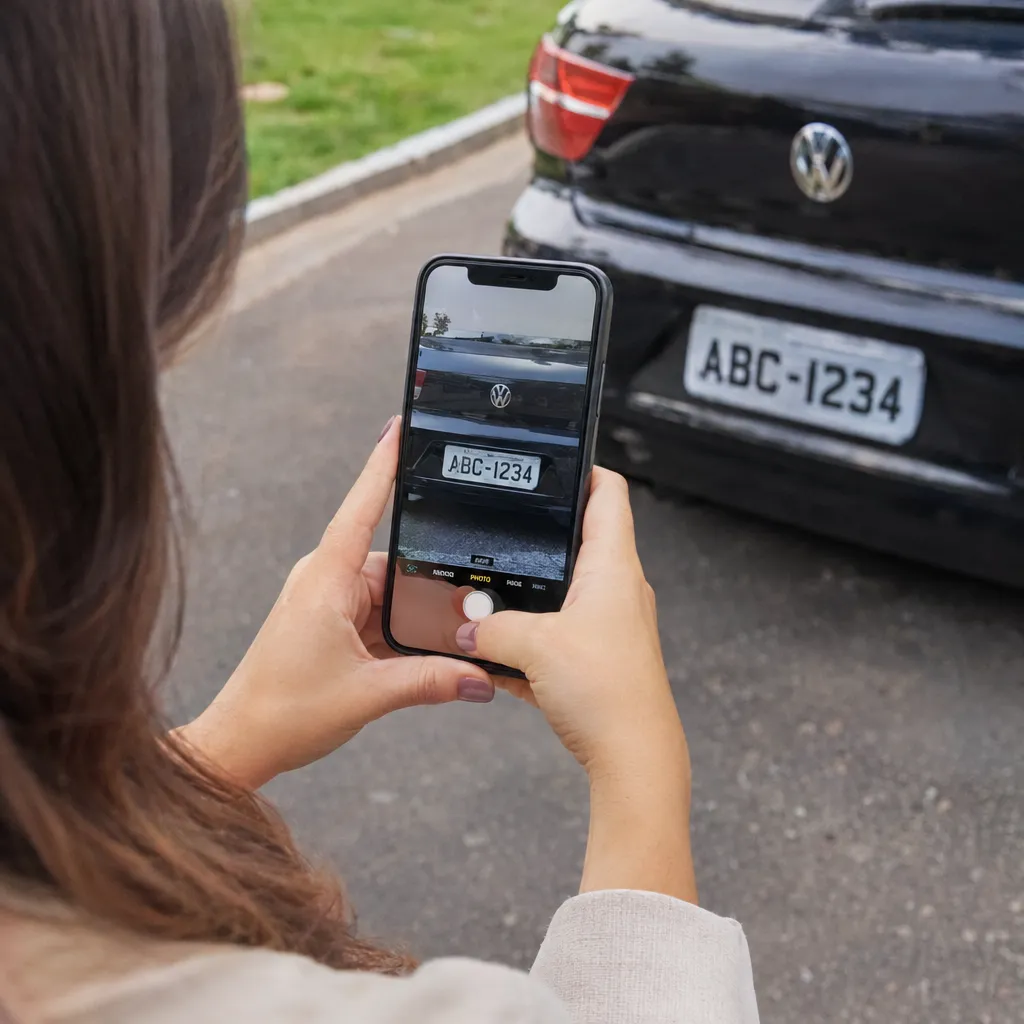
The technology allowed information that was previously only available in notaries or transit agencies could be accessed by your mobile phone in seconds. You can get specific data without leaving home, saving time and avoiding queues. The applications act as intermediaries between you and the official databases, processing the query and presenting the results in an organized and readable way.
Announcements
Main Information Available in the Consultation
When you make a license plate query, the application returns information that varies according to the contracted service. The most common data include the full name of the current owner, date of issue of the document, if there are IPVA debts or pending fines, and technical details such as make, model, year of manufacture and color of the vehicle. Some platforms also inform if the car has restrictions, fines for traffic score, or if it is involved in registered claims.
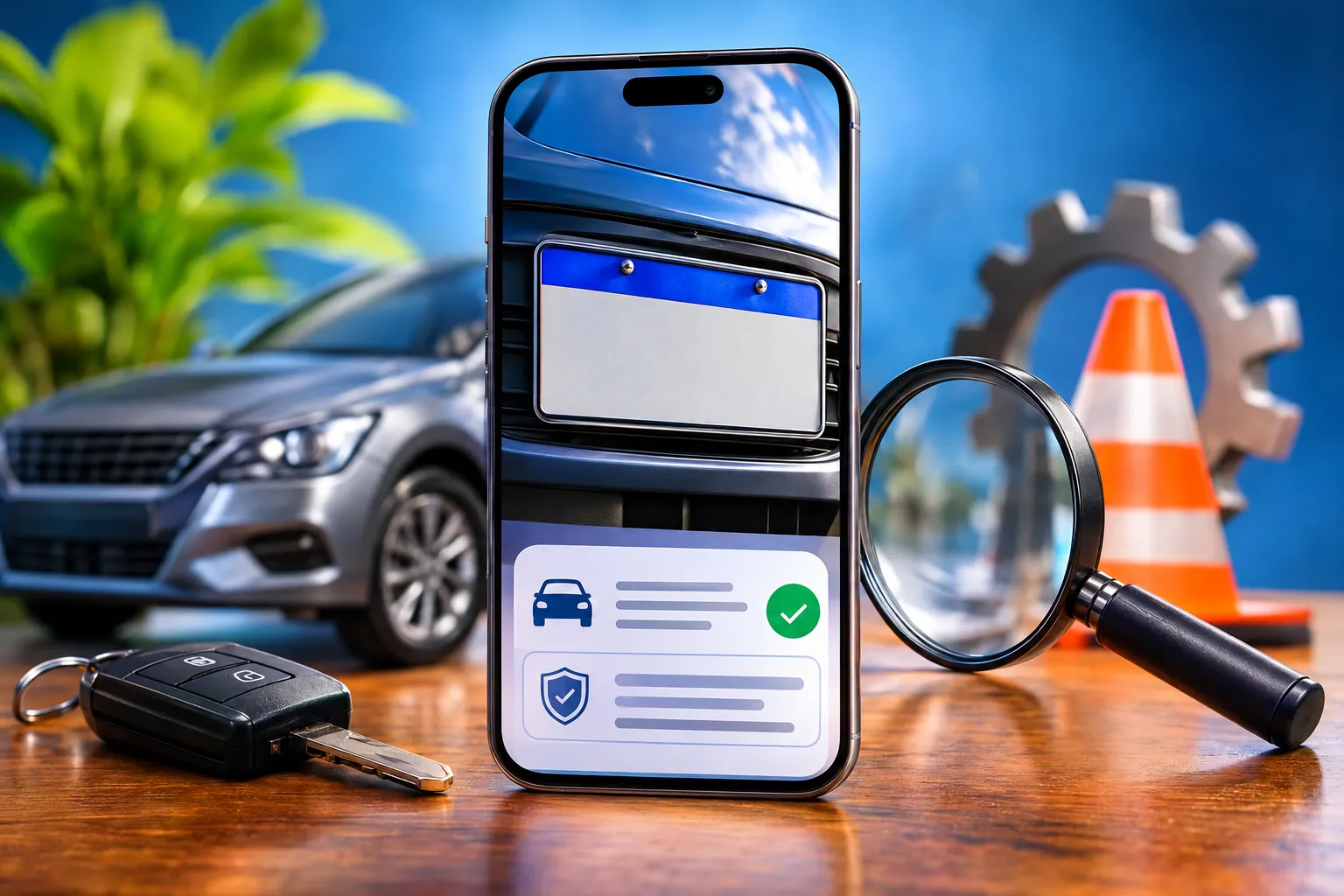
In addition to basic information, you can access data on the validity of compulsory insurance (DPVAT), history of transfer of ownership, and whether the vehicle is up to date with licensing. Some more complete queries reveal whether there are lawsuits related to the car, whether it has been stolen or recovered, and even information about technical reviews carried out. This information is fundamental for those who intend to buy a used car or check the regularity of a vehicle that already owns. To access this data in a practical way, you will need to download a suitable application on your smartphone.
How to Download the Query App
The download process is simple and straightforward, following the same pattern as any app available in the official marketplaces. Go to the Google Play Store if you use Android or the App Store if you use iPhone. In the search bar, look for terms such as “consultation vehicle card”, “vehicle data” or the specific name of the application you want to use. You will find several options available, each with its different features and billing models.
Before downloading, check the number of reviews and the average rating of the application, which are usually visible on the presentation page. Apps with more than 10 thousand downloads and grades above 4 stars tend to be more reliable and properly maintained. Also read the user reviews to understand if there are recurring problems, if the query is really fast, and if the cost-benefit is fair. After deciding which to use, click the “Install” button and wait for the download and automatic installation of the application on your device.
Practical Step by Step Consultation
After installing the application, open it and you will be directed to the home screen, which usually presents a field where you type the vehicle license plate. Enter the license plate exactly as it appears in the car document, without hyphens or spaces, only the letters and numbers. Most applications accept both the old format plate (three letters and four numbers) and the new Mercosur format (four letters and three numbers).
After typing the card, click the “See” or “Search” button The application will process the request, which usually takes between 10 and 30 seconds. You will see a loading screen while the app connects to the servers and fetches the information in the databases. If the card is valid and registered in the system, the data will appear on the screen in a few moments. You will have the option to view all the available information, share the result via WhatsApp or email, or save the query to access later without making a new search.
Interpreting the Results of the Consultation
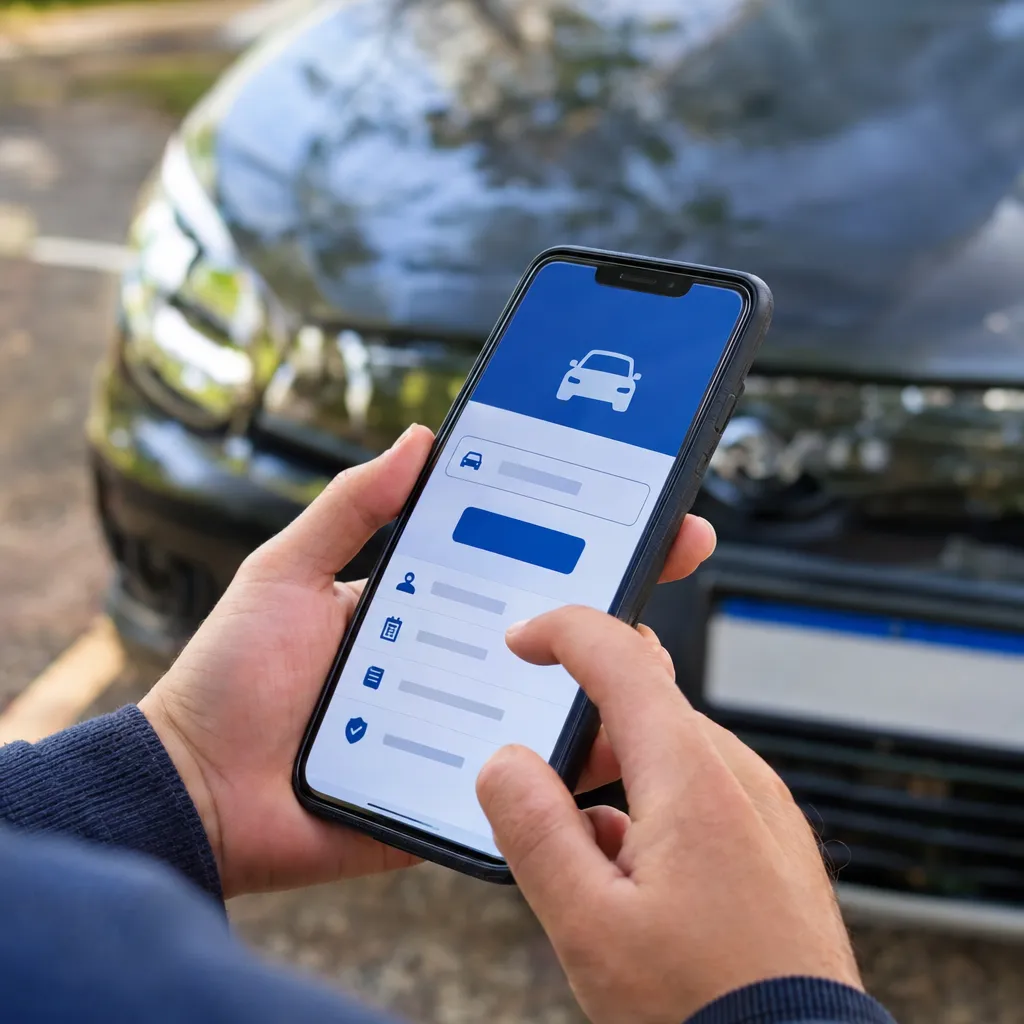
When the data appear on the screen, you will see several sections with organized information. The owner data section shows the name of the person or company responsible for the vehicle, as well as emission data of the document.The technical section presents physical characteristics of the car: make, model, version, color, number of cylinders and engine power. This information is crucial if you are thinking of buying the vehicle, as it confirms whether the characteristics described by the seller correspond to the official data.
The pending section is one of the most important to check, as it lists traffic fines, IPVA debts, licensing problems or judicial restrictions. If any notice appears in red, it means that the vehicle has pending issues that need to be resolved. You can view details about each fine, including date, amount and responsible body. Some applications also show the payment status and the possibility of paying debts directly by the platform, facilitating the entire regularization process.
Legal Limitations and Restrictions
It is important to understand that not all public data is available in all applications. Some information, such as the exact address of the owner, is protected by law and does not appear in the query results. This is because the General Data Protection Law (LGPD) in Brazil establishes restrictions on what personal data can be shared and in what context. The applications respect these limitations and filter the information to comply with current legislation.
In addition, you should know that performing license plate consultations for unauthorized purposes, such as non-consensual tracking or to harm third parties, is illegal in Brazil. The consultation is allowed for legitimate purposes such as verification before purchase, confirmation of regularity of the vehicle itself, or resolution of administrative disputes. Never use the data obtained to harass, blackmail or harm someone. The applications keep records of all queries made, and the police can investigate whether there are reports of misuse of the information collected.
Tips for Better Use of the Application
To get the most out of the board query, start by saving your favorite apps to your home screen shortcuts. This way, when you need to make a quick query, you won’t spend time searching for the app.Many apps allow you to create a list of frequently consulted vehicles, making future searches easier without having to type the board again. Use this functionality if you manage multiple vehicles or work with fleets, saving time on your daily queries.
Another valuable tip is to know the date of update of the information in the database. Some applications update their data in real time, while others do daily or weekly update. If you have consulted a board and obtained a result, but have doubts about the accuracy, wait a few hours before making another query, as the servers may be synchronizing data. We recommend writing down important information of the queries in a notepad or file, especially when you are buying a car and need to compare data from multiple vehicles. Thus, you have a historical record and can make cross-references if necessary.
Vehicle Data Query Alternatives
Although the applications are the fastest and most convenient way to query data from a vehicle, there are other alternatives available for you to access the same information. The official portals of Detran (State Department of Traffic) and Denatran (National Department of Traffic) offer queries through their websites, where you can check fines, debits and registration information. These queries via the website work well, but require you to access from a computer and usually involve more steps than mobile applications.
You can also access information through notary services, which offer face-to-face or online consultations on owner history and vehicle transfers. Some used vehicle dealerships have specialized reports that compile information from multiple sources, offering a complete view of the car history. For those who prefer not to use applications, these traditional alternatives still work, although they take longer.The choice between application, official website or face-to-face service depends on your urgency, availability and personal preference in how to access the information.



