Understand How to Send and Receive Anonymous Messages
Announcements
Anonymous messages offer privacy and discretion for sensitive communications.You can send messages without revealing your identity, creating a safe space for feedback, confesses or sensitive conversations that deserve anonymity.
There are several ways to communicate anonymously on the internet, from specialized applications to platforms that offer this functionality as an additional feature. Most of these tools use encryption and do not track personal data, ensuring that your privacy is maintained from start to finish of the conversation. In this article, you will understand how these systems work, what are the best practices and, most importantly, what common mistakes you should avoid when using these platforms.
What Are Messages with Single View
Single-view messages are those that disappear after being read once. You send a message, the recipient views it, and then the message self-destructs from the server or application memory. This feature adds an extra layer of security, as it prevents anyone from printing or accessing conversation history later.
Announcements
This type of communication is especially valuable when you want to ensure that sensitive information is not stored indefinitely.The combination of anonymity with single view creates an environment where you can speak freely without fear of your words being preserved or tracked.Many modern platforms implement this system to meet increasing privacy demands.
How to Send Anonymous Messages Correctly
To send an anonymous message, you usually need to access a specialized application or website that does not require identification. The first step is to install or access the chosen platform, create an account without real personal data (or use the version without registration, if available) and locate the option to send anonymous messages. After writing your message, you share a link or unique code with the recipient, who can view the message without knowing who sent it.
The key to sending messages securely is not to include information that can identify you, such as names, dates, obvious personal references or very specific details of your work or life. Even in anonymous mode, you leave digital traces if you talk about very particular situations. Keep the message generic enough to keep your identity hidden, but clear enough that the recipient understands your purpose and can respond appropriately if the platform allows two-way dialogue.
Receiving and Viewing Anonymous Messages
When you receive an anonymous message, you usually have access to a link, code or notification that activates it. To view it safely, open the link in a private or incognito browser when possible, as this prevents cookies and history from tracking your activity. When you click to see the message, it becomes visible for a brief period before disappearing automatically or after the first reading.
If the app offers anonymous response functionality, you can return the message without revealing your personal data as well. Remember that the recipient cannot identify the sender through conventional technical information, but your response or subsequent behavior may reveal clues about who you are. Therefore, maintain consistency with your incognito persona throughout the anonymous conversation.
Common Mistakes When Sending Anonymous Messages
One of the most frequent mistakes is to include personally identifiable details in the message itself.Many people believe that they are protected only by using an anonymous application, but then mention specific information that immediately reports them.If you work in a single sector, have a rare hobby or mention a very personal situation, the recipient can easily find out who you are even without your name in the message.
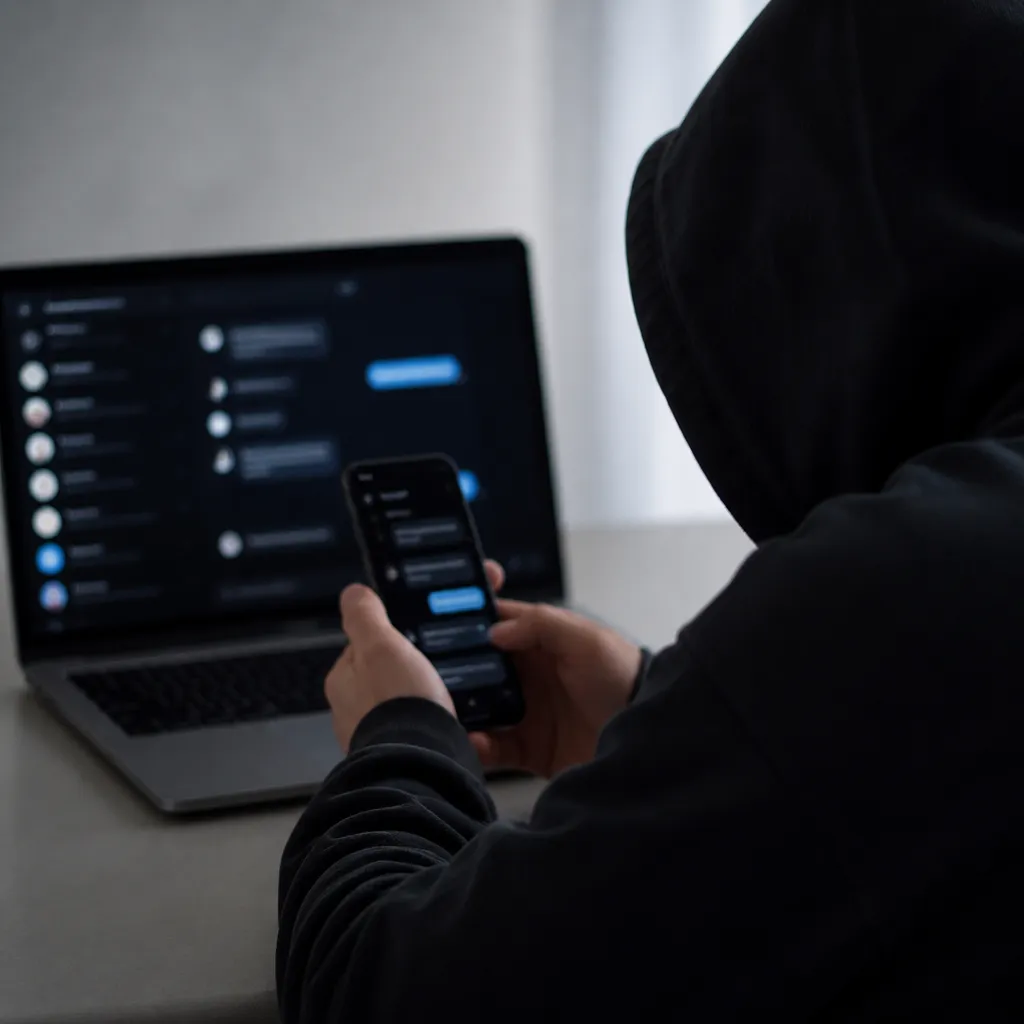
Another common mistake is to use the same anonymous account for multiple different purposes. If you send messages of various natures (professional feedback, personal note, group comment) from the same account, language patterns and themes can reveal your identity. The ideal is to create different accounts for different contexts, preventing someone from connecting all these points and finding out who is behind them.
Many users also neglect the security of the device itself.If your computer or smartphone is infected with malware, no matter how anonymous the platform is, someone may be monitoring your activities.Make sure that your device has up-to-date antivirus, that you use reliable Wi-Fi networks for these communications, and that no one has physical access to your device while you send anonymous messages.
Avoiding Tracking and Preserving Your Anonymity
To truly preserve your anonymity, use a trusted virtual private network (VPN) when accessing anonymous messaging platforms.The VPN masks your IP address, preventing anyone from tracking your location or identifying your internet provider.Even if the platform is hacked, your connection data will not lead directly to you if a VPN is protecting your activity.
Avoid linking your anonymous accounts to emails or phone numbers you use on other platforms.If you register with a public email address that you also use on Facebook, LinkedIn or any social network, it leaves a clear path for someone to connect your anonymous identity to your real identity.
Even if the platform offers a single view, if someone screenshots (screenshots) of your message before it disappears, the image is recorded and can be shared later. Always assume that if something is important enough to be sent anonymously, it should not be something you would not like to be captured and shared.
Differences Between Platforms and Features
Different platforms offer different levels of anonymity and functionality. Some require registration and maintain server logs, others work without any registration and store data only temporarily. Some allow only one-way messages, while others facilitate two-way dialogues between sender and recipient, both anonymous to each other. Choosing the right platform depends on your specific use case.
Applications focused on corporate feedback often have less encryption but greater legal responsibility. Community confessions platforms may have more anonymity features, but may be less reliable as to secure data storage. Before using any tool, read their privacy policy carefully, understand where your data is stored, how long it persists, and who has access to it. This due diligence prevents unpleasant surprises and unexpected privacy violations.