Best App to Watch Security Cameras
Announcements
Do you want to monitor your security cameras from anywhere, without relying on getting stuck to the computer? Mobile apps have transformed the way people track their property by offering instant access to video feeds straight from their mobile. Here you will learn the advanced strategies for choosing and optimizing the use of these tools.
The market has grown exponentially in recent years, and today there are several options that go far beyond simple access to live video. Each platform offers differentiated features, intelligent integrations and features that can transform your security routine. The right choice depends on you understanding what each offers and how to get the most out of them.
Understanding Remote Monitoring Apps
The applications to watch security cameras work by establishing a connection between your smartphone and the devices installed in your home or business. This connection occurs over the internet, using security protocols that encrypt the sending of data. The application acts as an intermediary, translating the signal from the cameras in a format that your phone can process and display in real time.
Announcements
Each manufacturer develops its own version, adapted to its equipment and infrastructure. Some companies use their own servers to store and transmit data, while others allow direct connection between devices. This fundamental difference affects speed, reliability and even the privacy of its monitoring, making it essential to understand how each platform works before investing.
Advanced Selection and Compatibility Strategies
The first strategy you should master is to accurately map which cameras you own and which ecosystem they belong to. Many users face problems when trying to use generic applications that promise compatibility with multiple brands but offer reduced functionality. The best approach is to prioritize the official application of the manufacturer of their cameras, which will always offer maximum features and optimization.
If you have cameras from different brands, consider investing in a security hub or unified platforms that allow you to add multiple devices in a single dashboard. This reduces the need to switch between different applications and offers a consolidated view of your entire system. Many of these aggregators also add extra layers of security and allow for more sophisticated automations between devices of different brands.
Connection and Performance Optimizations
To ensure you have fast and reliable access to your cameras, it is critical to optimize your internet connection. Live video quality consumes significant data, especially if you are using the 4G or 5G mobile network. Set the app to automatically adjust the resolution as per your connection speed, allowing you to watch even in slower internet situations without losing the image completely.
Another crucial aspect is keeping your Wi-Fi router updated and strategically positioned, ensuring that installed cameras capture strong signal. Most latency or disconnection issues stem from a weak connection between the cameras and the router. Add the cameras to a 5GHz network if your equipment supports it, as it offers higher speed, albeit with a slightly shorter range than 2.4GHz.
Advanced Features That Make a Real Difference
The best apps offer much more than live viewing, and you should know these features to extract true value from the technology. Intelligent motion detection, customizable alerts and access to event history are features that turn a simple camera monitor into a robust security system.Some apps allow you to define specific zones for monitoring, ignoring irrelevant movements like swaying trees or small animals.
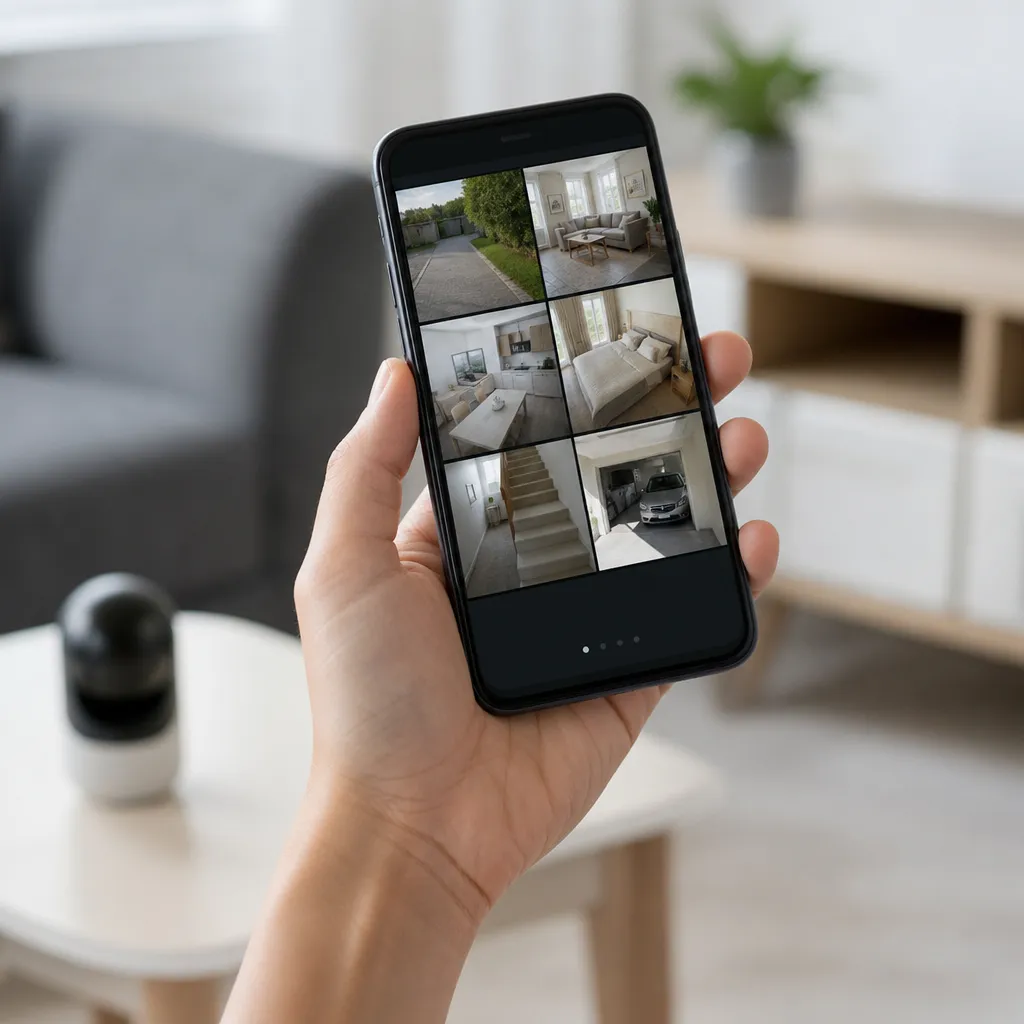
Continuous or event-based recording is another important distinction, directly affecting the storage you need and the amount of information you will have available later. Most platforms offer cloud storage, but with varying limits and costs. You can optimize this by combining local storage through SD cards on cameras with cloud storage plans only for critical events.
Remote Access Security and Privacy
By allowing you to access your cameras remotely, the app creates a potential attack vector if not properly configured. Enable two-factor authentication on your account, even if the app does not insist on it, as this adds an extra layer of protection against unauthorized access. Regularly change your password and use unique passwords for each service, never reusing credentials between different platforms.
Regularly review who has access to your camera system through the main account, especially if you share access with family or employees. Some apps allow you to create sub-accounts with limited permissions, allowing a person to view only certain cameras or have restricted access to specific times. Use these features to minimize risks and maintain granular control over who sees what on your system.
Intelligent Integrations and Automation
An advanced strategy that few users explore is integrating your camera apps with voice assistants and automation routines. If you use a smart assistant, you can configure your system to display specific camera feeds via voice command, eliminating the need to open the app manually. These integrations vary greatly between platforms, so check compatibility before choosing.
Event-based automation is even more powerful, allowing the system to perform actions when it detects movement or other conditions. You can configure it so that when you detect someone at your gate, the input camera automatically displays on your smart display, or that an email with the event image is sent to you. These routines need to be carefully planned so as not to generate excessive notifications that cause informational fatigue.
Informed Choice for Your Specific Needs
No application is universally “the best” as the best for you depends on your specific cameras, your internet infrastructure and your security requirements.Start by testing your manufacturer’s official application during a trial period, exploring all its features and limitations.If you have multiple brands, research third-party platforms that integrate all of this in a unified way, always checking for reliability and support ratings.
Consider your usage patterns when making the final choice, since someone who continuously monitors has different needs than someone who just checks occasionally. Simpler apps consume less data and battery, while enterprise versions offer sophisticated features but at a higher cost. Test the experience of using different connection types and times, ensuring that the app behaves well in the real situations you will face on a daily basis.