Security Cameras App: Common Mistakes to Avoid
Announcements
You want to view nearby security cameras, but you do not know which application really works well.The truth is that many people make mistakes when choosing and using these apps, compromising their experience and security.
The market offers several solutions to monitor cameras in real time, but each has unique characteristics and requires proper configuration. In this article, you will find out the most common mistakes people make when using applications to see nearby security cameras and how to avoid them in a practical way.
Error 1: Do Not Check Device Compatibility
Many users download an app to see nearby security cameras without first confirming whether it works on their phone or tablet. Each app requires a minimum version of Android or iOS, and ignoring this requirement causes crashes, connection errors, and disabled functionality.
Announcements
Before downloading any application, check the official store (Google Play or App Store) the operating system requirements. Also see the full description of the app to understand which versions are supported and if your phone is up to date. This simple care avoids frustration and time savings, as you will not spend data and storage space with an incompatible app.
Error 2: Connecting to Unknown and Unsecured Cameras
One of the biggest risks when using apps to view nearby security cameras is connecting to third-party devices without knowing who they are or if they have protection. You may be accessing other people’s private cameras, which is illegal and exposes you to legal consequences. Many apps allow you to “discover” cameras on the network, but not all are available for legitimate public access.
Always confirm that you are allowed to access the camera before connecting to it. If you are using an app from your own security camera, set up strong credentials and do not share access with strangers. Read the privacy policies of the application and understand exactly what data is being collected and stored. This precaution protects both your equipment and your personal privacy.
Mistake 3: Leaving Default and Weak Passwords
Many people install an app to see nearby security cameras and use the default password that comes in the camera or app. Hackers know these passwords and can access their devices easily. A weak password also allows anyone with access to your WiFi network to view your cameras without authorization.
Immediately change any default password to a strong combination with upper, lower case, numbers, and special characters. Use a different password for each camera or device you monitor through the app. Consider using a password manager to keep all these credentials safe and organized, without risk of forgetting or unsafe notes.
Error 4: Ignore Security Updates
When you receive an app update notification to see nearby security cameras, you may find it unimportant and postpone indefinitely. These updates often include fixes for vulnerabilities that hackers already know and try to exploit. Ignoring them leaves your device exposed to attacks that could compromise your cameras and personal data.
Turn on automatic updates to your mobile app store settings, or check regularly for new versions available. Take a few minutes each week to keep your apps up to date. This simple habit is one of the most effective defenses against security vulnerabilities and ensures you always have access to performance improvements and new functionality.
Error 5: Using Public WiFi to Access Cameras
You are in a cafe, in a store, or anywhere with free WiFi, and decide to view your nearby security cameras through the app. This attitude is extremely dangerous because public networks are not encrypted and anyone can intercept your data. A hacker can capture your credentials or even hijack the connection with your cameras.
Avoid accessing security cameras through public WiFi networks. Always use your personal mobile data connection (3G, 4G, 5G) or access only through a reliable VPN that encrypts your connection.If you absolutely need to use public WiFi, activate the VPN before opening the app and never access sensitive information such as passwords or banking data while connected to an unsecured network.
Error 6: Not Configuring Notifications and Alerts
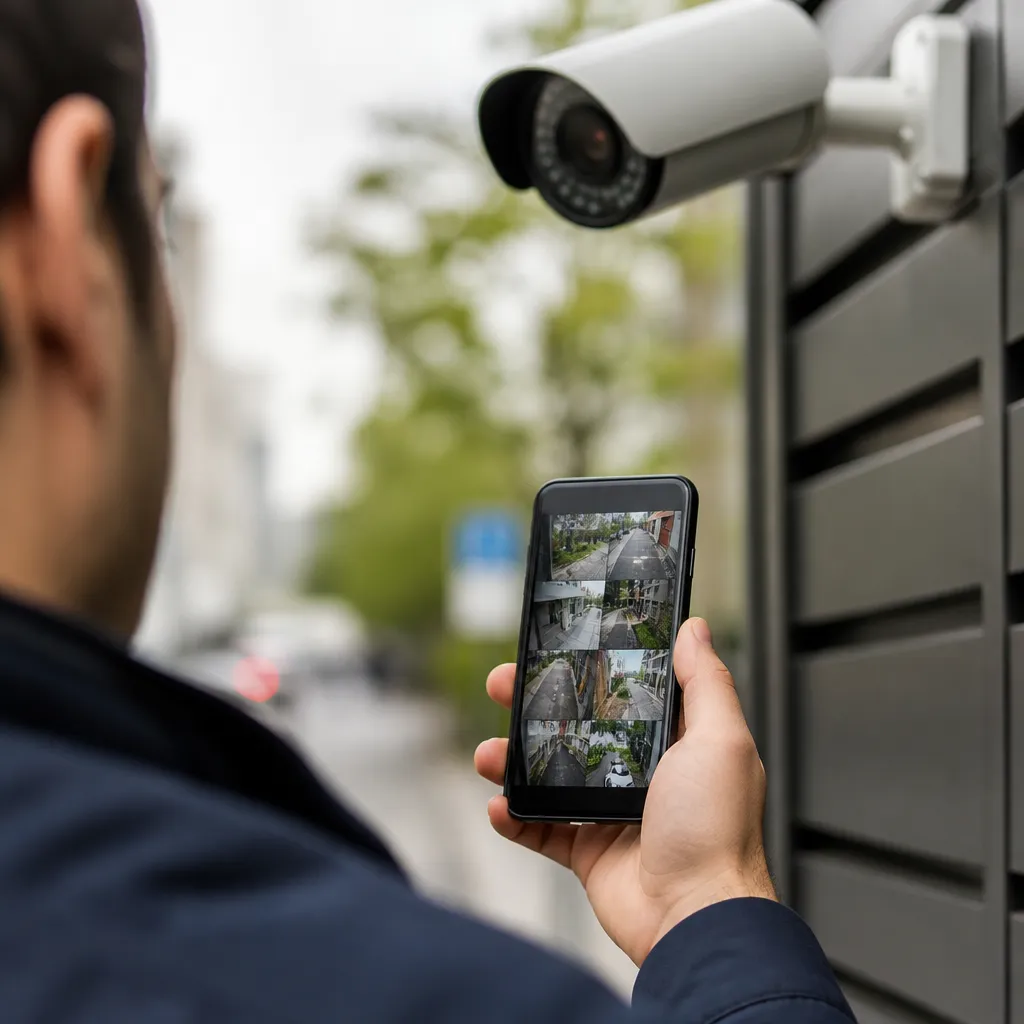
Many users install an app to see nearby security cameras and leave all settings in the default, losing important alerts of movement or intrusion. You may be absent when something important happens and not know it because you never set up how the app should notify you. Cameras can record events, but if you do not know where to look, this information is lost.
Take time to explore your app’s notification and alert settings. Choose which events should generate warnings (move detected, connection lost, battery low) and how you want to be notified (sound, vibration, message). Test alerts to ensure they are working and adjust detection sensitivity as needed. Proper configuration turns the app into an active protection tool, not just a passive viewer.
Error 7: Do Not Backup Important Recordings
You trust that the app will automatically store all recordings from your nearby security cameras in the cloud or on the device. When you need an important recording (to prove a theft or incident), you find that it has been deleted or lost. Many apps have storage limits or retention periods, and do not clearly tell you when the recordings expire.
Check what your app’s data retention policy is and how much space is available for storage. If there are important recordings, download and save them to a secure location, such as an external hard drive or personal cloud service. Create a regular backup system for critical events and keep the recordings organized by date. This precaution ensures that you have access to the records when you really need them.
Error 8: Share Access without Control
It is convenient to share access to the app from nearby security cameras with friends or family so they can monitor the house as well. However, you may be giving access to more people than you should or to addresses you should not allow. The more people have access, the greater the risk of a credential being stolen or misused.
Where possible, use app-specific sharing features instead of simply lending your account. Many apps offer different levels of access (view only, permission to disable alerts, etc.), allowing you to control exactly what each person can do. Regularly review who has access to your cameras and remove people who no longer need it. Keep a mental record of how many people know your credentials and where they might be accessing your cameras.
Mistake 9: Expecting Video Quality Perfection
You download an app to see nearby security cameras and are disappointed because the video quality is low or the transmission is slow. The reality is that the quality depends on many factors: your internet connection, the distance from the camera, the type of network (WiFi or 3G), and the amount of people accessing simultaneously. Expecting 4K quality in real time on slow connection is to ignore these technical limitations.
Understand the limits of live streaming of your app and adjust your expectations according to the technical reality. If you need higher quality, invest in a faster internet connection or consider cameras with better video compression. For specific events, most apps allow recording in higher quality, saving bandwidth at the same time. Test the app with your real network conditions before completely relying on it.
Error 10: Not Testing the App Before Critical Situations
You install an app to see nearby security cameras and just use it occasionally, without ever really testing it in demanding situations.When you finally need to access the cameras because an incident has occurred, you find that the app does not work, the connection drops, or you do not remember how to use. Regular tests reveal problems long before you really need everything to work perfectly.
Run practice tests of your app regularly: access from different networks (WiFi, 3G, 5G), test from several different locations, confirm that alerts work, and practice finding old recordings. Simulate emergency situations to know exactly how to act. These tests reveal configuration or hardware failures that you can fix in time. When a real incident occurs, you will be prepared and confident with the operation of the app.