Free App to Protect Your Kids Online
Announcements
Protecting your children in the digital world is an increasingly common concern among parents and guardians. With easy access to the internet, tablets and smartphones, there are also risks that need attention: inappropriate content, contact with strangers and excessive screen time. Fortunately, there are free tools that help you monitor and control what your children access online.
Announcements
In this article, we will explore how apps work to take care of children’s digital security, what are the most common mistakes parents make when trying to protect their children, and how to avoid them.
What Is A Parental Control App
A parental control app is software installed on your child’s device that allows you to track their online activities. These apps work by filtering inappropriate content, limiting usage time, and creating blocks for specific websites and apps. You can historically view which websites were visited, which apps were used, and even the device’s geographic location in real time.
Most of these tools offer two main components: an application installed on the child’s phone or tablet and a control panel that you access from your own device. This system allows you to set rules remotely, without being physically close to your child. The control works 24 hours a day, automatically monitoring all activities without requiring you to manually check at every moment.
The Most Common Mistakes Parents Make
One of the biggest mistakes parents make is installing a control app and imagining that the problem is solved. Digital protection is not a “configure and forget” as the internet constantly changes and new risks arise daily. You need to regularly review the reports provided by the app, check what content your child is accessing and adjust the settings as he grows and his needs change.
Another common misconception is that total control is the best approach. Parents who block absolutely everything and monitor every click tend to undermine the trust relationship with their children.When their children grow up and realize that every activity is watched, they may develop resentment or seek creative ways to circumvent controls.The balance between protection and freedom is essential to create a healthy environment.
Many parents also make the mistake of not talking to their children about digital security. Just use an application without educating the child about the dangers of the internet does not work. You should explain why certain content is blocked, why they should not talk to strangers online and why screen time has limits. This combination of technical tool with education is what really works.
How to Properly Set Up a Control App
The first step is to choose an app that is suitable for your child’s age and the type of device he uses. If your child has an Android smartphone, there are specific options for this operating system.If you use iPhone, the approach is slightly different. Do a research on which apps offer free features that you really need, instead of being impressed by advanced features that you will never use.
After installing the app, set up the restrictions gradually and realistically. For a small child, you may need very strict locks, allowing only specific educational sites and applications.For a teenager, the approach can be more flexible, focusing on alerts about harmful content and reasonable time limits. Adjusting the settings does not mean leaving your child unprotected, but rather offer age-proportional protection.
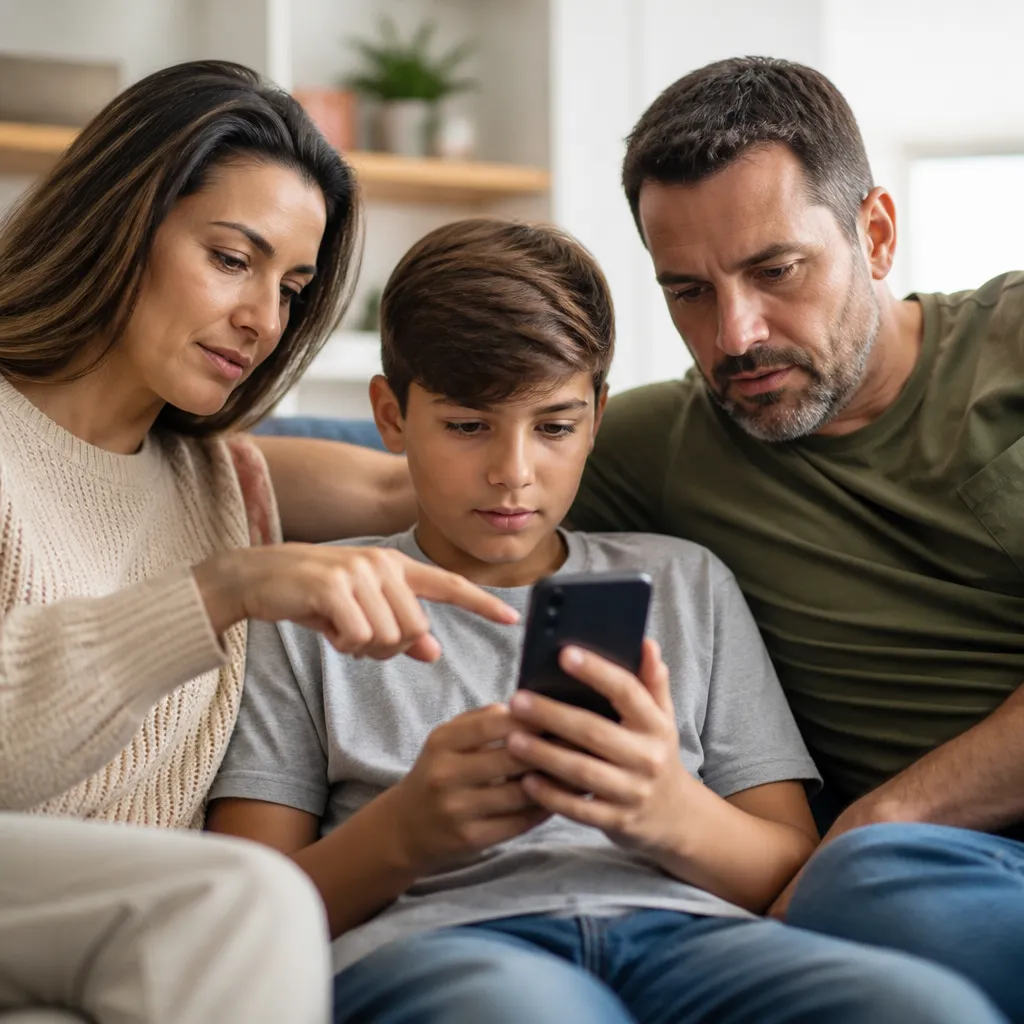
Also establish a frank dialogue with your children about monitoring. Explain that the application exists to protect them, not to invade them or punish them unfairly. Make it clear that you are interested in keeping them safe, and that any disturbing content will be an opportunity for conversation, not automatic punishment. This transparency significantly reduces the chances of your child trying to bypass the system.
Essential Features You Should Not Ignore
Content filtering is perhaps the most important feature of any parental control app. This tool automatically identifies and blocks websites with adult material, violence, hate, or other harmful categories.You can customize which types of content will be blocked, creating a safer environment specific to your family.
Location tracking is another valuable feature that offers peace of mind, especially for children who already move around the city alone.Many apps allow you to see where your child is in real time, receiving alerts when he arrives or leaves certain places, such as school or a friend’s house.
Screen time limits help you control how much time your child spends connected. You can set specific times during which the device gets locked, ensuring that your child sleeps well at night and has time for offline activities. This functionality is especially important for younger children, who are more vulnerable to addiction to electronics.
Preventing Your Child from Skirting the Protections
Children and teens are creative when they want to circumvent digital restrictions. A common mistake is to use a very simple password or share it with your child. Keep your password safe and change it regularly to prevent your child from discovering it through trial and error. If you notice that the settings are being changed without your authorization, it is a sign that you need to increase the security of your account.
Your child may also try to use other people’s devices to access blocked content. So it is important that you talk to other parents whose children are friends with their children, establishing an agreement on respecting parental control rules.In addition, direct your child to warn you if a friend tries to offer an unprotected device to access something that has been blocked at home.
Keep up to date on new trends among children and teens. Apps and platforms constantly pop up, and your child may be using something you don’t even know. Ask him to explain what social networks and apps he uses, show genuine interest and establish clear rules about these tools. When you are informed, it becomes much harder for him to hide problematic activities.
When to Review and Adjust Settings
As your children grow, their needs change and new threats emerge online. You should review the app settings every three or six months, depending on the age of the child and how quickly it develops. A 15-year-old probably does not need the same restrictions he used at 10.
Also review the activity reports provided by the app to identify patterns. If you notice that your child is repeatedly visiting websites that you are concerned about, it is time to have a conversation. Ask why that content interests you and use this as an educational opportunity, rather than simply increasing restrictions.
Remember that the ultimate goal is not to control your child forever, but to educate him so that he becomes a responsible user of the internet. Gradually, as he demonstrates maturity and good judgment, you can relax some restrictions. This transition process is just as important as the initial protection, as it prepares your child for the digital world he will face when leaving home.