WhatsApp Color Change App
Announcements
Want to customize your WhatsApp with different colors? Many users are looking for applications to change the color of the app, but do not know where to start &, worse, may fall into traps.Let’s explore how this really works and what mistakes you should avoid when trying to transform the appearance of your WhatsApp.
Announcements
The truth is that WhatsApp itself does not offer any native tool to change colors freely.What you see out there are third-party solutions: some legitimate applications, but also many that carry risks. Understanding the difference between what is safe and what can harm your privacy is essential before installing anything.
How Color Customization Apps Work
Apps that promise to change the color of WhatsApp work in different ways. Some create a visual layer on the original app, changing elements such as background of the conversation, colors of message bubbles and navigation bar. Others directly modify the operating system files to customize available themes. The important thing is to know that these solutions do not connect to WhatsApp directly & they simply modify how you see it on the screen.
Most of these tools use technologies such as interface overlay or custom themes. If your phone uses Android, for example, theme apps can change colors and styles of almost any installed app. On iOS, the options are more limited because the Apple system is more restrictive with modifications of this nature.
The Most Common Mistakes in Using These Apps
The first big mistake is installing any app that promises to change colors without researching your reputation. Many fraudulent apps pose as legitimate tools and you end up giving dangerous permissions to your phone. When you click “accept”, you often grant access to contacts, photos, location and even messages. Never accept permissions that seem unjustified for the function of the app.
Another common mistake is to confuse legitimate theme apps with malicious WhatsApp clones. There are fake copies that pretend to be “WhatsApp Plus” or “WhatsApp Modified” & “These are extremely dangerous.They can steal your messages, give access to your account or disable your real number. The golden rule is: never install modified or “plus” versions of WhatsApp. Use only the official Meta app available in authorized stores.
A third mistake is to ignore security warnings from your phone. When you try to install an app outside the Play Store or App Store, your device warns that there may be risk.Many people ignore this alert thinking that it is only exaggerated protection & IT IS just there that scammers can pass. The warning exists for a reason. If a legitimate app is not available in the official store, there is something suspicious happening.
How to Identify Secure Apps
Before installing anything, check reviews on the Play Store or App Store. Apps with very few reviews, low ratings or comments from users complaining about data leakage are big red flags. Read the comments carefully ‘REAL users tell their experiences and security issues there. If you notice patterns of complaints about strange permissions or invasive ads, skip to another option.
It is also crucial to check who developed the application. Search for the name of the developer and see if there are other apps in the store with the same creator. Reliable developers maintain a coherent portfolio of apps and invest in good relationships with users. You can also search for the name of the app and the developer on Google & Google if you find reports of fraud or data theft, it is better to stay away.
Another safe practice is to check how many permissions the app asks during installation. If an app just to change colors requests access to the camera, microphone, contacts and location, something is wrong. Legitimate apps ask only for the necessary permissions for your role. On Android, you can check and revoke permissions after installing & stay tuned for unnecessary access.
Safe and Approved Alternatives
If you want to customize your WhatsApp without risk, the safest option is to use the themes available natively in the app. The official WhatsApp offers light and dark themes, and in some regions provides more options. Access the settings, go to “Appearance” or “Display” and choose from the options offered. This is the 100% safe way, as it comes from the official application itself.
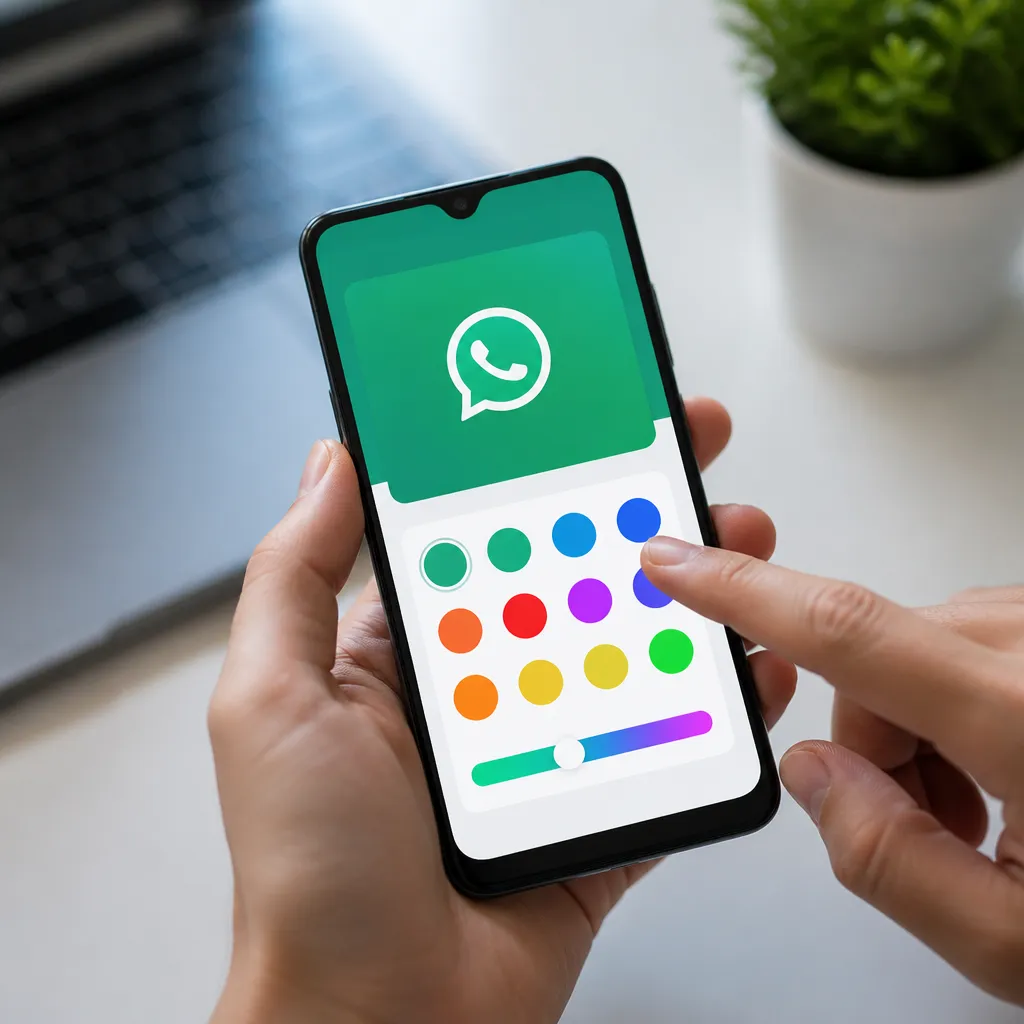
Another safe alternative is to use operating system theme customizers that are recognized and have good ratings. On Android, there are theme applications developed by well-known companies that modify the overall appearance of the phone, including apps like WhatsApp. These solutions are usually more reliable because they work with the operating system in a standardized way and do not try to access sensitive data.
You can also explore custom wallpaper for WhatsApp, which is a legitimate feature.Some apps allow you to set custom backgrounds just for conversations, without modifying colors of critical elements or requesting dangerous permissions.This is a balanced approach: it offers customization without significant security risks.
Warning Signs You Should Know
If an app promises to change WhatsApp colors but asks you to log in with your Meta account, run away. Legitimate apps never ask for your login credentials & ‘DO’s where account theft happens. This is perhaps the biggest snare, because it seems like a legitimate procedure, but it’s actually transferring your access to criminals.
Another warning sign is when the app displays too many ads or tries to force downloads from other apps. This usually indicates that it is an adware or advertising app, created primarily to generate revenue from clicks and downloads, not to actually offer useful functionality. Good quality apps may have ads, but they are not invasive or aggressive. If you can barely use the tool because of pop-ups, it’s time to uninstall.
Also be wary of apps that disappear from the official store regularly. If you find a praised application, try to install and see that it has been removed from the Play Store, there are reasons ”The store has probably identified malicious practices. Always prefer apps with stable history and continuous presence in official stores.
What to Do If Something Suspicious Has Already Installed
If you have already downloaded a color change app and are worried, the first step is to uninstall it immediately. Go to Settings, search for Apps or App Manager, find the suspicious program and remove it. Then review the permissions of your other apps to ensure that none of them have excessive access to sensitive data.
Also consider scanning with a trusted mobile antivirus to see if something malicious has been left behind. Apps like Kaspersky Mobile, Avast or Norton can detect and remove threats. Performing a quick scan after removing a suspicious app is a smart precaution that takes a few minutes.
If the suspicious app has requested access to your WhatsApp account, change your password on the Meta website urgently. Go to the account recovery page, confirm your identity and create a new password.Also enable two-step verification in WhatsApp by going to Settings > Account > Two-step verification. These actions add layers of protection against unauthorized access.
You learn through experience, and if you made this mistake, use it as a lesson. From now on, search before installing, trust official stores and do not accept unjustified permissions.The security of your mobile phone and your data is much more valuable than having a WhatsApp with different colors.