How to Listen to Police Radio with an App
Announcements
Listening to police radio in real time is a way to stay up to date on occurrences, traffic alerts and operations on the streets. With the right apps, you can access these transmissions directly from your smartphone, without needing specialized equipment.
continue on to the full guide:
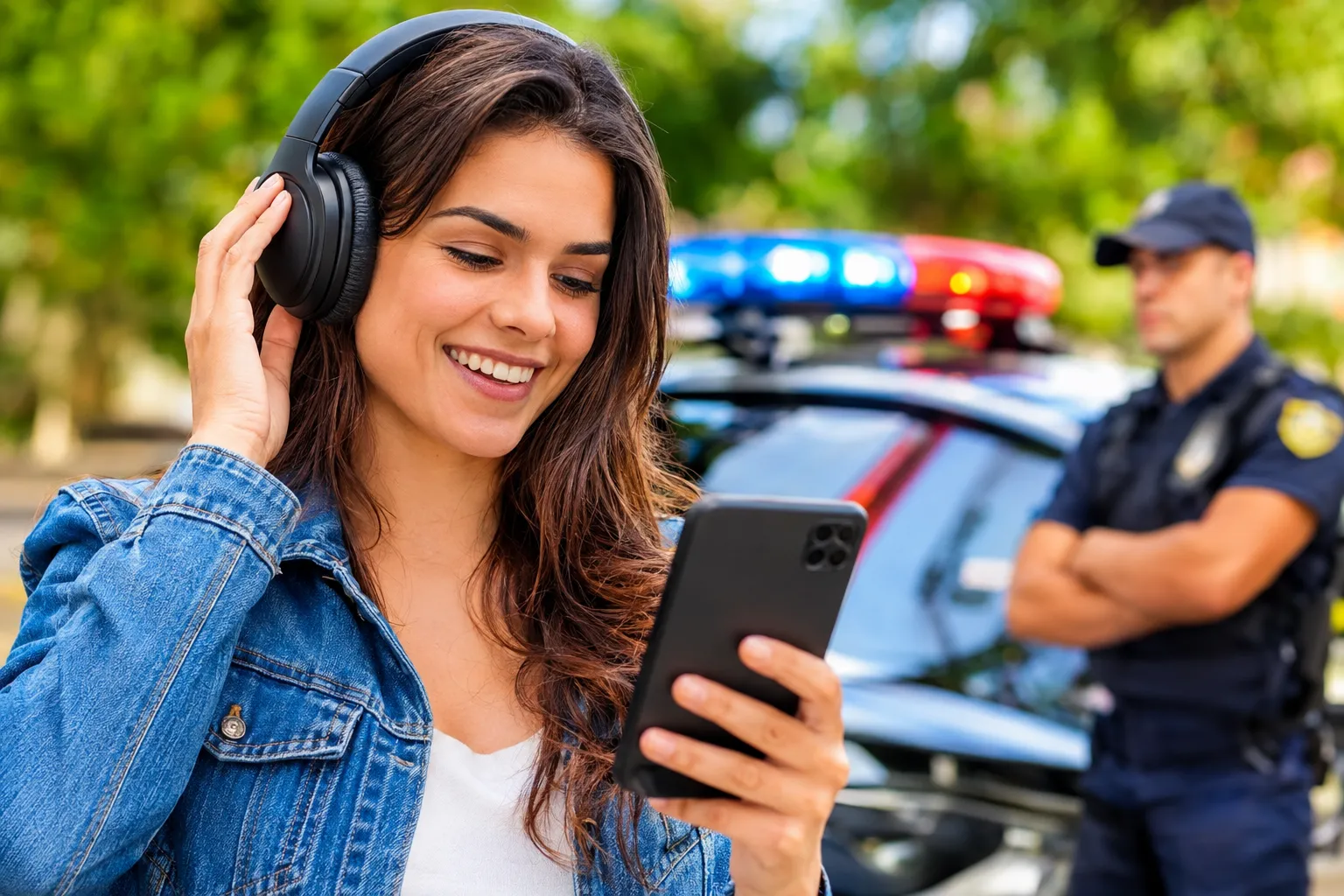 FREE GUIDE
Full Guide: How to Listen to Police Radio in Real Time
✓Free
✓Live broadcast
✓Step by step
KNOW MORE!¹
📖 Reading 2 min · at no cost
Many people do not know that there are specific apps for this purpose, and end up making mistakes when trying to use generic radio platforms. The good news is that the process is simple, safe and totally legal when done correctly.
Announcements
Why People Have Difficulty Accessing Police Radio
The most common reason for failure is to choose the wrong app. Many people download generic radio apps that do not have the police channels configured properly, or use platforms that require special licenses to access security frequencies. This generates unnecessary frustration and consumes mobile data without result. The biggest mistake is not to check if the app supports the region or city where you want to listen to the transmissions.
Another frequent mistake is trying to access blocked or protected frequencies. Some cities have encrypted channels for security reasons, and no application will be able to decrypt these transmissions legally.People who are unaware of this limitation spend time looking for “unblocker” apps that do not work and can bring security risks to the device. The reality is that you need to accept that not all transmissions are publicly available, and this is purposeful.
Choosing the Right App for Your Region
The first step is to research which apps work in your region and provide local police radio coverage. Platforms such as Broadcastify and TuneIn Radio aggregate thousands of public safety channels from different regions of Brazil and the world. These apps often filter channels by state, county and type of service (military police, civil police, fire brigade, civil defense). Checking the compatibility of your device (Android or iOS) is also essential before any download.
A common error is installing an outdated or unreliable source app. Always download direct from Google Play Store or Apple App Store, where apps undergo security verification. Apps downloaded from third-party sites may contain malware or be outdated, offering incorrect content or inactive channels. Read reviews from other users and check the date of the last update of the app before installing.
Step by Step: Installation and Basic Configuration
After choosing the application, the installation process is fast. Open the app store of your smartphone, look for the name of the platform (such as Broadcastify or TuneIn), tap “Install” and wait for the full download and installation. This procedure usually takes between one and five minutes depending on the speed of your internet connection. Once it is over, you can open the app immediately.
The first time you open the app, it can ask for location, microphone or storage access permissions. Grant only the permissions necessary for the app to work properly. Then, look for the search menu or channel selection, usually represented by a magnifying glass or list icon. Choose your region (state and city) to view the locally available police channels.
Locating and Tuning Police Channels
Once inside the app, you will find a list of channels filtered by category. Look for the options “Military Police”, “Civil Police”, “Public Security” or similar, depending on how the app organizes broadcasts. Many platforms allow you to mark channels as favorites, facilitating quick access for the next uses. This function is especially useful if you want to monitor more than one channel simultaneously or switch between them frequently.

Tap the desired channel to start listening to the real-time transmission. Audio will start playing as soon as the connection is established, usually within a few seconds.If the transmission does not start, check your internet connection (use Wi-Fi for better stability) and try again. A common mistake is to give up on the first try if there is no audio immediately, when sometimes the problem is only a temporary slowness in the connection.
Important Settings and Advanced Settings
Most police radio apps offer settings that enhance your experience. Within the settings menu (usually represented by a gear icon), you can adjust volume, audio quality, notification permissions, and mobile data preferences.If you care about data consumption, select the lowest audio quality option, which consumes less bandwidth without greatly impairing the clarity of transmissions. Disable notifications if you do not want to be interrupted constantly, or customize them to receive alerts only of specific types of occurrences.
Another valuable adjustment is to enable the use of Wi-Fi preferably over mobile data. Most apps allow this in the general connectivity settings of your smartphone. This way, you save your mobile data plan while maintaining the quality of the transmission when you are at home or in places with secure networks. If the app offers battery saving mode or option to listen in the background, activate them as needed.
Mistakes You Should Absolutely Avoid
One of the biggest mistakes is trying to decrypt or circumvent channel protections that are intentionally blocked.There are no legitimate apps that do this, and any promise of “unlocking” is usually a scam or malware. Respect the access limitations set by local authorities, as they exist for legal and security reasons. Using apps that purport to circumvent these protections can result in serious legal problems.
Another frequent error is to leave the application running continuously in the background without need. This consumes battery unnecessarily and can generate data costs if you are not using Wi-Fi. Close the app when you are not using or configure it to automatically terminate after a period of no activity. Also avoid sharing frequencies or information about real-time operations on social networks, as this can compromise public security actions or put lives at risk.
Do not ignore app updates when they become available. Updates fix bugs, add new channels and improve security. People who ignore these updates often complain that channels do not work or that the app crashes, when in fact the problem would be solved with a simple update. Set your smartphone to automatically download updates on Wi-Fi, so you never get an outdated version.
Staying Up to date with Real-Time Broadcasts
Once you have everything set up correctly, you will be able to listen to local police transmissions as they occur. This provides valuable information about what is happening on the streets, helping you avoid areas with incidents, plan alternative routes and be aware of security operations. Use this information responsibly and consciously, understanding that you are listening to public communications from essential services.Respecting the privacy of the people involved in the incidents and not making unnecessary transmissions is critical to an ethical use of this tool.
Customize your favorite channels, learn the most common communication codes, and develop a basic understanding of how police communicate in your region. Many apps include glossaries or explanations of these codes directly in the app.This familiarity will make broadcasts much more understandable and useful. Remember that being informed is different from interfering with operations, so keep this distinction clear when using the app regularly.