
Best App to View Private Messages on Android
Announcements
You receive dozens of messages daily on different platforms and want a more practical way to organize and view everything in one place.There are specialized applications that offer advanced solutions to manage private messages on Android, allowing consolidation of conversations, intelligent search and full control over your communication flow.
This guide introduces practical strategies and optimizations you can apply to maximize the private message reading and management experience on your Android device, as well as explore the most sophisticated features that differentiate the best apps on the market.
Why Use a Dedicated Application for Private Messaging
Most Android users access messages through native apps like WhatsApp, Telegram, Instagram Direct and Email. This fragmentation creates a real problem: you need to open multiple apps to keep track of all important conversations.A dedicated app for viewing private messages focuses everything on a unified interface, saving time and improving productivity.
Announcements
In addition to centralization, these apps offer advanced features that traditional messaging clients lack. You can set up personalized contact notifications, mark conversations as favorites, apply smart filters, and even schedule reminders to respond to important messages.Security is also leveraged, as many of these apps include end-to-end encryption and biometric authentication to access sensitive conversations.
Essential Features in Private Messaging Apps
When you choose an application to manage private messages on Android, you should look for features that really make a difference in everyday life. The consolidation of multiple accounts is critical: the application should allow you to integrate WhatsApp, Telegram, Instagram, Facebook Messenger, Email and SMS in a single platform. This way, you view all conversations without switching between applications constantly.
 WhatsApp Messenger
Classification:
”’I think it’S.
4.70
Age Classification:
Classification 14 years
Author:
WhatsApp LLC
Platform:
Android
Price:
Free
▶Download on Google Play
Advanced search is another critical feature you should consider. A good app lets you search for messages by sender, date, keyword, or even media-specific content. Imagine needing to find a phone number someone sent last week in a WhatsApp group: with search optimized, you find in seconds.Some apps also offer context search, automatically identifying phone numbers, addresses, URLs, and dates mentioned in conversations.
Real-time synchronization ensures that you always see the latest messages without delays. This optimization is especially important for professionals who rely on fast communication.In addition, the application should allow you to reply messages directly from its interface, without redirecting to the original application, saving time and keeping the workflow continuous.
Optimization Strategies for Better Visualization
To get the most out of a private messaging app, you need to apply smart organization strategies.The first of these is to establish custom categories for your conversations: work, family, friends, important contacts and drafts.Many apps allow you to create these categories manually or even use artificial intelligence to automatically categorize them based on the communication pattern.
Another important strategy is to set up granular notifications. You can mute notifications from less important groups while maintaining critical alerts from bosses, customers or family members. Some apps offer custom notifications by sound, vibration and preview, allowing you to completely customize how you want to be notified about each type of message. This optimization prevents you from being constantly interrupted by irrelevant notifications.
Configure biometric authentication (fingerprint or facial recognition) to access the app, especially if you share your device with others.Some apps offer dual password options for sensitive conversations, allowing you to hide specific threads behind additional layers of protection.
Comparison of Advanced Features Between Applications
Different apps for viewing private messages on Android offer distinct approaches to solving the same problem. Some focus on pure consolidation, bringing all messages to a clean, minimalist interface. Others add layers of artificial intelligence to prioritize messages, suggest automatic responses, and even detect communication patterns you should notice.
A differential aspect between applications is how they handle media. While some only show thumbnails, others allow you to view images, videos and audios directly in the messaging interface, without redirecting to the original application. This optimization is crucial for users who receive a lot of visual content and want a fluid experience. Some applications even offer integrated gallery where you can organize and share incoming media without leaving the platform.
The ability to integrate with other tools also varies significantly. More advanced applications allow you to connect to CRM systems, task managers or calendars, allowing you to create automatic reminders or convert messages into tasks. If you work with customer service, for example, you can convert an important conversation into a support ticket automatically.
Performance Optimizations and Battery Consumption
When you keep multiple accounts synchronized in a single app, battery consumption can become an issue. Well-optimized apps implement adaptive synchronization, which reduces the refresh frequency when the battery is low or when you are not using the device. You can set different sync intervals for different times of the day, aggressively syncing during business hours and reducing the frequency after hours.
Another important optimization is the intelligent message caching. A good application stores locally the most recent and frequently accessed messages, reducing the need to download data repeatedly. This also significantly improves the loading speed when you open conversations, as the application does not need to connect to the servers to show recent history. You can still backup your conversations locally, ensuring that you do not lose important data even if there are synchronization problems.
Storage management is another critical consideration. Quality apps allow you to define which type of content you want to keep synced locally.You can choose to sync only text from messages, saving considerable space, or keep images and videos only in the cloud while showing thumbnails in the app. This flexibility ensures you have a fast experience without compromising the storage capacity of your Android.
Security and Privacy in Messaging Apps
Using a third-party app to access your private messages raises legitimate security concerns. The best apps on the market implement end-to-end encryption, meaning that only you and the sender can read the messages, not the app provider.
Biometric authentication is essential to protect sensitive conversations. In addition to face or fingerprint unlocking, some apps offer lock-in for one-on-one conversations, allowing you to unlock only specific threads when needed. This additional layer of security is especially important if you receive sensitive work information or personal data through private messages.
You should also check how the app treats data at rest and in transit. Data at rest should be stored encrypted on your device, making it impossible for anyone with physical access to the phone to read your messages. Data in transit should use secure HTTPS connections. A trusted app will regularly publish independent security audits, demonstrating that its practices have been verified by external experts.
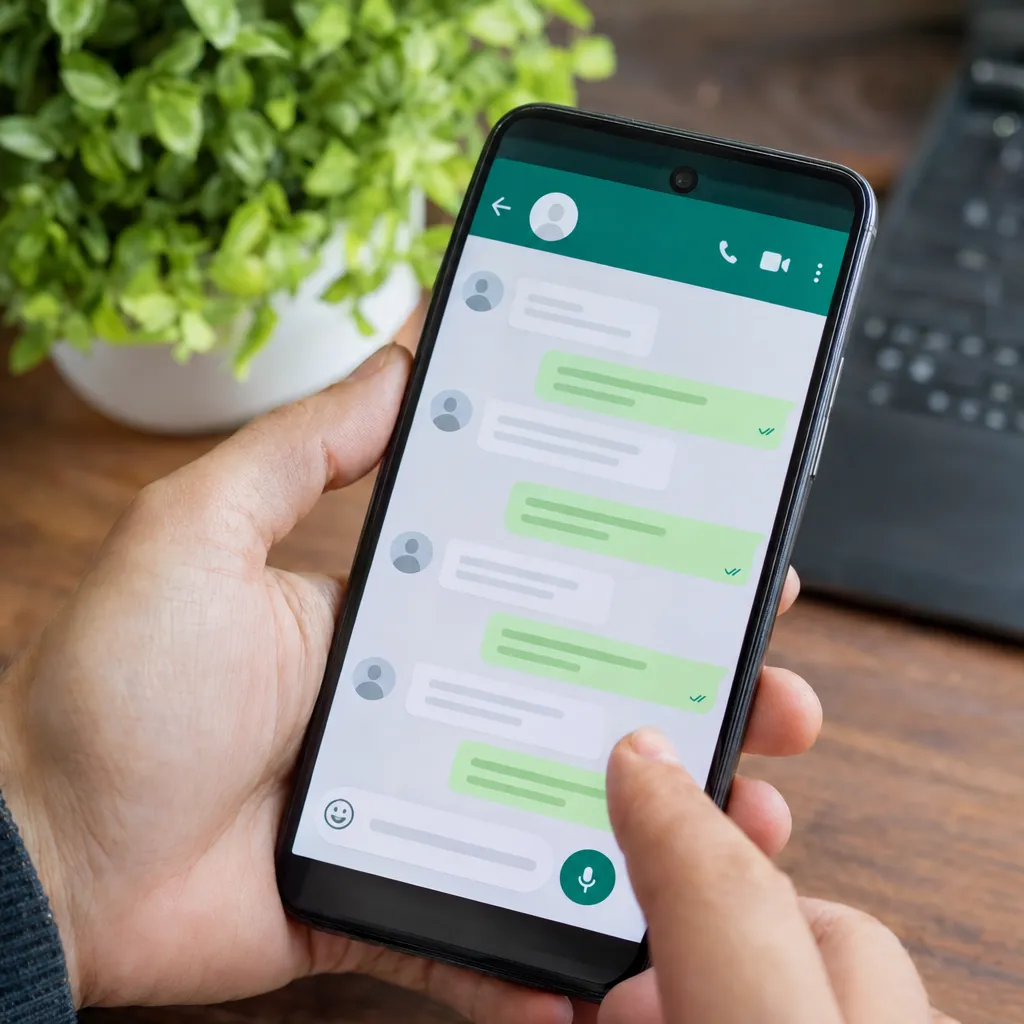
Another important consideration is the privacy policy of the application. You should check whether the provider collects data from your contacts, message history or communication patterns for advertising purposes.The best applications respect your privacy by keeping data collection minimal and offering clear options to control what is shared. Some offer full anonymized mode where absolutely no data is sent to remote servers.
Integration with Android Ecosystem
A well-designed app for viewing private messages integrates seamlessly with the Android ecosystem.You can set up notifications to appear on your smartwatch, receiving important alerts without having to pick up your phone.Some apps work with voice assistants, allowing you to dictate replies or read messages through voice commands while driving or performing other activities.
Integration with Android contacts allows the app to show profile photos and contact information along with each message, making it easier to recognize who is chatting with you. This functionality is especially useful in groups where you have hundreds of contacts. Some apps also integrate with your calendar, automatically showing when your contacts have close meetings or are unavailable.
You can also take advantage of the integration with Android cloud services.Many apps allow you to back up your conversations directly to Google Drive, iCloud or Dropbox, ensuring that you always have a secure copy of your messages.This optimization is crucial for users who frequently switch devices or want additional protection against accidental data loss.
Interface Customization and User Experience
Visual customization is an often underrated aspect but one that significantly affects your daily experience. You should look for apps that offer light and dark themes, customizable font size adjustment, and layout that you can customize to your preference. An app that respects your visual interface preferences reduces eye strain during prolonged use, especially dark mode for nighttime use.
Conversation layout is also important for optimization.Some apps only show unread conversations to you, reducing visual clutter. Others allow you to pin important conversations at the top of the list, ensuring that you never lose critical messages.You can organize conversations by sender, date, number of unread messages or even by sentiment detected by AI, if this functionality is available.
Home screen widgets are another form of optimization that you should consider. A well-developed app offers widgets of different sizes that show your latest conversations, unread messages or even allow you to reply messages directly from the widget without opening the full app. This functionality saves time in your daily workflow, especially for professionals who need to respond quickly.
Activity Monitoring and Reporting
Advanced applications to view private messages offer analytics capabilities that you can use to understand your communication patterns.You receive reports on who you talk to the most, at what times you receive the most messages and which platform (WhatsApp, Telegram, etc.) concentrates the most traffic.
Some apps offer response reports, showing how long on average it takes you to reply to messages from different contacts. This information helps you identify conversations that go unanswered for a long time, allowing you to prioritize contacts you have left out. You can also use this data to set personal responsiveness goals or even automate responses for periods when you will not be available.
Sentiment reports are an interesting feature in more sophisticated applications, where artificial intelligence algorithms analyze the tone of incoming messages. You receive alerts when someone is seemingly stressed or angry, allowing you to be more empathetic in your responses.
Compliance and Legal Considerations
When you use a third-party application to access private messages, you should be aware of legal considerations and compliance. In many jurisdictions, there are regulations on how communication data should be handled, especially if you work in regulated industries such as healthcare, finance or government.A trusted application has clear documentation on GDPR compliance, CCPA and other regulations relevant to your region.
If you use the application in an enterprise environment, make sure it offers compliance features such as access auditing, activity logs, and compliance with your company’s data retention policies.Some organizations have guidelines on which third-party applications can be used with corporate data, so you should validate this with your IT department before implementing a solution.
You should also be aware that some apps may violate the terms of service of messaging platforms such as WhatsApp or Telegram if they are used in an abusive way. Using an app for personal message consolidation is generally allowed, but distributing messages from other users or using it for commercial purposes without permission may violate the policies.
Practical Tips for Implementation and Effective Use
Starting to use a new app to view private messages requires a structured approach. First, you should only connect to the messaging platforms you actually use frequently, avoiding overloading the interface with unusable accounts.If you use WhatsApp, Telegram, and Professional Email, integrate these three and leave others for later. This minimalist approach results in better performance and a cleaner experience.
Set your sync preferences right on the first sign-in. You must set sync intervals, notification types, conversation categories, and security preferences before you start using the app daily.Dedicating 15 minutes to this initial setup saves you hours of later tweaking and ensures you are maximizing the value of the app from the start.
Use search and filter features regularly to keep your inbox organized. You can archive old conversations, create automatic filters that categorize messages when they arrive, and set reminders for conversations that require future action.Many users underestimate these features, but they are essential to keep the app useful in the long run as message volume grows.
Regularly review your privacy and security settings.You should periodically check which apps are allowed to access your messages, update your password or biometric PIN, and review whether you still want to keep all accounts integrated. These periodic checks ensure that you are always in full control of your sensitive information and that the app remains aligned with your security needs.
Test backup and restore functionality before you completely depend on the app. You should know how to back up your conversations, how to restore them if necessary, and how much space they take up. Having this practical knowledge ensures that you will not lose important data and that you can migrate to new device smoothly if needed in the future.



