How to use private messaging app with complete security
Announcements
Protecting your digital communications is more urgent than ever.With private messaging apps, you ensure that your conversations remain confidential, away from unwanted glances and constantly growing cyber threats.
This practical guide introduces you to current best practices and trends for using messaging apps with total security, step by step. You will learn not only how to set up these tools correctly, but also how to keep your data protected over time, avoiding common mistakes that put your conversations at risk.
Why security in private messages matters so much
Your messages contain sensitive information: personal data, financial data, confidential professional conversations and private relationships.When you send a message without proper protection, that information is vulnerable to interception, hacking and identity theft.Finger criminals leverage security holes to access those conversations and extract valuable data.
Announcements
Security trends show that end-to-end encryption is now the standard expected in any serious application. This technology ensures that only the sender and recipient can read the message, preventing servers, internet providers or malicious actors from intercepting the content.
In addition to encryption, modern apps offer features like message self-destruction, security verification, and blocking with biometrics.These extra layers turn your messaging experience into a truly secure space where you communicate without constant worries about data leakage.
 WhatsApp Messenger
Classification:
”’I think it’S.
4.70
Age Classification:
Classification 14 years
Author:
WhatsApp LLC
Platform:
Android
Price:
Free
▶Download on Google Play
Choosing the right app for your needs
The market offers several private messaging options, each with different focuses on security, privacy and functionality. Before choosing, you need to understand which specific problem you want to solve: protecting personal conversations, confidential professional communication or both.
Apps like Signal stand out for their absolute commitment to privacy while maintaining a zero access policy to user data. Telegram offers private channels and secret groups with robust security.WhatsApp has implemented end-to-end encryption on all messages since 2016. Wickr features advanced features like messages that self-destruct and reading logs that disappear.
To choose from these options, consider your criteria: do you want maximum privacy or ease of use? Need integration with existing contacts or will it start from scratch?Will use on personal devices, professionals or both? Answering these questions avoids further frustration and ensures that the application really meets your real expectations.
Step one: Securely install and create an account
The first step is to download the application only from official sources: the App Store on iOS or Google Play Store on Android. Never download from third-party sites or random links, as you risk installing fake versions that collect your data.
After installing, the app will ask for a phone number or email to create your account. Use real information, as verification is part of the security process.Many apps send a confirmation code via SMS or email, ensuring that only you control that account. Keep that code in a safe place and never share it, even if someone claims to be from the company support.
During registration, you will create a profile name and possibly add a photo. Current trends recommend using a name that does not reveal unnecessary personal information, especially if you use the same identity on multiple platforms. A neutral or generic photo also offers extra layer of privacy, keeping your face protected from people you do not know well.
Enable two-factor authentication (2FA) right after creating the account, if the app offers this option. This extra layer asks for a second code when someone tries to access your account, even with your correct password. You receive this code via SMS, email, or through an authenticator app like Google Authenticator.This simple step prevents criminals from stealing your account even if they get your password.
Step two: Setting up privacy and security options
After creating the account, dive into the privacy settings.Each app offers specific controls, but you should review all of them before sending the first message.Dedicating thirty minutes now prevents vulnerabilities that could compromise months of private communication.
Start by checking who can see your online status, profile picture, and “last accessed” information Many apps leave this information public by default, allowing anyone to track when you are active. Change these settings to “Only contacts” or “No one” depending on your comfort. This simple change dramatically reduces the attack surface on your account.
You can disable read confirmation (the one “seen” that appears when you open a message) to maintain even more privacy about your interactions. Disabling type notifications also prevents others from seeing when you are responding. These micro-configurations create a layer of anonymity that complements technical encryption.
Some apps offer “dark mode” or “ghost mode” that further masks your activity. Signal, for example, allows you to schedule automatic message self-destruction for 1 hour, 1 day, 1 week or 1 month. Set this up according to your level of paranoia: work conversations can last a week, while very sensitive information self-destructs in hours.
Step three: Implementing strong authentication and biometrics
Most modern apps offer biometric locking: your face, your fingerprint or your unlock pattern.Enable this feature immediately, especially if you use the app on a smartphone you share with others or frequently leave home.
If the app doesn’t offer biometrics, create a password or PIN access specific to that app, other than the password to unlock the phone. This secondary password ensures that even if someone can access your phone, they can’t get into the messaging app. Use uppercase, lowercase characters, numbers, and symbols to create a robust password that’s impossible to guess.
Change your password regularly, every ninety days ideally. This practice seems excessive, but reduces the risk that a password compromised on another service will be used against you here. Use a password manager like Bitwarden or 1Password to store these credentials securely, without having to memorize or write them down on a paper where anyone can find them.
Current security trends also recommend using unique passwords for each service.If a company experiences a data leak, criminals will try to use those same credentials in other applications.
Step four: Managing contacts and verifying identities
Just add contacts you really know and trust. Apps like Signal offer specific security code for each contact, which you can check in person or through video call. This check ensures that the person who is talking to you is really who they say they are, not someone posing as them.
To verify a contact, compare the security code on both sides. If the codes match, you can mark that contact as “verified”. From now on, the app will automatically alert you if the identity of that contact changes for any reason.An unexpected change may indicate that the other person’s device has been compromised or that someone is trying to impersonate them.
Disable automatic sharing of your contact list with the app, if this option exists.Many apps ask for permission to access your contacts on the phone, which allows them to sync with their servers. While the company claims to use this date only for friend suggestions, sharing your entire network of contacts increases the risk surface.
When adding a new contact, ask them to also add you back and compare the initial security codes.This “mutual verification” approach is the current trend of good practices, ensuring that both sides confirm each other’s legitimacy before any sensitive conversation.
Step five: Practicing message hygiene and regular cleaning
Even with perfect encryption, your old conversations are space-consuming data and pose a potential risk if your device falls into the wrong hands. Implement a cleaning routine: regularly delete old messages that you no longer need, especially those containing sensitive information like passwords, card numbers or financial details.
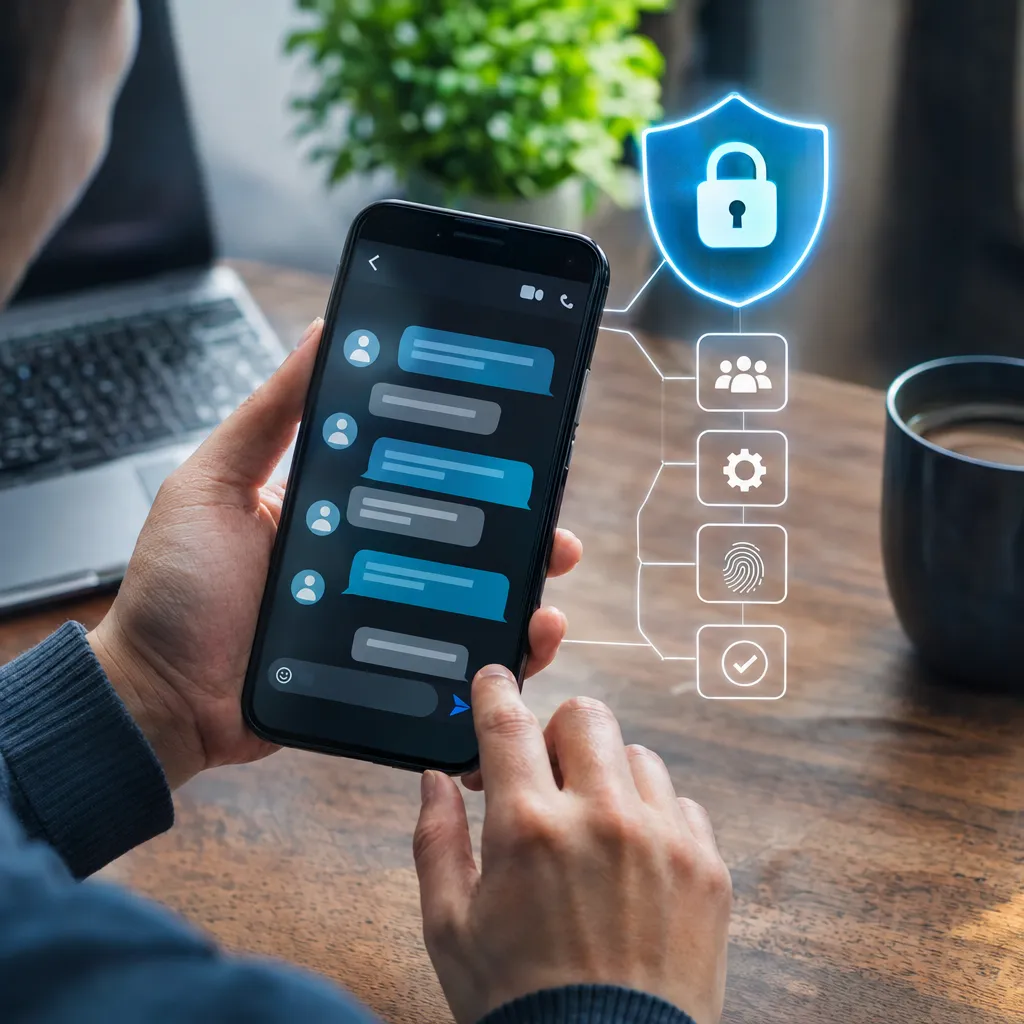
Use the message self-destruct function strategically.If you are sending a temporary password or an access code, set the message to self-destruct in minutes. Conversations about sensitive subjects can self-destruct in hours or days. For normal communications, you can completely disable this feature.Flexibility allows each conversation to have its own level of protection.
Some apps allow you to block specific conversations with an additional PIN by creating a virtual “safe” within the app. Use this feature for extremely sensitive conversations. Even if someone accesses your app, those special conversations will remain hidden and protected by that extra layer of authentication.
Perform backups of your important conversations, but store these backups securely and encrypted.Many apps offer automatic backups in the cloud, but you may prefer to make local backups that never touch the internet. Balance between accessibility (can recover your messages if you lose your phone) and security (keep these backups protected from unauthorized access) is key.
Step six: Securing your device and internet network
No application is more secure than the device running it. Keep your phone or computer up to date with the latest operating system security fixes. These updates patch vulnerabilities that criminals exploit to steal data from your applications.
Use a reliable antivirus on your device to detect malware that can spy on your messaging app. Malicious programs can capture everything you type before it is encrypted. A good antivirus like Norton, McAfee, or Kaspersky performs regular scans and detects threats before they cause damage.
When connecting to the messaging app, always use secure networks. Public WiFi networks in cafes and airports are perfect targets for criminals who want to intercept your internet traffic.If you need to use a public network, use a VPN (Virtual Private Network) that encrypts your entire connection, protecting it from spying. VPNs like ExpressVPN, NordVPN or Mullvad offer reliable protection.
Disable Bluetooth when not using it, as this technology can be exploited to intercept your nearby traffic. Similarly, disable your phone’s GPS location or restrict it only to the apps that really need it. Each extra layer of protection on the device complements the security of the messaging app itself.
Step seven: Educating yourself about social engineering and common attacks
Technical security is only half the battle; user education is equally crucial.Criminals use social engineering techniques to manipulate you into sharing information or accessing your account. Knowing these attacks is the best defense.A common attack is phishing: you receive a message seemingly from the application asking to “verify your account” through a link. Never click on message links, always access directly through the official application or website.
Pretexting is another tactic where a criminal calls or sends a message impersonating someone official, asking for personal information. Nobody from legitimate tech support will ever ask for your password or 2FA code. If you receive something similar, immediately end the conversation and contact official support directly through a number that you independently verify.
Account theft through password recovery is extremely common. Criminals reset your password by clicking “forgot my password” and use your email or phone to receive the recovery link. Protect your email and phone credentials as seriously as it protects the application itself. Emails are the digital “master keys” that open access to virtually all your accounts. A compromised email means that your message security is also compromised.
Security trends highlight the importance of two-factor authentication also in your email. Protect your email with biometrics, strong password and 2FA, as it is the central point of access to everything. If criminals compromise your email, they can reset passwords from multiple services simultaneously. You become impossible to hack when each layer (email, application, device) is individually protected.
Step eight: Secure communication in groups and professional environments
Groups offer convenience but introduce security complexity.The more people in a group, the more someone can compromise secrecy.For sensitive professional environments, prefer one-on-one conversations whenever possible, or maintain small groups with only absolutely necessary people.
If you run a group, have clear policies about what can be shared. Ask members not to share passwords, customer data, or sensitive information in group environments. When someone leaves the group, consider permanently removing all their previous messages if the app allows it. The less history a leaving person carries with them, the safer their environment becomes.
Use discrete group names communicating about sensitive topics. A group called “Project X – Confidential” is more secure than a so-called “New Customer – Financial Data”. Someone with casual access to your phone can see the names of groups without opening them. Generic names like “Team” or “Meeting 23” disguise the content.
Implement an identity confirmation protocol in groups. Before sharing anything sensitive, make sure everyone in the group is really who they say they are. A simple solution is to use personal mentions: ask each person to respond with their full name. This manual verification dramatically reduces the risk of someone fake infiltrating and collecting sensitive information.
Step nine: Responding to suspected compromise
If you suspect that your account has been compromised, act fast. Change your password immediately, preferably from a different and secure device. If you noticed unauthorized access, reset your password from your email as well, because if the person accessed your application, probably accessed your email as well. This defense-in-depth approach prevents an attack on a service from cascading to everyone.
Review your security settings and redirect all active sessions if the app offers this option. Many modern apps show a history of connected devices with dates and times. If you see a device that you don’t recognize, disconnect it immediately. Then consider enabling a “secure mode” where only one device can be connected at a time.
If sensitive messages have already been shared before you discover the compromise, contact the people involved to warn them. Advance notice allows them to also change their passwords and take protective measures. Transparency here is crucial as the person affected may be a victim of fraud or identity theft using the information you have shared.
Current trends recommend enabling suspicious login alerts if available. The app will notify you when someone tries to access your account from a new location or device. These notifications allow you to detect attempted compromises in near real-time, intervening before major damage occurs.
Step ten: Maintaining continuous surveillance and updates
Security is not a one-time task, it is an ongoing process. Install application updates as soon as they are released as they include security fixes against newly discovered vulnerabilities. Waiting weeks to update leaves you vulnerable to exploits that criminals already know and are actively using.
Websites like CVE Details publish discovered vulnerabilities, allowing you to understand the real risks.If a serious vulnerability is discovered, immediately update or consider migrating to an alternative until the issue is fixed.
Review your privacy and security settings every three months, as apps often add new features and change defaults. A setting that was secure six months ago may have a new bypass that you don’t know about. Regular passing ensures that you stay aligned with current best practices and emerging security trends.
Join online security communities where you learn about new threats.Specialized forums and security channels share information about emerging attack techniques.The sooner you learn about a new threat, the sooner you can defend against it, before it becomes common among criminals.
Finally, whenever you enter important information in any application, ask if you really need to do this. The perfect security is to have nothing to steal in the first place. If you do not need to save a password in conversations, do not save. If you can use a single-use code instead of leaving a card number in a message, use. Minimizing what you share is the most important security trend of all, and perfectly complements all the technical infrastructure you have implemented.