App that Allows Receiving and Sending Voice Messages
Announcements
A voice messaging app is a digital tool that allows you to record, send and receive audio communications directly from your smartphone or mobile device. Unlike traditional calls, these messages work asynchronously, meaning you record when you want and the recipient listens when you can. This technology transforms the way you communicate, offering practicality and flexibility for everyday conversations.
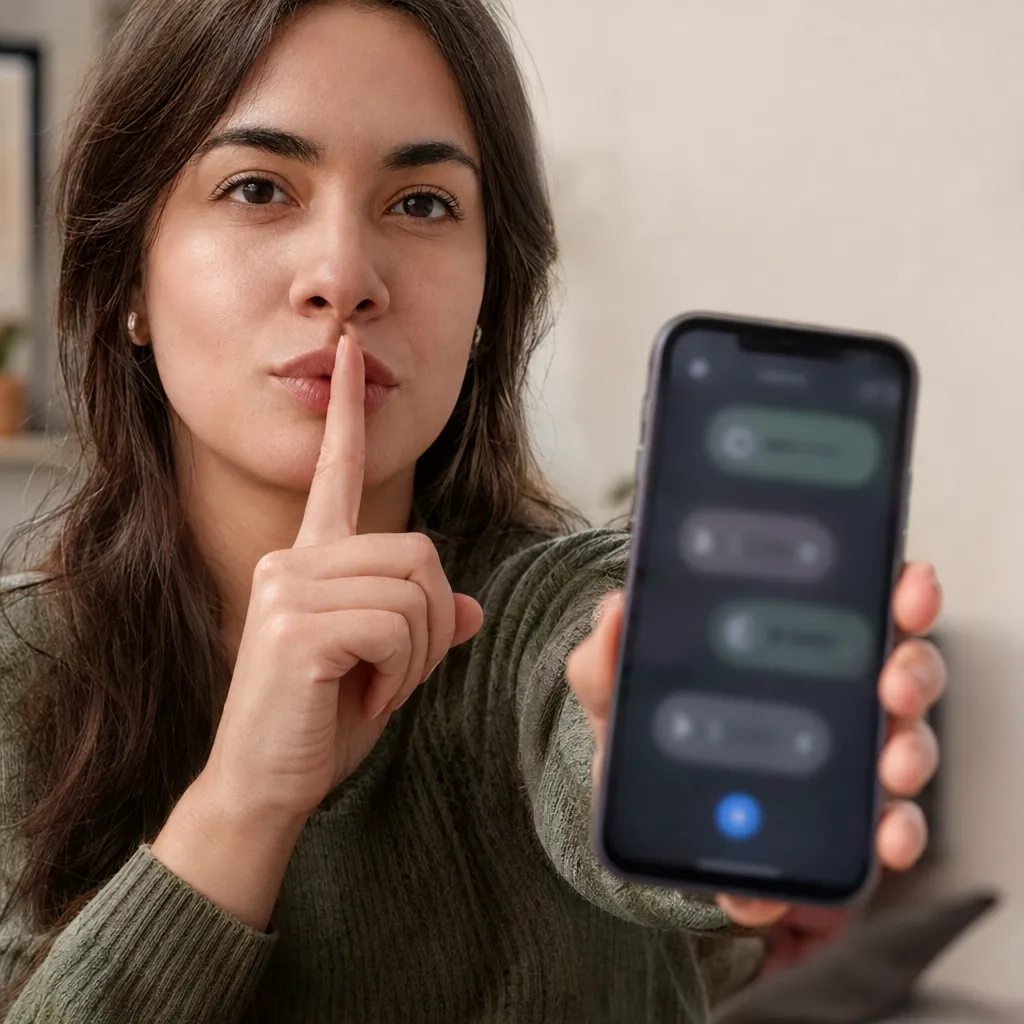
The main advantage of using an app to receive and send voice messages is the freedom you gain in communication. You do not need to be available at the same time as the other person, you can record while driving or is busy with other tasks, and avoids the need to type long texts. In addition, the tone of voice and emotions transmitted in an audio are much richer than in a text message, creating more human and genuine connections between people. The speed is also remarkable: you record a message in seconds and send it instantly to anywhere in the world.
Announcements
To start using one of these apps, the first step is to search for options available in your mobile app store, whether it’s the App Store for iOS users or the Google Play Store for Android devices. After finding the app you want, tap the install button and wait for the download to complete, which usually takes only a few minutes depending on your internet speed. When the installation is over, open the app for the first time and follow the instructions to create your account, which may include confirmation of phone number or email address.

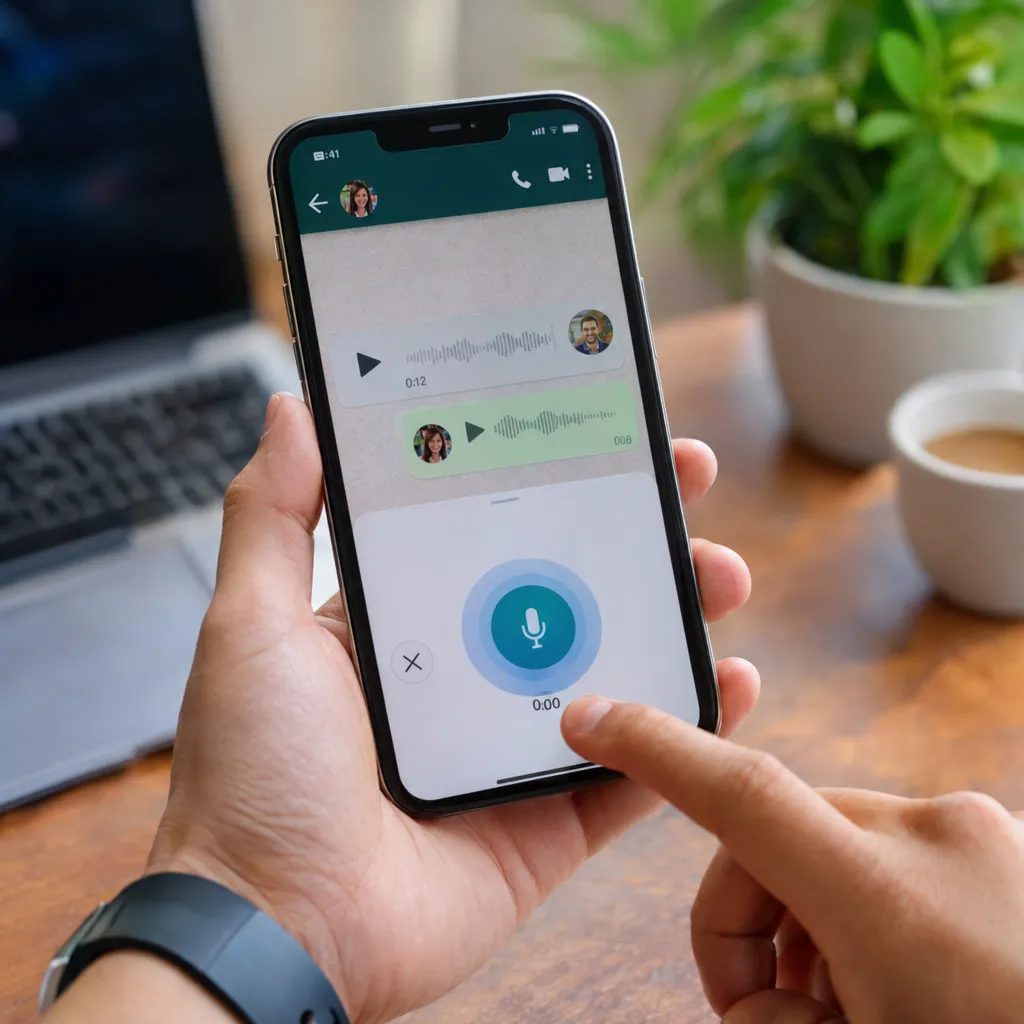
Recording a voice message in this type of application is an intuitive and fast process that anyone can do. Inside the app, look for the microphone icon or a button that indicates “record” or “new message”, and press it to start capturing audio. Speak clearly and naturally, as if you were talking in person, and when you finish your message, release the button or tap the send icon. Some applications allow you to review the message before sending, offering the option to re-record if you are not satisfied with the result of the first attempt.
Receiving and listening to voice messages is equally simple and straightforward when you use these apps. Messages arrive in real time or within a few seconds, appearing in your main conversation with a play icon that you tap to listen to audio. The app usually shows the duration of the message, letting you know approximately how much time you will spend listening to it before pressing play. If necessary, you can play the message as many times as you like, turn up the volume of the device or use headphones to listen more privately in public environments.
Security and privacy are key aspects you should consider when choosing an app to receive and send voice messages. Many of these apps use end-to-end encryption, meaning that only you and the person sending the message can access it, making it impossible for third parties to intercept your conversations. Look for apps that clearly state your privacy policies, that do not share your data with advertisers, and that offer control over who can send you messages. Some platforms also allow you to disable read notifications or control other privacy settings based on your preferences.
When using voice messages, you should take some important precautions to avoid communication and security problems. Make sure you are in an environment with clean audio when recording, as very loud background sounds can make it difficult for the other person to understand the message. Avoid sharing sensitive information, such as passwords or financial data, through voice messages, as these types of content are safer when communicated by other means. It is also prudent not to download or install applications from unknown sources, always opting for the official app stores of your device to ensure that you are getting legitimate and secure versions.
To make the most of your experience with a voice messaging app, some practical tips can make all the difference. Use headphones with microphone to improve the quality of captured audio, speak in natural tone without screaming or whispering, and try to keep messages of moderate duration so that the recipient does not feel overwhelmed. Organize your conversations by creating groups if the platform allows, and do not hesitate to use the search function to locate old messages when you need to review something important. Keep your app always up to date to receive security improvements, new features and bug fixes that improve the overall stability of the tool.
» Private Messages! «AndroidVoice messaging has become an essential part of modern communication, transforming the way you interact with friends, family and co-workers. With the information you have learned here about how to download, install, record and listen to voice messages, in addition to the safe practices and optimization tips, you are fully prepared to master this technology. The applications developed for this purpose continue to evolve, offering increasingly sophisticated and secure features to meet your daily communication needs.