Want to Receive and Send Voice Messages? Use an App
Announcements
Voice messages are audio records that you record and send to others through messaging apps. Unlike a simple text message, voice messages capture the tone, emphasis, and emotions of your speech, making communication more personal and expressive.
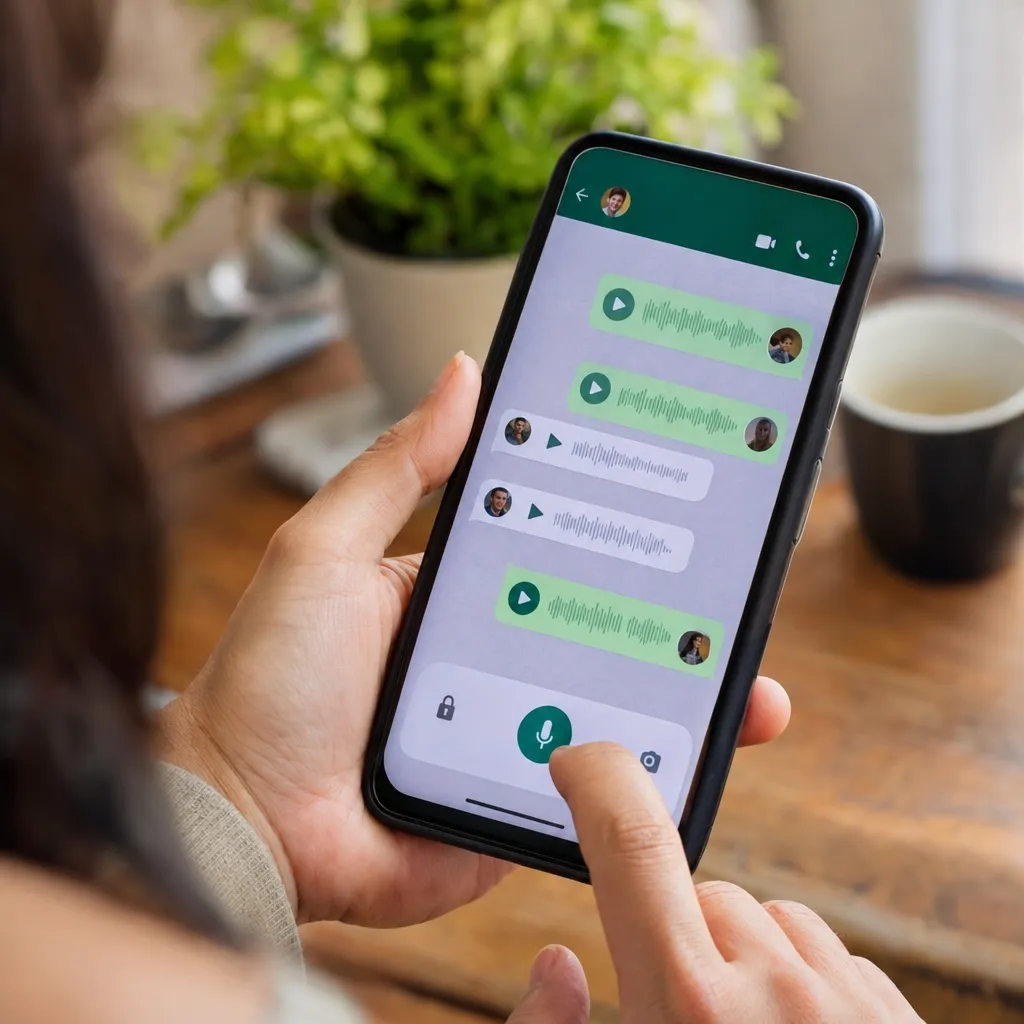
Using an application dedicated to voice messaging offers several practical advantages for your day to day. You can communicate faster, especially when you are on the move or driving, because speech is faster than typing.In addition, audio preserves nuances of your voice that text messages simply can not transmit, reducing misunderstandings and making communication more human and efficient.
Announcements
Choosing the right app depends on your specific needs and your contacts. You should consider whether the app offers end-to-end encryption, compatibility with your friends and family, ease of use in the interface, audio quality during recording and playback, as well as extra features like auto-transcription or location sharing. Testing some free apps is the best way to find out which one best fits your communication style.
Recording a voice message is a simple process that anyone can master quickly. First, open the chosen application and navigate to the conversation with the contact you want to send the message. Press the microphone button (usually represented by a microphone icon) and hold it down while speaking naturally in a normal tone of voice. Make sure you are in a reasonably quiet environment to ensure that your message is clear and without interfering background noises.
After recording your voice message, the app displays the total duration of the audio and offers options to play, discard or send the recording. You have the freedom to listen to the message before sharing it, ensuring that you are satisfied with the content and quality. Press the send button (often an arrow or airplane paper icon) to transmit the voice message to your recipient.
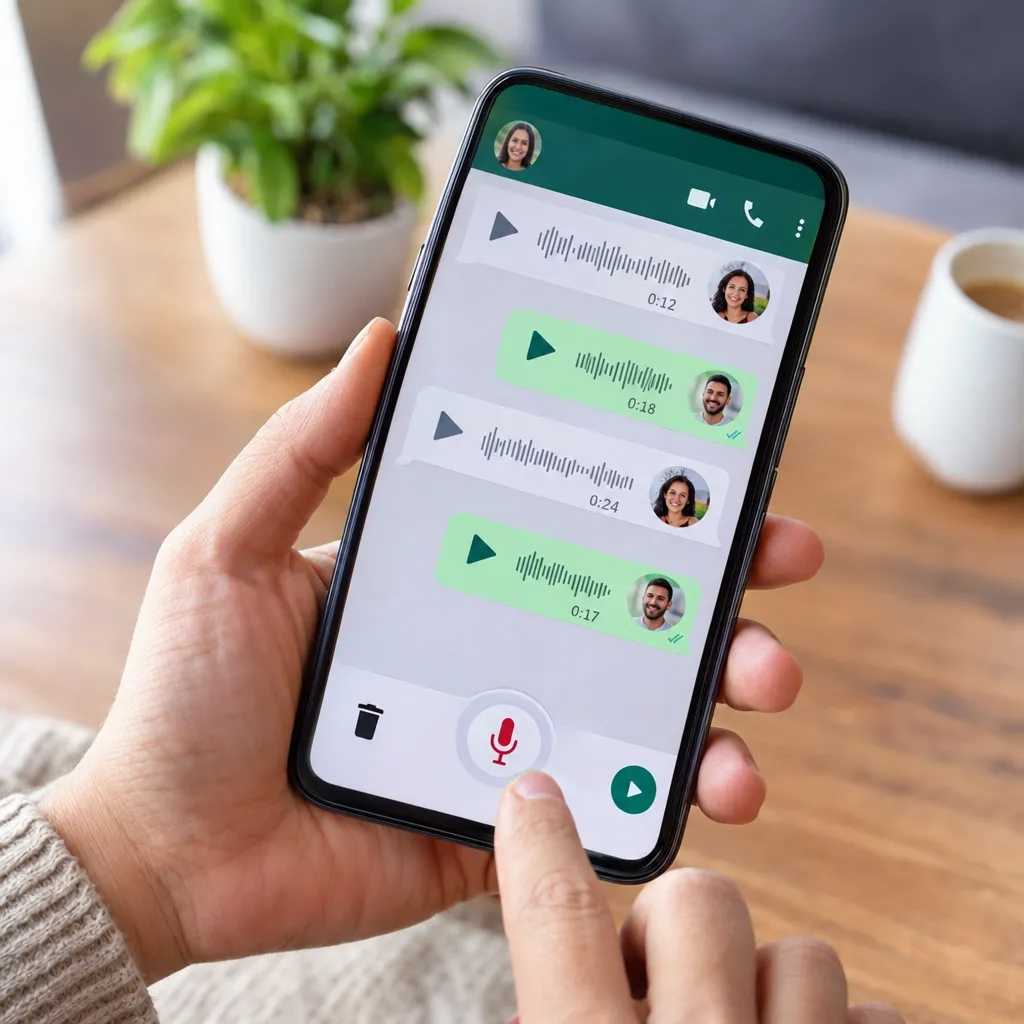
Security and privacy are legitimate concerns when you send audio content over the internet. Choose apps that implement end-to-end encryption, meaning only you and the recipient can hear the message. Avoid recording sensitive personal information, such as credit card numbers or passwords, in voice messages, keeping these communications for general affairs and day-to-day conversations.
The audio quality of your voice message depends on several factors that you can control. Use a smartphone or device with a good internal microphone, position the microphone about 10 centimeters from your mouth, and speak in a constant and moderate tone without screaming or whispering. Avoid noisy environments such as busy streets or places with a lot of music in the background, as the application can capture these noises along with your voice, impairing the clarity of the message.
Managing your recorded voice messages is important to maintaining your privacy and organization. Most apps allow you to delete messages after a set period or manually when you want. Take time to regularly review your conversations, especially those containing important information, and consider backing up critical messages if the app offers this functionality.Many users also utilize the function of mute audio notifications in public environments to maintain the privacy of their conversations.
Implementing voice messages into your communication routine transforms how you interact with friends, family, and co-workers.The method offers a perfect balance between the convenience of text and the naturalness of a phone call. Exploring a good messaging app that supports this functionality with proper security enriches your digital experience and keeps you connected more meaningfully.