App to Make Secure Private Video Calls
Announcements
A secure private video call is the most direct and encrypted way for you to communicate face to face on your mobile phone, ensuring that your conversation remains protected from interceptions and unauthorized access. Unlike text or audio messages, video calling offers real-time communication with image and sound quality, while maintaining total secrecy of interaction. This technology has become essential for professionals, families and anyone who values privacy.
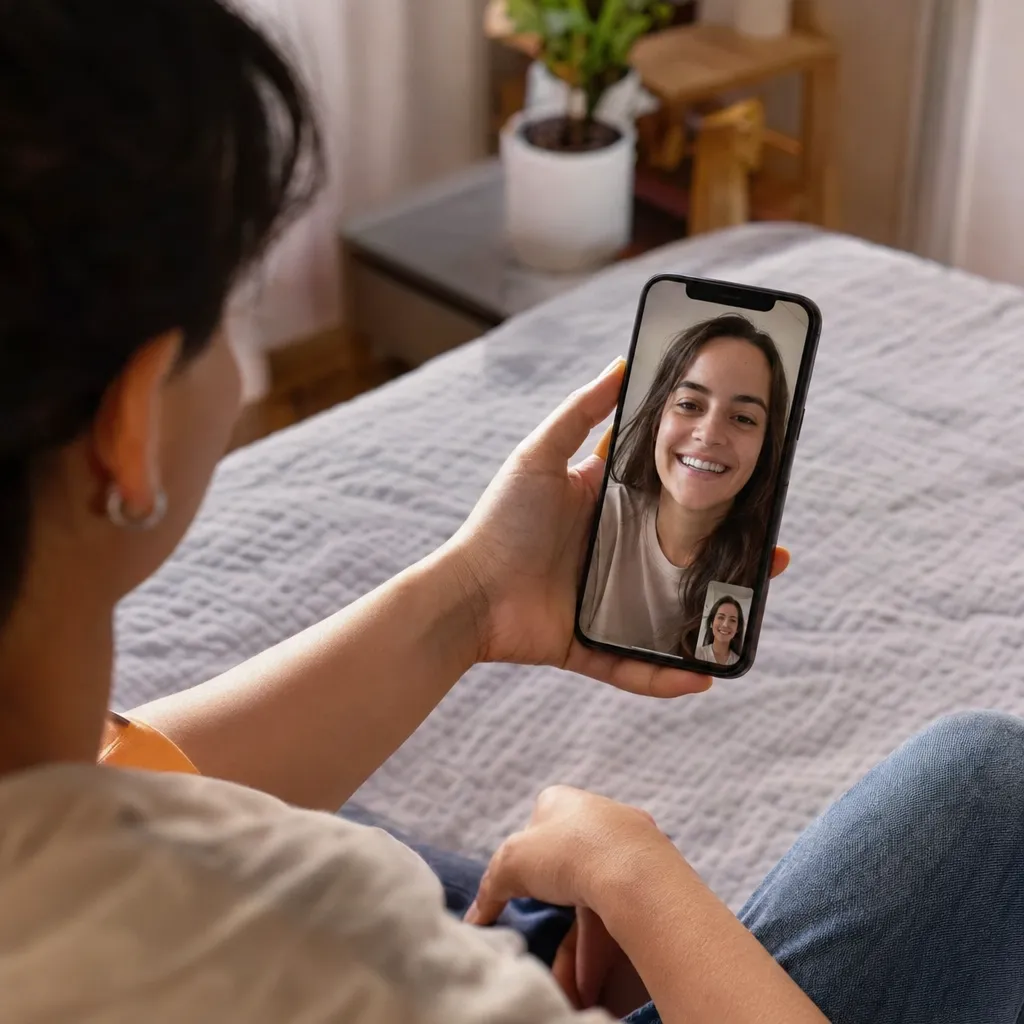
Using apps with enhanced security makes all the difference when you need to share sensitive information, discuss sensitive matters, or simply chat without worrying about who is listening. Most users are unaware that many standard apps store metadata about their calls, log connection ip, or allow third-party access to data. By choosing privacy-specialized platforms, you put security first and dramatically reduce the risks of information leakage.
Announcements
Key security features available include end-to-end encryption, which ensures that only you and the recipient can hear and see the conversation, plus two-factor authentication to prevent unauthorized access to your account.Many apps also offer the option to disable history storage, allow anonymous or blocked calls, control camera and microphone permissions per contact, and even warning when someone tries to record the session.Some platforms even include dark mode to reduce data exposure on open networks and real-time security notifications about suspicious activity.
To install and start a video call, you first download the application from your device’s store, create an account with strong authentication (use complex passwords and enable two-step verification) and add your contacts. Most secure platforms offer intuitive interface where you can easily find the start button video call, being able to choose between saved contacts or enter a number or username. Some applications also allow you to customize privacy settings before making the first call, ensuring that everything is in accordance with your security preferences from the beginning.
Download on Google PlayGRATISThe privacy settings you should know about include the option to allow only known contacts to send you call invitations, the right to disable the camera by default before accepting a call, and the ability to use pseudonyms instead of your actual number. You can also control whether your location data is shared, set allowed times to receive calls (do not disturb mode), and choose whether you want the application to have access to your contact list. Reviewing these settings regularly ensures that your privacy keeps up with changes in your personal or professional needs.
Caution when using video calls on public networks is critical to maintaining security even with a secure app installed. Avoid making sensitive calls on public WiFi networks of cafes, airports or libraries without using a virtual private network (VPN), as hackers can intercept data on these open networks. Always make sure you are in a private location before discussing sensitive information, disable notifications that appear on the screen during the call (preventing people around you from seeing who is calling), and never share call access links with untrusted people.
Compatibility between different devices is an important factor when choosing a secure video calling app, especially if you need to chat with people using iPhone, Android, Windows or Mac. Well-developed apps work seamlessly across multiple platforms, automatically sync settings between your devices, and maintain the same level of encryption regardless of the operating system. Check before installing whether the platform you have chosen offers robust technical support and frequent updates for all your devices, ensuring a consistent and secure experience anywhere.
Choosing video calling over messaging is the right decision when you need to confirm identity, discuss complex issues that generate text doubts, negotiate important details or simply want more human and immediate connection. Written messages can be easily misinterpreted, leave more permanent history (higher risk of leakage), and do not offer the same confidence as seeing the person on the other side.For professionals working with sensitive data, doctors discussing diagnoses with patients, and geographically separated families, secure video calling replaces unnecessary travel and offers authenticity that no text can provide.
 WhatsApp Messenger
Classification:
”’I think it’S.
4.70
Age Classification:
Classification 14 years
Author:
WhatsApp LLC
Platform:
Android
Price:
Free
▶Download on Google Play
Real-Time Security: How Apps Protect Your Data
End-to-end encryption works by converting your video, audio, and any transmitted information into code that only you and the receiver can decode, making it impossible for the application server, your internet provider, or external agents to access the call content. When you start a video call, the application generates unique cryptographic keys for that session, establishes a security protocol between the two devices, and then discards those keys when the call ends. This approach means that not even company employees behind the application can hear or see your conversations, while maintaining secrecy guaranteed by mathematical encryption and not just by promises of privacy.
In addition to encryption, secure applications implement robust authentication systems that verify your identity in multiple layers. A second authentication factor can include an SMS-sent code, a dedicated authentication application, biometric recognition (face or fingerprint), or even custom security questions that you set up in advance. This redundancy ensures that even if someone discovers your password, they still cannot access your account and make or receive calls on your behalf, keeping cybercriminals out of your private conversations.
Secure servers hosting data about your calls are usually located in jurisdictions with strict privacy protection laws, such as Switzerland or the European Union, where the storage of metadata (information about who called who and when) is highly regulated and transparent. Some platforms also adopt the “zero knowledge” policy, which means that they literally lack the technical ability to access the contents of calls, functioning only as intermediaries that connect the devices. Regular external auditing of these servers by independent security companies provides additional verification that privacy promises are being kept in practice.
Real Use Cases: When You Really Need Safe Video Calling
Health professionals often use secure private video calls for remote consultations where they need to discuss medical history, test results, or prescribe medications to the patient, ensuring that sensitive health information does not leak to competitors or malicious agents.A psychologist who serves patients with confidential disorders knows that any privacy breach can further traumatize their client and break trust in the therapeutic relationship. A mother scheduling urgent pediatric consultation with her child and needing to show the doctor via video an allergic reaction also requires maximum security to protect the child’s clinical data.
Lawyers and legal professionals rely on secure video calls when advising clients on confidential cases, discussing legal strategies, or receiving information about processes that, if leaked, would harm the client before a judge or third party. Companies facing litigation need to exchange sensitive documents and talk without intermediaries listening, so they choose applications with maximum encryption. A compliance professional at a financial institution needing to alert their director about potential internal fraud cannot use standard tools that store conversation history accessible by multiple people within the organization.
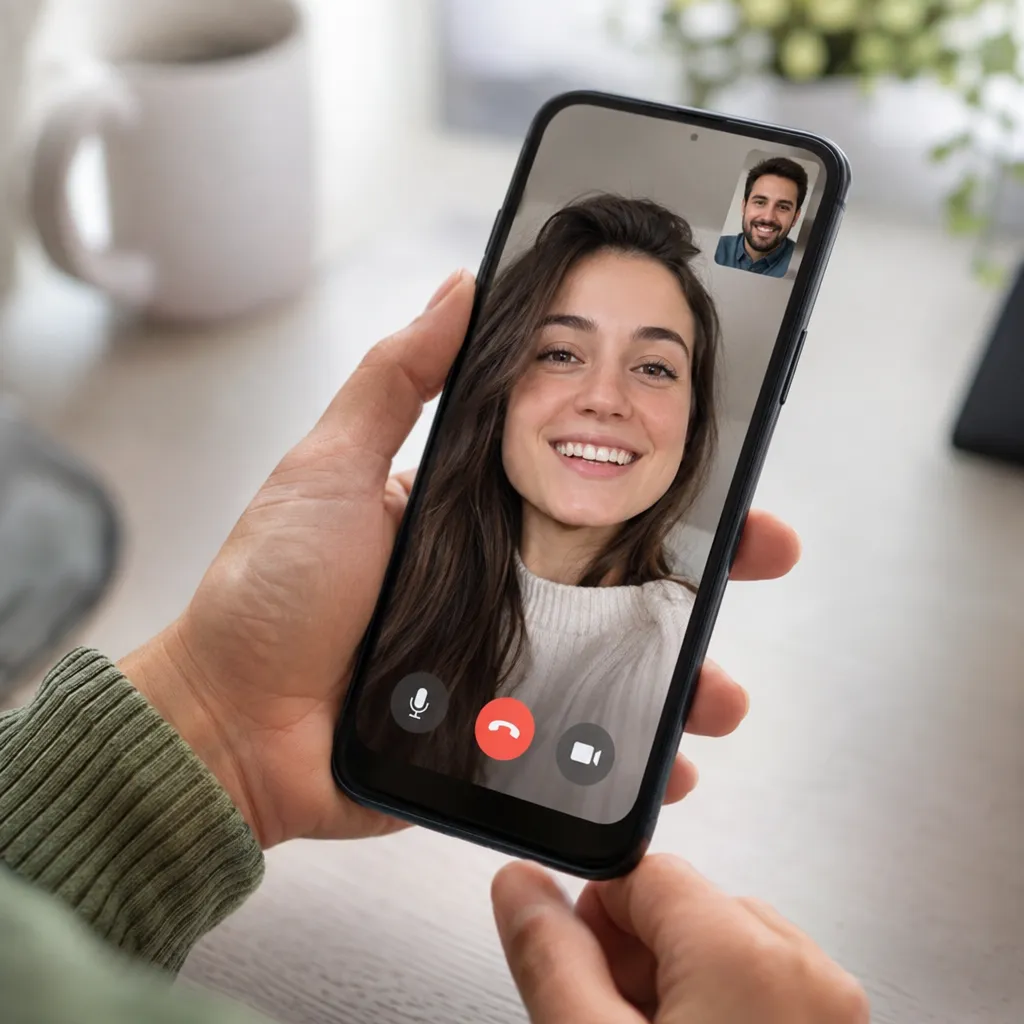
Journalists and political activists in countries with intense government monitoring use secure video calls to interview confidential sources, coordinate corruption investigations, or simply hold political conversations free of censorship and state surveillance.A reporter investigating organized crime knows that his life depends on tools that no one but him and his source can access. Political dissidents and human rights defenders who need to document violations also turn to these specialized platforms to avoid persecution.
Internationally spread families with young children want to make video calls with grandparents in another country without worrying that biometric data of the child (face image, behavior patterns) are collected by conventional applications and used for targeted advertising or worse. Parents of neurodivergent children who need to coordinate care with therapists, teachers and doctors using video keep sensitive data on child development away from tracking algorithms. A family fleeing from domestic violence situation communicating with the child who stayed with grandmother needs a secure line where the abuser can not track location or monitor conversations.
Start Your First Call: Practical Step by Step
After installing the app on your phone (or computer, if you prefer), the first step is to create your account by entering a valid phone number, email, or username that you can always access. Most secure platforms send a verification code to confirm that you really own that number or email, ensuring that no one else is creating an account with your data. Immediately set up a strong password (use upper case, lower case, numbers and special characters) and enable two-factor authentication if available, adding an extra layer of protection to your profile.
Once logged in, you will find on the main screen the option to add contacts, import from your phone book, or search for people by username and name. Carefully choose who you authorize to contact you, as some apps allow you to configure whether you want to accept calls only from existing contacts or whether you allow calls from unknowns. Customize your profile photo (or keep anonymous), set a display name, and review privacy settings before making your first contact, especially the options on history storage, location data sharing, and camera permissions.
To start a video call itself, select a contact from your list, look for the camera or video call icon (usually a large, obvious button on the interface), and wait for the other side to accept the invitation. Most apps offer a few seconds for the person receiving the call to make a decision before they automatically disconnect. During the call, you will have control over the camera (you can disable if you want audio only), microphone (mute when not speaking), screen sharing (share your device screen if necessary), and options to end the call or transfer it to audio only.
Trying these functions on a first call with someone you trust allows you to know the interface without pressure, testing video quality, sound and your internet connection. Make this test call in a well-lit place with good WiFi connection or stable mobile data, and after having reviewed the privacy settings as per your specific needs. After this initial experience, you will be ready to use the application with confidence in real situations where privacy is essential.
Staying Safe: Good Continuous Practices
Updating the app regularly ensures that you receive security patches that close vulnerabilities discovered by security researchers or the company in charge. Many users postpone updates thinking they will take work or take up space, but the exact opposite is true: outdated apps leave open loopholes that digital criminals exploit to intercept your calls. Make a habit of reviewing the updates available in your app store at least once a week and install immediately when available, prioritizing the secure video calling app above others.
Reviewing your contact lists allows you to remove people you no longer talk to, minimizing the risk that your account will be accessed by someone you no longer control or trust. People you added years ago may have compromised profile or suspicious behavior, so periodically auditing your contacts reduces attack surface. If you notice strange activity on your account (such as call notifications you have not made, logging in from impossible locations, or changes to your settings you have not made), change your password immediately, enable two-step verification if it is not already active, and contact platform support to check for compromise.
Educating yourself about new types of fraud and social engineering attacks protects you better than any isolated software. Scammers occasionally create fake profiles using photos of real people, try to convince you to share passwords or verification codes, or click on malicious links during the call. Never reveal your password to anyone, even if someone claiming to be technical support asks for it; legitimate platforms never ask for a password in this way. Be wary of unexpected calls from strangers offering opportunities for quick money gain, as they are practically always scams.
Choosing the Right Platform for Your Needs
Different apps offer different levels of privacy and features, so your choice depends on which specific threats you fear most and what your use case is. If you are a journalist in an authoritarian country, your top priority is encryption that is impossible to break and total anonymity, perhaps even giving up superior video quality. If you are a parent scheduling a pediatrician appointment, you may prioritize ease of use and good video quality, with privacy being an important factor but not as critical as in contexts of political persecution. Professionals in financial or legal sectors can prioritize certified security auditing and compliance with international regulations like GDPR or HIPAA, even if it means less flexibility of resources.
Searching for independent security reviews about the application you are considering offers valuable perspective beyond the company’s own marketing.Search for ethical hacker reviews, security researchers, and external audit reports that actually test how secure the application is. Online forums like Reddit and GitHub often contain detailed technical discussions where users share real experiences, discovered issues, and recommendations based on practical testing.A platform that claims to have “maximum security” but has never undergone independent auditing and refuses to publish its source code deserves suspicion.
Test the app yourself before using for critical matters, making some calls with friends or family and personally evaluating whether the quality, interface, and functionality match what you need. Perhaps you find that the camera has latency (delay between actual movement and what appears on the screen), that the app warms your phone a lot, or that privacy settings are confusing. These findings during testing allow you to choose another platform before using for calls that really matter, avoiding unpleasant surprises when you need security and reliability the most.
Once you’ve chosen your preferred platform and feel comfortable with it, share that information with your most frequent contacts so everyone is on the same platform. Having secure video calls works best when both people use the same app, eliminating the need for platform transfers or fallback to less secure solutions. Coordinating with co-workers, family, and close friends for everyone to use the same secure app creates an ecosystem of mutual trust where everyone knows their conversations remain private.