Learn How to Track Your Children's Digital Routine Through the App
Announcements
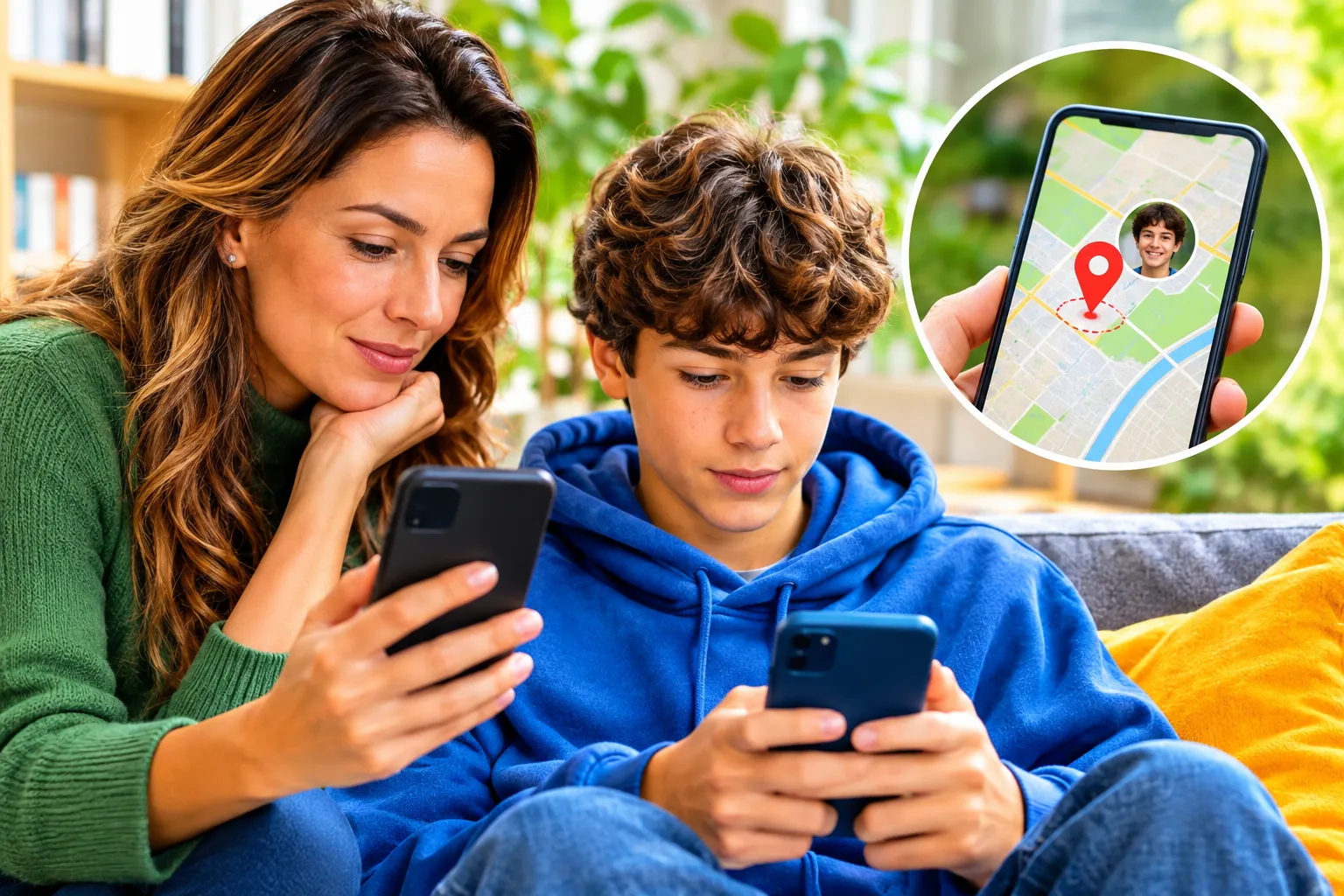
Monitoring the digital routine of your children is an important decision that many parents face today. With the increase in time that children and adolescents spend connected, understanding what they access and how much time they spend online has become essential to ensure their safety and well-being.
continue on to the full guide:
 FREE GUIDE
How to Safely Monitor Your Child’s Phone
✓Free
✓Access control
✓Reports of
LEARN MORE¹
📖 Reading 2 min · at no cost
Child monitoring apps offer a variety of features that allow parents to track digital activity in a structured and informed manner. These tools act as a strategic support to balance digital freedom with the protection it requires, although they require responsible and transparent use to function properly. Understanding these features helps you make more informed decisions about which approach to take with your children.
Announcements
Key Features of Monitoring Apps
Modern parental control apps offer a robust set of tools that go beyond simple location tracking. Most of them allow you to view browsing history, identify which apps were used and how much time was spent on each of them. Some even have features of blocking inappropriate content, scheduling usage times and real-time alerts when certain actions occur on your child’s device.
Another valuable feature is the ability to track text messages and communications in social networking apps, although this feature should be used with ethics and privacy consideration.Many apps also allow you to define virtual geographic zones (geofencing) and receive notifications when your child enters or leaves these areas, which is especially useful for ensuring that he or she arrives safely at school or at the place of extracurricular activities. Integration with multiple devices is another important feature, allowing you to monitor smartphones, tablets and computers from a single control panel.
Proper Installation and Configuration
The installation process varies depending on the application you choose, but usually involves downloading the app from your child’s device app store. You will need to create an administrator account using your personal email and then authenticate the installation to the child’s device. Most apps work in the background without significantly interfering with the device’s performance, but some may require more battery resources depending on the active features.
After installation, you will have access to an online control panel where you can configure all the desired preferences and limitations. It is important to review each configuration carefully during the initial setup process to ensure that you are capturing the information that really matters to your family. Most applications offer tutorials and customer support to facilitate this first setup, greatly reducing the learning curve. Having everything set up properly from the start prevents future frustrations and ensures that monitoring works exactly as you expect.
Establishing Sensate Screen Time Limits
One of the most common mistakes parents make is setting overly strict or completely unrealistic time limits for their children’s routine. If you set a restriction of only one hour daily when your child needs to use the device to do homework, the app can generate frustration and distrust rather than cooperation. Ideally, talk to your child about how much time it is reasonable to spend on digital leisure activities versus educational activities, and then set the limits based on that honest conversation.
Different age groups require different time-limiting approaches. Children under 6 should ideally have very reduced access to screens, while adolescents may need more time to interact with friends on social networks, which is a legitimate part of their social development. Monitoring apps often allow you to create different profiles for each child, which makes it easier to adapt the limits according to the age and specific needs of each one. Setting up screen “rest” schedules, especially during family meals and before bedtime, helps establish healthy habits without seeming a punishment.
Monitoring Apps and Content
Keeping track of which apps your kids use is just as important as controlling total screen time, as not every app is appropriate for certain ages. Some of the common mistakes include ignoring apps that seem harmless at first glance but that may expose children to inappropriate content, contact with strangers, or compulsive gambling behaviors.App monitoring through the proper tool allows you to receive alerts about new installs, track usage trends, and restrict access to specific apps as needed.

Content accessed through browsers and streaming platforms also deserves special attention from your side as a responsible parent.Many monitoring apps allow you to block entire categories of adult, violent or inappropriate content, although no tool is 100% effective. An important complementary strategy is to periodically review browsing history, not in order to police suspiciously, but to better understand the interests and concerns of your child. This practice can make room for valuable conversations about online security, data privacy and critical thinking about the content consumed.
Transparent Communication About Monitoring
A critical mistake many parents make is installing a monitoring app secretly, without informing their child about its existence. This approach often causes serious breaches of trust and can lead to even more problematic behaviors, such as using alternative devices out of their reach or sophisticated attempts to circumvent restrictions.The best practice is to be honest and straightforward about the fact that you are using monitoring tools, clearly explaining what the purpose is: to protect you from real risks, not to invade your privacy or overcontrol it.
When you openly communicate that you are monitoring digital activity, a valuable opportunity arises to establish joint agreements about what is and what is not acceptable. Teens especially tend to respond better when they understand the reasoning behind the rules and have an active voice in discussions about boundaries. Leave room for negotiation and adjustments as your child demonstrates increasing responsibility. This collaborative approach transforms monitoring of a control tool into an instrument of digital education and building mutual trust.
Important Care When Using These Tools
Although monitoring apps are useful, there are significant pitfalls that you need to avoid in order not to cause emotional harm or counterproductive effects. One of the biggest risks is to develop an intrusive mindset where you constantly review each activity of your child, creating an atmosphere of permanent lack of confidence. Many parents who fall into this trap later describe how the experience has harmed the relationship with their children more than it has actually protected them. Monitoring should be an occasional and informed support, not an obsessive vigilance.
Another essential care is to protect yourself when using these tools, as the platforms collect sensitive data about your children. Make sure to use strong passwords for your administrator account, enable two-factor authentication when available, and keep the application up to date with the latest security patches. Read the service’s privacy policy to understand how your data will be stored and shared, and choose only reputable developer apps with transparency history. Using VPN when accessing your control panel remotely also adds an extra layer of protection against unauthorized access.
Balancing Digital Protection and Autonomy
The great challenge every modern parent faces is finding the balance between protecting their children from the real risks of the internet and allowing them to develop the digital autonomy necessary for adulthood.If you exercise full control through constant monitoring, your child will never learn to make good decisions on their own or to critically assess risks.On the other hand, if you completely ignore his digital life, you will be opening unnecessary doors for exploitation, intimidation and harmful behaviors.
A balanced strategy involves using monitoring as an informed support, accessing data periodically without obsession, and combining this tool with continuous education on digital security, respect for the privacy of others, and building critical sense about online content. As your child grows up and demonstrates responsible digital behavior, you can gradually relax some restrictions and increase periods without active monitoring, turning the tool into a discreet support that you know is there if necessary. This approach evolves with your child, recognizing that a fifteen-year-old has very different needs from an eight-year-old when it comes to privacy and digital autonomy.