Learn about the App That Helps Organize and Clean Cell Phone Storage
Announcements
Your phone slows down as time goes on, and you don’t know exactly why. Files accumulate, apps consume space, and storage becomes increasingly full, impacting device performance.

The problem starts small: some temporary files here, cache data there, and soon your phone is working at turtle’s pace. You open the file manager and are impressed by the amount of accumulated data, many of which you do not even know existed. This situation is more common than you think, and affects both Android smartphones and iPhones, especially after months or years of heavy use.
Why Cell Phones Slow with Time
When you use your phone daily, your device creates multiple file types to keep everything running: application cache data, temporary download files, browsing histories, and more. Over time, these files accumulate in internal storage, taking up valuable space that should be available for system operations.The less free space your phone has, the more it needs to work to manage existing data, which results in noticeable slowness.
Announcements
In addition to invisible files, you also accumulate applications that you installed on impulse and never used again, duplicate photos and videos in the gallery, and old documents that occupy memory unnecessarily.Many people receive application updates constantly, and each of them leaves residues on the system, fragmenting storage and worsening the overall performance of the phone. The lack of free space also affects the ability of the operating system to create temporary files during normal operations.
How These Cleaning Tools Work
Modern cleaning and organizing applications work by deeply scanning your mobile phone storage, identifying unnecessary, duplicate and obsolete files that consume space without offering any real value.They use sophisticated algorithms to differentiate between important data (such as your personal photos and documents) and system residues that can be safely removed. Once these files are identified, the application gives you full control to decide what should be deleted.
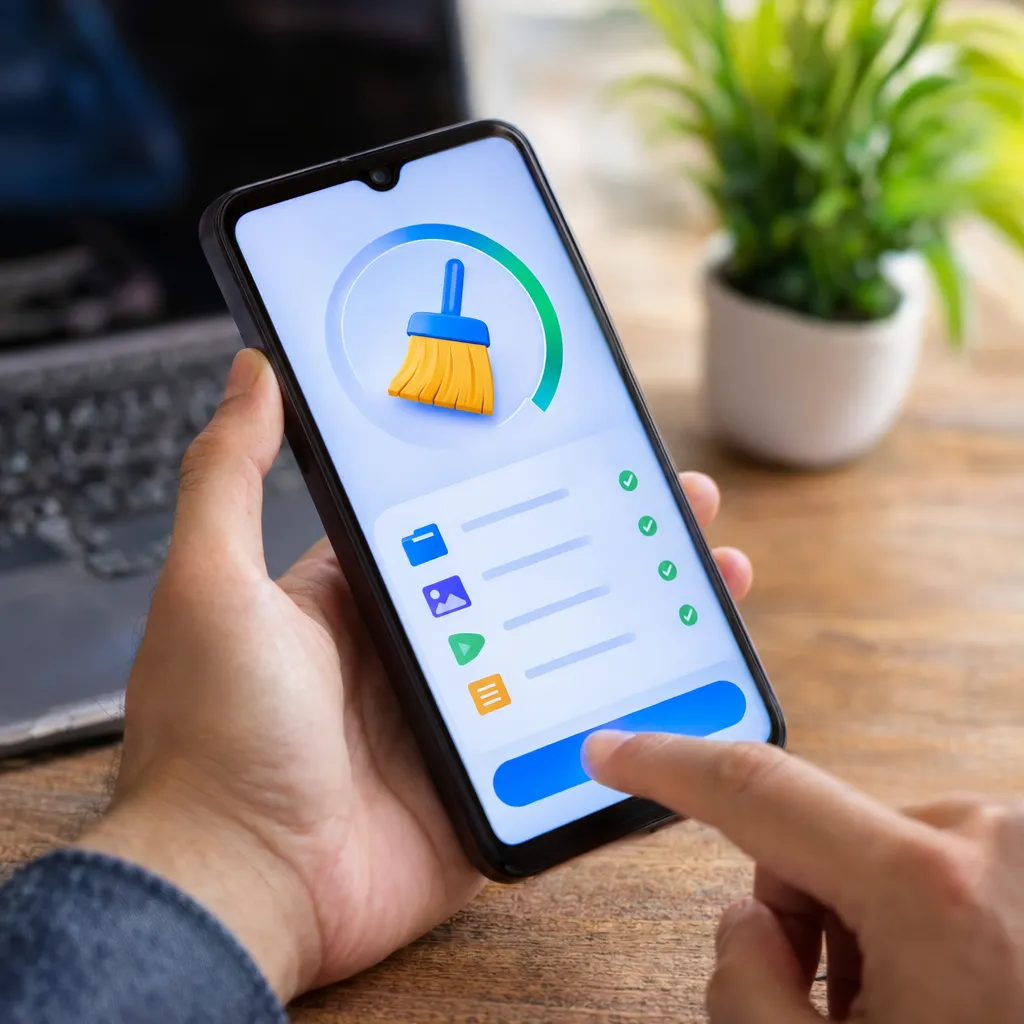
These tools usually work in several layers: first they make a clear visual analysis of what is consuming space, show which application or file type is occupying more memory, and then they allow a selective or automatic cleaning. Many of these applications also offer additional functionalities, such as an application manager that shows which programs you have not used for a long time, a duplicate photo analyzer that finds similar or repeated images in the gallery, and a performance monitor that tracks the use of RAM in real time. This integrated approach makes it much easier to keep your mobile phone organized and fast without having to do everything manually.
Cleaning Duplicate And Temporary Files
One of the biggest culprits for space loss is duplicate files, especially photos and videos that you photographed without realizing that the camera took multiple clicks in a row. Many applications also leave cache copies of images and data that you have already seen, taking up unnecessary storage space. When you synchronize photos in the cloud using multiple services simultaneously, several local copies of the same file end up being created, tripling or quadrupling the consumption of space.
Temporary files are constantly created by the operating system during daily operations: when you browse the internet, messaging applications create temporary media files, partial updates leave residues, and interrupted downloads are saved waiting never to be completed. An efficient cleaning tool automatically scans these cache folders and identifies old temporary files that can be removed without compromising the functionality of any application. By eliminating these residues, you recover gigabytes of space that was previously uselessly occupied, significantly improving the speed of your mobile phone.
Organization Of Files And Folders
Having organized files is just as important as cleaning up unnecessary ones, and a complete organization tool can make all the difference in how you interact with your phone.Many users have photos scattered in different folders, documents saved in random locations, and downloaded files mixed with system data, creating a mess that makes it difficult to find what you need when you need it. A professional organization tool creates a logical folder structure, groups files by type, date or size, and allows you to easily visualize where each thing is.
When your files are organized, the operating system also works more efficiently, because you do not need to do extensive searches to locate data. You can quickly browse the photo gallery, find important documents without browsing multiple folders, and keep track of what is stored on your mobile. Many modern tools offer the possibility to automatically categorize files by type (photos, videos, documents, audio), allowing you to view your storage much more clearly and intuitively than by the standard operating system manager.
Heavy Application Management
Apps are often the biggest consumers of space on your phone, especially those geared towards social networking, streaming videos and games that can take up several gigabytes each. You accumulate apps over time, installing new ones continuously, but rarely remove those you no longer use, creating unnecessary weight on the device’s storage and RAM. A smart app management tool identifies which programs you haven’t opened in months, shows the exact size of each one, and makes it easier to uninstall those that aren’t useful anymore.
In addition to helping identify unused apps, these tools also show which apps are consuming the most data in real time, how much waste each leaves in the cache, and in some cases even offer the possibility to uninstall heavy apps and reinstall them later if you change your mind. Some apps also allow you to move apps to memory card when available, freeing up space from internal storage without needing complete uninstallation.This granular control over your apps ensures that you keep only those you actually use, keeping your phone light and responsive.
Care When Cleaning Storage
Although cleaning is essential, you should take some important precautions not to damage your phone or lose valuable data in the process. The first rule is always to back up your important files before performing extensive cleanups, especially those involving deletion of photos, videos or documents that you may need in the future. Many recognized cleaning applications offer a preview functionality where you can review exactly which files will be removed before confirming deletion, and this is a practice that you should always use.
Avoid removing applications from the operating system that you do not fully recognize, as some of them may be essential for the operation of your mobile even if they seem unnecessary. If you are not sure about a file or application, search the internet before deleting it permanently, or use a reputable cleaning application that already filters and automatically protects critical system files. It is also recommended not to use multiple cleaning applications simultaneously or alternately, as this can cause conflicts and damage the operating system of your mobile phone.
Regular Cell Phone Maintenance
The key to keeping your phone always fast and responsive is to establish a regular maintenance routine, rather than letting the mess build up for months and then trying to fix everything at once.Dedicating a few minutes each week to remove temporary files, deleting unused apps, and organizing your photos makes a gigantic difference in the overall performance of the device. You don’t need to do drastic wipes often if you maintain basic storage hygiene continuously, which makes the process less stressful and less risky.
An effective strategy is to schedule a quick clean every two weeks, where you review downloaded files, clear the cache of heavy applications, and remove duplicate photos or videos that the camera accidentally created. Keeping your phone organized also means periodically reviewing which applications you actually use and be willing to uninstall those that do not add more value to your life. This preventive approach prevents your phone from getting so slow that you need to do a deep clean that consumes hours of your day and leaves you without the device all this time.
Choosing the Right App
When you decide to use an app to help clean and organize your phone’s storage, it’s important to choose a reliable tool that has positive reviews from real users and established reputation in the market.Search for apps that offer multiple functionality on a single platform: temporary file cleaning, duplicate detection, application manager, visual analysis of storage, and RAM performance monitor.Read detailed reviews on app stores, check if the developer is a recognized company, and confirm that the app has regular updates are important steps before downloading.
A good organization and cleaning application should offer an intuitive and clear interface where you can easily understand what is happening and what data is being analyzed or removed. Also look for applications that let you review the changes before executing them, instead of those that do everything automatically without your control. The user experience is critical because you will use this tool regularly, so choose an application that feels natural to use and that offers the specific functionalities you need most to keep your phone in perfect working order.
Keeping your phone organized and with free space is an investment in the longevity of your device and your own productivity, because a fast and responsive smartphone makes all daily tasks more enjoyable and efficient. With the right tool, you can regain the performance of your phone even after months or years of heavy use, returning to experience the speed and fluidity you had when the device was new. Take time to carefully choose which application to use, establish a regular maintenance routine, and you will have a cell phone that continues to work perfectly for much longer.