Want to Change the Mobile Theme? Use an App
Announcements
Personalizing your phone is a way to express your digital identity and improve the user experience.An application dedicated to changing themes, keyboards and fonts completely transforms the appearance of your device, offering options that go beyond the default operating system settings.
continue on to the full guide:
 FREE GUIDE
Change Your Phone Theme in Few Clicks
✓Free
✓Custom themes
✓Fonts and keyboards
VIEW APP¹
📖 Reading 2 min · at no cost
If you are tired of the standard interface of your mobile and want something more visually appealing or functional, there are practical solutions that allow you to customize virtually all the visual elements of your smartphone. These tools are developed by specialized companies and provide huge libraries of styles, typographies and layouts for you to choose from.
Announcements
Why Customize Your Phone With a Specialized App
Most operating systems offer basic customization options, but they are limited compared to what a dedicated application can do. An app focused on themes, keyboards and fonts exponentially expands your customization possibilities, allowing you to create a unique and absolutely personal phone.
In addition to aesthetics, these apps improve your daily interaction with the device. Choosing a keyboard with a different layout or look can increase your productivity when typing, while custom fonts make reading more comfortable and enjoyable. Many people do not realize how these small changes positively impact their overall user experience.
Key Features of a Customization App
A complete theme-changing app offers an intuitive interface that makes it easy to navigate between options. You can preview how the theme will work on your phone before applying, reducing unpleasant surprises.Most of these apps allow you to switch between different themes quickly, without having to reboot your device or go through complicated processes.
The keyboards section provides different layouts, spacing and visual styles that complement your typing preference. Some keyboards include improved autocorrect, custom word suggestions and even language-specific themes. As for fonts, you’ll find everything from classic types to modern, creative typographies that change the look of all text on your phone, including notifications and app interfaces.
Real Use Scenarios and Practical Benefits
Imagine you are a professional who spends hours typing messages and emails on mobile. Installing a customization app allows you to choose a keyboard with larger keys and optimized spacing, reducing typing errors and increasing your speed. At the same time, applying a larger font throughout the system facilitates the reading of documents and conversations, reducing eye strain at the end of the day.
Another common scenario is when you want to synchronize the appearance of the mobile with your personal or professional style. If you work in a creative environment, choosing a theme with vibrant colors and a modern font conveys professionalism and aligns the device with your visual identity. Already in more traditional corporate environments, a dark theme and clean fonts maintain discretion while improving readability.
Users who like games also use these apps to create immersive environments on mobile. Choose themes that refer to the game universes, apply keyboards with gamified layouts and select fonts that complement the visual experience. This turns the smartphone itself into an extension of the hobby, creating visual coherence between the device and the type of content consumed.
How Theme Installation and Application Works
The process is simple and accessible for any user.You download the app from the official store, create an account if necessary and explore the available catalog. Most of these apps allow you to search for specific categories, colors, styles or keywords, making it easy to find exactly what you are looking for among thousands of options.
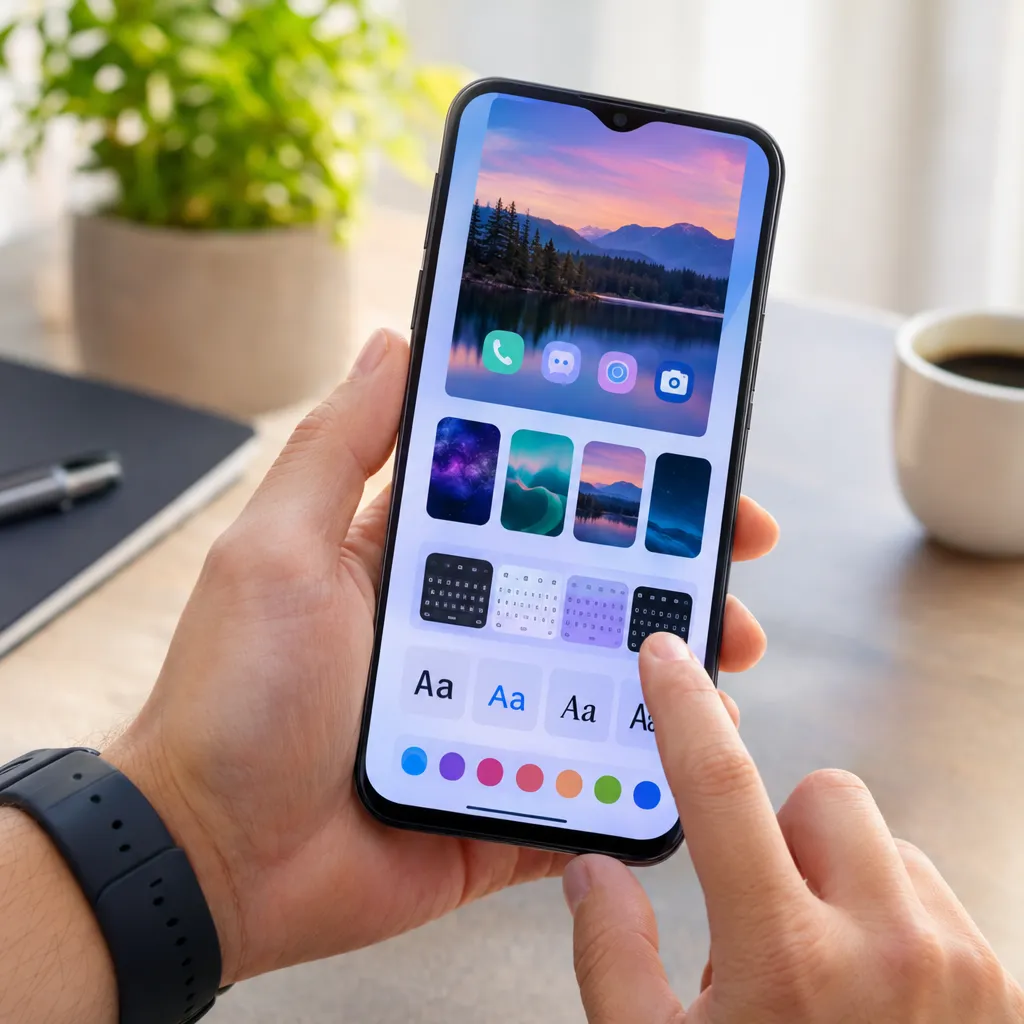
After choosing a theme, the app offers a clear button to “Apply” or “Use”. Depending on the app and your device type, the theme is installed in seconds and activated immediately. You can return and change the theme as many times as you want, experimenting with different color combinations, layouts and styles without any technical restrictions or limit changes.
For keyboards and fonts, the process is equally straightforward.You select the option you want, confirm the installation, and in many cases the app offers a button to set as default. Some apps allow real-time previews, showing you exactly how the keyboard or font will appear on your device before final confirmation.
Differences Between Platforms and Compatibility
Depending on whether you use Android or iOS, features and options vary. Android devices often allow for deeper customizations, as the operating system is more open to modification.IOS users also have access to good customization apps, although with some limitations imposed by system restrictions.
Before installing any app, check its compatibility with your operating system version and developer reputation. Read reviews from other users to ensure that the app delivers what it promises and does not cause performance problems on your phone. Many trusted apps have millions of downloads and consistent positive reviews.
Security and Privacy when Using Customization Apps
Always choose apps available in official stores such as Google Play or Apple App Store, as these platforms do security checks of the apps before making them available. Read the permissions requested by the app and ask if they are really necessary for the theme change functionality. A legitimate customization app does not need access to contacts, call history or location.
Uncheck apps that ask for excessive permissions or that you have never heard of. Prefer well-known developers with an established history in the application market. Many of the best solutions are offered by specialized companies that gain a reputation precisely for respecting the privacy of users and offering quality services without harming the performance of the device.
Personalizing Beyond Basic Themes
Advanced customization apps allow you to go beyond simple theme change. You can adjust specific colors, modify individual icons, customize the lock screen and even create your own themes by combining different elements.Some apps include editing tools that allow the user to customize almost every aspect of the visual interface.
The experience of using a fully customized mobile goes beyond aesthetics.When you have the freedom to organize and visually customize your device, the sense of ownership increases and the daily experience becomes more pleasant and motivating.You turn a generic device into a truly yours device, reflecting your preferences, personality and specific functional needs.