The App that Helps See Alternative GPS Routes
Announcements
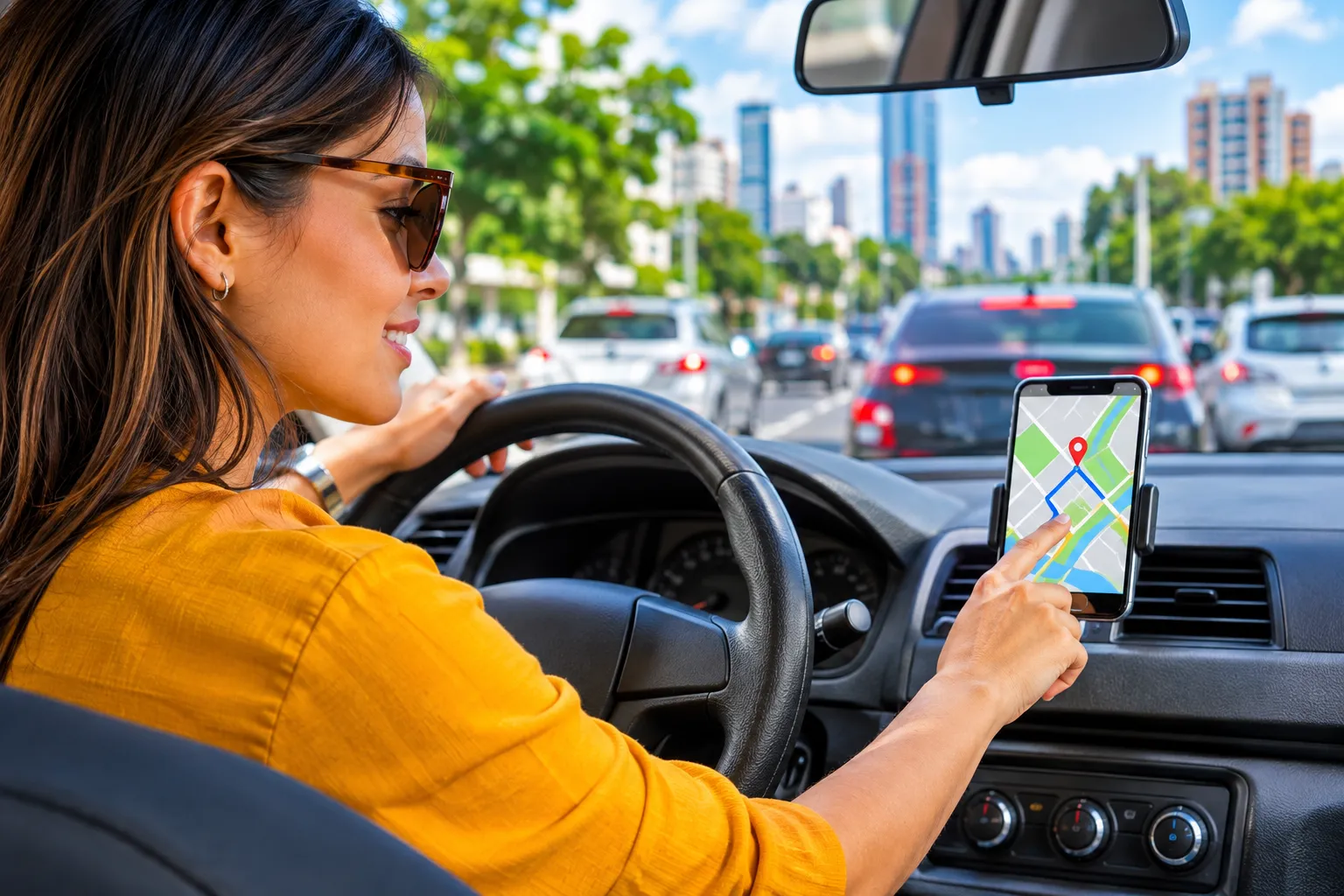
You are stuck in traffic and need to get to an important appointment fast.A GPS app that offers alternative routes may be just what you need to get out of this situation and save precious time.
continue on to the full guide:
 FREE GUIDE
How to Find the Best Route and Save Time in Traffic
✓Free
✓Routes in real time
✓Economics of
VIEW APP¹
📖 Reading 2 min · at no cost
Global positioning technology has evolved a lot in recent years, and today there are specific solutions that go far beyond the simple “point A to point B”. When you need flexibility in your routes, having access to multiple route options makes all the difference in your urban mobility.
Announcements
How Alternative Routes Apps Work
Modern GPS applications use real-time traffic data to calculate not just one, but several possible routes between two points. These programs constantly receive information from millions of users, traffic sensors and cameras scattered around cities, creating a live map of the flow of vehicles. This way, when you request a route, the app processes all this data and offers alternatives based on speed, distance, estimated time and other relevant factors.
The intelligence behind these apps learns from traffic behavior at different times and days of the week. If you often travel always on the same route, the app identifies patterns and suggests automatic adjustments when it detects congestion ahead. This ability to adapt in real time is what differentiates a simple GPS from a smart mobility assistant.
Advantages of Using Alternative Routes in Your Day to Day
Saving time is just one of the reasons to explore alternative routes. When you use different paths to the same destination, it reduces the wear of your vehicle, as it avoids getting accelerator-brake-accelerator constantly in traffic jams. In addition, diversifying the routes contributes to better distribute the flow of traffic in the city, which benefits not only you, but the entire community of drivers.
There are also considerable financial benefits from this practice. Less downtime in traffic means less fuel consumption, less wear on the brakes and a longer engine life of your car. For those who work with logistics, deliveries or need to constantly move around the city, these savings can represent significant figures over a month or year.
Key Features You Should Look For
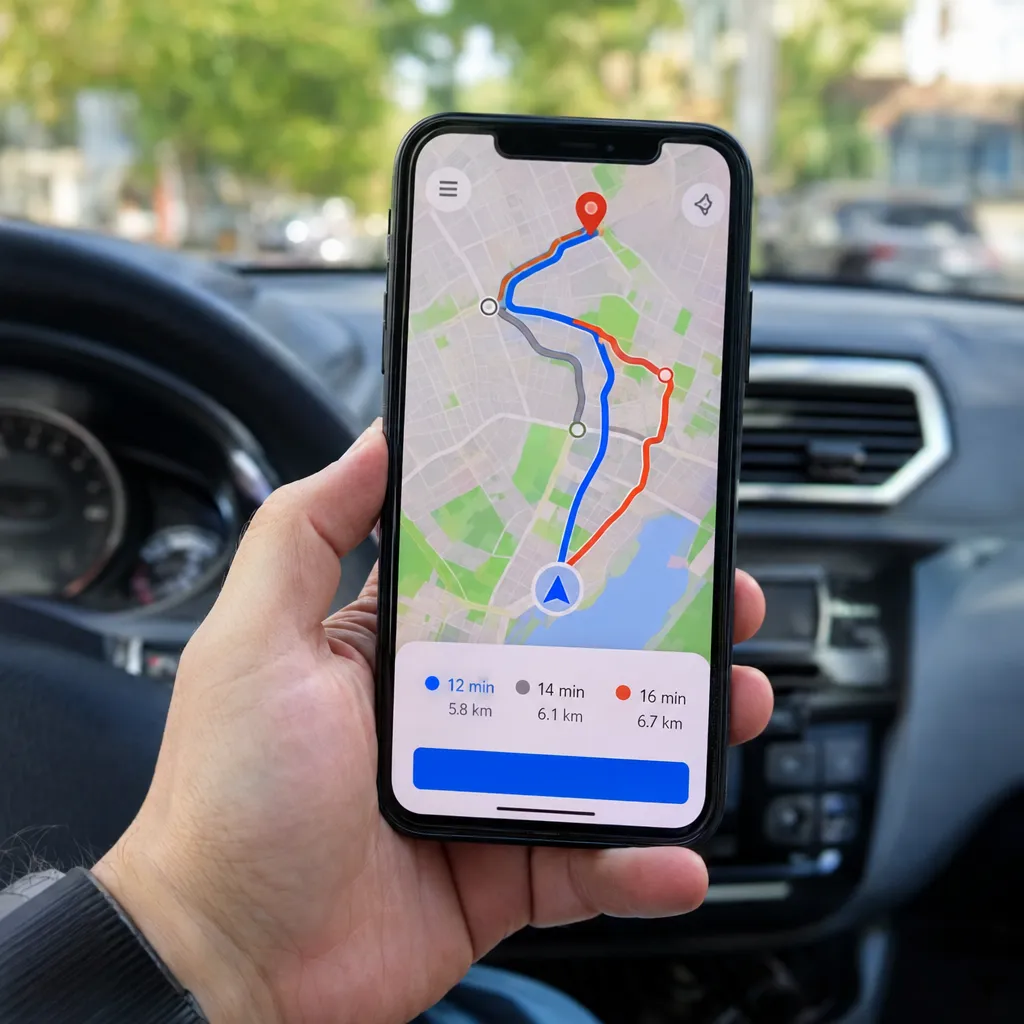
A good alternative routes app should offer clear visualization of multiple on-screen route options, with highlighted information about the estimated time for each route.You need a program that updates this information in real time, reflecting changes in traffic as you drive.The ability to switch between routes while traveling is essential, allowing you to change direction if the traffic situation changes.
Also look for features such as accident alerts, road works and checkpoints that may affect your route. Many apps include options to customize routes according to your preferences: some users prefer roadways, others want to avoid tolls, and there are those who prioritize safety over speed. A complete application respects these preferences and keeps them saved for future queries.
Step by Step: How to Use an Alternative Routes App Effectively
Start by downloading a recognized application directly from your mobile app store. After installation, grant the necessary permissions of access to the location and allow the program to use mobile data to receive traffic information in real time.Also enable notifications, which will alert you to important changes in the route or traffic situation.
Before you start an important trip, open the application and enter your destination. Note the different suggested routes along with the estimated times for each. Tap each option to view the route on the map and understand exactly where you will pass. If there are routes that you do not know, it is interesting to study them before leaving home, especially if the trip is in an unknown area.
While on the way, keep your attention on the app, but not to the point of being distracted from the direction. If the program suggests a change of route because you detected a congestion ahead, evaluate whether it is safe to make this change in your current position. Whenever possible, follow the voice instructions of the application, which usually warns in advance about conversions, exits and necessary lane changes.
Strategies to Optimize Your Routes
If you regularly travel to the same destinations, use the app history to identify which routes work best at different times. For example, a route that is excellent at 7 am can be horrible at 5 pm. This analysis based on your own personal data is more reliable than any generic forecast and will help you make better and better decisions.
Also consider the route sharing function with other users, available in many apps.When you report a traffic incident or congestion, this information is distributed to thousands of people, and you receive the benefit of similar information reported by others.This collective intelligence system makes the app increasingly accurate and useful for the entire community.
Try different routes even when everything is flowing well.Each alternative route you know well becomes a reliable option when emergencies arise.If a usual route suffers a sudden interdiction or a serious accident, you will already have several alternatives mapped mentally and can act quickly without stress.
Limitations and How to Get Around them
No GPS app is 100% accurate all the time. There may be minor delays in traffic updates, especially in rural areas or with weak internet signal. In addition, some apps offer technically correct routes, but they pass through very narrow or dangerous streets that you would prefer to avoid. The secret is to combine the information of the app with your local knowledge and common sense.
If the GPS signal is weak in your car, consider using a newer smartphone or with better quality antenna.Some modern vehicles come with integrated navigation systems that offer better reception.For smartphone users, keeping the device in a visible location, preferably on the windshield or on a special stand, significantly improves the quality of the signal and navigation.
It is also important to keep your app always up to date. Updates often bring the latest bug fixes, performance improvements and map data.Enable automatic updates in the app store so your GPS is always working at its best possible version.
Security and Privacy when Using Navigation Apps
When using a routing app, you are sharing your location with the company responsible for the program. Check the privacy policy of the app you choose and understand exactly what data is being collected and how it will be used. Most well-established programs offer options to anonymize your data or disable continuous tracking when not in use.
Protect your privacy by disabling location history when not traveling, or adjust settings so that the app stores this information only locally on your device. Never share your username or personal data in public application forums. If the program offers cloud synchronization, please read service terms carefully before activating this function.
Finally, drive responsibly and put safety above all else. A route app is just a tool to help you navigate the city better. The final decision on which path to take, at what speed to walk and how to react to unexpected traffic situations remains yours and should be taken always thinking about your safety and that of the other drivers around you.