Want to Listen to Police Radio? Use an App
Announcements
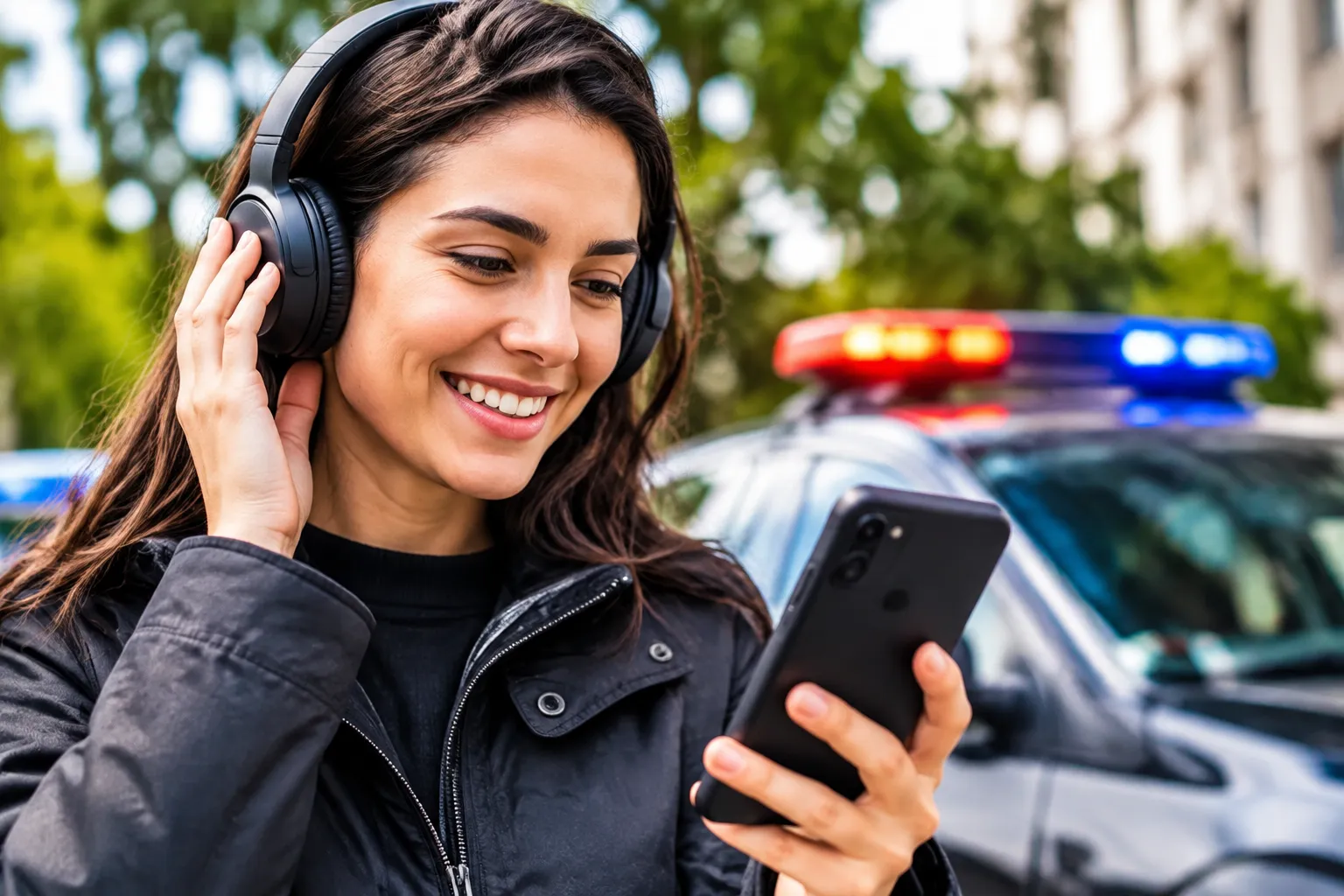
Do you want to follow police radio in real time directly from your mobile phone? There are specific applications that allow you to receive live broadcasts of police operations and communications, without needing a traditional radio scanner. This modern alternative makes access to information much more practical and accessible to anyone.
continue on to the full guide:
 FREE GUIDE
App to Listen to Police Radio in Real Time on Mobile
✓Free
✓Live broadcast
✓Real-time news
VIEW APP¹
📖 Reading 2 min · at no cost
Police radio transmission over mobile works by connecting your mobile device to servers that distribute the signal from public frequencies. Many of these applications work with 4G internet or WiFi, allowing you to track communications continuously, wherever you are. In this article, you will find out how to use these tools, what are the main options available and how they work in practice.
Announcements
How Police Radio Apps Work
Police radio applications capture public broadcasts of emergency frequencies and relay them over the internet. The process begins with servers equipped with software radio receivers, known as SDR (Software Defined Radio), which receive signals from local authorities.
The connection between your phone and the servers happens automatically when you open the application and select the region or police department you want to listen to. Most of these applications offer filters by geographic location, allowing you to choose between federal, state, municipal police or even specific departments. The latency is usually minimal, meaning that you receive the audio with only a few seconds of delay compared to the actual transmission.
Top Apps Available in the Market
Broadcastify is one of the most popular internationally, with thousands of frequencies from different agencies around the world, including several Brazilian cities.It works through a system of voluntary donations and offers both free and premium version with additional features.
Another well-known option is RadioReference, which works as a database and emergency radio player. The application allows you to search for specific frequencies by state, city or type of emergency service.In addition, it offers information about local authorities and broadcast history for educational and informational purposes.
Fire-Police Radio is a mobile application that specializes in fire and police broadcasts. It has a user-friendly interface and allows you to save your favorite frequencies for quick access.Many users appreciate the function of notifications that alert when there is activity on specific frequencies that you are monitoring.
How to Download and Set Up the App on Your Mobile
The first step is to access the app store from your mobile, either Google Play Store for Android or App Store for iOS. You should search for the name of the specific app you have chosen, such as “Broadcastify”, “RadioReference” or “Fire-Police Radio”. After locating, click the download button and wait for the installation to be completed automatically.
Once installed, open the app and log in if necessary. Most offer the option to create a free account using email and password.Some apps have completely free version, while others offer limited access for free and charge for premium features like audio recording or access to more frequencies.
At first run, the application will ask for permission to access your location and internet connection. These permissions are essential for it to automatically identify the frequencies available in your region and broadcast the audio with quality. Grant the necessary authorizations and navigate to the frequencies or stations section to start listening.
Finding and Selecting Local Frequencies
Once the app is installed and configured, you need to locate the police frequencies of your region. Most apps offer a map or list of frequencies organized by city, state or agency type. Use the search function to type the name of your city or state and view all the options available in your area.
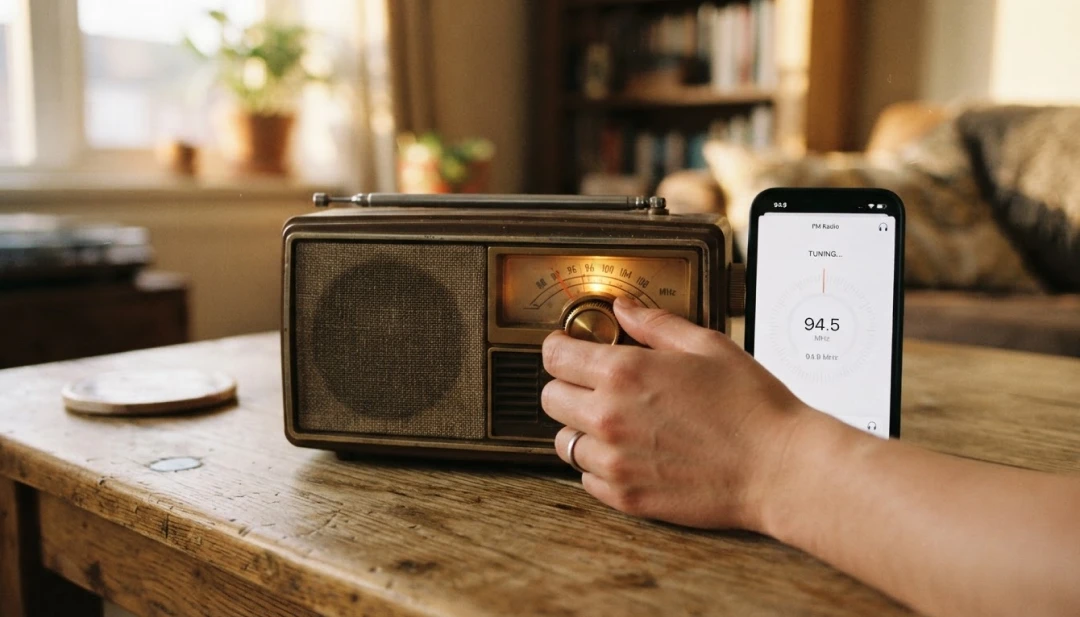
By selecting a specific frequency, the application will begin to broadcast live audio from police communications of that department. Some broadcasts are very active, especially in large cities during peak periods, while others may have periods of silence depending on the time of day. You can keep several frequencies open simultaneously in different tabs or select only one to focus your attention.
Practical Tips for Using the App Efficiently
To get the most out of the app, set up notifications intelligently.Many apps allow you to receive alerts when certain keywords or types of incidents are streamed.This is especially useful if you just want to keep track of specific situations without constantly monitoring live audio.
Make sure your phone has a stable internet connection, either over WiFi or mobile data. Police radio transmissions consume relatively low bandwidth, but a weak connection can cause audio cuts or delays.If you use mobile data, check the internet plan to ensure you will have no usage restrictions when listening for long hours.
Learn to recognize radio codes and police terminology to better understand transmissions.Many departments use numeric codes such as “10-4” (message received), “10-8” (in service), or “10-15” (fugitive), which are standard in radio communications. Knowing these codes enriches your experience and helps you better understand what is being communicated by officers.
Legal and Privacy Aspects
It is important to understand that police radio broadcasts are legally public in many countries, including Brazil. Listening to these frequencies through applications is permitted by law as you are accessing information that anyone could receive with appropriate equipment.However, laws vary by jurisdiction, so it is recommended to check the local regulation of your region.
Respect the privacy of those involved in the situations reported in the transmissions. Do not use the information obtained for illegal purposes, harm anyone or interfere with police operations. Police radio listening is an educational and informative activity, and should be practiced with responsibility and respect for public security operations.
Some apps offer audio recording functionality, but make sure it is legal to record broadcasts in your region. In some locales, recording is allowed for personal use only, while in others it is completely prohibited. Please refer to local legislation and application policies before activating any recording functionality.
Benefits of Monitoring Police Radio on the Mobile
Using an app to listen to police radio offers unparalleled convenience over traditional radio scanners. You carry all the functionality in your pocket, without needing additional equipment or installation.The touchscreen interface of the mobile makes it easy to navigate between frequencies, set up alerts and save favorite stations with a few taps.
You get access to frequencies from multiple regions and cities, not just your locality. This is particularly useful for journalists, public safety researchers, radio enthusiasts or anyone interested in following emergency events in different areas.In addition, apps often provide more context and information about agencies and frequencies than you could get with a traditional scanner.
Portability also allows you to receive real-time alerts about emergency situations in your area while you are away from home.If there is a special police operation or major incident happening near you, you can follow the live development and make informed decisions about your safety and daily routine.