
View Cameras Available by Mobile with App
Announcements
Finding cameras available in your region has never been easier. With modern apps, you can find, compare and schedule photography equipment directly from your phone, saving time and making more informed decisions.
Searching for cameras can be frustrating when you don’t know where to look or which model really meets your needs. Specialized apps solve this problem by centralizing information about availability, prices and characteristics of equipment in your region, turning your smartphone into a powerful search and selection tool.
How Camera Search Apps Work
These apps work as digital marketplaces connected to stores, galleries, rentals and other camera providers in your location. When you open the app, you see an interactive map or an organized list of available equipment near you, with high-resolution photos, complete technical specifications and evaluations of other users. The system uses your geolocation to filter only what is actually accessible in your neighborhood or city.
Announcements
The interface usually allows you to refine the search by camera type (DSLR, mirrorless, compact, smartphone), specific brand, price range and desired features such as image stabilization or minimum resolution. After identifying a camera that interests you, you can contact the seller directly, schedule a visitation or even make the purchase online through the application itself.
Key Features That Make Your Search Easier
The best apps offer advanced filters that save your search time significantly. You can search by price range, equipment condition (new, semi-new or used), sensor type, amount of megapixels, display type and many other technical criteria that matter for your specific need.
The comparison functionality allows you to put side by side the specifications of two or more models to make a well-founded decision. In addition, many apps offer automatic notifications when a camera you are looking for becomes available in nearby stores, preventing you from missing business opportunities or finding the desired model at the best price.
Practical Step-by-Step Guide to Using the App
The first step is to download the application of your choice in the app store of your mobile, whether Android or iOS platforms. After installation, open the app and allow access to your location so that the system identifies cameras available in your region. This permission is essential for you to view offer really close to you and can move to the stores if you want to see the equipment in person.
In the second step, define your search criteria accurately. If you are looking for an inbound DSLR camera to photograph familiar events, select these specific options in the filters, set a maximum amount you are willing to invest and sort the results by price, rating or proximity. This action dramatically reduces the volume of results and ensures that you see only options that are really relevant to your case.
In the third step, carefully analyze each option. Read the full description of the camera, view all the photos provided by the seller, check the condition, check whether it accompanies original or additional accessories, and most importantly: consult the reviews left by other buyers. This detailed analysis prevents disappointments and ensures that you are really getting what you are looking for.
In the fourth step, contact the seller or buyer to clarify final questions about the camera. Ask about the history of use, any problems in operation, if the warranty is still valid and how best to carry out the transaction. Many applications offer integrated chat or allow direct telephone contact, facilitating this communication.
Advantages of Using Specialized Apps
The biggest advantage is the convenience of searching for cameras from the sofa in your home, without having to move through multiple physical stores. You save fuel, travel time and can access a much larger catalog of equipment in seconds.In addition, prices in the applications are usually more competitive because sellers know that you are comparing with other options on the same platform.
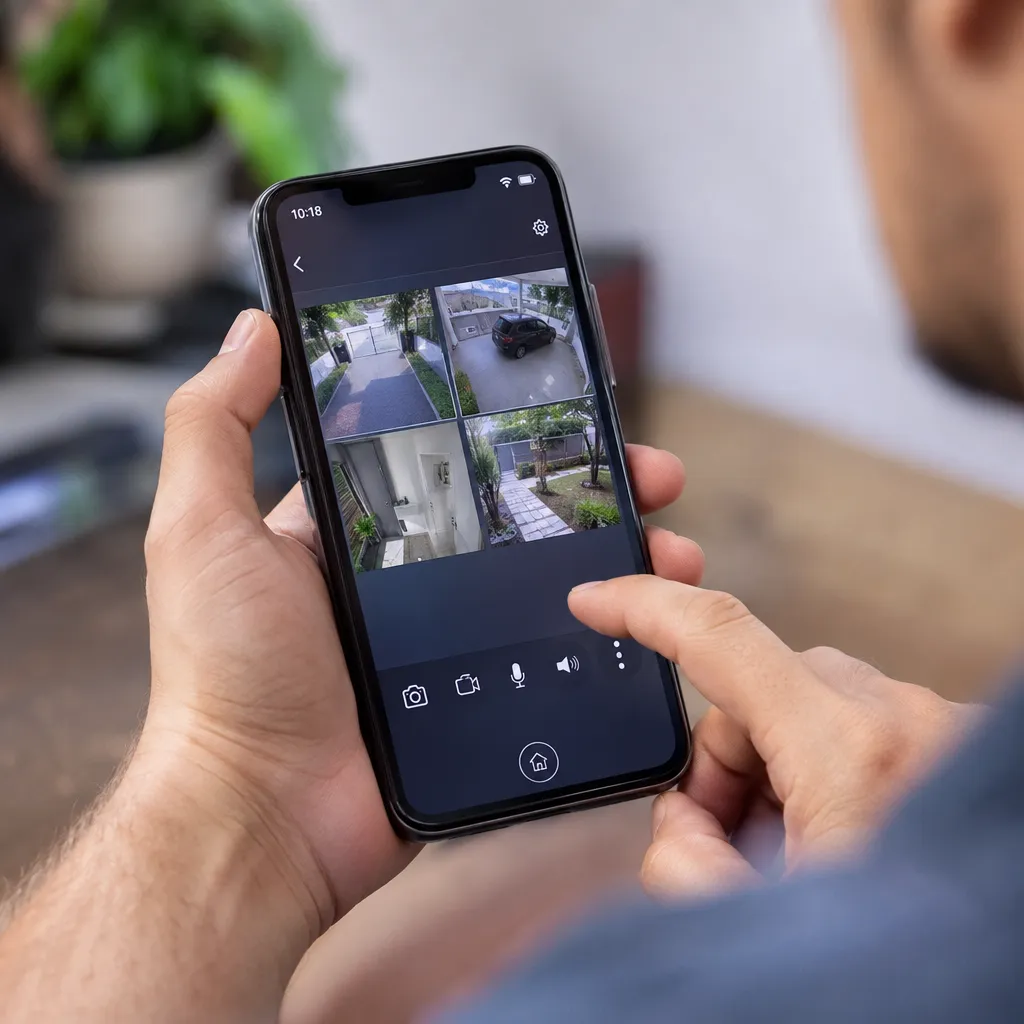
Many apps offer buyer protection by intermediating payment until the product is delivered and confirmed as per the description.This protection dramatically reduces the risk of fraud or purchasing faulty equipment, making the experience much safer and more reliable than trading with a stranger on a social network or traditional classified.
Transparency is also a strong point.You view the seller’s history, their reviews, number of transactions made and specific comments on the quality of service. This information helps you make safer decisions and avoid sellers with problematic or doubtful history.
Tips to Maximize Your Search Results
Set alerts for camera models you are looking for, so the app automatically notifies you when a new ad is published. This strategy is especially useful if you are looking for a specific, semi-new, low-priced model, as you will have the opportunity to act quickly before other buyers reach the same offer.
Always check the date of publication of the ad and consider cameras that have been listed for longer, as sellers may be more willing to negotiate the price. At the same time, new cameras in the application usually have more competitive prices because sellers want to generate movement and win positive reviews quickly.
A responsive salesperson, who answers your questions in detail and provides additional information without hesitation, is usually more reliable than one who offers generic or time-consuming answers.Use this interaction as a quality test of the future relationship with the seller.
Types of Cameras You Find in Apps
The variety available is impressive. You can find professional DSLR cameras, latest generation mirrorless, digital compacts, instant cameras, top quality webcams, drones with integrated camera and even vintage cameras for collectors. Each category has specific subcategories and filters to facilitate your navigation.
The apps also sell camera-related accessories such as interchangeable lenses, tripods, protective bags, filters, external flashes and other equipment that complement your photo kit. This integration allows you to complete your purchase in one place, saving time and often taking advantage of promotions or discounts when combining products.
Security and Trust in Digital Transactions
Before confirming any purchase, check the payment methods offered by the application and choose those that offer you protection.Credit card, PayPal, bank transfer with platform intermediation or even cryptocurrencies may be available, each with its level of security and consumer protection.
Shoot or record videos of the equipment at the time of receipt, documenting its physical state and operation. This action protects you in case of discrepancies with the original description or damage occurred during transportation. Keep all transaction documentation, including conversations with the seller, until the purchase is finalized and you are completely satisfied with the product.



