Parental Control Application: Know the Functions!
Announcements
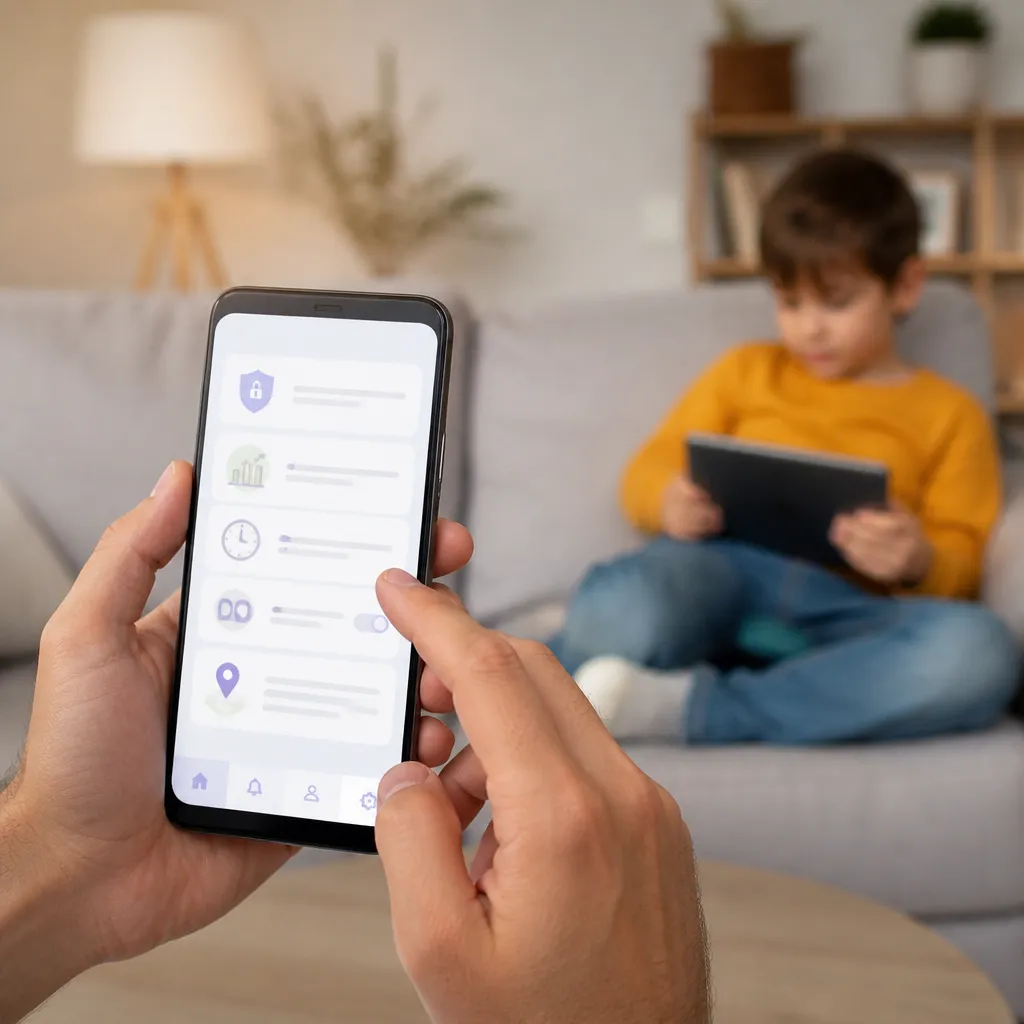
Do you want to protect your children on the internet, but do not know where to start? Parental control apps are powerful tools that help monitor and manage children’s digital access.Let’s explore the main functions of these solutions.
Digital parental control has become essential these days, especially with children using smartphones and tablets from an early age.These apps act as a protective shield, allowing you to set healthy boundaries without completely eliminating technological access.
What is a Parental Control App?
A parental control application is software that you install on the child’s device to monitor and restrict access to inappropriate content. It works as an intermediary between the child and the internet, allowing you to set rules and track activity in real time. These apps offer from simple locks to detailed analysis of digital behavior.
Announcements
The great advantage is that you can maintain security without completely invading the privacy of children.Many parents find the perfect balance using these tools, allowing children to explore the internet safely and supervised.
Main Content Blocking Functions
Content filtering is one of the most important functions of these applications.You can automatically block adult, violent or material unsuitable for the age of the child.The system learns patterns and adjusts filters as needed, offering continuous and intelligent protection.
 Chat Cloner Secretly View Chat
Classification:
^^^^^^^^^^^^^^^^^^^^^^^”’
4.47
Age Classification:
Free Classification
Author:
G.K.Apps Studio
Platform:
Android
Price:
Free
▶Download on Google Play
In addition to auto-blocking, many apps allow you to create custom lists of allowed or blocked websites.If you want your child to access only educational platforms, you can restrict the browser to only those addresses. This flexibility is essential because each family has different needs and different values.
Some apps analyze content in real time as the child browses, identifying dangerous or suspicious keywords.If they try to access something problematic, the app notifies you immediately and blocks access automatically.
Application Monitoring and Social Media
Social networks pose a unique challenge for parents, especially since this is where many teens spend the most time.Parental control apps allow you to monitor which apps are installed on the device and how much time is spent on each.
With the social media monitoring function, you can track conversations, followers and shared content. Some apps offer detailed reports showing who the child is talking to, what kind of messages they are receiving and what content they are viewing. This helps you identify potential bullies, predators or negative influences before they become bigger problems.
You may also receive notifications when someone tries to add your child on social networks or when there are suspicious contact attempts.This active surveillance is crucial in a world where teens face increasingly sophisticated risks online.
Screen Time Management
Setting time limits is critical to the health of children and teens.Parental control apps allow you to set how long your child can use the device per day, including specific times when access is blocked completely.You can create different timelines for weekdays and weekends, adapting to your family needs.
Many apps offer the function of “sleep time”, which automatically locks the device at night. You set a time and the phone or tablet becomes inaccessible until the next morning.This protects children’s sleep and reduces technology addiction at crucial moments of rest.
You get detailed reports on how your child is using screen time, which apps are consuming the most time, and whether they are respecting set limits.With this information, you can adjust the rules and have informed conversations about healthy digital habits.
Location Tracking and Geolocation
Physical security is just as important as digital, which is why many apps include location tracking.You can know where your child is in real time through the device’s GPS.This is especially useful when children leave home alone or travel to distant schools.
In addition to real-time location, you can set up safe zones called geofencing.When your child leaves or enters these predefined areas, you receive an instant notification.For example, you can mark the school, grandmother’s house and nearby park as safe zones, and receive alerts if the child moves away from these places.
This function is particularly valuable for parents of young children or teens who go out alone for the first time.Tracking offers peace of mind without being too intrusive, while maintaining the balance between safety and independence.
Real-Time Alerts and Notifications
One of the biggest benefits of parental control apps is the ability to receive alerts about suspicious activity or rule violations. You are notified immediately when your child tries to access blocked content, exceeds the screen time limit or goes beyond defined safe zones.
Alerts can be customized to your preference: you choose which types of activities generate notifications and which channel you want to receive (SMS, email, push notification on your own phone). Some apps even allow you to set up smoother alerts for minor infractions and more aggressive alerts for really dangerous activities.
This constant communication between you and the app creates a dynamic protection system. You do not have to constantly check the child’s device, because the app takes care of surveillance and warns when something important happens.
Control of Expenses and Payments
If your child uses the device to make purchases in apps or games, parental control helps manage spending. You can set spending limits, require approval before any purchase or completely disable the payment function on the device. This protects the child from expensive impulsive purchases and fraud.
Many apps track all purchase attempts and allow you to review and approve transactions before they are effectively processed.You receive detailed notifications about what your child wants to buy, the price and can make conscious decisions about each transaction.
This function is educational too, because it allows you to teach notions of finance and responsible consumption in a practical and supervised way.
Advanced and Customizable Features
The best parental control apps offer an impressive amount of customizations.You can create different profiles for each child by setting age-appropriate rules for each. An 8-year-old will have much stricter restrictions than a 15-year-old, and the app allows for these granular adjustments.
Some apps include call-listening and audio recording functions around the device, although these capabilities are controversial from a privacy standpoint. Others allow monitoring of incoming and outgoing calls, with contact history.
Additional features such as browser history search, remote screen capture, remote command for emergency device lock and even voice command activation to locate the physical device are found in more robust applications. These advanced features turn the app into a complete control center of your child’s digital security.
Real Use Scenarios: When Parental Control Apps Make a Difference
Imagine your 10-year-old who started using tablets for video calls with friends during the pandemic. A parental control app allows you to block inappropriate websites that colleagues can share, while releasing educational platforms like YouTube Kids or learning apps. You establish that the device turns off at 21am so as not to harm sleep before school, and receive alerts if it tries to access adult content.
Another common scenario is when teens get their first smartphone at age 13. Social networks like Instagram and TikTok represent opportunities to learn and connect, but also risks of bullying and contact with strangers. A parental control app allows you to monitor who is talking to your child, what kind of comments they are receiving and if there are suspicious behaviors. You can take action if someone starts sending inappropriate messages or if your teen is being bullied.
A third scenario is when your child makes accidental purchases in mobile games without your approval. Many teenagers make purchases of small items that accumulate quickly, generating unexpected expenses. With parental control, you require approval for any purchase, educating your child about responsible spending while avoiding unpleasant surprises on the invoice.
When your child starts going out alone, perhaps to go to school on foot or visit friends in the neighborhood, location tracking offers security. You can check in real time whether you have arrived at school, receive alerts if you leave the established route and sleep better knowing where you are. For adolescents at higher independence ages, such as 14 or 15, this offers a way to allow freedom with adequate security.
A last important scenario is when you suspect your child is being the victim of online predation or grooming.Advanced alerts about suspicious contacts and conversation monitoring allow you to identify these potentially dangerous situations and intervene quickly, perhaps involving authorities if necessary.
Choosing the Right App For Your Family
When selecting a parental control app, consider the age of your kids and what risks you fear most. If your kids are small, prioritize content filtering and screen time limits.If they are teens, social media monitoring and location tracking may be more relevant.Each family has different concerns, then choose an app that aligns with your specific priorities.
Ease of use is crucial, because a complicated app will not be useful in the long run. You will regularly use it to review reports, adjust settings and respond to alerts, so intuitive interface makes a huge difference.Test free versions or trial periods before committing to the subscription, ensuring that the app fits your familiar workflow.
Also consider compatibility with the devices your family uses. If you have children on iPhones, Androids, tablets, and computers, you need an app that works on all these platforms.Make sure it offers cross-device synchronization and that the control panel is accessible from anywhere, so you can monitor even when away from home.
Developer reputation and reviews from other parents are valuable indicators. Read reviews about app stability, quality of customer support and whether it receives regular updates to keep up with new threats.An app with poor support will not help when you really need it.
Implementing Parental Control with Transparency
An essential aspect that many parents neglect is open communication with their children about monitoring. Installing a parental control app without warning the child can destroy trust when she discovers. Older children and adolescents especially have the right to know the rules and why they exist.
Clearly explain what the purpose of monitoring is: your security, not punishment or invasion of privacy. Make it clear what information you will follow, why and how it protects them. This open conversation sets realistic expectations and turns the app from a secret surveillance tool to an element of dialogue about digital security.
For young children, it is simpler because they understand that it is protection. But for adolescents, you can negotiate certain levels of freedom as they gain responsibility. For example, start with stricter locks and gradually reduce as they demonstrate responsible digital behavior.
Ideally, use the app not as a spying tool, but as a facilitator of conversations about security. When you see something worrying in the reports, talk to your child about the incident in a non-accusing way. This teaches digital responsibility and makes it clear that you are there to guide, not just punish.
Balance Between Protection and Privacy
There is a fine line between protecting your children and excessively invading their privacy. Young children need stricter protection because they do not yet understand digital risks. Teenagers, however, need privacy to develop independent identity and trust in themselves. An overly restrictive app can generate resentment and damage the relationship with your child.
The key is to be proportional to age and maturity level. A preteen should not have privacy of all their digital movements, because they simply do not have the experience to properly assess risks.A teenager, however, if they have been shown to be responsible and reliable, may deserve more freedom with less active monitoring.
Consider too much restraint can lead children to seek ways around the system, using friends’ devices, fake accounts or other cunning. Sometimes a more open approach with clear rules works better than stern surveillance. The ultimate goal is not to control completely, but to teach safe digital habits that last a lifetime.
Regularly reassess whether the level of monitoring is still appropriate for your child’s current age. As they grow, their privacy needs change, and you must adapt.A parental control app should be a temporary tool that becomes less invasive as your children mature and understand how to protect themselves.