
Best App to Track Kids Activity on Android
Announcements
Do you want to know what your child is doing on mobile, but do not know where to start? There are specialized applications on Android that help you monitor the activity of children safely and efficiently.In this practical guide, we will explore the best options available for free.
With so much content available on the internet, controlling children’s access to their mobile phone has become a real need for many parents.The good news is that you don’t have to be a technology expert to use these tools, as most of them work intuitively and offer powerful monitoring features.
What you can monitor with these apps
Parental control apps on Android offer an impressive range of features that you can use to keep your kids safe. You can track screen time by blocking cell phone access at set times like during meals or at bedtime.This functionality helps prevent tech addictions and ensures that kids have moments of disconnection.
Announcements
You can also see which apps are installed on your child’s phone and control which programs he can access. Many of these apps allow you to block specific apps, such as social networks or games, offering a content filter appropriate to the child’s age. Some even track your child’s GPS location in real time, working as an extra protection system for when he is away from home.
Other features include monitoring calls and text messages, allowing you to see who your child is communicating with. There are apps that record internet browsing history, showing exactly which websites have been visited. Some even offer automatic alerts when suspicious keywords are typed or when unknown contacts try to communicate with the child.
Download app Platform: Android ▶Download on Google PlayHow to choose the ideal app for your need
Choosing the best app starts with defining which features are really important to your family. If your main concern is screen time, you can opt for simpler and more straightforward tools.If, however, you want a complete solution that includes location tracking and contact monitoring, you will need to choose a more robust app.
For young children, between 6 and 10 years old, apps that control screen time and block inappropriate content work great.For older teens, you may need a different approach that includes more communication monitoring and fewer obvious restrictions, preventing them from feeling overly guarded.
The application interface also matters a lot in your user experience. Look for apps that have an intuitive dashboard where you can access all the information quickly and organized. Make sure the tool offers real-time notifications, as this allows you to quickly respond to situations that deserve attention.In addition, make sure that the app works well on your device and does not consume too much battery from your child’s phone.
Practical steps to install and configure
The process of installing a parental monitoring application starts in the Google Play Store, where you search for the name of the desired app. After finding it, tap the download button and wait for the installation to be completed on your mobile phone, which will act as the administration device. This will be the mobile phone from which you will track all the activity of your child.
After installing the app on your mobile, you will need to create an account and log in. Generally, you will receive an access code or a link to install the version of the app also on your child’s mobile. Access his device, go to the Play Store, search for the same tool and install the corresponding version. Make sure that you have explicit permission from the child and, if possible, do this together to explain the reasons for monitoring.
After both versions are installed, you will need to connect both devices through the app. Typically, this involves entering a pairing code or linking the devices using your previously created account.Some apps ask you to enable special settings on your child’s Android, such as allowing access to usage data or enabling GPS location.
With paired devices, it’s now time to set up the desired rules and restrictions in your mobile dashboard. You can set lock times, choose which apps remain accessible, set time limits for each program, and enable content filters. Make a conservative initial setup and then adjust as needed, noting how your child interacts with the imposed restrictions.
Location tracking and security features
Many of the best free monitoring apps include location tracking via GPS, which offers peace of mind when your child leaves home. You can view the current location on a map in real time, tracking where he went at school, at friends’ house or elsewhere. This feature is particularly useful for children who are starting to go out alone for appointments.
Some of these apps allow you to set security zones, known as geofencing.You create an area on the map around the house, school or other places where your child should be. When he leaves this zone, the app sends an automatic notification to your mobile, alerting him immediately. This works as an invisible alarm system that protects your child without being too intrusive.
You can also review your child’s location history by seeing the places they visited during the day or week. This information helps you talk to them about their activities outside the home and identify patterns of behavior. If you notice that they are attending unfamiliar locations, you can use this information as a starting point for an honest conversation about where they are going and who they are with.
Monitoring communications and contacts
Call and message control is a powerful feature that you can activate in several free applications.You will be able to view all incoming and outgoing text messages, including WhatsApp conversations and other messaging applications.This allows you to identify early on whether your child is being approached by strangers or if he is in a conversation that seems inappropriate for his age.
You can also see your child’s contact list and monitor who is calling him. Some apps show how many times each contact called and the total conversation time. This helps you identify close friends, acquaintances and potential suspicious contacts that deserve further investigation. You can even block specific numbers directly from the control panel, protecting your child from unwanted calls.
Many parents find troubling information through this feature and manage to intervene properly. If you find that your child is talking to someone unknown who carries danger signs, you can act quickly to protect him. The key is to use this information as a basis for productive conversations, and not just to punish or invade privacy excessively.
Content filters and website blocking
One of the most important features you find in these apps is the web-based content filter.You can block entire categories of websites, such as adult content sites, violence, drugs, and other categories that are potentially harmful to children. The app works by automatically blocking access when your child tries to access one of these sites, regardless of which browser they use.
You also have manual control over specific websites, allowing you to block particularly dangerous addresses you know. If your child wants to access a legitimate website that was accidentally blocked by the automatic filter, you can add it to a list of exceptions. This level of flexibility ensures that monitoring is effective without being overly restrictive.
Some apps offer detailed reports on the websites your child has tried to access, even those that have been blocked.You can review this information periodically to understand what types of content are catching his attention.If you notice worrying patterns, such as frequent attempts to access inappropriate content, you can talk to him about the dangers of the internet in a polite and informed way.
Screen time control features
Screen time control is perhaps the most popular feature among parents who use monitoring apps.You can set daily limits for how long your child can use their phone, and when this limit is reached, the device is automatically locked. You can even specify different times for weekdays and weekends, allowing more flexibility on weekends if you wish.
You can establish entire periods when the phone is completely blocked, such as during meals, at homework or before bedtime.Many apps allow you to create specific schedules by day of the week, recognizing that the needs are different on school and non-school days.
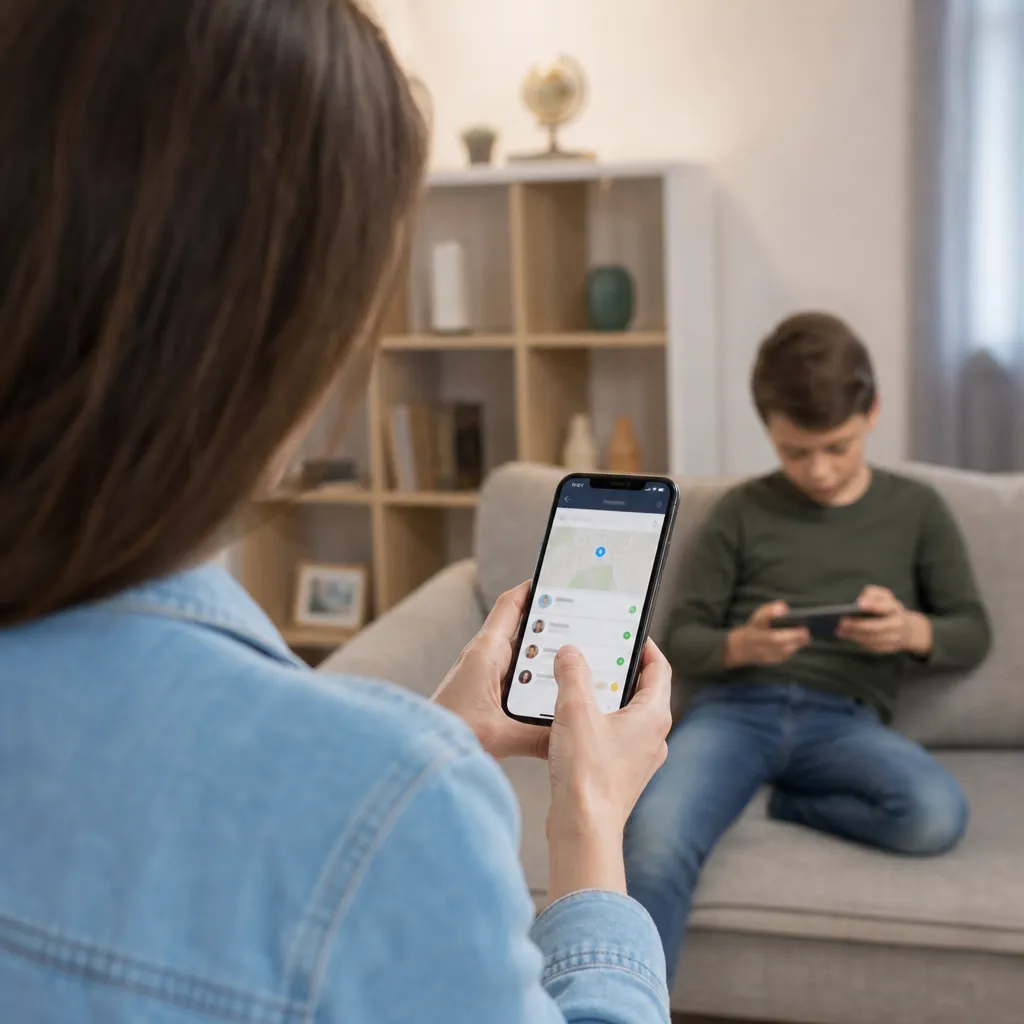
Some apps show detailed reports on which app your child has spent the most time using. If you notice that he spends hours playing a single game, you can use this information to set new limits or to chat about screen time.The goal is to create a healthy balance between online time and offline activities such as reading, sports and face-to-face interaction with friends.
Tips for using monitoring responsibly
Using a parental monitoring app does not mean you should constantly spy on your child or check every move he makes. The key is to use this tool as a support for open communication and trust, and not as a substitute for talking to him about digital security. Explain to your child why you are using the app, what your goals are, and what kind of behavior you are trying to protect.
Establish regular conversations with your child about internet, security and online interactions. If you discover something troubling through the app, approach the subject calmly and actively listening, trying to understand what he was doing and why.Often, strange behaviors have simple explanations, and an honest conversation can reveal the true context much better than just imposing restrictions.
Remember that your child also deserves privacy and autonomy as they grow up. You do not need to monitor every detail of their life, especially as they approach adolescence. The goal is to find a balance between protection and trust, using the app as a security tool for legitimate situations of concern, and not as a means of controlling every aspect of their life.
Periodically review what restrictions you are applying and consider loosening some as your child demonstrates responsibility. If he respects the screen lock times you have established, he may deserve more freedom in other areas. This process of gradually creating more freedom helps your child develop autonomy and learn to make Saudi choices about technology.
Practical examples of situations where monitoring helps
Consider the situation of a mother who noticed that her 12-year-old son was up very late every night. Using the monitoring app, she found out that he was playing until 2 am in an online multiplayer game. With this information, she was able to establish blocking schedules for the game and talk to him about the importance of sleep, leading to a noticeable improvement in her school performance.
In another example, a parent realized through the visited websites report that their child was accessing websites about self-harm.This early discovery allowed him to have an important conversation with his child and seek professional help before the situation worsened.
Another family used geofencing functionality to know when their child arrived safely at a friend’s house after school. When he left the security zone established around the friend’s house, parents received a notification. This gave them peace of mind without having to constantly call him, allowing him to have independence while maintaining security.
There are also cases where children have received messages from strangers with inappropriate or coercive content.Parents who used message monitoring were able to identify these contacts quickly, block them, and alert the appropriate authorities.This type of early protection is absolutely vital these days when online predators are increasingly sophisticated.
Common challenges and how to overcome them
One of the main challenges you may face is your child’s resistance to being monitored. Teens especially may feel that their privacy is being violated and may try to circumvent the application by deleting it or using another mobile phone. The solution is to keep the lines of communication open, explaining that monitoring is about security, not about invasion of privacy.
Another common challenge is that some apps can consume too much battery from your child’s phone.If you notice that the battery is lasting significantly less, consider disabling some features like continuous GPS tracking or very frequent synchronization.
Some kids may find creative ways to get around screen time locks or content filters.If this happens, treat it not as a battle but as a conversation opportunity. Ask him why he wants to get around the restrictions and work together on solutions that honor both his safety and his need for autonomy.
You may also face the challenge of distinguishing between legitimate monitoring and excessive surveillance.The golden rule is: if you need to be constantly monitoring to prevent something bad from happening, then monitoring alone is not the solution.
Maintaining security while respecting privacy
The best outcome you can achieve is when your child understands that safety restrictions exist because you care, not because you don’t trust him. Clearly explain that you’re monitoring risk, not regular behavior. If he does something within normal expectations for his age, you don’t need to be constantly mentioning it.
Use monitoring data as a basis for productive conversations, never as a weapon for immediate punishment. If you see something troubling, resist the urge to confront it aggressively. Instead, choose a quiet time to bring up the subject, ask your version of the facts, and work together on solutions.
Consider implementing a reward system where your child gains more freedom and less monitoring as they demonstrate responsibility. If they respect lockout times, do not try to bypass filters and have appropriate communications, they may no longer need message monitoring.
Teach your child about online privacy, how to recognize predators, the danger of sharing personal information, and how to act if something makes him uncomfortable. A child educated on these topics is much safer than a child simply monitored, as he can make his own salutary decisions.
Alternatives and complements to monitoring via application
While monitoring apps are valuable tools, they work best as part of a broader digital security strategy.You can also use native Android parental controls, which come integrated into the operating system.These controls allow you to set restrictions without having to install an additional app, saving space and battery.
Another complementary approach is to keep your home wifi router set to block certain types of content at the network level. This provides protection throughout the home, not just on your child’s phone.Some modern routers even let you set times when the internet is disabled for all devices, making it easier to comply with screen time limits.
Regularly talking to your child about online friends, their interests and their activities on the internet is perhaps the most important complement. Ask him to show you his favorite games, explain to you how the applications he uses work, and share his memes and favorite content. This type of active participation in his digital life builds trust and opens up communication channels.
Consider also attending webinars or online courses on child digital safety.The more you understand about the real risks your child faces online, the better you can protect him.Many organizations offer free resources on this topic, and educating yourself is a valuable investment in the well-being of your child.
If you are really concerned about your child’s behavior online or if they show signs of technology addiction, consider consulting a professional such as a child psychologist or a digital behavior specialist.



