
Simulate X-ray by Cell Phone Camera
Announcements
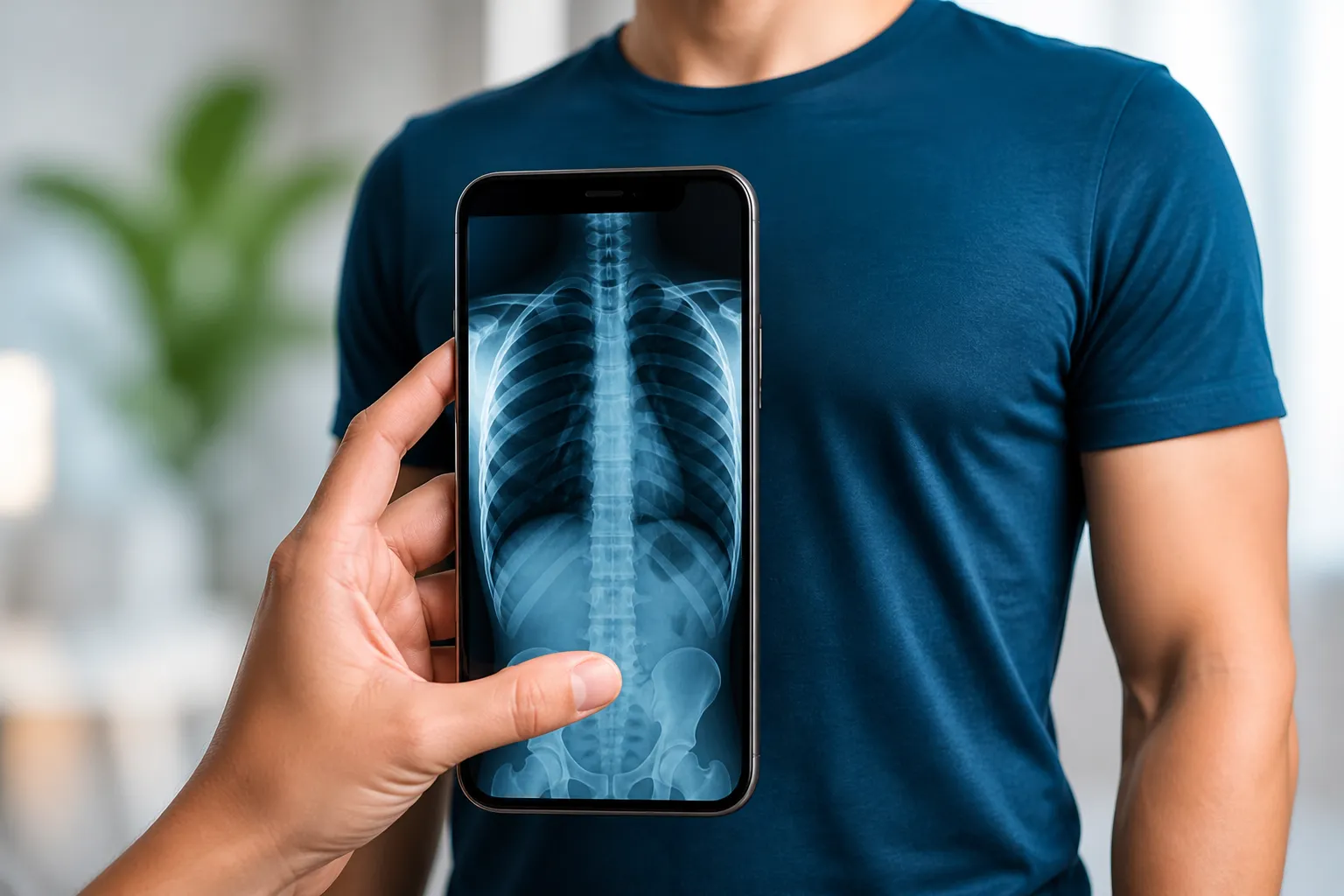
Have you ever stopped to think about how your phone’s camera could work as an X ray? This is no longer a simple science fiction, as there are applications that simulate this visual effect creatively.Let’s explore how these tools work and what you need to know before using them.
continue on to the full guide:
 FREE GUIDE
Here’s how to simulate x ray with your cell phone’s camera
✓Free
✓Realistic visual effect
✓Step by step guide
VIEW APP¹
📖 Reading 2 min · at no cost
Mobile camera X ray simulation technology has grown significantly in recent years.These applications use visual filters and image processing to create the visual effect of a traditional X ray, offering a fun and educational experience.
Announcements
How X Ray Simulation Works in Camera
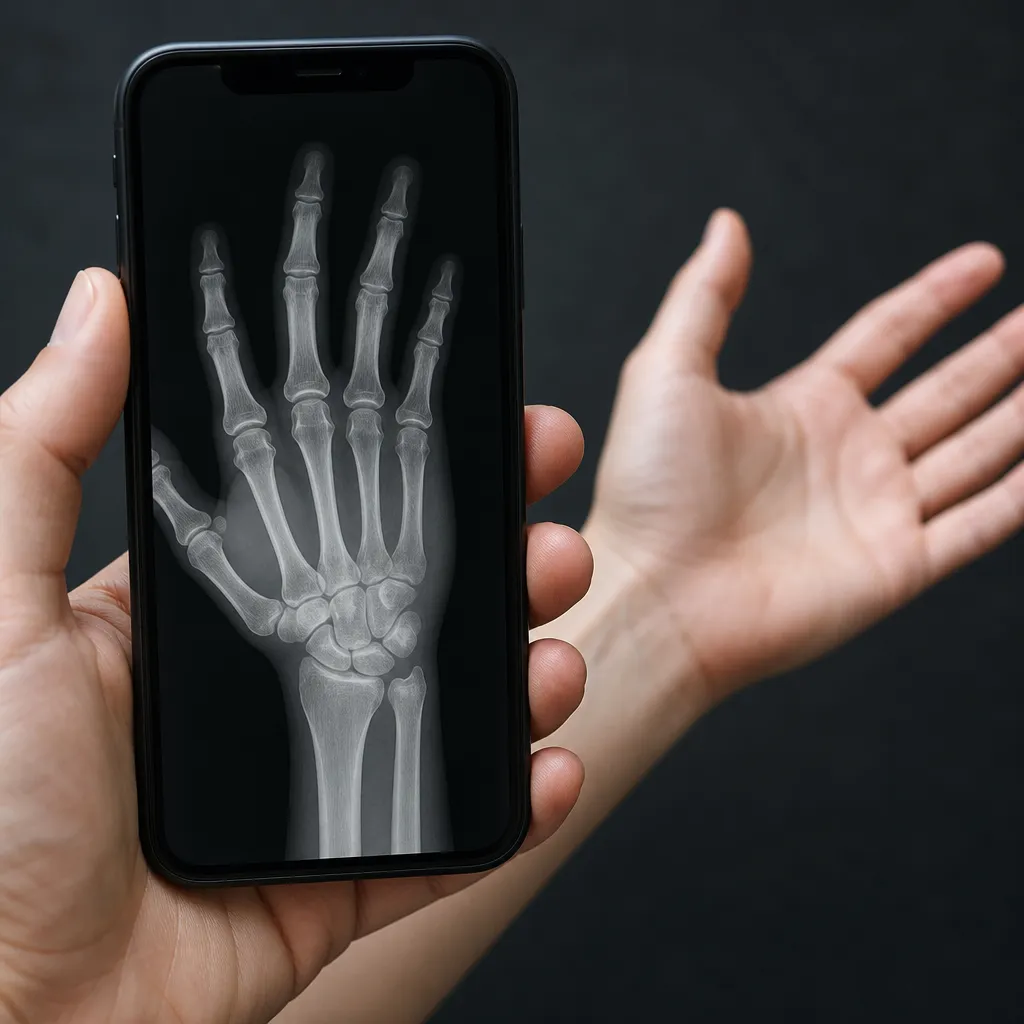
X ray-simulating applications work through image processing algorithms that modify the pixels captured by your mobile phone’s camera. They reverse colors, increase contrast, and apply thermal filters to create a visual appearance similar to a real X ray. The process is completely harmless and only visual.
The camera of the mobile phone captures the light reflected by the objects and the application transforms this information into gray tones or specific colors that mimic the aesthetics of an X ray. You will see denser areas appear in darker tones and less dense areas in lighter tones, creating that iconic visual effect that you know from medical offices. This type of simulation is purely aesthetic and does not perform any real medical analysis.
Key Features Of These Apps
Most X ray simulation applications offer real-time filters that modify the image while you are capturing. You can take captures of any object, person or environment and visualize how it would look with the X ray effect applied. Many also allow you to adjust the filter intensity, grayscale and effect sensitivity.
These applications usually include options to save the modified images, share on social networks and even make videos with the active effect. Some of them offer additional modes such as simulated thermal vision or negative color reversal. The experience varies according to the quality of the chosen application, but the basis remains the same: turn your mobile camera into a creative visual simulation tool.
What You Need to Know About These Tools
It is critical to understand that these apps are purely recreational and have no real medical functionality. They cannot see through objects, detect no radiation and do not analyze internal structures.The visual effect you see is just an aesthetic filter applied to the image captured by the camera, with no real X ray technology involved.
Your cell phone camera works by capturing visible light, while real X rays utilize high-energy electromagnetic radiation that is completely invisible to any ordinary camera. Therefore, it is impossible for an app to turn a cell phone camera into a true X ray sensor.
How to Use These Apps Effectively
To get the most out of these apps, choose one that scores well in official stores and has plenty of customization features. Start by testing different filter settings to find the visual style that appeals to you the most. Try capturing different types of objects and environments to see how the effect behaves in diverse situations.
When using the app, keep the camera stable to get clear images with the effect applied.Environment lighting also interferes with the end result, so try using in different light conditions to notice the differences.You can create creative content to share on social networks or simply have fun with the visual effect novelty.
Privacy and Security Considerations
When installing any app on your phone, check the permissions it requests before allowing access. Many camera apps need permission to access the camera and storage, which is expected and necessary to work. However, be wary of apps that ask for unnecessary permissions or that request additional personal data.
Download these apps only from official sources such as the Google Play Store or Apple App Store where there are more stringent security checks. Read other users’ reviews to assess the reliability of the app before installing.Some apps may contain intrusive advertisements or request premium subscriptions, so know what you are signing up for before proceeding.
Alternatives and Additional Resources
In addition to the X ray simulation specific applications, you can also find general photo editors that offer similar filters as an additional functionality. Professional editing applications often include visual effects that create the X ray look when applied to your images.
You can also explore augmented reality apps that offer more advanced and interactive camera effects. These types of tools often constantly update their filters and effects, offering new transformed visual experiences.Trying different apps helps you figure out which one offers the best quality and most functionality according to your specific needs.



