How to View Private Photos Sent Safely
Announcements
You constantly receive private photos from friends, family, and professional contacts, but you don’t always know how to view them securely. This article presents practical strategies for accessing uploaded images while maintaining your privacy and protecting your personal data.
continue on to the full guide:
 FREE GUIDE
See how to use How to see private photos that sent you on mobile
✓Free
✓Step by step
✓Updated 2026
VIEW APP¹
📖 Reading 2 min · at no cost
The way you view private photos directly impacts the security of your device and the protection of sensitive information. Understanding the best methods and tools available makes a significant difference to your digital experience, especially when dealing with sensitive or confidential content.
Announcements
Native Safe Viewing Methods
Standard messaging apps offer viewing features that you can enjoy without installing additional programs. Platforms like WhatsApp, Telegram, and your mobile’s own messaging app already have features specific to private photos, including notifications when someone captures an image from the screen. These systems work directly on your phone without sending data to external servers unnecessarily.
WhatsApp, for example, allows you to view photos that automatically disappear after being viewed, offering an additional layer of privacy. You simply open the conversation, tap the image and it becomes temporary depending on the settings. Telegram goes further and allows you to set custom timers for any type of shared file, giving you full control over how long the image remains accessible.
These native methods are advantageous because they work without the need for additional authentication or synchronization with third-party services. Visualization happens locally on your device, reducing the exposure of personal data and minimizing digital traces of your activity.
Secure Cloud Storage
If you need to keep photos private longer, encrypted cloud storage options offer robust protection. Services like Google Photos, Amazon Photos, and OneDrive allow you to organize images into private folders with access restricted to just you. These apps implement encryption in transit and at rest, meaning your files are protected both while uploading and while storing on remote servers.
Google Photos offers the advantage of intelligent image recognition, allowing you to locate specific photos quickly without scrolling through hundreds of files manually. The application automatically syncs with your smartphone, tablet and computer, creating a secure backup in case you lose the original device. Amazon Photos includes additional benefits if you are an Amazon Prime subscriber, offering unlimited storage of photos in original quality.
By using these services, you create a backup copy of the private images sent to you, protecting against data loss caused by device damage or accidental deletion.The redundancy offered by cloud servers ensures that your photos remain accessible even in adverse situations.
Protected Gallery Apps
Some specialized apps create protected spaces inside your phone to store private photos with encryption and biometric authentication.These secure galleries function as digital vaults, requiring facial or digital recognition for access. Examples include apps like Keepsafe, Microsoft OneDrive with private sharing, and even the native protected folder function that some Samsung phones and other manufacturers offer.
These solutions separate sensitive photos from the rest of your phone’s gallery, preventing accidental viewing by anyone who picks up your device briefly. The Keepsafe app, for example, works completely offline, storing locally encrypted images without syncing with remote servers.
Biometric authentication offers security that goes beyond traditional passwords, leveraging unique features of your body to confirm identity.This makes it virtually impossible for anyone to access your private photos without your explicit knowledge and active participation.
Real Use Cases: Practical Scenarios
Consider the situation of a healthcare professional who receives photos of patients for remote analysis. Using an app like Telegram with messages that automatically disappear offers compliance with privacy regulations while maintaining the necessary functionality.The doctor views the image, provides preliminary diagnosis, and the photo disappears later, leaving little digital trace of the sensitive information.
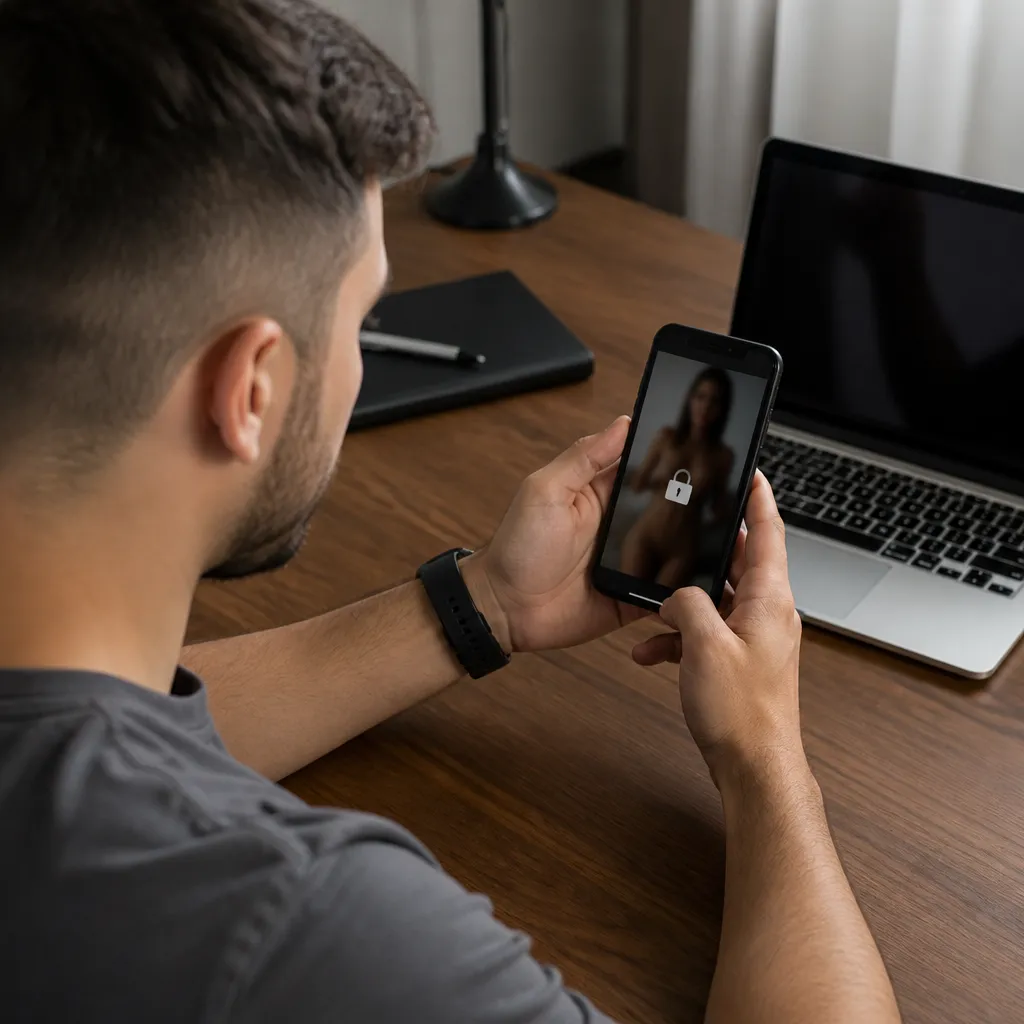
Another common scenario is when you receive photographed personal documents from friends or family, such as passport copies or proof of residence. Storing these images in a protected folder inside an encrypted gallery application prevents sensitive data from being exposed in the phone’s default gallery.If someone gains access to your phone, these documents remain hidden behind biometric authentication.
Creative professionals like photographers and designers often receive portfolios and work in progress from clients through messaging apps. Using synchronized cloud storage ensures that these projects remain organized and accessible from any device, while granular permissions prevent others from seeing sensitive projects from different clients.
Parents who receive real-time photos of their children from the nanny or school find value in storing these memories in the cloud with automatic backup.This protects against data loss and provides peace of mind knowing that important images are safe in multiple locations simultaneously.
Good Privacy Practices when Viewing
Whichever method you choose, you should be on the lookout for privacy-compromising behavior patterns. Never automatically save private photos you receive in chats to your default gallery without reviewing the content first.Many apps offer settings to disable this, allowing you to manually choose which images deserve permanent storage.
Regularly review the permissions granted to messaging apps on your device, particularly camera access, location and contacts. These permissions should be the minimum necessary for operation, reducing potential data exposures.Some modern phones offer indicators when apps access camera or microphone, alerting you to suspicious activity.
Keep your messaging and gallery apps up-to-date, as updates often include security patches that close discovered vulnerabilities. Set up strong, unique passwords for cloud accounts where you store photos, and enable two-factor authentication when available.
Be aware of public Wi-Fi networks when viewing private photos, as unsecured connections can allow other users on the same network to intercept data. Prefer private networks or use a VPN connection when you need to access sensitive images in public places like cafes or airports.
Final Security Considerations
The way you view private photos sent directly reflects on your overall level of digital security and personal data protection. Choosing between native methods, cloud storage or specialized applications depends on your specific case and the type of images received. For temporary photos, messaging applications with automatic disappearance offer simple and effective solution without additional complexity.
For long-term storage, trusted cloud services with strong encryption provide security and accessibility that benefit both professionals and personal users.If you frequently handle highly sensitive information, investing in protected gallery applications offers additional peace of mind and granular control over who accesses your images.
Regardless of the tool you choose, implementing good privacy practices and maintaining vigilance over app permissions ensures that your private photos remain truly private. Digital security is an ongoing process, and small decisions made today protect your personal data from future risks and potential breaches.