App to Control and Track Children on iPhone with Ease
Announcements
Tracking and tracking the whereabouts of your kids on iPhone has become a much simpler task in recent years.With the right apps installed, you can monitor the location in real time, manage screen time and even block inappropriate content, all from your own device.
Modern parenting requires modern tools, and Apple provides both native features and allows you to install specialized apps that transform how you care for your children’s digital and physical security.In this article, you’ll discover the advanced optimization strategies that the most attentive parents are using to maximize family follow-up without seeming invasive or controlling.
Learn How Location Tracking Works on iOS
IOS has a robust geolocation system that works through GPS, cellular networks and Wi-Fi connections to triangulate the position of the device. When you use a parental control application that integrates this technology, the app accesses this location infrastructure to send real-time updates to your mobile phone. This communication happens continuously, allowing you to know exactly where your child is at any time of the day.
Announcements
The big difference is in the accuracy and frequency of updating that each application offers. Some apps update the location every 30 seconds, while others do it every minute or just when the device changes position significantly. You will notice that your children’s iPhone battery discharges a little faster with this type of active monitoring, so consider leaving the charger near them or investing in a quality portable charger.
Native iOS Features You Can Use Today
Before downloading third-party apps, it is worth knowing what iOS itself offers natively through the shared iCloud account. The “Find” feature allows you to track any Apple device connected to your family account, without having to install anything additional. You access this feature directly in the “Find” app of your iPhone, where you will see the real-time map with the position of each family member.
Download app Platform: Android ▶Download on Google PlayIn addition to location, iOS offers “Screen Time”, a feature that allows you to limit how much time your child spends using specific apps or the device in general. You can establish “App Limits” by category (social networks, games, entertainment) and even create “Pauses” at specific times, such as during meals or at night. This control is configured through the Settings > Screen Time menu and provides a balance between freedom and clear limits.
Specialized Apps that Amplify Your Control
While iOS provides a solid foundation, specialized apps go much further, offering features that more attentive parents use to create a robust security framework.These apps act as an additional layer of protection, complementing native features and providing more detailed analysis of your child’s digital behavior.
Many of these third-party apps allow you to monitor the websites your child is visiting, the contacts they are chatting with, and even capture screenshots of screens automatically.Some more advanced solutions offer geofencing, a feature that triggers a notification on your iPhone whenever your child’s device leaves or enters a geographic area you’ve previously defined, such as the school or grandparents’ home.This feature is especially useful for parents who work outside and want to know when their children arrive home safely.
Advanced Optimization Strategies That Work
More experienced parents in digital child tracking adopt a layered strategy that combines multiple tools to maximize protection without leaving the system too heavy. The first layer is always location tracking, which should be configured to update at short intervals when you detect signs of risk. The second layer is monitoring applications and websites, which helps identify changes in online behavior pattern that may indicate problems.
The third layer involves direct communication through configurable alerts that you customize based on your child’s age and level of independence. Parents of older teens, for example, often turn off some notifications to avoid appearing to be constantly peeking, but keep alerts for critical situations, such as attempts to access inappropriate content or sudden changes in location. This balanced approach builds trust while keeping safety boundaries clear and well defined.
Another advanced strategy you can implement is password rotation and periodic review of permissions granted to apps. Many parents do this monthly, ensuring that no installed app has access to features it shouldn’t have, such as camera, microphone or call history. You should also periodically review which control app you’re using and whether it keeps offering the best cost-benefit as the market constantly evolves with new solutions popping up every month.
Configuring Smart Alerts for Continuous Protection
Alerts are the heart of the effective tracking system as they turn data into instant action when something goes out of normal patterns. You should start by setting up basic location alerts, such as notifications when the device leaves school or goes down for more than an hour in an unfamiliar place. Then proceed to app alerts, which fire when your child tries to download something suspicious or accesses a blocked website.
To maximize the effectiveness of alerts without suffering from excessive notifications, create different alert profiles for different times of the day. During school, you can ignore normal movement in the neighborhood, but increase the sensitivity level of inappropriate content detections.In the evening, you can turn on stricter location alerts and turn off app notifications, since you expect your child to be home. This chronological optimization dramatically reduces the noise of fake notifications while keeping you always attentive to what really matters.
Managing Privacy, Trust and Communication
A delicate issue that many parents face is how to maintain digital tracking without destroying trust with their children. Modern parenting experts agree that honest communication about why you are using these apps is just as important as monitoring itself. You should have a clear conversation with your child explaining that the goal is to protect him from real dangers, not to control his social life or prevent his legitimate privacy.
For children under ten, you can be more direct about the fact that you are tracking their location. For adolescents, a more collaborative approach works better: you can let them know that you have the ability to monitor, but establish mutual trust where this active monitoring happens only in special situations or if there is a previously agreed-upon break of rules.
It is also important to set clear boundaries on what you will monitor and what is off limits. For example, you can monitor location and screen time, but make clear the expectation that you will not read their private messages unless there is real reason for concern. These combined, when set early, work much better than discovering after years that you were secretly peeking at everything your child did online.
Choosing Between Paid and Free Apps
The market for parental control apps is mainly divided between free solutions with limited functionality and subscription services that offer more advanced features. Free apps often provide basic location tracking and elementary parental control, being suitable for parents who just want simple and recent monitoring.However, these apps often contain advertisements, offer fewer location updates, and have limitations on how many devices you can monitor simultaneously.
Subscription solutions, on the other hand, provide much more advanced features like accurate geofencing, detailed application monitoring, real-time content blocking, and full activity history.You can also monitor multiple children with a single plan and receive priority technical support if something does not work right. The monthly investment usually ranges between ten and thirty reais, a small cost considering the added peace of mind and security you get in return.
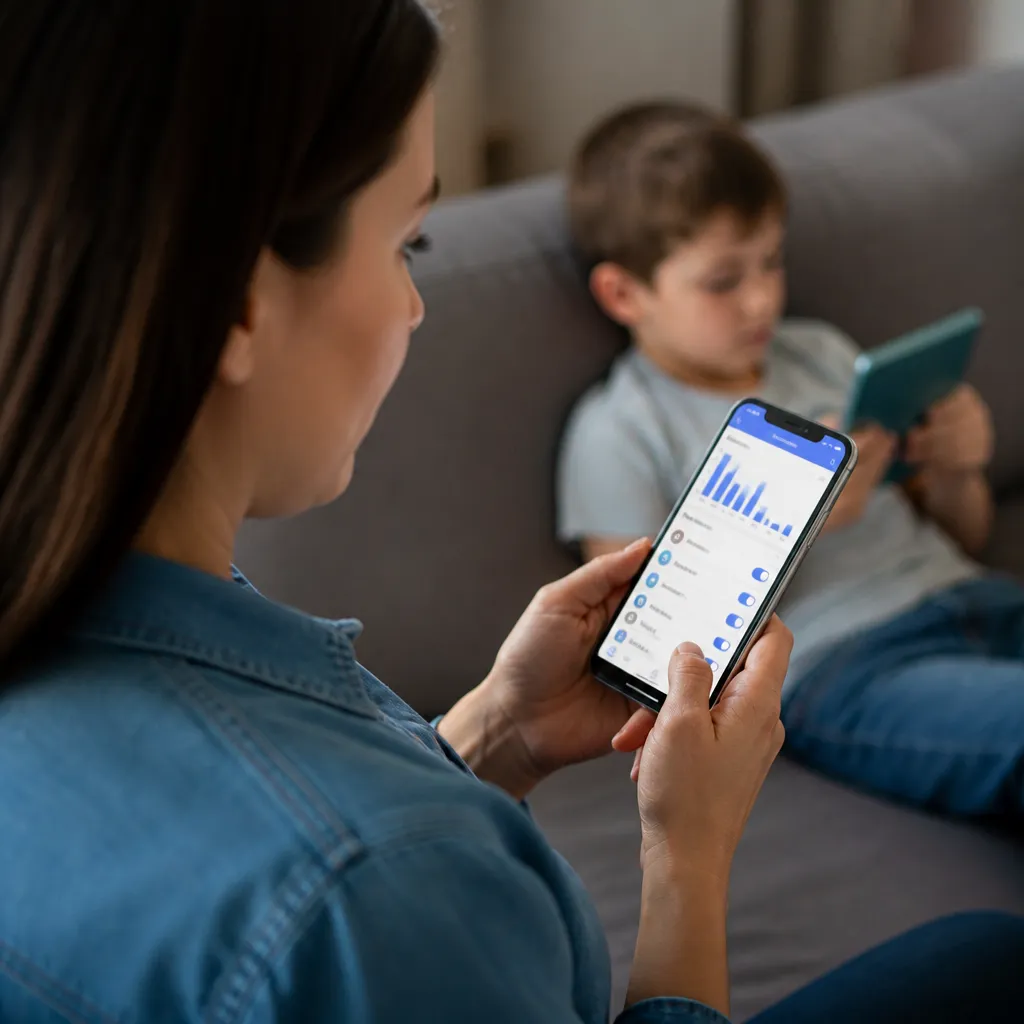
Before committing to a subscription, make sure the app offers a free trial period or money-back guarantee if you are not satisfied. Many reponsible apps offer at least seven days for you to test all the features and decide if the service is really worth it for your specific situation. You should also read real reviews from other parents on the App Store to get an honest idea about the quality and reliability of each solution.
Optimizing Your Child’s iPhone Battery and Performance
One of the most common side effects of using tracking apps is the increased battery consumption of your child’s iPhone, as active GPS and constant communications require a lot of power. To optimize this, set the app to update location at longer intervals when your child is in safe and known places, such as school or grandma’s house.
Another important strategy is to regularly check which apps are consuming the most battery on your child’s iPhone by going to Settings > Battery. You will often find that the parental control app itself is consuming more resources than necessary, especially if set to update at very short intervals. Adjust the tracking settings for a balance between refresh frequency and battery preservation, usually about three to five minutes is ideal for most scenarios.
Also, make sure that the parental control app is allowed to use only the location mode you need instead of continuous GPS.Many apps let you choose between pure GPS, cellular network-based location, or a smart combination that switches between the two as needed. Cellular network location uses less battery while offering reasonable accuracy within a few miles, which is usually all you need for family monitoring.
Integrating with Other iOS Security Features
The most advanced tracking apps can integrate with iOS’s native security features to create a more cohesive and powerful protection system. For example, many of these apps work in tandem with “Screen Time” to not only see how much time your child spends on apps, but also force auto-blocks at specific times. This integration syncs the data so you have a complete view of device usage on a single dashboard.
You can also integrate the parental control app with iOS “Focus” to create minimal distraction environments automatically when you detect that your child should be in class or studying. When Focus mode activates automatically, the device mutes notifications and blocks specific apps, helping your child focus without you having to send constant reminders.This intelligent automation reduces friction between parents and children while keeping protection active in the background.
The “Emergency Contacts” feature can also be integrated with parental control apps so that in case of iPhone loss, your child can quickly contact one of the emergency numbers you have set up. Some more sophisticated apps even offer a panic button that allows your child to trigger an instant alert for you with the exact location and a call for help, creating a super fast emergency communication channel.
Handle Security Contour and Jailbreak Detection
Smarter teens often learn techniques to bypass the restrictions you have imposed, whether it’s by disabling GPS, changing app settings, or even trying to jailbreak the device.More advanced parental control apps detect these attempts and notify you immediately if your child’s device has been modified or if the monitoring app has been disabled. This anomaly detection is crucial to maintaining the effectiveness of your security system over time.
To proactively handle these attempts, set up alerts that fire whenever the app detects a system modification, a jailbreak, or even when the location stops being sent for more than a few minutes. You should also have a clear conversation with your child about why circumventing these protections is dangerous and detrimental to trust between you. Most teens who try to circumvent these restrictions actually just want to prove they can do it, not necessarily because they are planning something dangerous.
Some more experienced parents use a progressive approach where they review monthly parental control apps and give their child small “winnings” when he proves to be responsible, such as slightly increasing the screen time limit or allowing access to a new app. This strategy keeps the system running while offering incentives for your child to work with you instead of against you, creating a much healthier and more sustainable dynamic in the long run.
Monitoring Behavior Patterns to Detect Worrying Changes
In addition to tracking location and limiting screen time, the best use of tracking apps is to detect changes in behavior patterns that may indicate larger problems. You should be on the lookout for signs such as sudden changes in sleep time, sudden increase in data consumption, access to new dating or dating-related apps, or frequent contact with new unknown contacts. These changes, when viewed together, often indicate that something is happening that you need to talk to your child.
Location data also tells important stories when you learn to read properly. If your child suddenly starts to leave the usual route to school or is spending hours in places he has never visited before, this deserves a casual conversation about what is happening. The goal is not to accuse him of anything, but to demonstrate that you are watching and that he can trust you if something is wrong or if he is in need of help with something.
Many parents who use these tools strategically report that the biggest benefit is not the monitoring itself, but the ability to have more informed conversations with their children about online safety. Instead of making assumptions, you can ask: “I noticed that you were on that street yesterday, what were you doing there?” or “I saw that you downloaded this new app, tell me about it.” This data-based approach turns tracking something that seems invasive into a real opportunity for connection and education.
Keeping Settings Updated and Adjusting As Your Children Grow
One mistake many parents make is setting up parental controls once and never reviewing again, even when the situation of their children changes dramatically. As your child grows from child to preteen and then to teen, the level of monitoring that was appropriate in the past can become counterproductive or create resentment. You should review your parental control settings every six months or whenever you notice a significant change in your child’s life, such as entering high school or starting to attend a new school.
This review includes gradually increasing privacy as your child demonstrates responsibility, allowing access to new apps when appropriate, and even disabling certain levels of monitoring when you consider it time to do so. A sixteen-year-old probably does not need to have his browsing history monitored pixel by pixel, especially if he has spent the last few years without worrying incidents. These grants demonstrate to your child that you trust him and that the purpose of monitoring has always been security, not absolute control.
You should also keep the parental control app up to date with the latest version available, as each update often includes important security fixes and new features. Checking weekly for updates is a simple practice that ensures you are always using the best version of the tool you have chosen. Many parents also participate in online communities where other parents share tips on how to optimize these tools, which can help you discover advanced settings you did not know.
The reality of modern parenting is that you have sophisticated tools at your disposal to protect your children both online and offline. The key is to use these tools in a balanced way, with honest communication about why they are being used and with a willingness to adjust as the situation evolves.When done correctly, digital tracking not only protects your children, but also creates a solid foundation of trust that will serve you very well in the years to come.