
How to Access Private Messages on iPhone with App
Announcements
You are looking for a secure and private way to communicate through iPhone, but do not know where to start. There are several applications available in the App Store that offer encryption and privacy features for messages, each with its own characteristics and advantages. In this article, we will explore how to access and use these tools efficiently.
Privacy in communications is a growing concern for many users of Apple devices. With the increase in digital threats and the need to protect sensitive information, choosing the right application for private messages has become essential.
Understand What Private Messaging Apps Are
Private messaging apps are tools specifically designed to provide secure, encrypted communication between users. These apps utilize state-of-the-art technology to ensure that your conversations remain visible only to you and to whoever you are talking to. Most of these apps offer features like message self-destruction, password or biometric blocking, and discreet notifications.
Announcements
Unlike traditional messaging apps, privacy tools go beyond simple messaging. They implement additional layers of security that protect your data from unauthorized access, even if someone manages to unlock your iPhone.The developers of these apps constantly work to keep their systems up to date against new threats and security vulnerabilities.
Essential Checklist Before Choosing an Application
Before downloading any private messaging app, you should check out some critical points that ensure security and functionality. This checklist will help you make the best decision for your specific private communication needs.
 WhatsApp Messenger
Classification:
”’I think it’S.
4.70
Age Classification:
Classification 14 years
Author:
WhatsApp LLC
Platform:
Android
Price:
Free
▶Download on Google Play
First, make sure the application has internationally recognized security certification. Many legitimate apps have third-party audits that prove the effectiveness of their encryption. You should also check that the developer is an established company with a proven track record in the area of security. Read reviews from other users, especially those that mention the reliability of the service over time.
Confirm that the app uses end-to-end encryption, which is the gold standard for protecting messages.This type of encryption ensures that not even company servers can access your conversations. Also check the app’s privacy policy to understand exactly what data is collected and how it is used. Many reputable apps do not store conversation histories on their servers.
Test the compatibility of the app with your current version of iOS. Some more robust apps may require recent versions of the operating system to work properly. Evaluate whether the app supports responsive customer support, as you may need help if you encounter security or operating issues. Finally, consider whether the app offers secure synchronization between your Apple devices if you use multiple devices.
How to Download and Install Private Messaging Apps
The process of downloading a private messaging app on iPhone is straightforward and secure when done through the official App Store. Open the App Store app on your device, which you find on the home screen or in the app library. Use the search tab at the bottom of the screen and look for the specific name of the app you want to install.
When you find the desired application, you will see a page with complete information about it, including description, screenshots and reviews of other users. Click the download button, which is usually represented by a cloud with down arrow. If it is your first time installing the application, the button will change to “Install” and you may need to confirm the installation through Face ID, Touch ID or your Apple ID password.
After the installation is complete, the button will turn into “Open”, indicating that the app is ready to be used. Click “Open” to launch the app for the first time. Most private messaging apps will ask for access permissions on the first launch, such as access to your contacts, camera, or notifications. Grant only those permissions that are actually necessary for the operation of the app.
Initial Configuration and Security of Your Profile
Properly configuring your profile is crucial to ensure maximum security of your private communications. Once you open the app for the first time, look for configuration options, usually found in a gear menu or user preferences.
Set a password or PIN for the app that is different from other passwords you use. Use complex combinations with upper, lower case letters, numbers, and symbols to increase security.Many apps offer the option to use biometrics, such as Face ID or Touch ID, to access the app faster and more securely. Turn this functionality on if the app supports it, as it adds an extra layer of protection to your device.
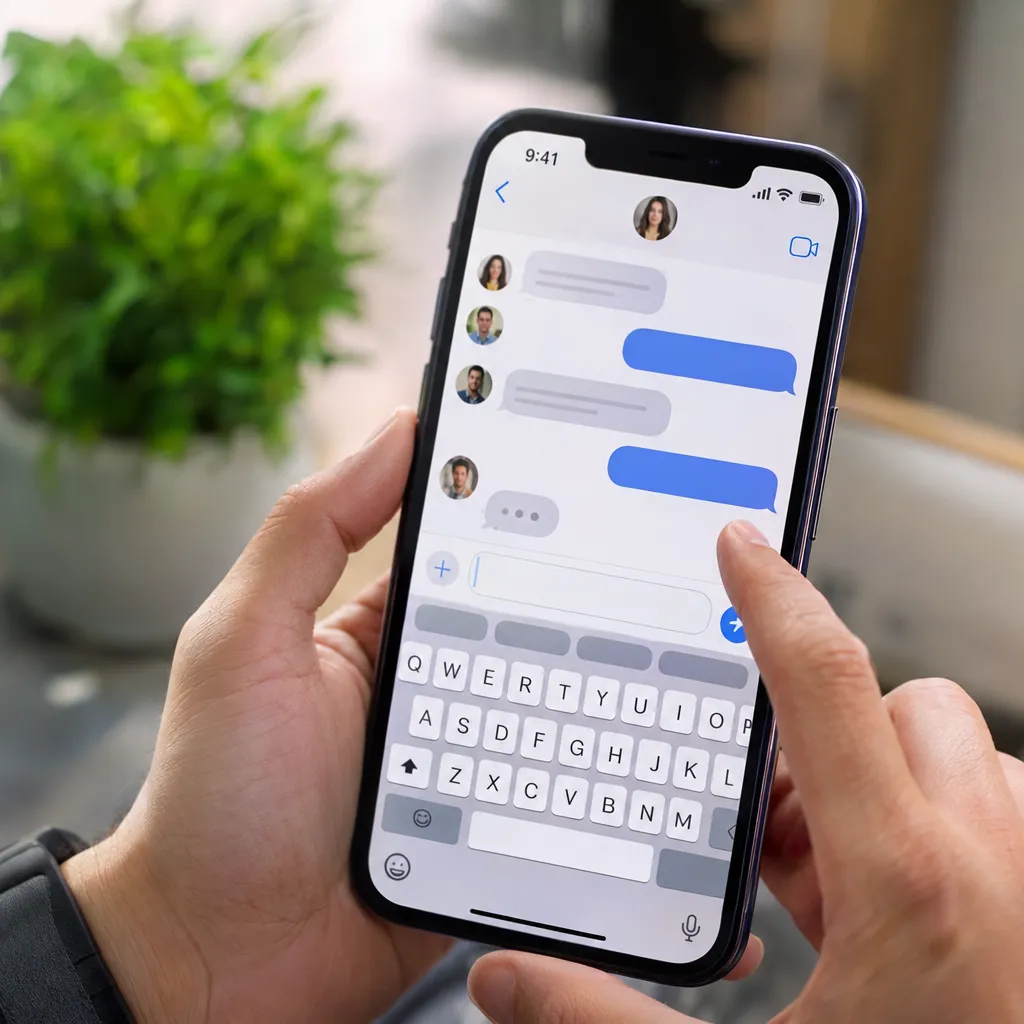
Explore the privacy settings of the app and adjust them to your preferences. You may want to disable message preview notifications on the lock screen, so that only generic warnings appear. Also configure who can contact you, blocking unknown users or allowing only contacts you have approved. Some apps offer options for automatic message un-disappearance after a certain period, which can be useful for more sensitive conversations.
Advanced Privacy Features You Should Know
Most modern private messaging apps offer advanced functionality that goes beyond simple encrypted conversations.Many of them include features like “ghost mode” which allows you to use the app without your activity being shown to other users.
Message self-destruction is another important feature offered by many applications. You can configure your messages to be automatically deleted after a specific time, whether seconds, minutes or hours. This ensures that sensitive conversations do not remain stored indefinitely.Some apps allow you to destroy messages that have already been delivered, giving you even greater control over your communication history.
Monitored screenshots are also a feature present in more sophisticated applications. When this function is active, the app notifies you if someone takes a screenshot of a message or media you have sent. Although it does not completely prevent capture, this notification offers a warning and deterrence layer against misuse.Private gallery and media lock are other features that allow you to store photos and videos in encrypted form within the application itself.
Safety Verification and Continuous Maintenance
After installing and configuring your private messaging app, it doesn’t mean your work is over. Digital security is an ongoing process that requires regular checks and updates. Periodically check for updates available for the app, as these updates often contain important security fixes. Go to the App Store and navigate to the “Updates” section to see if there are new versions available.
Monitor the permissions you have granted the app to ensure it doesn’t have access to more information than it actually needs. Go to your iPhone settings, look for “Privacy” and review what data the app can access. If you notice that the app requests access to camera, contacts, or location when it’s not needed, reconsider using that app. Change your passwords periodically, especially if you use passwords shared between multiple services.
Be aware of any suspicious behavior of the app, such as excessive battery consumption, internet data, or device heating. These signs may indicate that something is not working properly or that the app has been compromised. If you identify security or functionality issues, contact developer support immediately. Keep your iPhone up to date with the latest versions of iOS, as these updates also fix vulnerabilities that could affect your installed apps.
Final Checklist of Safety and Regular Maintenance
To ensure that you are using your private messaging app as securely as possible, establish a monthly checklist of security checks. Regularly check the privacy settings of the app to make sure that no settings have been changed without your knowledge. Review your list of contacts or users who have access to your account and remove anyone with whom you no longer wish to communicate.
Confirm monthly for pending security updates for both the app and iOS on your device. Test the app’s account recovery functionality to ensure you can access your account in case of problems. If the app offers two-factor authentication, make sure it is active and functional. Review any activity logs the app may offer to identify unusual accesses to your account.
Periodically test your app’s password lock or biometrics to ensure it’s working properly. Perform a full privacy test by sending a sensitive message and checking that it disappears as configured. Keep a separate and secure record of your recovery codes or backup keys that the app can generate. Finally, regularly review the app’s privacy policy, as developers occasionally make changes that you should be aware of.
Protecting your private communications on iPhone is an ongoing commitment that requires constant attention and vigilance. By following this complete security checklist and regular maintenance, you maximize the chances of keeping your messages truly private and secure. Remember that security is as strong as the weakest link in the chain, so do not neglect any of the steps mentioned in this guide.



