How to Watch TV Online for Free on Android in 5 Simple Steps
Announcements
Watching TV online for free on your Android phone is easier and more affordable than you think. There are several options available that allow you to follow your programs, movies and series without paying anything, directly by smartphone or tablet.
If you are tired of paying for multiple streaming subscriptions or simply want to have access to television content for free, this handy guide will show you exactly how to do this in just five simple steps.You will find out what are the best alternatives available on the market, how to download them correctly and which one fits best in your consumption profile.
Step 1: Choose the Right App for Your Needs
The first and most important step is to define which online TV application best suits what you want to watch. There are several categories of apps available on Android, and each offers a different type of content. Some focus on open Brazilian channels, others on international content, and some even offer varied movies and series without live streaming.
Announcements
Pluto TV is an excellent option for those who want organized thematic channels, offering international content with a clean and intuitive interface. If you prefer streaming from traditional Brazilian channels, applications such as Globoplay itself (which has a free option with ads) or TwitchTV for lives and streaming allow you to follow direct content. For movies and series, platforms such as Tubi and Popcornflix work without cost and with decent catalog.
Step 2: Go to Google Play Store and Download the Chosen App
Once you decide which app best suits your needs, the second step is to download it through the Google Play Store. Open the Play Store app on your Android phone, which usually comes pre-installed on most devices. Enter the name of the app in the search bar and select the official result, making sure to check the developer before installing.
 TV Open – free
Classification:
”’I think it’S.
4.52
Age Classification:
Free Classification
Author:
vcodehllcapps
Platform:
Android
Price:
Free
▶Download on Google Play
Click the green “Install” or “Get” button as appropriate, and wait for the download to complete. This can take anywhere from a few seconds to minutes depending on your internet speed. After the installation is complete, the button will change to “Open”, indicating that the app is ready to be used. Make sure you have enough space in your mobile phone storage before proceeding, usually online TV apps need only 50 to 300 MB.
Step 3: Register and Configure your Preferences
After installing the app, the third step involves creating your account and setting up personal preferences. Most free online TV apps allow you to sign up with an email or even an existing Google account. This step usually takes only a few minutes and does not require payment information to access the free version.
During registration, you will probably see the option to choose your favorite genres, channels of interest or video quality standard. Set these preferences according to what you like to watch most, as many apps use this information to customize the content recommendation on your home screen.It is also recommended to review the notification settings to avoid being unnecessarily disturbed, especially if the app sends alerts about new programs.
Step 4: Adjust the Quality and Connectivity Settings
The fourth step is crucial to ensure a smooth viewing experience without crashes or excessive data consumption. Access the application settings, usually found on a gear icon or in the main menu.Search for video quality options where you will find choices like 480p, 720p or even 1080p depending on the app and the speed of your connection.
If you are using mobile data (3G, 4G or 5G), it is recommended to choose lower quality so as not to exhaust your franchise quickly. For higher quality, it is better to be connected to a stable WiFi network. Also check if there is an option to download episodes to watch offline later, very useful feature on flights, trips or periods without internet. Some apps also offer automatic data compression, which reduces consumption while maintaining acceptable quality.
Step 5: Start Watching and Explore the Available Catalog
Finally, the fifth and most rewarding step is to start using the app to watch your favorite content. Go back to the main screen of the app and browse the available catalog.Most free online TV apps organize content into categories like “Highlighted”, “Most Watched”, “Releases” or by specific genre like comedy, drama, documentary and sports.
Tap any show, series or movie that piques your interest to see more details, synopsis and reviews. Many apps let you add content to your favorites list or watch later, essential functionality to organize what you want to track. Start exploring different sections and enjoy the personalized recommendations that the app suggests based on what you have already seen.
Comparative: Which Online TV App to Choose?
Now that you know the five essential steps, it is important to understand which app really fits your profile.Each free online TV app has distinct features, advantages, and limitations that directly influence your user experience.Understanding these differences helps you make an informed choice based on your specific needs.
Pluto TV offers the best experience for those who like thematic channels and diverse international content. It has an extremely clean interface, well-organized categories and consistent streaming quality. The disadvantage is that much of the catalog is in english or spanish, which can limit the experience if you are looking mainly for content in portuguese.
The Globoplay app in its free version with ads is ideal if you want to follow the current programming of Brazilian open channels, especially Globo, GloboNews and SporTV. You will have access to soap operas, news, sports and some movies. The limitation is that not all the catalog of exclusive series is available for free, and there is constant presence of advertising during the display of content.
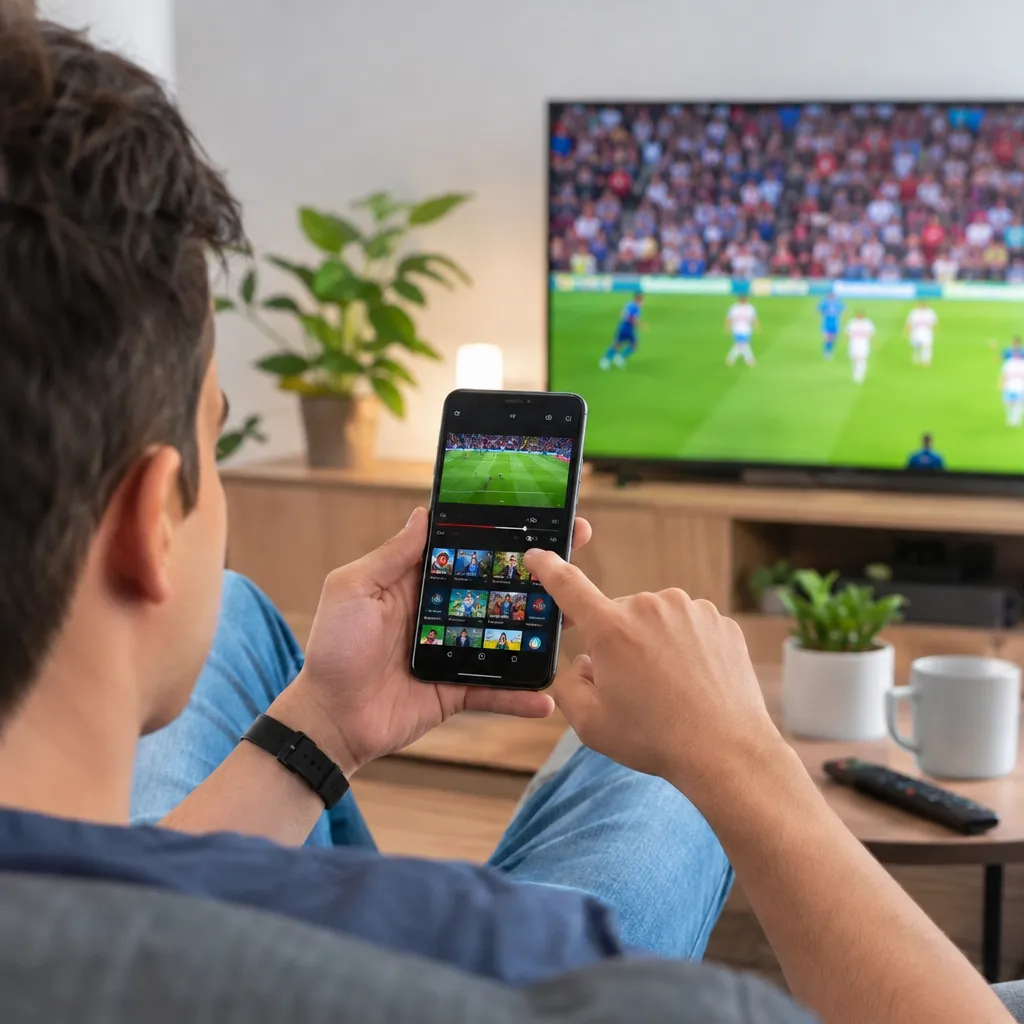
Tubi is excellent for those who like movies and series on demand, without live streaming. It has an impressive catalog of science fiction titles, horror, dramas and classics, many of them rarely found in other services. The disadvantage is that the quality of some titles is inferior, as many older films have only 480p available. There is also plenty of interleaved advertising during playback.
Twitch is perfect if you want to watch gaming lives, esports, music shows and real-time content from creators. It is completely free, although it allows premium subscriptions.The difference is that Twitch does not offer TV series or pre-recorded movies in the traditional style, functioning more like a live streaming platform.
Popcornflix offers a moderate catalog of movies and series with good streaming quality and intuitive interface.It is much less intrusive with advertising compared to other free apps.However, its library is smaller than Tubi’s and some content updates are slow.
If you live outside Brazil or want access to varied international content, Pluto TV is your best choice. To keep up with traditional Brazilian open TV, opt for free Globoplay.If movies and series on demand are your priority, Tubi offers better catalog. For real-time content and communities, Twitch is unparalleled.
Essential Tips to Improve Your Experience
In addition to the five main steps, there are several strategies you can implement to maximize your experience watching TV online for free on Android. One of the most important is to ensure a stable internet connection, either via WiFi or mobile data with strong signal. Check your internet speed regularly, as connections below 5 Mbps can cause frequent buffering and poor quality.
Keep your Android app always up to date through the Google Play Store, as updates often fix bugs, improve performance and add new features. Free up storage space on your phone periodically, deleting unnecessary files or apps you no longer use. Crowded devices tend to work more slowly, affecting the playback of videos.
Use quality headphones for a superior audio experience, especially when watching movies and drama series where sound is essential. Adjust the screen brightness according to the environment so as not to tire the vision and save battery. If you plan long viewing sessions, keep your phone connected to a charger to prevent the battery from running out in the middle of the content.
Customize your account to better take advantage of the personalized recommendations that each app offers. The more you interact with the content, bookmarking, watching videos and giving notes, the better the algorithm understands your preferences. Explore the function of lists or playlists that many apps offer, creating your own collections of programs you want to watch.
Legal and Security Considerations
When watching TV online for free on your Android, it is essential to understand that you should only use official and legal applications, available on the Google Play Store or on the official website of the platforms. Avoid third-party applications from unknown sources, as many may contain malware or viruses that compromise the security of your device and personal data.
The legitimate apps mentioned in this guide are all legalized and offer content without violating copyright, since they have appropriate licenses for transmission. Advertising revenues fund these platforms, keeping the service free for you. Never look for illegal alternatives that promise access to premium content at no cost, as well as being legally risky, expose your device to serious security problems.
Use a reliable VPN connection if you are traveling or accessing from a public location, especially third-party WiFi networks. This adds an extra layer of security to your transmissions.Also set up a strong password on your Android user account and enable two-factor authentication where available, especially if you share your device with others.
Practical Conclusion
Watching TV online for free on Android is a straightforward process that anyone can perform in just five simple steps. Choosing the right app, downloading from the Play Store, setting up your account, adjusting technical preferences and starting to explore content are steps that take less than ten minutes.Since then, you will have unlimited access to hundreds of shows, movies and series without paying anything.
The free streaming market offers surprisingly good options, from international themed channels to Brazilian television content. Each app caters to a specific type of viewer, so finding the one that best suits your consumption style is essential to maximize your satisfaction.Following this practical guide and optimization tips, you will achieve a quality experience that rivals paid services, without shelling out a single penny.