Want to Have Free Wifi? Use an App
Announcements
Having access to the internet without paying for mobile data plans is increasingly possible with applications that specialize in connecting you to free wifi networks scattered throughout. These apps act as an interactive map that finds open access points and available for immediate use. If you want to save data and always be connected, knowing these tools is essential.

A free wifi application is a technological solution that maps and facilitates the connection with public access networks made available by companies, establishments and public agencies. It works storing information about millions of wifi points around the world, allowing you to find secure and functional connections quickly. The main objective is to offer a practical alternative for those who want to connect to the internet without consuming the data package of your mobile plan.
Announcements
These applications work through a database constantly updated with the wifi networks available in different regions. When you open the app, it uses your location via GPS to identify the networks closest to you, showing information such as estimated speed, number of users connected and evaluations of other users. The application saves the passwords of the networks you have already used, eliminating the need to ask or search for the password again when visiting the same location.
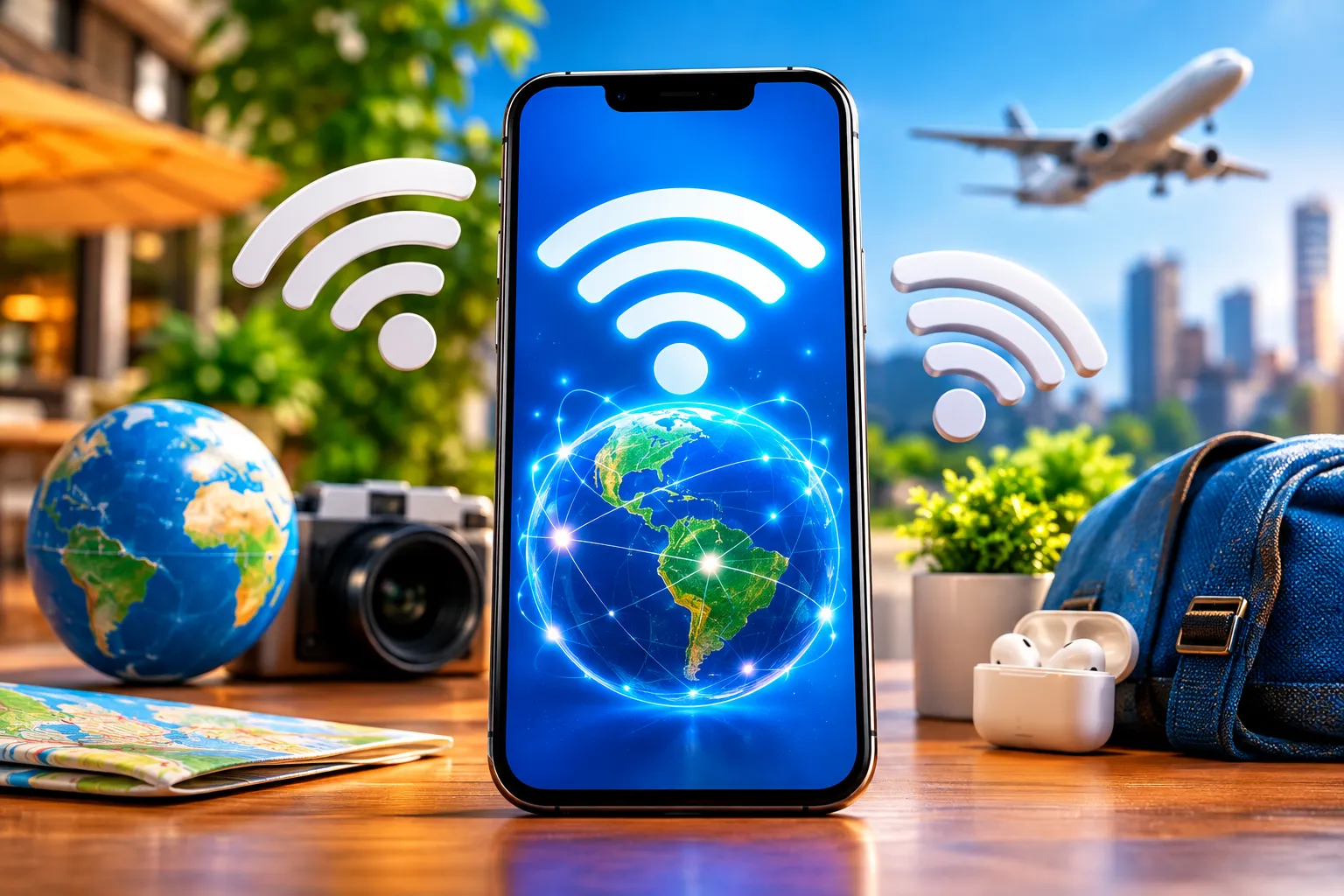
Free wifi networks are available in several strategic places that you frequent daily or regularly. Coffee shops, restaurants, shopping malls, airports, public libraries, universities and government agencies offer these services as a way to attract customers or fulfill public responsibilities. Many hotels, subway stations and even public squares have open networks that anyone can access without additional costs. The application gathers all this information in one place, saving your time in the manual search for these connections.
Practical Step by Step to Use a Free Wifi App
The first step is to download the chosen application through the application store of your smartphone, whether Android or iOS. After installation, open the app and allow it to access your location, as this information is essential to find the wifi networks closest to you. Many applications will also request permission to access contacts and browsing history, which helps synchronize already known information and improve the user experience. Carefully read the requested permissions and grant only those you consider necessary for basic operation.
After granting the necessary permissions, you will see an interactive map or list of the wifi networks available in your region. Select the network you want to connect, usually the closest or best rated. If the network has already been used before by you or another user of the application, the password may be saved automatically. Otherwise, the app will show the password or offer the option to ask network administrators through the platform. Tap the connect button and wait a few seconds for your device to establish the connection to the selected network.
After connecting, you will be automatically redirected to the network login page if it exists. Some networks require you to enter an email or complete a small registration before using the internet. Others request to accept terms of service or view ads, which is a common form of monetization on free public networks. Complete the process as requested and you will have unrestricted access to the internet for as long as the network allows, usually with sessions of a few hours. The application also offers the option to save your preference on this network to facilitate future connections.
Security when Connecting to Free Public Wifi Networks
Using public wifi requires special care, as these networks are vulnerable to data interception by malicious users on the same network. Never access banking information, important passwords or financial data while connected on public wifi without additional protection. Disable file sharing from your device and activate your operating system’s native firewall to add an extra layer of protection. If you need to access sensitive accounts, use a private mobile connection or wait to be on a secure network that you control.

Many free wifi apps offer an integrated or recommended VPN layer as an add-on to security. A VPN encrypts your connection, preventing third parties from seeing what you are accessing, even if connected to public networks. Enable this functionality whenever possible, especially when accessing open networks in places with a high concentration of people. Some free versions of VPN have data or speed limitations, but offer essential basic protection. Read the VPN privacy policies offered to ensure that your data will not be collected or sold.
Speed Limitations and Data Consumption
Public wifi networks often have speed and bandwidth limitations as they are shared between many users simultaneously. During peak times, you may experience lens or unstable connections that make it difficult to do activities such as video conferencing or downloading large files. The free wifi app shows speed estimates based on previous experiences of other users, helping you choose the fastest networks available. Even so, these estimates may vary depending on the time and amount of people currently connected.
Although the wifi connection does not consume your mobile data, some public networks impose daily or session transfer limits. You may have limited access to only 1 or 2 gigabytes per day on certain networks, forcing you to reconnect or use another network after reaching this limit. The application helps to circumvent this limitation by showing different networks available in the same neighborhood or establishment. Plan your data-intensive activities, such as application downloads or photo backup, for times when you have access to faster and more stable networks, preferably during times with fewer connected users.
Alternatives Beyond the Free Wifi App
In addition to specialized applications, you can connect to wifi networks without using additional tools simply by manually searching the network settings of your device. Many establishments advertise their open networks on posters or in customer service, eliminating the need for an app to find them. This approach is simpler but less efficient, because you will not know in advance which networks are available in your region or which is the best option in terms of speed and security. For those who value practicality and detailed information, the application remains the smartest choice.
Another alternative is to use cheaper mobile data plans or packages with unlimited data in certain applications. Some carriers offer zero rating, where applications such as social networks or maps do not consume your data. This option eliminates the dependence on public networks but implies continuous monthly costs. Combining the use of free public wifi with a small data plan offers flexibility and security, ensuring that you have internet in any situation. The free wifi app remains a valuable tool in this hybrid connectivity strategy.
Essential Tips to Enjoy the Experience Better
Set your app preferences to receive notifications when high-speed networks are available near you. Many apps let you add favorite locations, such as your home or workplace, making it easy to automatically reconnect when you are in those places. Evaluate the networks you use within the app, as this information helps other users make better decisions and encourages establishments to offer better connection services.The more users evaluate and contribute information, the more accurate and useful the app database becomes.
Keep your device up to date with security updates before using public networks, as outdated devices are more vulnerable to exploitation from known failures. Test the quality of the connection on each new network before using it for important activities, ensuring that the speed is satisfactory for your need. Diversify your connection sources by switching between different networks and applications so as not to get stuck on a single service. This strategic approach ensures that you will always have a reliable free internet option available, regardless of where you are or which service is temporarily unavailable.