Free App to Track Children's Internet Use
Announcements
You want to know what your kids do on the internet, but without seeming invasive or controlling? There is a more balanced way: use specialized applications that offer real visibility into network use. This practical guide will show you exactly how these tools work and how to put them into real action.
continue on to the full guide:
 FREE GUIDE
Complete Guide: How to Monitor Your Children’s Internet Use
✓Free
✓Real-time control
✓Reports of
VIEW APP¹
📖 Reading 2 min · at no cost
The concern with the time that children and adolescents spend online is legitimate and shared by virtually all families today. Social networks, games, videos and messages take up more and more space in the daily lives of young people, and parents need reliable tools to monitor this behavior without invading privacy in a disrespectful way. Fortunately, there are free solutions that balance protection with freedom.
Announcements
Why Track Children’s Internet Use
Children and adolescents are still learning to deal with digital risks and do not always understand the consequences of their online actions. Exposure to inappropriate content, interactions with strangers, digital bullying and even screen dependence are real problems that affect millions of families. Having visibility on these aspects puts you in a position to guide and intervene when necessary, always with open dialogue.
In addition to the obvious risks, tracking internet use also helps you better understand your children’s interests, the friendships they develop and the content they consume. This information facilitates meaningful conversations about digital security, online respect and responsible use of technology. You are not only controlling; you are simultaneously educating and protecting.
What to Look for in a Free Monitoring App
Not every internet tracking app offers the same features, and knowing the essential features helps you choose the most suitable tool for your family. Look for options that allow you to view screen time, app lock, location alerts and activity history. The interface also matters: the more intuitive, the easier it will be to use and interpret the data.
A good app should offer clear reports on what apps your child is using and for how long, without being so complicated as to discourage daily use. Features like real-time alerts for suspicious activity, scheduled internet blocking at night or homework time, and the ability to manage multiple devices are also welcome. If the app has a companion website where you can follow from a computer, even better.
How to Install and Configure the App: Step by Step
The first step is to choose a specific application after searching the options available in your app store (Google Play Store or Apple App Store). Many of them are really free or offer free version with very useful basic features. Download the app on your device and create an account using your email and a secure password that you do not forget.
After creating your account, the application itself will guide you in the installation on your child’s device. Some apps require direct installation on the child’s device, while others work with pairing code or account verification. Follow the on-screen instructions carefully, as each application has a slightly different process. Make sure that the app is properly synchronized before starting effective monitoring.
With the app installed, now it’s time to set preferences according to your family’s age and needs. Set screen time limits, times when the internet will be automatically blocked, and which apps are allowed or restricted. Most free apps allow at least these basic settings at no cost. After adjusting everything, test the app on your own phone to understand how it works before leaving your child using the device.
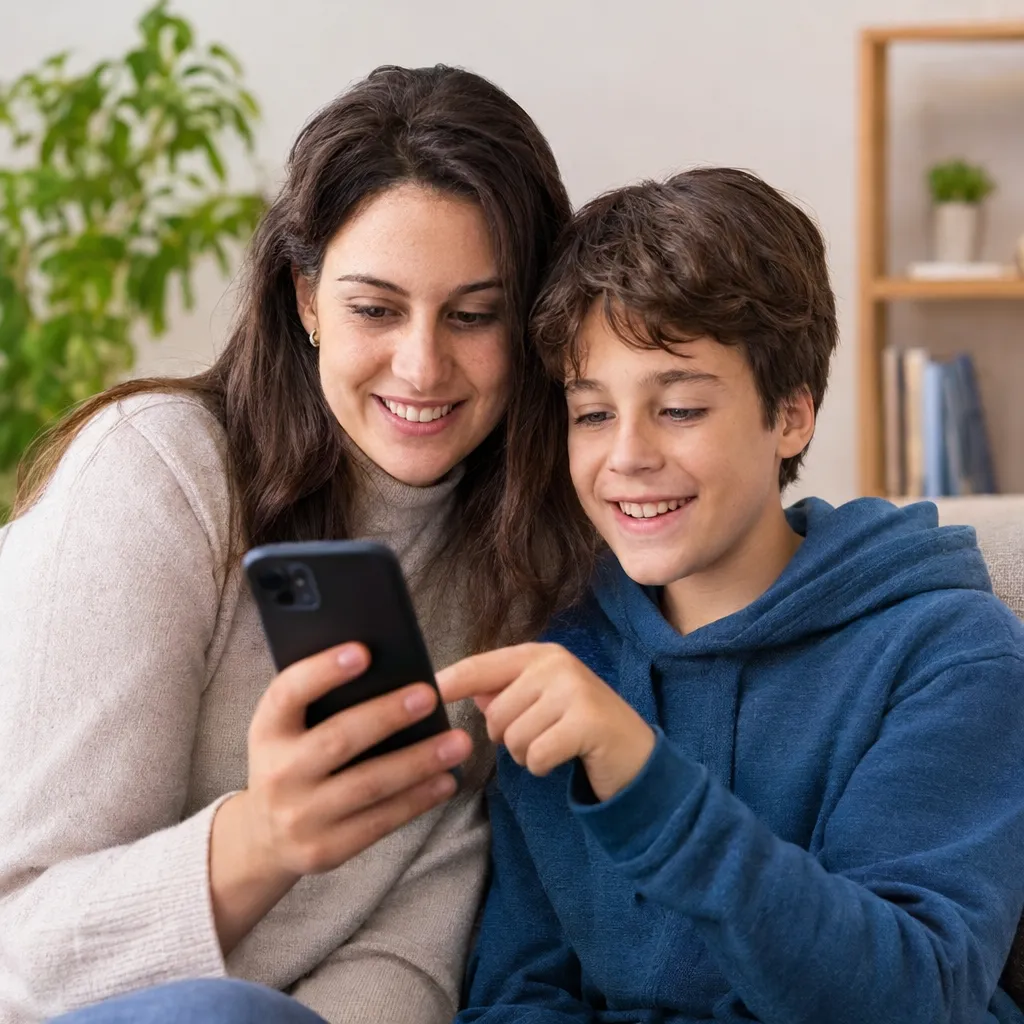
Interpreting App Data and Reports
Once the app is running, you will have access to detailed information about your child’s digital behavior. The main dashboard usually shows the total screen time of the day, which apps were used the most, when the devices were used and for how long in each period. Learning to read this data correctly is essential to make informed decisions about limits and necessary conversations.
Look for patterns over days and weeks, not just in a single day. If your child spent three hours on social networks yesterday, it may have been an atypical day, but if this is repeated constantly, you have a real tendency to address. Many apps offer alerts that you can customize, automatically warning when certain limits are reached. Use these alerts to stay informed without constantly checking the app.
Important Conversations About Monitoring
Having an app running silently on your child’s device without your clear communication can generate mistrust and damage the relationship. It is critical to talk openly about why you are using this tool, what your real goals are and how you expect him to use the internet safely and responsibly. Children and adolescents who understand the reason behind the rules tend to collaborate better.
Explain that monitoring is not punishment but protection, just as you would wear a seatbelt in a car or helmet on a bike. Make it clear that you are not invading privacy for fun, but because you care about his safety.This makes room for ongoing dialogues about the internet, digital risks and responsibility. If your child knows what is being monitored and why, he is more likely to maintain healthy habits even when not being observed.
Adjustments As Age Evolves
Monitoring needs change over time as your child grows and matures digitally. An eight-year-old needs far more supervision than a fifteen-year-old. Regularly review your app settings and gradually increase freedom as your child demonstrates responsibility and understanding of digital risks.
Communicating these changes is critical to maintaining trust. Say something like “you have been shown to be responsible with internet, so I’ll loosen some boundaries” instead of just making silent changes to the app.This reinforces the idea that you’re trusting it and hoping it continues to act responsibly. Monitoring that starts with protection can evolve into a lighter follow-up where you’re more checking that everything is okay than overseeing every move.
Practical Add-ons Beyond the App
Using a monitoring app is important, but it does not replace frequent conversations about online safety, good digital practices, and responsible behaviors. Combine using the app with ongoing privacy education, scam recognition, respect in online communities, and healthy screen time management.
Consider also establishing family rules about the internet that go beyond what the app controls, such as banning cell phone use during meals, turning off devices before bed, or areas of the home where devices are not allowed. These behavioral rules work in conjunction with technical monitoring, creating a healthier and safer digital environment for the whole family. Technology is a tool; education and open communication are the foundation.