Best Apps to Free Mobile Space
Announcements
Is your phone always full and slow? Many users believe that just deleting applications solves the problem, but this is only a partial truth. The reality is much more complex and involves different types of files that take up space unnecessarily.
Announcements
In this article, you will discover the myths and truths about apps to free up space in the memory of the phone, understand how these tools really work and know the best options available to optimize the storage of your device without compromising security or performance.
The Myth of RAM Memory Cleaner
There is a common belief that “RAM cleaner” apps can free up space and make your phone faster. The truth is more nuanced: these apps remove data from RAM (quick access memory), but this does not mean that your phone will be permanently faster. The operating system, whether Android or iOS, automatically manages RAM efficiently, closing processes when it needs space.
When you use a RAM cleaner app, it forces apps to shut down in the background, temporarily freeing up memory. However, minutes later, your phone may need to reopen those apps, consuming battery and processing again. RAM wipers work best in very specific scenarios, such as when you have many apps open simultaneously and you feel your device crashing.
The Truth About Temporary Files and Cache
Here we find an absolute truth: removing temporary files and cache data frees up significant space in the memory of the mobile phone. These files are constantly created by applications and the operating system to speed up processes and store temporary information. Over time, they accumulate and occupy precious gigabytes of storage.
Cleaning apps can automatically identify these files and remove them safely without deleting important data.When you clear a social media app’s cache, for example, it only removes temporarily downloaded photos for faster viewing.Your saved photos, messages, and settings remain intact.This is one of the reasons why the best apps to free up space do this work effectively.
Duplicate Files and Damaged Media
Another aspect often overlooked is the existence of duplicate files and corrupted media on your mobile. Often, you take multiple photos of the same object, receive duplicate videos in conversations or download files that you cannot play. These useless files take up space invisibly, as you do not see them in the ordinary media manager.
Modern cleaning applications include scanners that detect blurry photos, videos with problems and duplicate files. They visually show which files are damaged or repeated, allowing you to decide what to keep or delete. This functionality is particularly useful for those who take a lot of photos and ends up with hundreds of similar images occupying memory unnecessarily.
The Myth of Infinite Battery
Promises to save battery with cleaning apps are often overstated.The truth is that these apps consume processing to do full device scanning, which actually takes away battery life.Real improvements in battery life happen when you shut down apps in the background that consume a lot of power, not just by the act of generic “cleaning”.
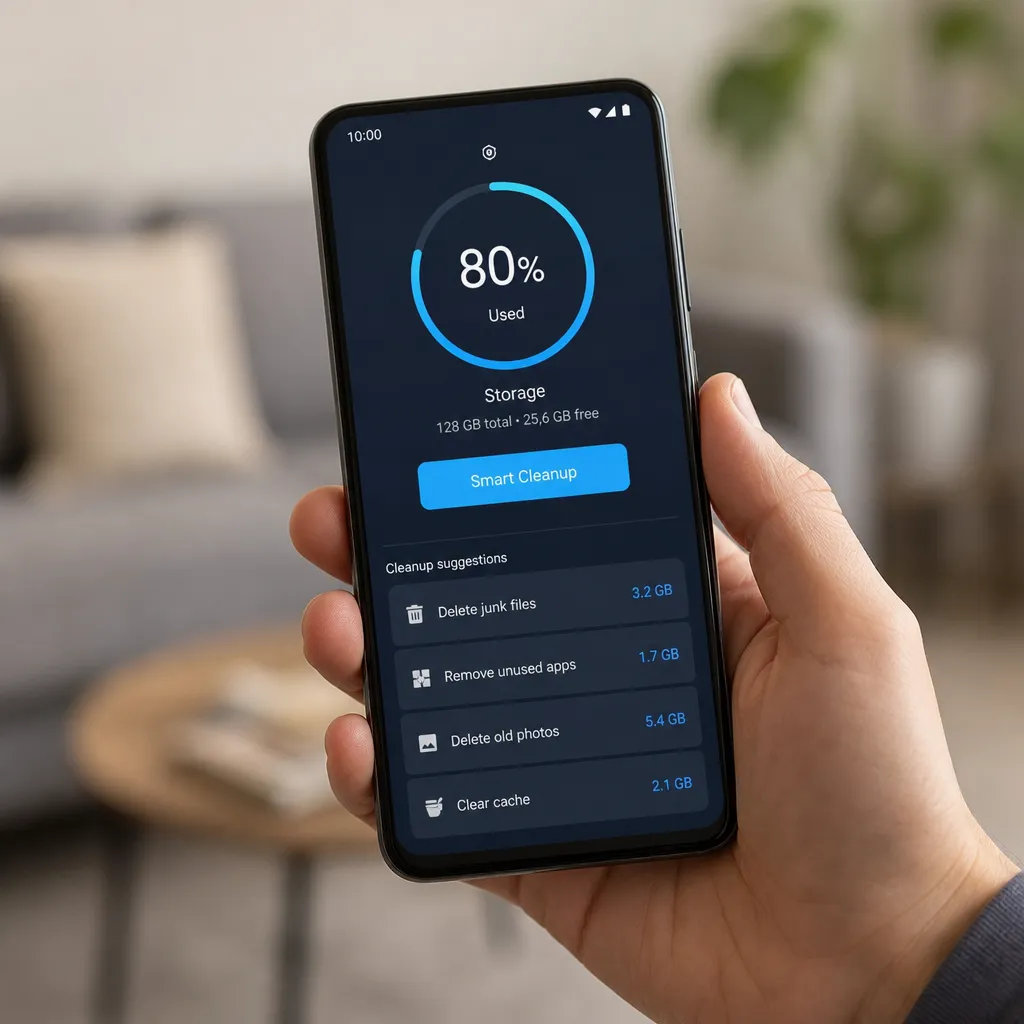
Some apps offer battery saving mode as secondary functionality, but this is not the main advantage of using a wiper. If you really want to save battery, it is more effective to control which apps have GPS permission, location and constant data synchronization. These actions consume much more battery than the cache residual memory.
Recommended Apps for Optimization
There are several options of applications that really work to free up space in the memory of the mobile. The CCleaner application offers deep cleaning of cache, browsing history and temporary files, with intuitive interface that shows exactly how much space will be released. The Cleaner Master application provides complete scanning, bloatware removal and storage management with personalized recommendations.
For users who prefer lighter solutions, the Files by Google application (available for Android) natively integrates with the operating system and suggests files that can be safely deleted. The Disk Digger application specializes in finding duplicate files and corrupted media with impressive accuracy. Each of these applications offers different approaches, so the best choice depends on your specific needs.
Practices Beyond Cleaning Apps
While space-releasing apps are useful, combining their use with good manual practices powers the results. Regularly uninstall apps you no longer use, as each takes up installation space in addition to creating residual files. Review your photos and videos monthly, deleting duplicates and those that have left blurred, and consider backing up important media in cloud services.
Manually clear browser history, browsing cache and completed downloads. Many users accumulate gigabytes in just forgotten downloads in the “Downloads” folder Also, adjust the automatic synchronization settings in applications such as Google Photos and OneDrive to not keep local copies of files already saved in the cloud. These actions combined with a good cleaning app create an efficient and lasting optimization cycle.
Signs You Really Need to Free Space
You should worry when your phone warns you that storage is almost full, when you feel significant slowness when opening apps or taking photos, or when you receive error messages about insufficient space.These are clear signs that optimization is needed and that a cleaning app can substantially help.
If you have less than 500 MB of free space, enabling any app to free up space in your phone’s memory is recommended. Cell phones work best when they have between 5 to 10% free storage, allowing the operating system to have room for updates, caching, and normal operations. Monitoring this space regularly avoids future problems and keeps your device performing.